

ConceptSeek
ConceptSeek · Productivity · Business
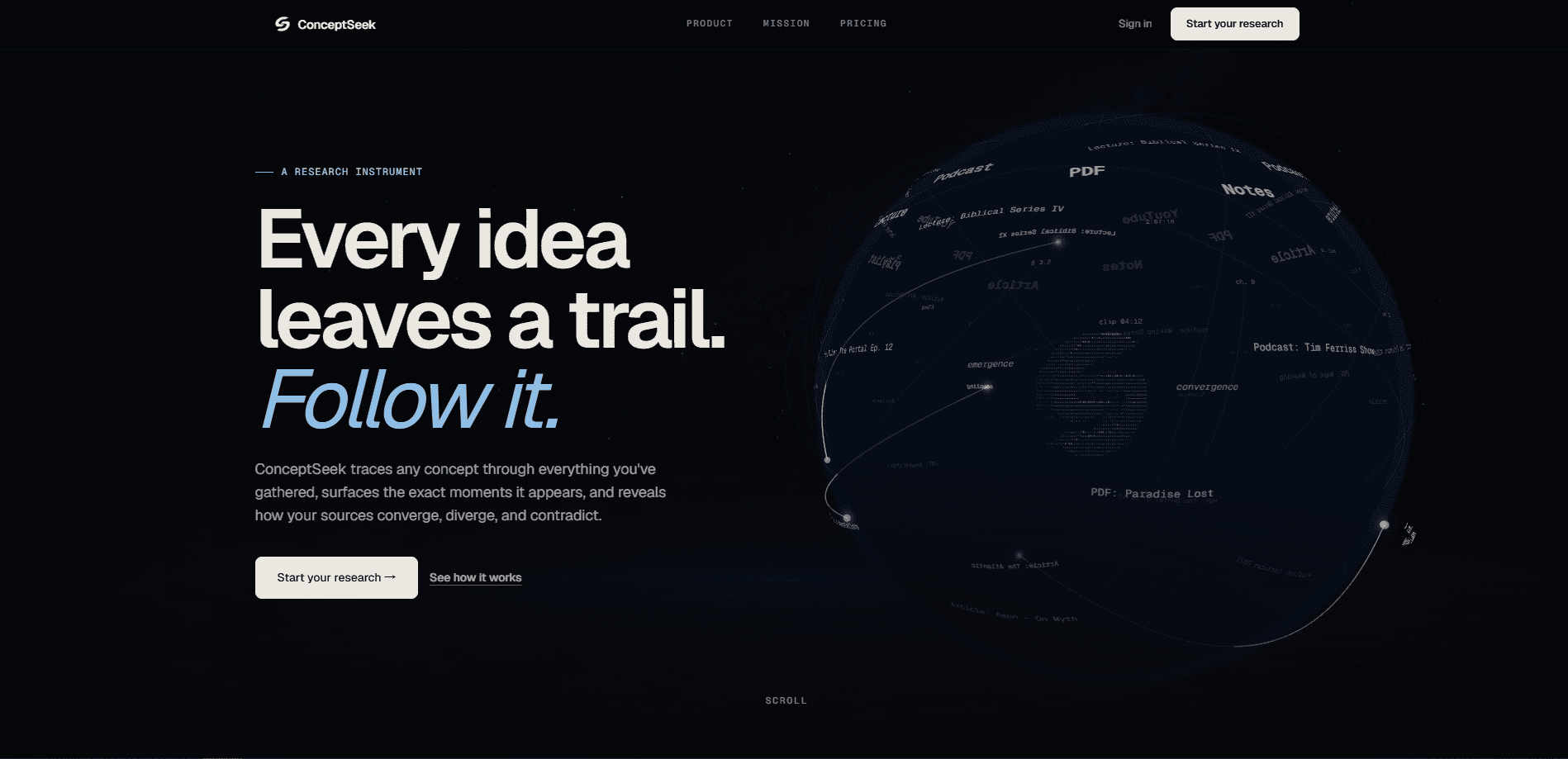
ConceptSeek is an AI concept search tool that lets you search by meaning across the YouTube videos, podcasts, PDFs, and notes you have already collected. Instead of matching keywords, it surfaces the precise passages and timestamps where an idea appears, then maps how your sources agree, disagree, or fill in gaps. It's built for people who research serious topics across long-form material and need to trace a concept rather than skim a summary. That's the short version.
About ConceptSeek
What Is ConceptSeek
ConceptSeek is a web-based research tool from an independent developer. You build libraries of trusted material (YouTube videos and channels, podcasts, PDFs, text documents, and direct notes) and then search across them by concept, not by exact words. A query like "symbolism" pulls the moments in your sources that carry that idea, even when the transcript never uses the word.
The problem it solves is retrieval. Long form content buries its best points at minute 46 of a two-hour episode, and standard keyword search can't find an idea that's phrased differently from how you remember it. That's the gap. ConceptSeek keeps you inside sources you chose, so you're not scrolling through search results from strangers.
The biggest limit is scope. You have to add sources before you can search them, and every plan caps how many libraries, sources, and monthly credits you get. There's no phone app and no offline mode, so it's a desktop browser tool through and through. Not ideal if you research on the move.
Getting Started
- Create an account and start the seven-day free trial that comes with every plan.
- Add a library, then drop in your sources: YouTube links, podcast episodes, PDFs, or plain text notes.
- Wait for ConceptSeek to process the material and build transcripts and moments.
- Run a concept search, then open Threads to see where your sources converge or contradict.
- Save the search so you can return to it and keep building on the same line of inquiry.
Product Information
A quick look at ConceptSeek's pricing, supported platforms, and performance.
Best for
The users, tasks, and scenarios where this tool fits best.
Users
- Students writing long papers
- Journalists and analysts
- Podcast and lecture listeners
Tasks
- Tracing a claim across sources
- Recovering an idea you can't keyword
- Comparing how experts treat one theme
Scenarios
- Early project research, when you're gathering trusted material and don't yet know what you'll need
- Revisiting saved work
- Heavy research days that would otherwise mean hours of scrubbing
Key features
Concept search
Concept search finds passages by idea rather than by exact keyword. You describe the concept, claim, theme, or phrase you want, and ConceptSeek returns the moments in your sources that carry it. In practice it works less like a semantic search app that guesses and more like a precise index of your own material. This is the part that separates it from a normal search box inside your transcript collection.
Threads
Threads turns the connections inside a library into a relational map. Each link is labeled by type (agrees, contradicts, complements, different context, or Q and A), so you can see how sources relate around a single claim. That beats a flat summary. Use it when you need to judge evidence, not just read it quickly.
Jump to moment
Every result opens at the exact timestamp or passage, with the transcript and video held in sync. On a two-hour lecture, that means landing on minute 46:04 rather than scrubbing. Big difference. With 24 matching moments shown per source in the example view, you can move through the best parts fast.
Cross library search
One query can run across multiple libraries without losing source-level context. Research across sources is the whole point here: if you keep separate libraries for separate topics or speakers, cross-library search lets them answer together. That includes YouTube transcript search and podcast search in the same pass, so an idea that shows up in one video and one episode surfaces side by side. The Starter plan covers two libraries, and Pro and Max lift the cap.
Libraries
Libraries are reusable collections of trusted material: videos, PDFs, transcripts, and papers grouped by whatever structure you choose. You can create several, name them, and switch scope at search time. Build one. Reuse it for months. How many you get, and how many sources each holds, depends on your plan.
Save searches
You can save a search and come back to it later, which turns a one-off query into a recurring workflow. Saved searches are useful when a topic keeps growing and you want to re-check your sources without rebuilding the query each time.
Pros and cons
Pros
- Searches YouTube videos, playlists, channels, podcasts, PDFs, text documents, and direct notes from one tool.
- Concept search finds ideas the transcript never states in the same words, which plain keyword search misses.
- Threads makes contradictions visible instead of hiding them in a summary.
- Jump-to-moment syncs transcript and video, cutting review time on long sources.
- Every plan includes a seven-day free trial, so you can test the workflow before paying.
Cons
- No free tier. After the trial, the cheapest plan runs $7.5 per month billed annually, so casual users still pay to keep searching.
- Monthly credit caps (1,000 on Starter) can run out fast on heavy sessions, and once you hit the cap your queries stop.
- Web only, with no mobile app or offline mode, which is awkward if you research away from a desk.
Frequently asked questions
It lets you search by meaning across sources you've collected (YouTube videos, podcasts, PDFs, and notes) and jumps to the exact timestamp or passage where a concept appears. It also maps how those sources agree, contradict, or complement each other.
Related content
Explore related tools, skills, and articles for ConceptSeek.
ConceptSeek Alternatives

Base Code
Base44 (Wix) · Coding · ProductivityBase Code is a shared cloud development environment from Base44. Teammates describe changes to an existing GitHub codebase in chat, preview them live and send them back as pull requests.

Knocket
Knocket (Tencent RTC team) · Productivity · Business · ChatbotKnocket is a free live chat and contact page tool that lets visitors message you from your website, app, or a shareable link, with every reply handled from Telegram or one inbox.

FloorGen
Vinit Kumar (FloorGen) · Productivity · China AIFloorGen is a browser-based floor plan maker that turns a sentence or a sketch into an editable 2D plan and a 3D walkthrough. Export to PDF, DXF or video, and draw without an account.