

Cooky
Dor Tal · Leaning · AI Assistant
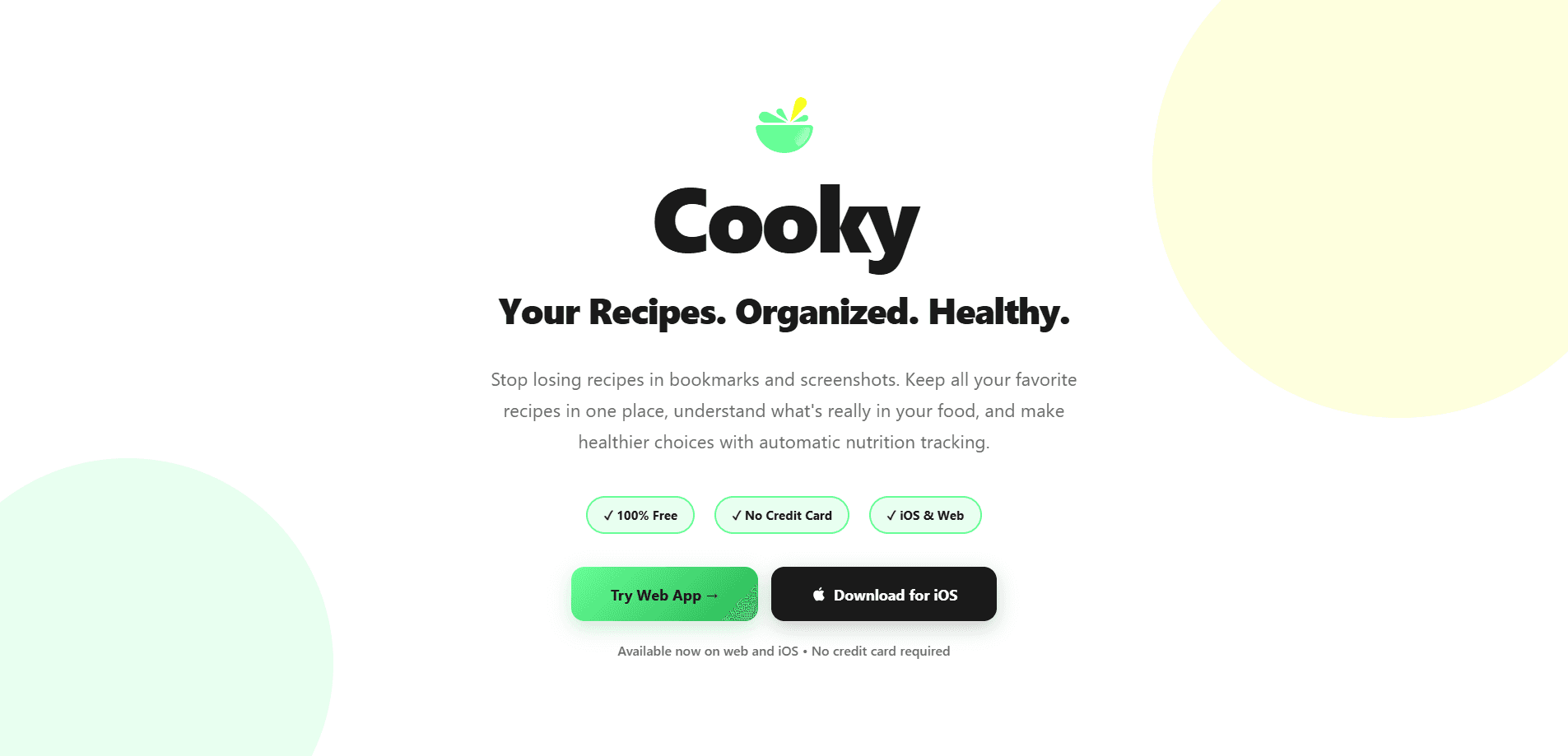
Cooky is a recipe manager and nutrition tracker for iOS and the web that pulls your cooking into one place. It doubles as a recipe organizer for iOS and a web app, plus a quick nutrition calculator, all in one. It imports recipes from any website, recognizes photo and screenshot recipes, breaks down calories and macros automatically, and scales servings on the fly. The pitch is simple: stop losing recipes in bookmarks and start knowing what's actually in your food.
About Cooky
What Is Cooky
Cooky is a free recipe organizer built around two jobs that most cooking apps treat separately: keeping your recipes together, and telling you what's inside them. You paste a link, snap a photo, or drop in text, and Cooky parses the ingredients, steps, and cooking times into a clean, structured card. Nutrition comes along for the ride, since every recipe gets a calorie and macro breakdown without you entering a single number.
The app runs on iOS and in the browser, and your collection syncs between them. That matters more than it sounds. You can plan on your phone and cook from an iPad propped on the counter, seeing ingredients and instructions side by side instead of scrolling with messy hands. Simple.
What about imports that come out garbled? They happen. A recipe card with faded ink or an odd website layout can produce an entry that needs a minute of cleanup, and Cooky leaves the card editable so you can fix it fast.
The catch is scope. Cooky covers home cooking well, but it isn't a restaurant tool or a full diet-planning suite. There's no weight-loss coaching, no grocery delivery integration, and no Android app as of this writing. The developer keeps the iOS app and the web app as the two supported platforms, and updates have been steady but modest.
Getting Started
- Create a free account with your email, or open the web app directly and start without a card.
- Import your first recipe. Paste a URL, upload a photo of a recipe card, or type it in by hand.
- Let Cooky parse the ingredients and steps, then check that the nutrition estimate matches what you expected.
- Adjust the serving size and watch every ingredient scale, with the nutrition numbers updating in real time.
- Save it to a collection, and repeat until your cookbook fills up. Recipes sync to any device you sign into.
Product Information
A quick look at Cooky's pricing, supported platforms, and performance.
Best for
The users, tasks, and scenarios where this tool fits best.
Users
- Home cooks who collect recipes from blogs, social media, and screenshots
- People tracking calories and macros without a dedicated diet app
- iPad owners who cook from a screen
Tasks
- Grab a recipe from a food blog
- Digitizing handwritten family recipes
- Scaling a dish for a different crowd
Scenarios
- Weekly meal prep
- Cooking from international recipes
- Feeding a household with mixed goals
Key features
Automatic Recipe Parsing
Paste a recipe URL or raw text and Cooky pulls out ingredients, quantities, steps, and cooking times on its own. Think of it as a recipe parser for the messy corners of the web. It works across most recipe sites, so you're not stuck retyping a blog post into a notes app. The parsed card stays editable, which helps when a site formats things oddly.
Photo and Screenshot Recognition
Point your camera at a cookbook page, a recipe card, or a handwritten note, and Cooky extracts the recipe from the image. This is the feature that saves old family recipes from fading in a drawer. Accuracy depends on how legible the original is, so a blurry snapshot may need a quick cleanup.
Nutrition Tracking That Runs Itself
Every recipe comes with a breakdown of calories, protein, carbs, and fats, plus which ingredients drive those numbers. Think of it as a nutrition calculator that fills itself in. You don't weigh anything or log meals by hand. Treat the figures as solid estimates rather than exact science, since they hinge on how the parser reads each ingredient.
Smart Serving Adjustment
Change the serving count and all ingredients rescale instantly, with nutrition recalculating at the same time. This is the quiet feature you'll use most, especially for halving a recipe or cooking for a crowd without pulling out a calculator.
Unit Conversion
Cooky converts between metric and imperial measurements, and it accounts for ingredient density rather than doing a flat swap. That means a cup of flour and a cup of water convert correctly, which is the detail most converters get wrong.
Multiple Recipe Versions
You can save high-protein, low-calorie, or low-fat variants of the same recipe and compare their nutrition side by side. Your original stays untouched, so experimenting never costs you the version you liked.
Cross-Device Sync and Cooking Mode
Your collection syncs across iPhone, iPad, and the web, so you can start planning on one device and finish cooking on another. On iPad, a side-by-side layout shows ingredients and steps together, cutting out the scroll-while-cooking problem.
Pros and cons
Pros
- Free across iOS and web, with no credit card and no obvious feature paywall.
- Nutrition data appears automatically, so casual macro tracking needs zero manual logging.
- Recipe import handles links, photos, and pasted text. That covers the main ways people collect recipes.
- Serving scaling and unit conversion work together, which makes cooking from foreign recipes far less fiddly.
- The iPad side-by-side cooking view is genuinely useful for anyone who cooks from a screen.
Cons
- No Android app, so Android users are limited to the web version.
- Nutrition figures are estimates, and getting a fully accurate breakdown means double-checking ingredients yourself.
- Parsing quality varies by source, so some imported recipes need manual fixes before they're usable.
- The tool is narrow by design: no meal-planning calendar, grocery delivery, or diet coaching if you want an all-in-one health app.
Frequently asked questions
Cooky is a recipe manager and nutrition tracker. You use it to import recipes from websites or photos, keep them organized in one library, and see the calories and macros for each dish without entering data by hand.
Related content
Explore related tools, skills, and articles for Cooky.
Cooky Alternatives

Kaggle AI
Google · Coding · LeaningKaggle AI is a community platform where people build, test, and compare machine learning models against shared data. It combines data science competitions, tens of thousands of public datasets, and free cloud notebooks with GPU and TPU access, so anyone with a browser can train a model without buying hardware. Google owns the platform, and joining costs nothing.

Bunch
Bunch AI · Leaning · BusinessBunch is an AI leadership coaching app that turns a few spare minutes a day into real management practice. It hands you one short, personalized tip each day, tracks how you respond, and lets you compare notes with peers inside private groups. The pitch is simple: you lead better by practicing a little, often, instead of sitting through a weekend seminar. Think of it as a leadership training app you actually open.

AI Mock Interview
SQLPad · Coding · LeaningAI Mock Interview is a practice tool built into SQLPad that simulates real job interviews and gives you instant feedback on both what you say and how you say it. You pick a role template or upload a job description, answer questions out loud in real time, and then review a transcript with notes on structure, clarity, and grammar. It's aimed at data professionals prepping for SQL, Python, data engineering, machine learning, and system design roles, and it works entirely in the browser. No install needed.