

Microsoft Copilot Health
Microsoft · AI Assistant
Microsoft Copilot Health is a dedicated health space inside Microsoft Copilot where you can ask private health questions and get answers backed by citations. It connects to your medical records, lab results, and wearable data if you choose, so responses reflect your own numbers instead of generic advice. It's built for US-based Microsoft 365 subscribers who want to understand their health before talking to a doctor, not a replacement for one. The short version: this is a health AI tool, not a doctor.
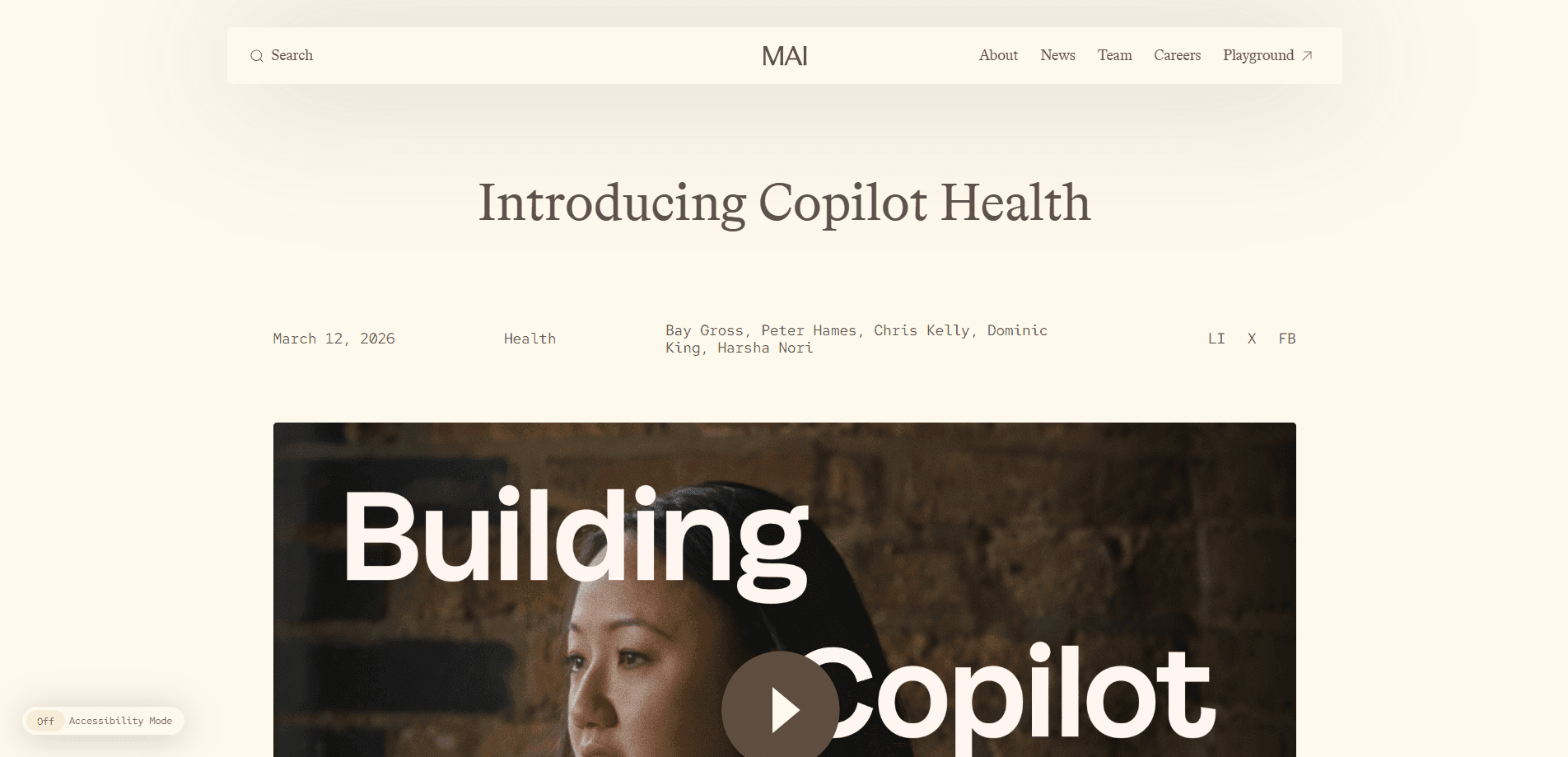
About Microsoft Copilot Health
What Is Microsoft Copilot Health
Microsoft Copilot Health is a health-focused experience baked into Microsoft Copilot. You talk to it the way you'd talk to Copilot about anything else, except the answers are grounded in credible medical sources and, optionally, your own health data. The goal is straightforward: help you walk into a doctor's office already knowing what to ask.
The feature pulls from two directions. First, it references health organizations picked using principles published by the National Academy of Medicine, with Harvard Health appearing as an extra source. Second, and more useful for repeat visitors, it can read your own records, labs, and wearable history once you connect them.
Those are the two things that set it apart from a plain chatbot.
There are real limits. The Copilot health features don't diagnose or treat anything, and the tool says so up front. Access is also narrow right now. You need to be at least 18, live in the US, and hold a Microsoft 365 Personal, Family, or Premium subscription. Microsoft notes the feature is temporarily unavailable for some users while it folds health into the updated Copilot app. Availability can shift without warning.
Getting Started
- Sign in to Copilot at copilot.com, in the Copilot app for Windows, or in the Copilot iOS app with the same account tied to your Microsoft 365 subscription.
- Tap the Health tab to open the dedicated health space.
- Ask a question in plain language, such as what a lab value means or what kind of care fits your symptoms.
- Optionally connect wearables or health records so answers use your own data.
- Read the cited sources on each answer and verify anything that matters with a doctor.
Product Information
A quick look at Microsoft Copilot Health's pricing, supported platforms, and performance.
Best for
The users, tasks, and scenarios where this tool fits best.
Users
- US-based Microsoft 365 subscribers
- People tracking a diagnosis
- Caregivers helping a relative
Tasks
- Making sense of lab results
- Preparing for a doctor visit
- Finding a provider
Scenarios
- A symptom you can't place at 11pm
- A chronic condition you manage long-term
- A second opinion before a big decision
Key features
Citation-Backed Answers
Every health response points to the sources behind it. Copilot Health prioritizes credible health organizations chosen through principles the National Academy of Medicine published, and Harvard Health shows up as a separate source. That matters because it lets you check the reasoning instead of trusting a black box. No citations means no trail. This tool always leaves one.
Health Records and Lab Results
You can connect your own medical records and lab results, then ask what they mean in plain language. Instead of re-reading a dense printout, you get an explanation tied to your actual numbers. So health records in Copilot become something you can actually question, not just store. It's the difference between generic advice and something that speaks to your situation.
Wearable Data Integration
Connect a wearable and Copilot Health folds that history into its answers. Sleep, activity, and heart data become context the assistant can reference when you ask about a pattern. You decide whether to connect it at all. You can also use the assistant without any of it. That flexibility is the point. Nothing is forced.
Provider Search
When you need actual care, the tool helps you find providers filtered by specialty, location, insurance, language, or gender. Microsoft sources this from data partners who keep their directories current. Your health profile and conversations stay out of that lookup. Privacy here isn't optional.
Memory and Personalization
Copilot Health remembers details you share so later answers get more relevant over time. You can run it without memory if you'd rather keep each session clean. It's a toggle. Not a permanent setting you're stuck with.
Privacy Controls
Your health profile and conversations aren't shared with the data partners behind provider search. You control what gets connected and what stays out. For health data, that control isn't a nice-to-have. It's the whole point.
Pros and cons
Pros
- Answers carry citations, so you can trace each claim back to a named source.
- Connects records, labs, and wearables for answers built on your own data.
- Provider search works across specialty, insurance, language, and gender filters.
- Memory can be turned off whenever you want a clean slate.
Cons
- Limited to US users 18 and older on Microsoft 365 Personal, Family, or Premium, so many people can't use it.
- No Android support yet, which locks out a large share of phone users.
- It doesn't diagnose or treat, meaning every serious question still ends at a clinician.
- The feature is temporarily unavailable for some users while Microsoft integrates it into the updated app.
Frequently asked questions
No. It's tied to a paid Microsoft 365 subscription, specifically Personal, Family, or Premium. There's no standalone free tier for the health experience.
Related content
Explore related tools, skills, and articles for Microsoft Copilot Health.
Microsoft Copilot Health Alternatives

Iplan AI
Iplan AI · Productivity · AI AssistantIplan AI is an AI travel planner that turns a few trip details into a full day-by-day itinerary in seconds. You answer questions about your destination, interests, budget, and travel companions, and the tool builds a plan you can edit, share, and carry with you on any device. It targets travelers who want a solid draft without spending hours in spreadsheets and browser tabs. Think of it as an itinerary generator that does the tedious part for you.

Screenhelp
Screenhelp · Productivity · AI AssistantScreenhelp is an AI screen assistant that turns a single keyboard shortcut into real-time help. You press Ctrl+Shift+Space, it captures what's on your screen, and it streams an answer into a private panel in about two seconds. Think of it as an AI screenshot helper you trigger on demand. It runs on Mac, Windows, and the web, starts free with 30 answers a month, and stays invisible during screen sharing on Zoom, Teams, and Google Meet.

Rainbow
Rainbow · AI AssistantRainbow is an AI weather forecast app built around short-term precipitation nowcasting. Its engine pushes min-by-min rain and snow predictions up to four hours ahead, blending live satellite and radar feeds into hyperlocal forecasts. The app adds live rain radar, a seven-day outlook, precipitation alerts, home-screen widgets, and a hurricane tracker, and it runs on both Android and iOS with a free tier plus paid upgrades.