

Craft Tattoo
Craft Tattoo · Image
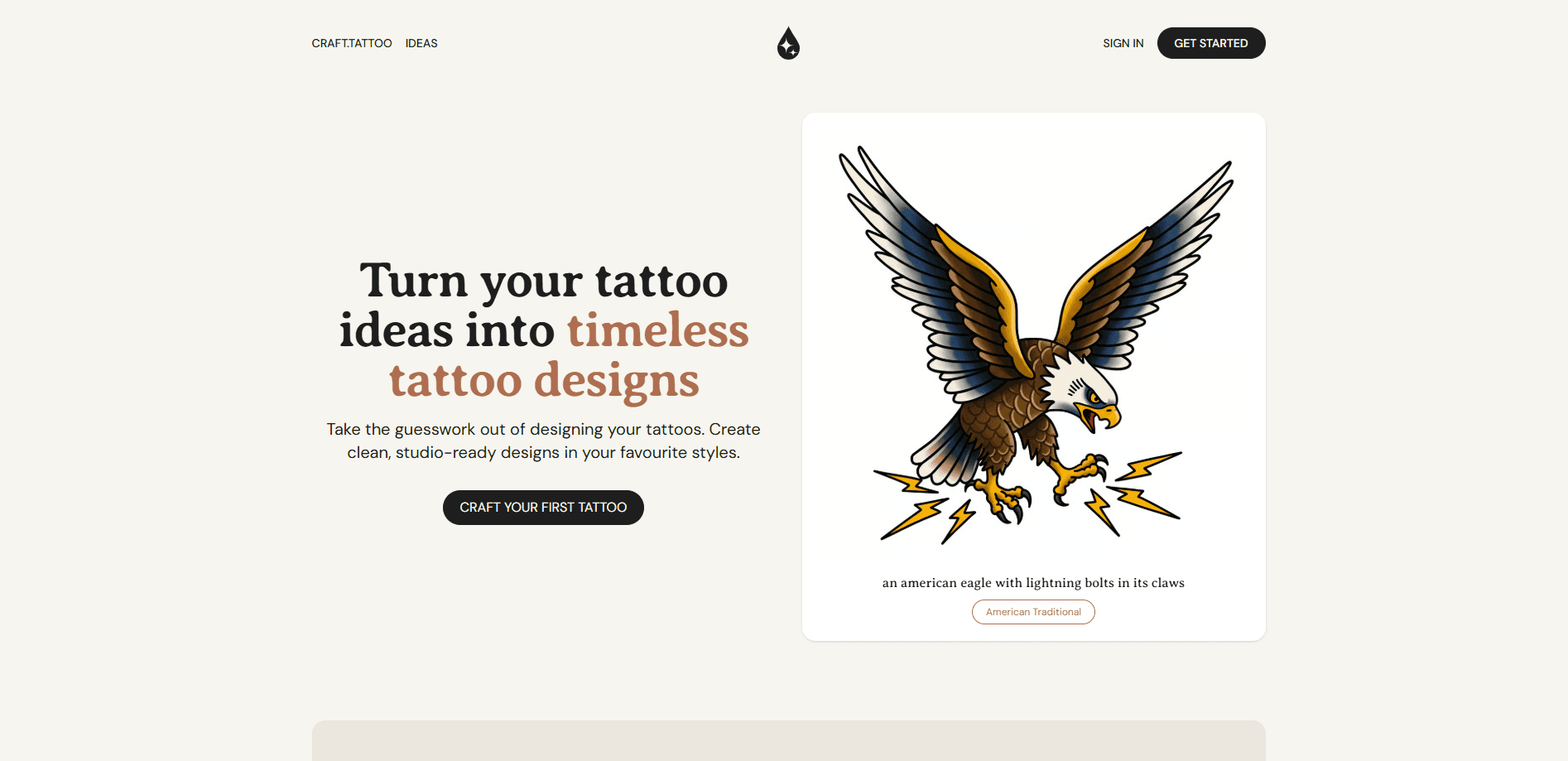
Craft Tattoo is an online AI tattoo design platform that turns a plain idea into a studio-ready design across many tattoo styles, so you can walk into a shop with a clear reference.
About Craft Tattoo
What Is Craft Tattoo
Craft Tattoo is a web platform built around one job: helping you move from a rough tattoo idea to a design you can actually show a tattoo artist, working as an online tattoo designer you can reach from any browser. You describe what you want, pick a style, and the platform generates custom artwork shaped for skin rather than for a stock image gallery.
The appeal sits in the gap between imagination and a real appointment. Most people know the feeling they want, not the drawing. Craft Tattoo fills that gap by producing a visual starting point you can react to, refine, and bring to a consult instead of scrolling endless reference boards.
The main limit is that the output is a concept, not finished stencil art. An AI tattoo generator sketches directions fast, but a licensed artist still handles line weight, sizing, and placement on your body. Tattoo design tools like this one produce custom tattoo designs as a powerful first draft, not a replacement for the person holding the needle.
Getting Started
- Open the Craft Tattoo site in a browser and create an account, or sign in if you already have one.
- Describe your tattoo idea in the prompt box, then pick a style and any details like color or subject.
- Generate a design and review it against your vision, adjusting the wording or style when a result misses.
- Save the designs you like, then download or share them with your tattoo artist for the real session.
Product Information
A quick look at Craft Tattoo's pricing, supported platforms, and performance.
Best for
The users, tasks, and scenarios where this tool fits best.
Users
- First-time tattoo planners
- Tattoo enthusiasts collecting ideas
- Tattoo artists and apprentices
Tasks
- Turning a written idea into a first design
- Comparing styles before committing
- Preparing a reference for a consultation
Scenarios
- Planning your first tattoo
- Refreshing an existing piece
- Brainstorming a gift or matching set
Key features
AI tattoo idea generator
Type a description in plain language and Craft Tattoo produces a custom design from it. The platform reads the subject, mood, and any symbols you mention, so you get an original draft instead of a stock image.
Multiple tattoo styles
Craft Tattoo covers a range of styles, from fine line and minimalist to traditional, blackwork, and more. The same idea looks completely different across styles, which makes it easy to test which direction suits the piece.
Text-to-design workflow
The workflow starts with words, not drawing skill. You describe what you want, the AI handles the sketch, and you refine by changing the prompt until the result matches the picture in your head.
Studio-ready design output
The platform aims at designs that read like a studio reference rather than generic AI art. Cleaner composition and tattoo-relevant framing make studio-ready tattoo designs easier to hand to an artist and discuss.
Design gallery and saving
Generated designs collect in a gallery so you can revisit, compare, and keep your favorites. Saving drafts lets you build a set of options before you narrow down to one.
Web-based access
Craft Tattoo runs in the browser, so there is nothing to install. You can design on any computer and return to your saved work later.
Pros and cons
Pros
- Turns a vague idea into a visual draft fast, which makes the first consultation much easier.
- Broad style coverage lets you compare directions from a single description.
- Runs in a browser with no install, so you can design on any machine.
- Original output each time, so your design isn't a copy of a common flash sheet.
- Saves designs in a gallery for later review and comparison.
Cons
- AI output is a concept, not finished stencil art, so an artist still has to finalize line work and sizing.
- Designs can misread detail, and complex ideas sometimes come back off target, which means extra regenerating.
- It's a design aid only, so it can't advise on pain, aftercare, or whether a spot ages well.
- Availability of pricing and plans isn't clearly documented, so you may need to check the site for current terms.
Frequently asked questions
Craft Tattoo turns a written tattoo idea into a custom design across multiple styles, giving you a studio-ready reference to discuss with a tattoo artist before your appointment.
Related content
Explore related tools, skills, and articles for Craft Tattoo.
Craft Tattoo Alternatives

Google EmbeddingGemma 2
Google DeepMind · Writing · Image · CodingGoogle EmbeddingGemma 2 is a 740M-parameter open model that turns text, code, images, audio, and video frames into vectors in one 768-dimension space, running on phones and laptops.

Tractionwave
TractionWave · Image · MarketingTractionWave is an AI attention heatmap tool for static ads. Upload a PNG or JPG and it returns predicted attention, ranked hotspots, and fixes before you spend budget.

Imejis.io
Imejis.io · Image · MarketingImejis.io is an AI design studio for agents and marketing teams. Describe an image in plain words, and it writes the copy, builds the layout, reflows it to every size, then exports a finished file.