

CrawlRaven MCP
CrawlRaven · Productivity · Marketing · Business
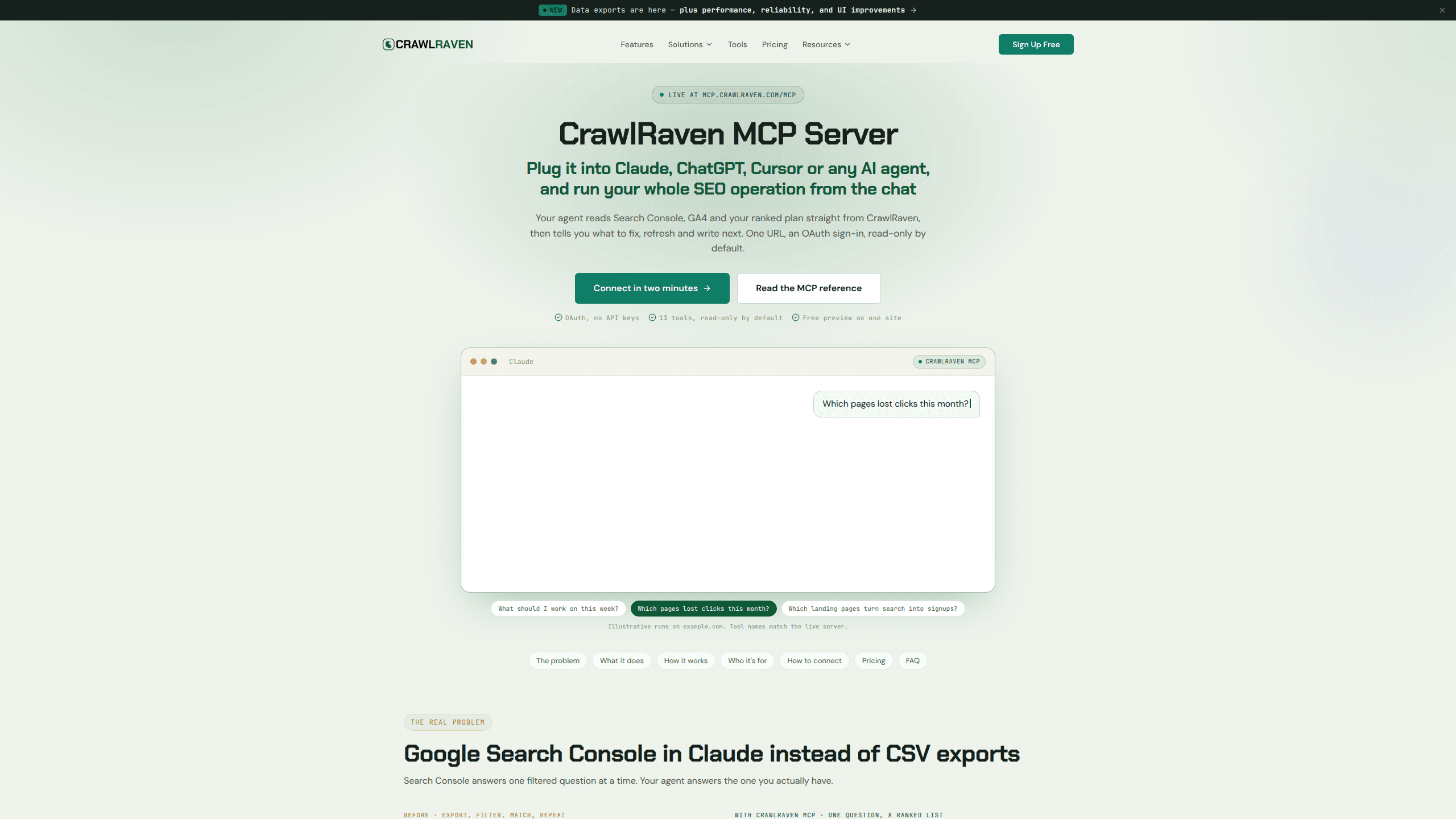
CrawlRaven MCP is a remote MCP server that lets Claude, ChatGPT, Cursor and other AI clients read your Google Search Console data, linked GA4 reports and ranked CrawlRaven SEO plan as typed tools.
About CrawlRaven MCP
What Is CrawlRaven MCP
CrawlRaven MCP is the agent-facing side of CrawlRaven, an SEO workspace that pulls Search Console, GA4, imported keyword lists and a site crawl into one plan. The server exposes that workspace as tools an AI client can call. You ask a question in Claude or Cursor, and the client picks something like list_pages or list_opportunities instead of waiting for a CSV.
Answers come back as typed rows with the reporting window and any truncation stated. That detail matters. A model handed a raw export tends to fill gaps with a plausible story, and it cannot tell whether a traffic drop lines up with a Google update. A tool that names its date range and row cap can be checked. That boundary is what separates a useful AI SEO assistant from a chat window with a pasted table.
The limit is scope. The server reads what CrawlRaven already holds. It does not research new keywords, start a site crawl on demand, or launch a technical audit. You connect Search Console and GA4 in the CrawlRaven app first, then let the agent work from that data.
Getting Started
- Add your site in CrawlRaven and connect Google Search Console. Link GA4 if you want the analytics tools.
- Add
https://mcp.crawlraven.com/mcpas a remote Streamable HTTP server in Claude, ChatGPT, Codex, Cursor or OpenClaw. - Sign in through the browser consent screen and approve the scopes you need. There is no API key to paste or rotate.
- Call
list_websitesto get thewebsite_idevery other tool expects, then ask what to work on this week.
The first connection is per client, per user and per account. If you open a second client later, expect a second consent screen and a separate grant.
Product Information
A quick look at CrawlRaven MCP's pricing, supported platforms, and performance.
Best for
The users, tasks, and scenarios where this tool fits best.
Users
- SEO agencies
- In-house SEO and content teams
- Solo founders and bloggers
Tasks
- Weekly prioritization
- Decay checks
- Cannibalization reviews
- Client reporting
Scenarios
- A traffic drop after a core update
- Briefing a writer
- Auditing a client account before a call
Key features
One endpoint with OAuth instead of API keys
The server lives at mcp.crawlraven.com/mcp and speaks remote HTTP with OAuth authorization code and S256 PKCE. Access tokens last an hour, refresh tokens rotate on each renewal, and grants expire after 90 days. You approve scopes in a browser, and each client sees only the tools its grant covers. Revoking a connection takes one click on the CrawlRaven MCP page.
Search Console reports as callable tools
Four core tools cover the Performance report: get_website_overview for headline KPIs and deltas, get_search_performance for daily rows and previous-period comparisons, list_queries for a bounded query corpus, and list_pages with trend filters. Paid connections can request any window from 1 to 365 days, which removes the 1,000-row export ceiling that pushes long-tail queries out of view.
GA4 outcomes next to rankings
Two paid tools read the GA4 property already linked to a website. get_analytics_summary returns totals and deltas with filters for landing page, source, country or device, and get_analytics_breakdown splits the same period by content group or channel. The point is to weigh a ranking gain against sessions and key events, not impressions alone.
Ranked opportunities with the evidence attached
list_opportunities returns current items with priority, impact and recommendation context. get_prioritized_seo_plan goes further and shows the score, the weight each signal received and the rank change. An agent can pass request-only overrides such as keyword priorities or key events, and those adjustments are never saved back to your workspace.
Keyword-to-page alignment checks
list_target_keywords returns the durable plan: intended URLs, intent groups, priority and status. get_target_page_alignment compares that plan with the page leading in clicks, and get_page_query_mapping starts from one URL and reports whether each query belongs to this page, another page, or no page. Unassigned targets show up as a list you can act on.
Technical audit results you can query
Four paid tools read stored audits without starting new ones. list_site_audits finds recent runs, get_site_audit returns coverage and rule summaries with suggested fixes, list_site_audit_findings returns exact affected URLs and status codes, and compare_site_audits shows what changed between two runs. Partial coverage can make a finding look fixed when it was never rechecked, so the comparison states that caveat.
Scoped writes and an approval path for notes
Paid connections can approve write scopes separately. Updating opportunity status adds one tool, managing target keywords adds two, and managing manual notes directly adds four. Connections that use the approval-based note permission instead can propose a change with plan_annotation_change and wait for you to approve it in CrawlRaven. System and imported events stay read-only either way.
Pros and cons
Pros
- OAuth removes key handling. You sign in once per client, approve scopes, and revoke from the CrawlRaven side without touching config files.
- Every response carries its reporting period and truncation status, which gives the model a boundary to reason inside.
- The free preview is usable on its own: nine read-only tools, one site and 20 calls a day with no card.
- MCP access is included with Starter, Pro and Agency plans, monthly or lifetime, with no separate add-on price.
Cons
- The free preview is narrow. One pinned website, a fixed 28-day window, 50 rows per call and no pagination, GA4 or audit tools. The pin cannot move to another site after the first grant.
- Upgrading does not widen an existing grant. You reconnect and approve each new permission, so a team that adds Technical SEO access repeats the consent step per client.
- Grants and refresh tokens expire after 90 days, which means occasional reconnects for long-running setups.
- It reads CrawlRaven records rather than raw Google APIs. Without a connected Search Console property or a saved keyword plan, the tools have little to return.
Frequently asked questions
No. Full MCP access comes with every paid plan, monthly or lifetime, and there is no add-on. Eligible free accounts get a bounded preview with nine read-only tools on one website.
Related content
Explore related tools, skills, and articles for CrawlRaven MCP.
CrawlRaven MCP Alternatives

Base Code
Base44 (Wix) · Coding · ProductivityBase Code is a shared cloud development environment from Base44. Teammates describe changes to an existing GitHub codebase in chat, preview them live and send them back as pull requests.

Knocket
Knocket (Tencent RTC team) · Productivity · Business · ChatbotKnocket is a free live chat and contact page tool that lets visitors message you from your website, app, or a shareable link, with every reply handled from Telegram or one inbox.

FloorGen
Vinit Kumar (FloorGen) · Productivity · China AIFloorGen is a browser-based floor plan maker that turns a sentence or a sketch into an editable 2D plan and a 3D walkthrough. Export to PDF, DXF or video, and draw without an account.