

Creativly
Creativly · Image
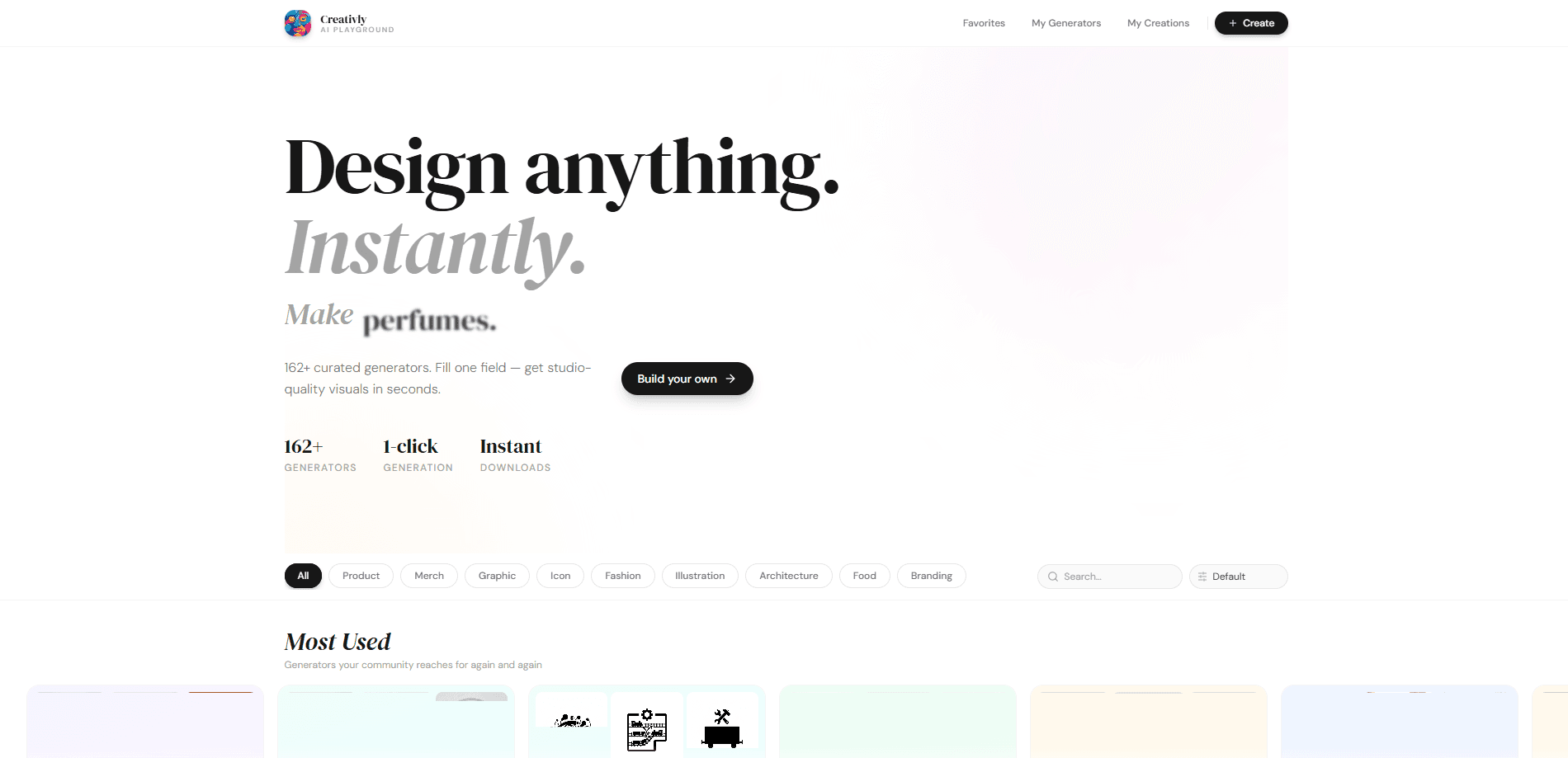
Creativly is an AI visual content studio that skips the prompt box. Instead of learning to write image prompts, you pick from 137+ curated generators and get studio-quality visuals in one click. The library covers product shots, fashion, graphics, icons, and more, and you can also build your own generator if the built-in ones don't fit. It suits sellers, designers, and marketers who need clean visuals fast and don't want to wrestle with model settings.
About Creativly
What Is Creativly
Creativly is an AI visual content generator built around curated generators rather than a raw text-to-image model. The tagline says it plainly: create anything, prompt nothing. Each generator is tuned for one job, so a product photo generator produces a clean product photo and an icon generator produces consistent icons, without you guessing at keywords or negative prompts.
The problem it solves is friction. Most AI image tools hand you an empty prompt field and leave you to fail a dozen times before the output looks usable, which is exactly where most casual users give up and go back to stock photos. Creativly flips that: the prompt craft is baked into the generator, so the first attempt usually lands close. If you sell on a marketplace and need a lifestyle shot of a mug on a kitchen counter, you're two clicks away rather than thirty minutes away.
The catch is scope. A curated generator does its one job well and little else, so highly specific or unusual requests still push you toward a general image model. And since the product is young, the catalog keeps growing, which means the exact generator you want may show up later rather than today. Check the library before assuming a niche use case is covered. It's worth two minutes.
Getting Started
- Open creativly.app in your browser and sign in, since your work is tied to an account.
- Browse All Generations or the category list and pick a generator that matches what you need.
- Drop in your input, such as a photo, a product name, or a style choice, depending on the generator.
- Generate the image and refine it with the built-in controls until it fits.
- Save the result, mark it as a favorite, or jump into Create Generator to build your own reusable preset.
Product Information
A quick look at Creativly's pricing, supported platforms, and performance.
Best for
The users, tasks, and scenarios where this tool fits best.
Users
- Online sellers who need clean product and lifestyle shots without booking a photographer, provided they can work from the site's curated styles.
- Designers who want fast placeholder or concept visuals to drop into a mockup before the real asset arrives.
- Marketers and social media managers who produce a steady stream of graphics and don't want to learn prompt engineering.
Tasks
- Turning a plain product photo into a styled, background-cleaned listing image.
- Generating icon sets or simple graphics that share one consistent look.
- Producing quick concept art for a landing page, ad, or thumbnail before committing to a final design.
Scenarios
- Refreshing a product catalog before a sale without a photo shoot.
- Drafting several visual directions for a campaign and picking one to develop further.
- Filling out a small brand's asset library across icons, banners, and product visuals in one sitting.
Key features
137+ Curated Generators
The core of Creativly is its generator library. Each entry is built for a specific output, from product photography and fashion to graphics and icons. You choose the job, not the prompt, which is what makes the tool approachable for people who've never touched an image model. Simple enough. The trade-off is that you're working within the styles the library offers.
One-Click Generation
You generate an image without typing a prompt. That single design decision removes the steepest part of the learning curve. If you've bounced off other AI image tools because your results looked wrong or inconsistent, this is the part worth testing first. So why does that matter? Getting a usable visual in one attempt changes how often you actually use the tool day to day.
Create Your Own Generator
If the built-in catalog doesn't cover your need, you can build a generator yourself. You set up the recipe once, then reuse it whenever you need the same kind of output, which is useful for anyone producing the same asset type repeatedly. This is where Creativly stops being a pick-and-click toy and starts acting like a small production pipeline.
Generators for Multiple Content Types
The catalog spans more than one category. Products, fashion, graphics, and icons sit side by side, so a small team can handle several asset types without subscribing to three separate tools, and a solo operator juggling listings, a logo, and store banners can keep everything in one account. For a solo seller, that consolidation is the real draw.
Favorites and Generation History
You can save generators you use often and review what you've generated before. My Generations keeps a running record, so you can return to a past output instead of recreating it. Not glamorous. Small thing, but it saves real time when you're iterating on a single visual across a week.
Web-Based, No Install
Creativly runs entirely in the browser. There's no desktop app to install and no plugin to configure, so you can start on one machine and pick up on another. Keep it simple. That keeps the barrier low, especially if you only need visuals occasionally rather than every day.
Pros and cons
Pros
- No prompt writing, so you get usable output without learning image-model jargon.
- Curated generators produce consistent results, which matters when you need a matching set.
- Covers several asset types in one place, cutting down on tool subscriptions.
- A free plan and a custom-generator builder make it easy to test before committing.
Cons
- Curated styles limit you, so niche or very specific requests may not have a matching generator.
- Being a young web product, the catalog and feature set can change while you build a workflow on top of them.
- No public API means you can't plug generation into an automated pipeline.
- No mobile app, so everything runs through the browser.
Frequently asked questions
Creativly generates visual content for products, fashion, graphics, and icons using curated one-click generators. It's aimed at people who need clean visuals quickly and don't want to write image prompts themselves.
Related content
Explore related tools, skills, and articles for Creativly.
Creativly Alternatives

Google EmbeddingGemma 2
Google DeepMind · Writing · Image · CodingGoogle EmbeddingGemma 2 is a 740M-parameter open model that turns text, code, images, audio, and video frames into vectors in one 768-dimension space, running on phones and laptops.

Tractionwave
TractionWave · Image · MarketingTractionWave is an AI attention heatmap tool for static ads. Upload a PNG or JPG and it returns predicted attention, ranked hotspots, and fixes before you spend budget.

Imejis.io
Imejis.io · Image · MarketingImejis.io is an AI design studio for agents and marketing teams. Describe an image in plain words, and it writes the copy, builds the layout, reflows it to every size, then exports a finished file.