

Cubox: AI Reader & Highlight
Zenbox Inc. · Productivity · Leaning
Cubox is an AI read-it-later app by Zenbox that saves links from any source, strips out ads, and adds AI summaries, library search, and highlights.
About Cubox: AI Reader & Highlight
What Is Cubox
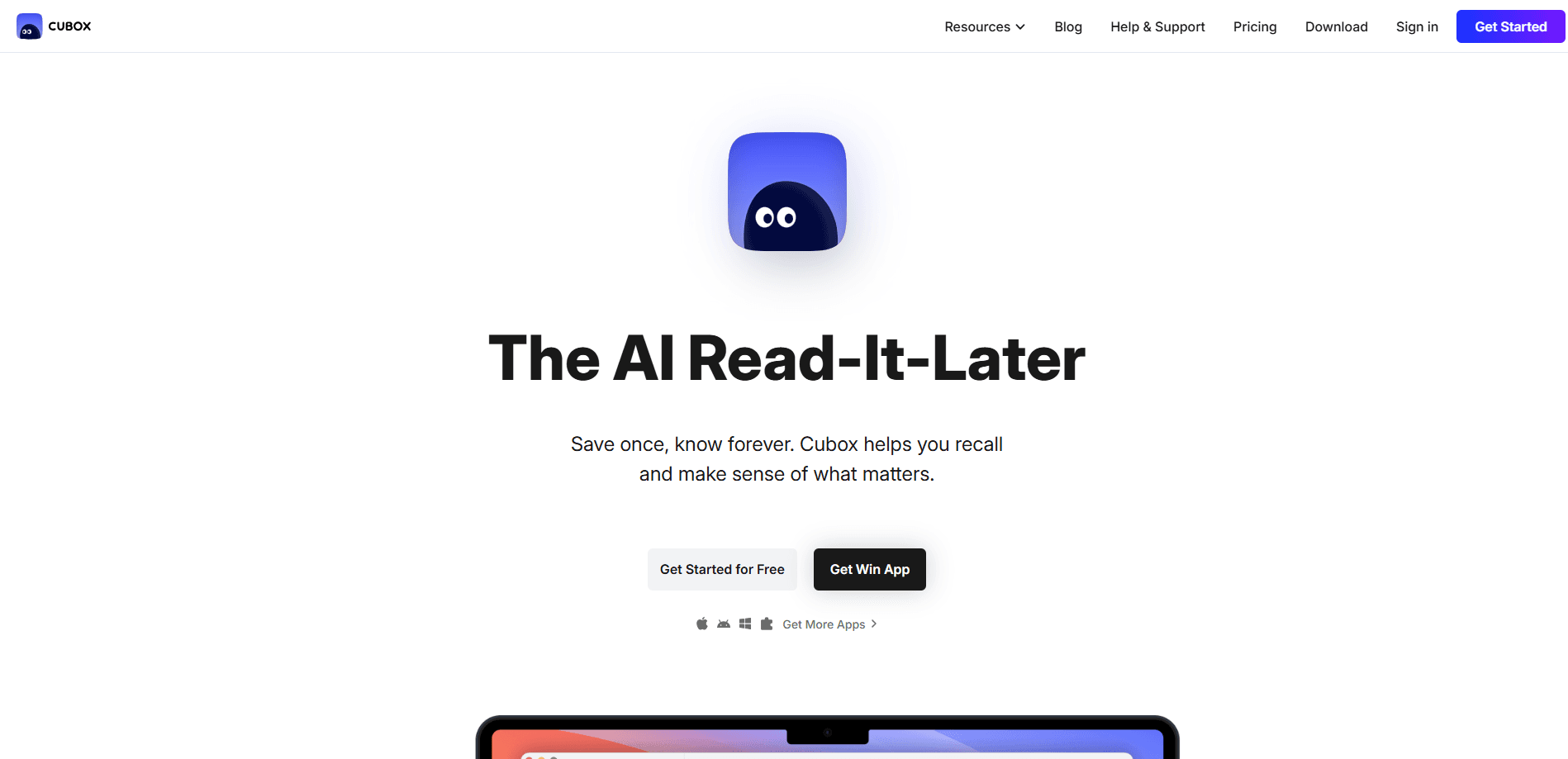
Cubox is a read-it-later app built around saving, reading, and remembering what you come across online. You drop in links from WeChat, a browser extension, a share menu, or an email address, and Cubox parses the article into a clean layout with the ads and sidebars removed. From there you can highlight passages, keep notes, and let an AI assistant summarize and connect the material.
The problem it tackles is the pile-up of saved links that never get read. Cubox pairs a normal save list with AI tools that do the triage for you: a swipe-based unread queue, automatic summaries, and a question-and-answer mode that searches your whole library in plain language. The company says it has 555,000 readers, and every platform shares one account, so your library stays in sync wherever you open it.
The main limits are price and scope. The free plan caps your saves, and the useful AI features sit behind the paid Pro+AI subscription. Cubox centers on collecting and understanding reading material rather than on being a full note-taking or task app, so heavy writers may still keep a separate note tool alongside it.
Getting Started
- Create a Cubox account at cubox.cc and install the app on the platform you use most, since native apps cover iOS, Android, macOS, Windows, and the web.
- Add the browser extension or share the link through your phone's share menu, then save your first article.
- Open the article in reading mode, highlight a few lines, and add a note so you can see how annotation works.
- Turn on the AI assistant to generate a summary, then try asking your library a question in plain language.
- Import your existing bookmarks, Pocket, or Instapaper items to fill the library, and connect Obsidian or Notion if you want your notes to flow out.
Product Information
A quick look at Cubox: AI Reader & Highlight's pricing, supported platforms, and performance.
Best for
The users, tasks, and scenarios where this tool fits best.
Users
- Knowledge workers who save far more links than they read
- Researchers and writers
- People who want their notes to live in tools they already use
Tasks
- Clearing a crowded read-later list
- Answering a question from your own reading
- Building a research trail
Scenarios
- Catching up on a commute
- Turning thirty saved links into one brief
- Keeping a personal library that outlives dead links
Key features
AI Summaries and Insights
Cubox uses AI to summarize what you save, so you can judge an article in seconds before deciding to read it in full. Summaries can arrive on a schedule, which lets you turn a batch of saved links into a short briefing. The paid Pro+AI plan covers these features, and the free tier does not include the full set.
Library Q&A in Plain Language
You can ask a question and have Cubox search your entire saved library for the answer instead of scrolling through folders. The search understands natural language, so you phrase it the way you would ask a colleague. The company says answers can reach material you saved as far back as five years ago, which is the payoff for keeping everything in one place.
Swipe Triage for Unread Items
A swipe review mode lets you move through unread articles quickly. You keep the ones that matter and clear the rest. It is aimed at the common problem of a read-later list that keeps growing. The gestures make it practical to work through a hundred items in a short session rather than letting them stack up.
Highlights, Notes, and Ghost Highlights
You highlight passages in multiple colors and attach your own notes, and you can also highlight directly on a web page before it is saved. The AI adds ghost highlights that flag passages worth a second look. Over time these marks become the searchable core of your library, which is what makes the app useful beyond simple bookmarking.
Clean Parsing and Web Snapshots
Cubox strips ads, sidebars, and pop-ups, so you read a clean version of the page instead of the original cluttered layout. It also saves a snapshot, meaning a copy survives even if the original link dies. That combination is what separates a reading tool from a plain bookmark list, since the content stays readable years later.
Sync to Obsidian, Notion, and Other Tools
Saved items and annotations can sync out to Obsidian and Notion, along with an email-drop address and an API for bringing links in. This keeps Cubox as the capture and reading layer while your notes live in a tool you already use. Importing from Pocket, Instapaper, or browser bookmarks makes the switch easy for people leaving another read-later app.
Native Apps Across Every Platform
Cubox ships native clients for iPhone, iPad, Apple Watch, Android, macOS, and Windows, plus a web app, browser extensions, and a command-line tool. One account covers every platform, so your library follows you between a phone on the train and a desktop at work. This broad coverage is a large part of why it competes with single-platform reading apps.
Pros and cons
Pros
- The AI summary and library Q&A cut down the work of deciding what to read, which addresses the real reason read-later lists go unused.
- Snapshots keep deleted pages readable, so your library does not rot as links break over time.
- Native apps on phone, tablet, desktop, watch, and web mean you can read and annotate wherever you are.
- Import from Pocket and Instapaper, plus sync to Obsidian and Notion, makes it easy to slot into an existing workflow.
- The free plan and a fourteen-day trial let you test the AI features before paying.
Cons
- The AI features that set Cubox apart sit behind the Pro+AI plan at $49 a year, so the free tier is much thinner than the paid one.
- The free plan limits how much you can save and highlight, which pushes regular users toward a subscription fairly quickly.
- It is built for collecting and reading, not for writing long documents or managing tasks, so it usually runs next to a separate notes app.
- Older saved items may not benefit from newer AI features until they are reprocessed, so a fresh library can feel more capable than an old one.
Frequently asked questions
Cubox is a read-it-later app. You save links from anywhere, read them in a clean layout, and use AI to summarize, search, and connect what you saved. It suits anyone who collects articles, newsletters, and web pages but struggles to read them later.
Related content
Explore related tools, skills, and articles for Cubox: AI Reader & Highlight.
Cubox: AI Reader & Highlight Alternatives

Base Code
Base44 (Wix) · Coding · ProductivityBase Code is a shared cloud development environment from Base44. Teammates describe changes to an existing GitHub codebase in chat, preview them live and send them back as pull requests.

Knocket
Knocket (Tencent RTC team) · Productivity · Business · ChatbotKnocket is a free live chat and contact page tool that lets visitors message you from your website, app, or a shareable link, with every reply handled from Telegram or one inbox.

FloorGen
Vinit Kumar (FloorGen) · Productivity · China AIFloorGen is a browser-based floor plan maker that turns a sentence or a sketch into an editable 2D plan and a 3D walkthrough. Export to PDF, DXF or video, and draw without an account.