
Curie
Curie AI · Productivity · Leaning
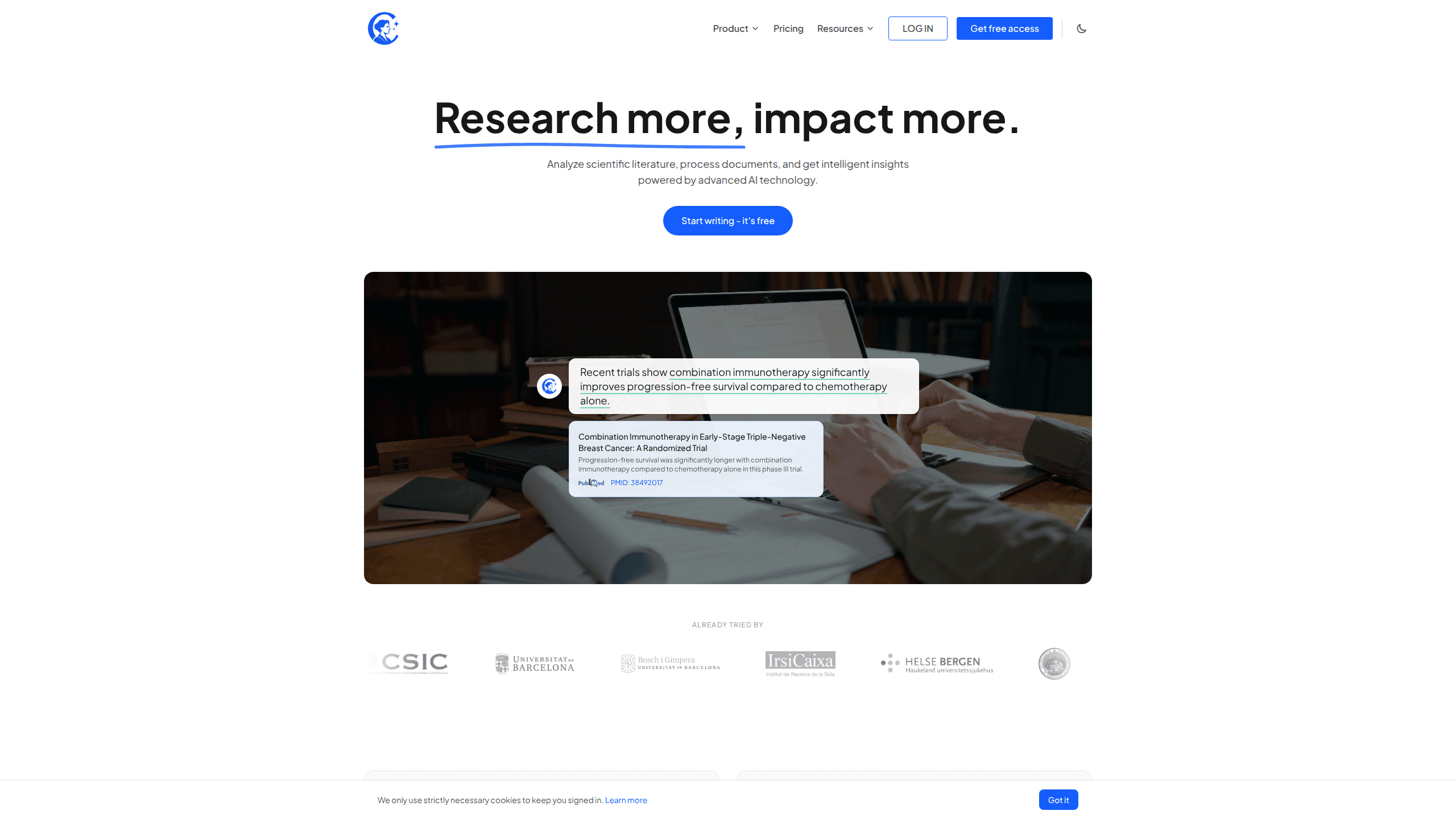
Curie is an AI research assistant that searches five scientific databases in parallel, checks every claim against its source, and can run a full systematic review from one chat window.
About Curie
What Is Curie
Curie is a web app for people who read scientific papers for a living. You ask a question in ordinary language, and it runs that question across PubMed, arXiv, Europe PMC, OpenAlex and Semantic Scholar at the same time. Results are merged and deduplicated before the model writes anything.
The difference from a general chatbot is where the words come from. Curie reads the papers it finds, including full text when a publisher or repository exposes it, and attaches the exact passage behind each claim. If it can't verify a statement, it says so. That habit matters in a literature search, where a confident sentence with no source is worse than an empty result.
The team behind the product comes from academic research, and the app is built around that workflow: upload your own PDFs, extract a table from a stack of trials, screen studies for a review, then keep the whole project in one place. Data sits on servers in the European Union, with Biost3 at the Universitat de Barcelona as data controller.
There are limits worth knowing before you sign up. Curie runs in a browser, so there is no desktop app or mobile client. Document upload and full systematic reviews start at the Starter plan, and every plan has a monthly usage budget that pauses paid actions when it runs out.
Getting Started
- Create an account at curieai.tech and confirm your email. Every new account starts on the Free plan with live search, chat and claim verification.
- Type a research question the way you would ask a colleague, such as "what does current research say about microplastics in drinking water". No Boolean syntax or field codes are needed.
- Open the sources under an answer to read the quoted passage. Check the database, the paper title and the sentence the claim came from.
- Upload a PDF, Word file, text file or Markdown document when you want Curie to read your own material alongside the published literature.
- Move a project forward with saved articles, extraction templates and review steps, or export a conversation as a PDF when you need a record.
Product Information
A quick look at Curie's pricing, supported platforms, and performance.
Best for
The users, tasks, and scenarios where this tool fits best.
Users
- PhD students and postdocs
- Principal investigators
- Systematic review teams
- Industry R&D groups
Tasks
- A first pass on an unfamiliar topic
- Research document analysis
- Building an evidence table
- Checking a claim before citing it
Scenarios
- A grant deadline with two weeks left
- A supervisor asks for the state of a field
- A review update a year later
Key features
Plain-language search across five databases
One question goes to PubMed, arXiv, Europe PMC, OpenAlex and Semantic Scholar in parallel, and Curie merges the results and removes duplicates before ranking them. You don't write Boolean strings or learn field codes. A PubMed search that would take several tabs and a reference manager becomes a single sentence, and the answer lists which database each paper came from.
Claim verification with source quotes
Every statement in an answer is checked against the passage it came from, and the quote sits under the claim. When a source doesn't support the sentence, Curie flags the gap instead of filling it with plausible wording. You can open the paper and read the same lines yourself. This is the feature that separates the tool from a chat model answering from memory.
Research document analysis on your own files
Curie accepts PDF, DOC, DOCX, TXT and MD files, up to 50MB per file and 20 files or 300MB per upload. Uploaded material is read alongside the literature, so a question can compare your unpublished protocol with published trials. Personal information found in a document is treated as pseudonymized data.
Structured extraction to CSV
Point Curie at one paper or a batch, define the columns you need, and choose a type for each: text, number, boolean or fixed category. The output is a table with the exact quote behind every cell, and it downloads as CSV. No follow-up conversation is required, which makes the step repeatable across a large set of studies.
Systematic reviews with a PRISMA diagram
From a research question to a PRISMA flow diagram, Curie drafts the protocol, runs the search, screens studies, follows the citation graph of included papers and builds the evidence table. You review each decision, and the review stays inside the project with its searches and documents. This is available from Starter upward, not on the Free plan.
Projects, library and PDF export
A project groups chats, saved articles, uploaded documents, systematic reviews and extraction templates under one research question. The library lets you save, tag and export articles, so a reading list survives after a chat is closed. Any conversation can be downloaded as a PDF with questions, answers and references, which helps when a collaborator wants the trail.
Pros and cons
Pros
- Five databases in one search, with duplicates removed, cuts the tab switching that makes a literature search slow.
- Claim verification puts a quotable passage under each statement, so you can check the evidence before you cite it.
- Document upload puts your own protocols and drafts next to the published record instead of in a separate tool.
- Data extraction returns a CSV with a source quote for every value, which is auditable and repeatable.
- EU hosting, GDPR terms and a no-training policy on user documents fit institutions with strict data rules.
Cons
- Web only. There is no desktop app, mobile app or offline mode, so the tool depends on a browser and a connection.
- The Free plan stops at 50 ranked results per answer and blocks document upload and systematic reviews, which limits it to a trial run.
- Uploads cap at 50MB per file and 300MB per batch, so very large PDF sets need to be split.
- A monthly usage budget pauses paid actions when it runs out, which can interrupt a review near a deadline.
Frequently asked questions
It answers research questions from the scientific literature. Curie searches five databases, reads the papers it finds, writes an answer with citations, and checks each claim against the passage it came from.
Related content
Explore related tools, skills, and articles for Curie.
Curie Alternatives

Base Code
Base44 (Wix) · Coding · ProductivityBase Code is a shared cloud development environment from Base44. Teammates describe changes to an existing GitHub codebase in chat, preview them live and send them back as pull requests.

Knocket
Knocket (Tencent RTC team) · Productivity · Business · ChatbotKnocket is a free live chat and contact page tool that lets visitors message you from your website, app, or a shareable link, with every reply handled from Telegram or one inbox.

FloorGen
Vinit Kumar (FloorGen) · Productivity · China AIFloorGen is a browser-based floor plan maker that turns a sentence or a sketch into an editable 2D plan and a 3D walkthrough. Export to PDF, DXF or video, and draw without an account.