

Cyberdesk
Cyberdesk · Coding
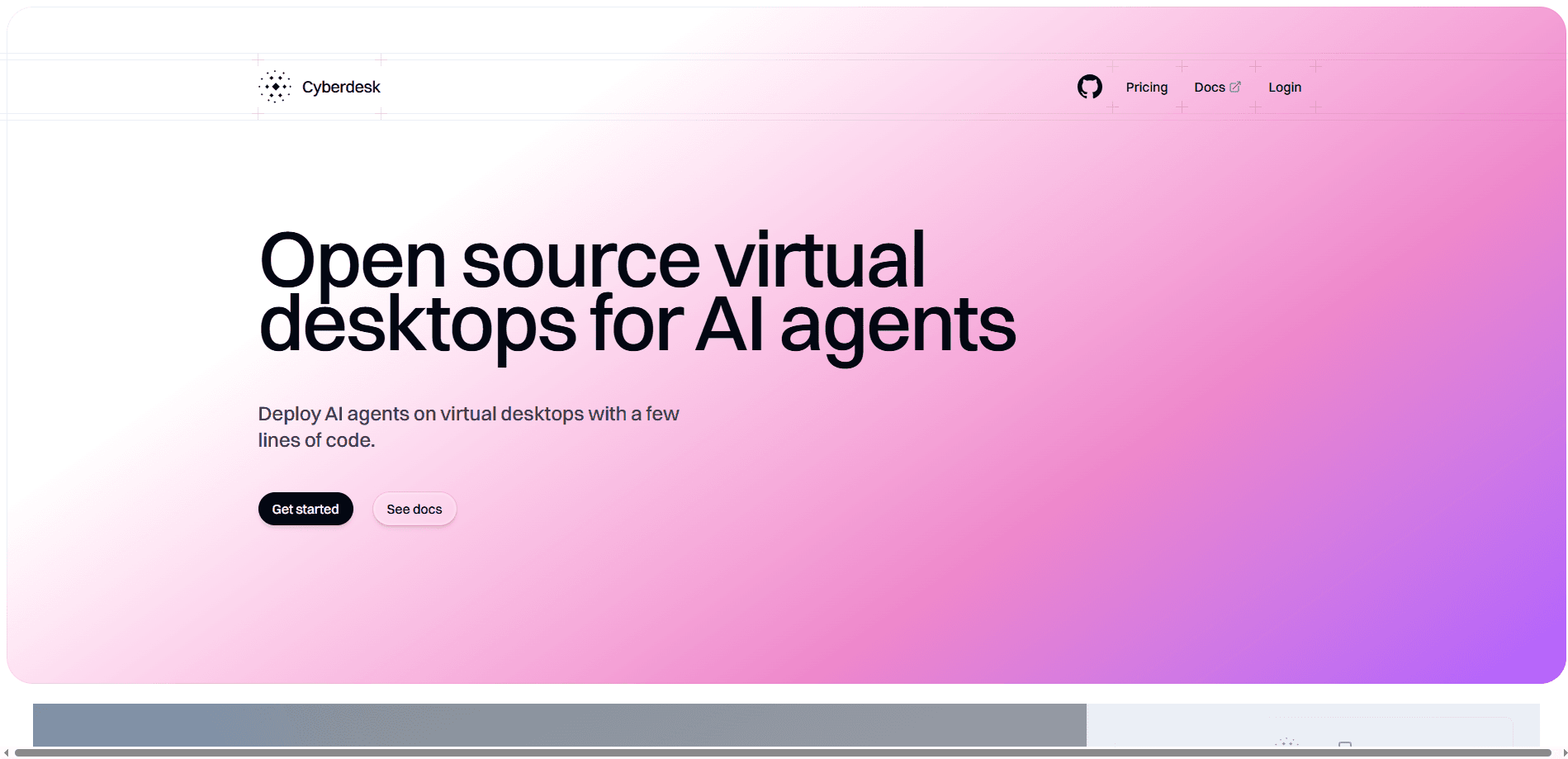
Cyberdesk is a self-learning computer use agent that automates Windows desktop workflows. It memorizes tasks, replays them faster and falls back to live reasoning on surprises.
About Cyberdesk
What Is Cyberdesk
Cyberdesk is a platform for automating the boring, brittle side of desktop work. A developer writes a workflow once, the agent runs it on a Windows machine, and Cyberdesk caches that successful path so the next run is fast and cheap. It comes from Cyberdesk, a Y Combinator Summer 2025 company that launched in mid July 2025.
The problem it targets is familiar to anyone who has written a desktop script. You automate a click-heavy process in Python or a legacy RPA tool, it runs fine for a week, then an app update or a popup breaks it. Computer use agents were supposed to fix that, but they're slow, pricey and rarely deterministic. Cyberdesk sits on top of that approach, learns the path, and only wakes up the reasoning model when the screen changes.
There are two ways in. The hosted platform gives you a dashboard, a connector called Cyberdriver and TypeScript plus Python SDKs. The core infrastructure is also open source under Apache 2.0, so teams can run virtual desktop orchestration on their own stack. The catch: it's built for developers and companies, not casual users. A subscription is required, and there's no free tier.
Getting Started
- Sign up for a Cyberdesk account, or book a demo if you're not on a paid plan yet.
- Install Cyberdriver on a Windows machine and paste an organization API key so the desktop appears online.
- Create a workflow in the dashboard, then describe the task in the main prompt and add images of tricky icons.
- Trigger a run from the dashboard or the SDK, then approve the captured trajectory to unlock fast cached execution.
Product Information
A quick look at Cyberdesk's pricing, supported platforms, and performance.
Best for
The users, tasks, and scenarios where this tool fits best.
Users
- Developers building computer use agents
- Healthcare and back-office teams
- Startups automating internal ops
Tasks
- Booking appointments in a desktop app
- Processing files in a legacy ERP
- Extracting structured data from an app with no API
Scenarios
- A weekly reporting step spread across three desktop tools
- Onboarding a new batch of records every morning
- A long workflow that occasionally hits a popup
Key features
Trajectories and caching
This is the feature that sets Cyberdesk apart. Trajectory caching captures a successful run and lets future runs replay it without calling the reasoning model. The docs put cached execution at 5-10x faster than agentic steps, and cached steps cost less. When the screen throws a popup or a crash, the agent falls back to live computer use and picks up where it left off.
Cyberdriver desktop connector
Cyberdriver links a Windows machine to Cyberdesk. The 1.x version installs as a Windows service, starts at boot and can even drive the Windows login screen, which matters for machines you never sit in front of. It reports reachability, so if a desktop drops offline you get an alert instead of a silent failure.
Focused action and vision extraction
Focused action lets a cached workflow stop and look at something specific, like a balance or a status field, then make a decision from what it sees. Extract prompt pulls data off the screen with vision and can run in sync, batch or run-scoped async modes depending on how much you care about speed.
Type-safe SDKs and REST API
Official TypeScript and Python SDKs ship with full type hints, and a REST API covers workflows, runs, machines, pools and more. You can start a run, wait on its status, then read structured output data back into your own systems.
Webhooks and integrations
Cyberdesk fires a run_complete webhook so you don't have to poll, and the same events can push into Slack or Zapier. For teams that want a human in the loop, that means a finished run can land as a message while the agent keeps working.
BYOK and model control
You can run workflows on your own Anthropic, OpenAI, Google Cloud or AWS Bedrock credentials, and pin a specific model per workflow or even per run. That flexibility matters for companies with existing AI contracts or strict data requirements.
Pros and cons
Pros
- Caching cuts repeat-run cost and time, which is the main reason teams pick it over plain computer use agents.
- Official SDKs for TypeScript and Python make it a real developer tool, not a no-code toy.
- Open-source infrastructure under Apache 2.0 means you can self-host and inspect the stack.
- Webhooks, Slack and Zapier integrations fit the agent into workflows you already run.
- BYOK support lets you keep using the AI providers your company already pays for.
Cons
- No free plan. You need a paid subscription or a demo call before you can run anything, which rules out quick experiments.
- Pricing is contract-based with no public numbers, so you can't estimate cost until you talk to sales.
- Desktop automation is Windows only, so macOS and Linux shops are out of luck for now.
- Getting value out of it takes engineering effort. It's aimed at developers, and needs Node.js or Python 3.10+ just to drive a run.
Frequently asked questions
It automates desktop workflows by having an AI agent operate a Windows machine, clicking and typing the way a person would. It then memorizes the successful path so repeat runs are fast.
Related content
Explore related tools, skills, and articles for Cyberdesk.
Cyberdesk Alternatives

Udon
Udon · Coding · ProductivityUdon turns an Apple Silicon Mac into a home server you run from a browser, with container controls, file shares, and an optional AI sysadmin.

offstage
offstage cloud · Coding · Productivityoffstage gives AI coding agents and CI jobs a real Mac: a fresh macOS account on Apple silicon, driven over an API and billed by the second.

BotBus
Chengdu Tuyang Tusen Technology Co., Ltd. · Coding · ProductivityBotBus lets you control AI coding agents from your phone and watch: approve commands, start tasks and read results while the code stays on your desktop.