

Dart Project Management
Dart AI · Productivity · Other
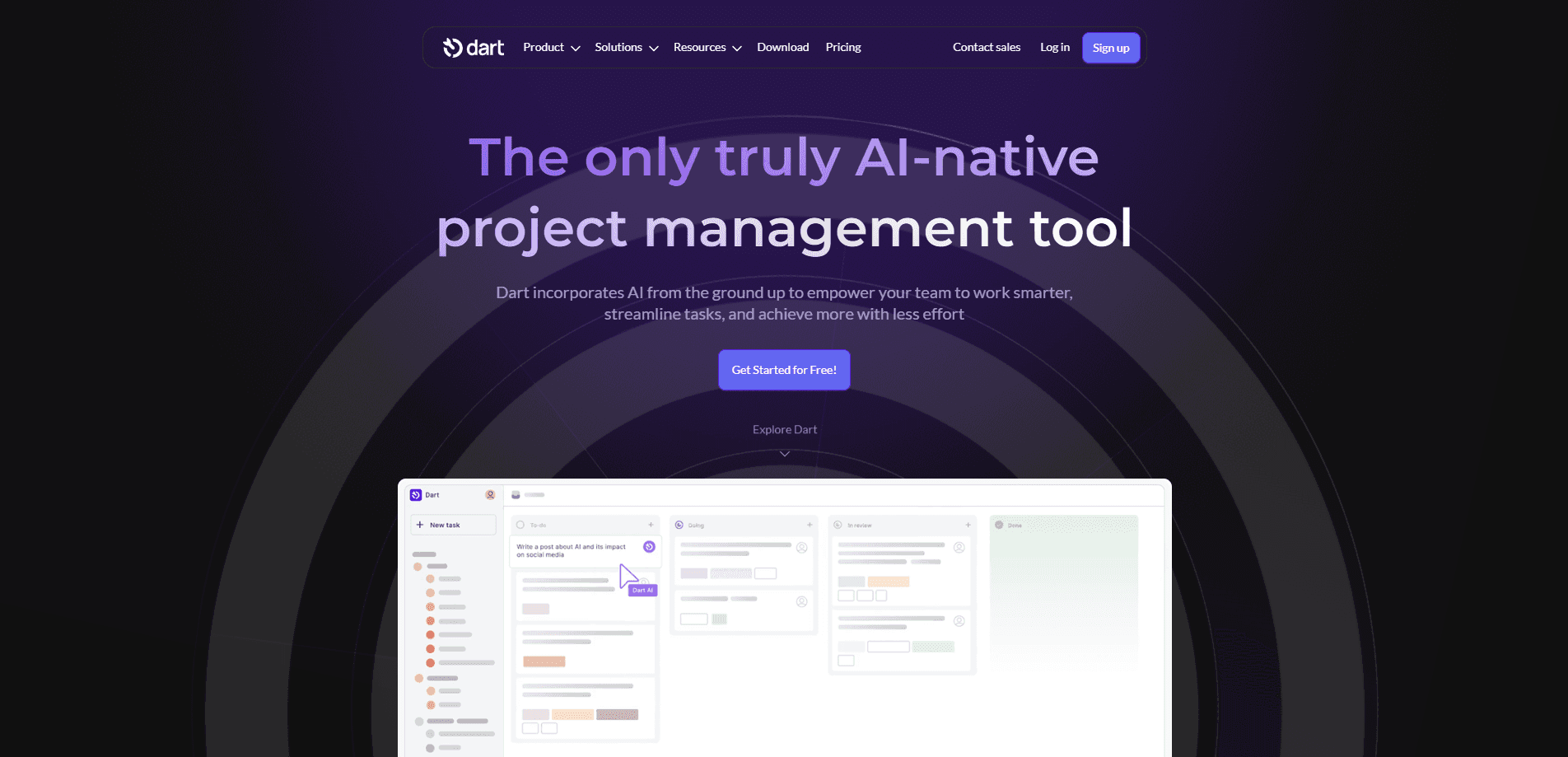
Dart Project Management is an AI-native project management tool that lets you build tasks, plan roadmaps, and generate reports by talking to it in plain language instead of clicking through endless forms. Built for small teams that want to cut the busywork out of managing work, it pairs a familiar task manager with AI agents that can actually execute and update the work itself.
About Dart Project Management
What Is Dart Project Management
Dart Project Management is a project management app built around an AI assistant rather than a pile of dropdown menus. You describe what you need in chat, and Dart turns that into structured tasks with the right status, assignee, and deadline. The goal is simple: spend less of the week on PM chores and more of it on the work you were hired to do.
So who is it actually for? Small teams, mostly. The company behind it, Dart AI, pitches it as a place where you and your AI agents share the same workspace. You can hand off research, planning, or implementation to connected agents from providers like Claude, Codex, and Cursor, then review the results from inside the task. That makes Dart less of a static board and more of an active participant in your projects.
It's not magic, and it's not free of setup. Dart is a web-first tool with a newer Android app, so teams that live entirely inside a native desktop client won't find one here. No desktop build exists. The AI also works best once your workspace has real tasks and context to draw on. That means you still have to think clearly about what you're working on.
Getting Started
- Sign up on the Dart website with an email or a Google account, then create your first workspace.
- Invite teammates (the Personal plan supports up to four) and set up the projects or lists you want to track.
- Add a few tasks manually, or just type what you need into the AI chat and let it build the task structure for you.
- Connect the integrations you rely on, like GitHub, Slack, or Discord, on the Premium plan and above.
- Connect an AI agent to a task when you want it to run work on your behalf, then review what it produces.
Product Information
A quick look at Dart Project Management's pricing, supported platforms, and performance.
Best for
The users, tasks, and scenarios where this tool fits best.
Users
- Small product and engineering teams
- Solo founders and operators
- Teams already using AI coding agents
Tasks
- Turning messy notes into structured tasks
- Roadmap and sprint planning
- Automated status reporting
- Delegating repetitive work to agents
Scenarios
- A three-person startup that has outgrown sticky notes but doesn't need enterprise PM software
- A developer who wants to hand off a bug fix to a coding agent and track it like any other task
- A team lead who spends too much of Friday writing status updates
Key features
AI Chat That Builds Your Tasks
The centerpiece of Dart is a chat box that understands project language. You type something like "plan a launch for the new pricing page" and it returns a set of tasks with owners and dates. It also handles smaller jobs, such as filling in task properties, generating subtasks, and flagging duplicate tasks you probably didn't notice. If you've ever stared at an empty task form, this is the feature that makes Dart worth a look. That's the core of its AI task management approach.
AI Roadmap Planning and Brainstorming
On the Premium plan, Dart can draft a roadmap or help you think through a problem before anything is committed. It's useful early in a project when the shape of the work is still fuzzy and you'd rather react to a rough draft than start from a blank page. You stay in control: the AI proposes, you edit.
Agents That Actually Do the Work
Dart connects to external AI agents from providers like Claude, Codex, Cursor, and Devin, and lets you assign work to them from inside a task. Instead of copying a spec into a separate tool, you keep the request and the result in one place. For teams that already use coding or research agents, this is the feature that turns Dart from a planner into a workspace where the work happens. It's a real shift.
AI Task Execution and Reporting
Beyond creating tasks, Dart can execute certain work and produce reports from your live data. Task execution handles the small stuff you'd otherwise do by hand. Reporting turns a board full of tasks into a readable progress summary. According to the company, teams save roughly a third of their PM time. That figure comes from Dart itself, so treat it as a claim, not a benchmark.
Integrations With the Tools You Already Use
Dart plugs into ChatGPT and Claude for AI work, and into Slack, Discord, and GitHub on paid plans. GitHub integration matters most for engineering teams, since it keeps code activity next to the task it belongs to. Slack and Discord keep updates flowing where your team already talks, so nobody has to remember to check a separate board. That matters more than it sounds. Fewer places to look means fewer things slip through.
Built-In Workflows and Automations
Dart includes workflows and automations for repetitive actions like moving tasks between stages or nudging owners when something is overdue. This is task automation in the plainest sense: set it up once and let it run. These aren't flashy. But they're the difference between a tool that runs itself and one that needs a human to babysit every step. You can configure them without touching code.
Pros and cons
Pros
- The free Personal plan includes unlimited tasks and docs for up to four teammates, which is generous for small teams.
- AI chat turns plain descriptions into structured tasks, cutting a lot of manual data entry.
- Native connections to popular AI agents mean coding and research work can live in the same workspace as human tasks.
- Paid plans are affordable at $8 and $12 per teammate per month, and integrations like GitHub, Slack, and Discord are included.
- AI reporting pulls from real task data, so status updates don't depend on someone assembling them by hand. No more end-of-week scramble.
Cons
- There's no native desktop app, so teams that prefer a heavy desktop client will have to work through the browser.
- The AI is only as good as the context in your workspace, which means a messy setup produces messy output.
- Many of the stronger features, including AI chat and roadmap planning, sit behind the paid Premium and Business plans.
- The Android app is newer than the web platform, so mobile users may find a narrower feature set.
Frequently asked questions
Dart is used to plan and track projects while letting AI handle much of the organizing. You chat with it to create tasks, build roadmaps, and generate reports, then manage everything from a standard task board. Think of it as project management software with an assistant baked in.
Related content
Explore related tools, skills, and articles for Dart Project Management.
Dart Project Management Alternatives

Swms
Swms AI · Writing · Productivity · BusinessSwms is an AI safety compliance tool that turns a plain description of a job into ready-to-use safety documents. Describe your project, trade, and known hazards, and it writes a safe work method statement, job hazard analysis, safe work procedure, RAMS, or safety data sheet in seconds. It also ships with Oscar, a chat assistant that answers workplace safety questions in any language. Teams in construction, mining, transport, and warehousing use it to cut the paperwork that usually eats into a workday.

Wordly AI Translation
Wordly · Voice & Language · ProductivityWordly AI Translation is a real-time AI translation and captioning platform built for meetings, conferences, and events. It delivers live translation, captions, transcripts, and summaries in more than 60 languages, and attendees join by scanning a QR code or opening a link instead of using dedicated headsets. The platform works with Zoom, Microsoft Teams, Google Meet, and Webex, and it's designed for organizations that want multilingual access without hiring human interpreters for every session. Simple as that.

Rows
Rows (Superhuman) · Productivity · BusinessRows is an AI spreadsheet and data analysis tool that imports live data from more than 50 sources, then lets you work with it using plain language instead of SQL queries or nested formulas. You can pull numbers out of PDFs, connect ad platforms, databases, and bank accounts, and ask the AI to build reports, merge datasets, or set up models that recalculate themselves. It runs in the browser, works like a spreadsheet, and now sits under the Superhuman umbrella.