

Dazl
Dazl · Coding
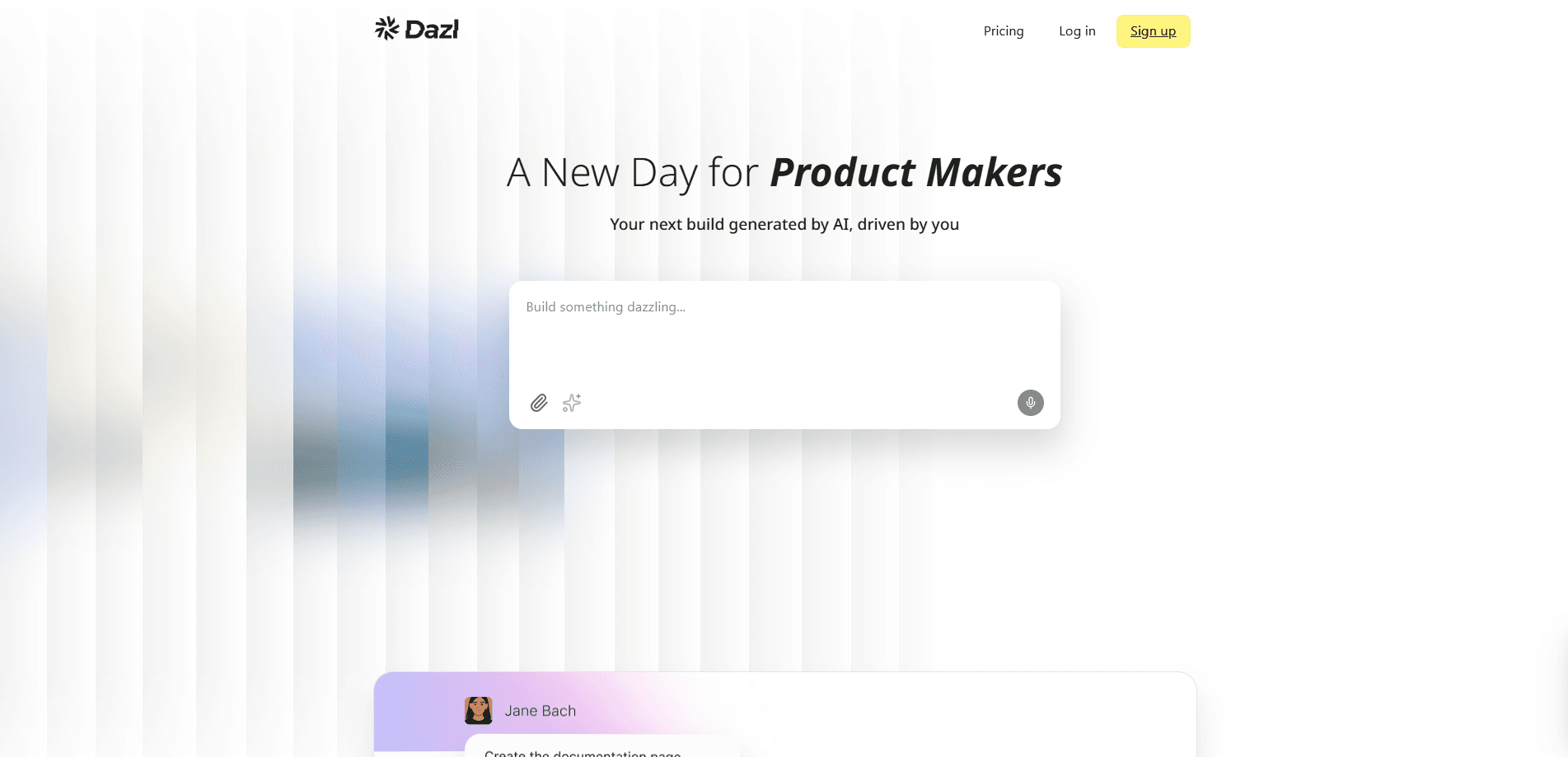
Dazl is an AI prototyping workspace that lets product teams take an idea from a prompt to a shareable, working prototype without juggling a dozen separate tools. You start a project from a prompt, design assets, or a spec, then shape the result through chat and visual editing. Part AI app builder, part AI product design tool, it keeps planning, design, and handoff inside one shared space. As of this writing, the team says it isn't accepting new sign-ups.
About Dazl
What Is Dazl
Dazl is a shared AI workspace for product teams who want their prototype to be the real thing, and it's designed so that planning, design, and development stay connected in one place rather than splitting apart at each stage. Instead of treating design, planning, and development as separate stages, it keeps them in one place, so decisions made early carry through to a production-ready handoff.
The main problem it tackles is fragmentation. Teams usually plan in one tool, design in another, and hand off to engineers in a third, losing context at every jump. Dazl pulls those steps together: you write PRDs and specs inside the product, generate interfaces that stay aligned as requirements change, and share a live project for feedback. It's aimed at early-stage and cross-functional product teams rather than solo hobbyists. And it leans on collaboration, so a single-user workflow misses much of the point.
The clearest limitation is access. Dazl isn't accepting new sign-ups right now, and pricing isn't published, so you can't simply start using it today. Not ideal, but workable. If you want to try it, the practical path is to contact the team first.
Getting Started
- Request access by contacting the Dazl team at [email protected], since public sign-ups are paused.
- Once you're in, start a project from scratch or import your own design assets.
- Open Plan mode to draft a PRD, or use the Canvas to explore directions visually.
- Shape the experience through chat and visual editing, matched to your design system and brand.
- Invite teammates into the project, then publish a live version to test with users.
The goal is simple. Ship something real.
Product Information
A quick look at Dazl's pricing, supported platforms, and performance.
Best for
The users, tasks, and scenarios where this tool fits best.
Users
- Product managers
- Designers
- Cross-functional product teams
- Early-stage founders
Tasks
- Writing specs and PRDs
- Multiplayer prototyping
- Building product demos
- Production-ready handoff
Scenarios
- A team needs sign-off
- Testing with real users
- Exploring directions early
- Onboarding a new project
Key features
Spec-Driven AI Development
You create PRDs and specs inside Dazl, then generate interfaces that stay in step as requirements change. That's the core idea. The spec and the product stay connected, so a late change doesn't mean rebuilding the work by hand. For teams burned by design drift, this is the feature that matters most.
Chat and Visual Editing
You shape the experience through a mix of chat prompts and direct visual editing, tailored to your design system and brand. The two modes aren't separate tools, they work on the same project, so you can prompt your way to a first pass and then fine-tune details by hand.
Multiplayer Prototyping
Invite your team into a project and work in real time. People prompt, edit on stage, and leave comments right on the prototype, and everyone sees each change as it happens. The timing is the nice part. Collaboration doesn't stop while the thing is being built, it runs alongside it.
Canvas and Plan Mode
Plan mode turns a prompt into a structured PRD. The Canvas gives you a visual space to explore directions before you commit to one. Together they cover the two ways teams actually start work, whether that's writing things down or sketching them out. Pick the one that fits how you think.
Rollback, Templates, and Version Control
You can explore variations safely because rollback lets you undo a direction you don't like. Projects can become reusable templates you share with your team, which cuts the setup cost on the next brief that looks similar.
Integrations and Product Stack Sync
Dazl connects to your product stack to give projects real context, and it syncs into your development workflow for a production-ready handoff. In plain terms, what got designed doesn't have to be rebuilt from scratch when it's time to ship. That saves real time.
Publish and Validate
You can share a live project to test with users, collect feedback, and get sign-off from the people who approve the work. The same published project doubles as a customized demo you can hand to executives and the sales team whenever they need to show the product to a potential customer without scheduling an engineer.
Pros and cons
Pros
- Keeps planning, design, and handoff in one workspace instead of three.
- Spec-driven model means interface changes follow requirement changes automatically.
- Real-time co-editing and comments fit the way product teams already work.
- Rollback and reusable templates lower the cost of trying a direction and starting the next project.
- Syncs to your development workflow for a cleaner design-to-code handoff.
Cons
- Not accepting new sign-ups right now, so you can't just start an account.
- No published pricing, which makes it hard to weigh cost before committing.
- Built for team collaboration, so a solo user won't get much out of it.
Frequently asked questions
Dazl is an AI prototyping workspace for product teams. It combines PRD and spec writing, AI-generated interfaces, visual editing, and real-time collaboration so one shared project can go from idea to production-ready apps.
Related content
Explore related tools, skills, and articles for Dazl.
Dazl Alternatives
Forefront
Forefront · CodingForefront is a web platform for building with open-source AI. It lets you fine-tune leading open-source language models on your own data, evaluate how they perform, and run them through an API or export them to host yourself. Developers who want the convenience of a closed-source platform but insist on owning their models and data are the target audience here.

Startkit
StartKit.AI · CodingStartkit is a boilerplate for building AI SaaS and AI wrapper products. Think of it as an AI startup boilerplate with the boring parts already wired up: authentication, Stripe and Lemon Squeezy payments, usage limits, transactional email, and an AI API starter that talks to OpenAI, Anthropic, Groq, or Llama. You clone the repo, set your price, and start on the part of your product that people actually pay for. It's Next.js under React and Tailwind, so most of the boilerplate code already feels familiar.
Testim
Tricentis · CodingTestim is an AI-powered test automation platform for building and running end-to-end tests across web, mobile, and Salesforce applications. It leans on machine learning to keep tests stable when an interface changes, so teams spend less time fixing broken selectors. Not bad for an automated testing tool you can start using today. You create tests by recording actions in a browser, then optionally add JavaScript when you need more control. It's a solid pick for busy QA teams.