

Decision Jar: Choice Maker
Volvox LLC · AI Assistant
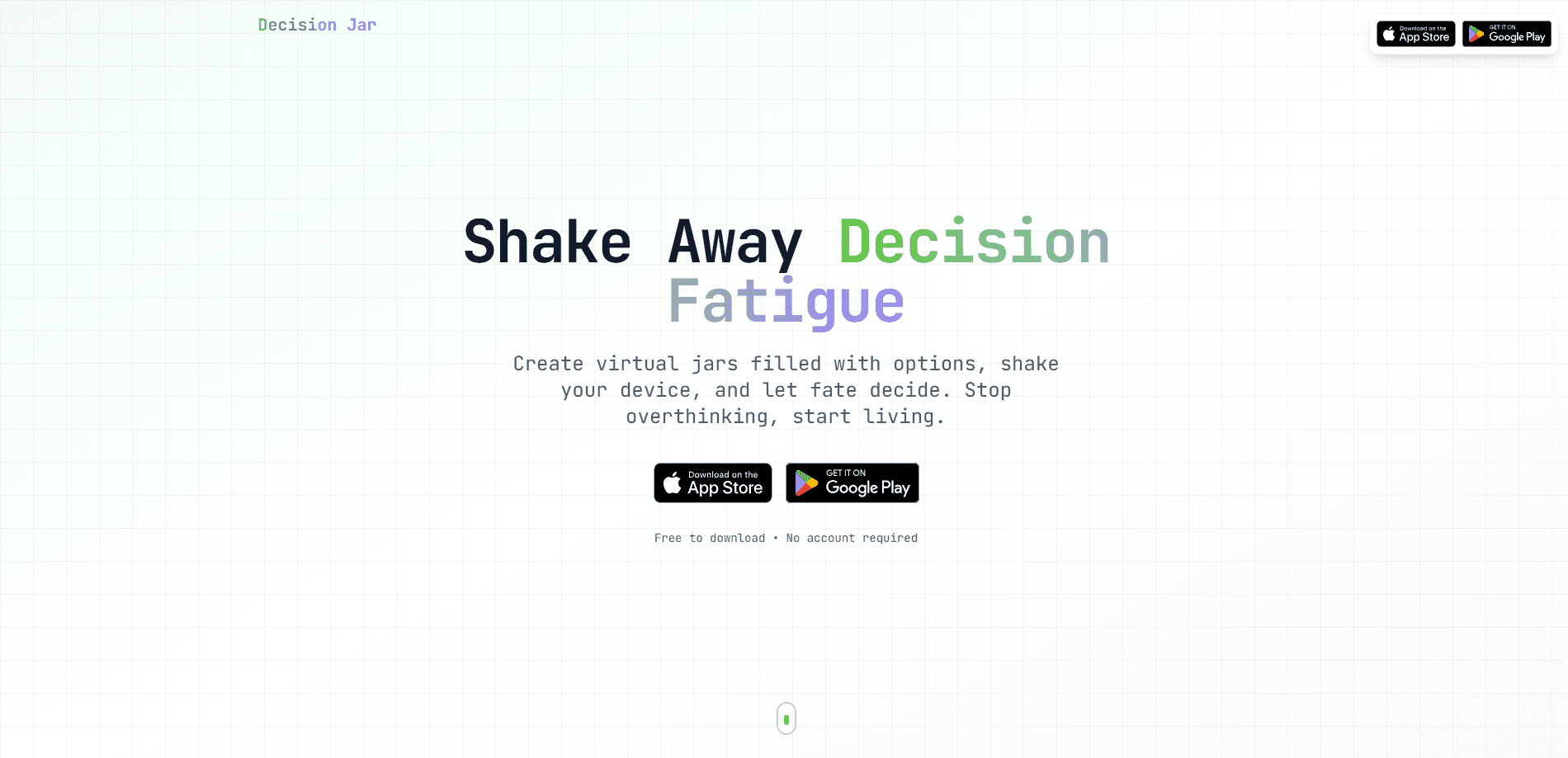
Decision Jar: Choice Maker is a mobile app that turns decision fatigue into a quick shake. You fill a virtual jar with options, then shake your phone or tap the screen and let the app pick one for you. It works as a random choice picker for everyday questions. Tired of the same debate? Just shake to decide. It suits people who stall over small daily choices like dinner, movie night, or whose turn goes first, and it works offline with no account required.
About Decision Jar: Choice Maker
What Is Decision Jar: Choice Maker
Decision Jar: Choice Maker is a random decision app built around one simple idea: when a choice doesn't really matter, stop weighing it. Instead of pros and cons lists or a group chat poll, you drop your options into a digital jar and let the app choose.
The app is made by Volvox LLC and aimed at everyday indecision rather than serious, high-stakes judgment. You can create as many jars as you like, one for restaurants, one for chores, one for weekend plans, and reuse them whenever the same question comes up. Because everything stays on your device, it's a light utility rather than a planning tool.
The biggest limitation is exactly that scope. Decision Jar doesn't rank options by importance, weigh criteria, or analyze trade-offs. It's random. That's the point.
If you need help thinking through a difficult choice, this isn't that app.
Getting Started
- Install Decision Jar: Choice Maker from your app store and open it. No sign-up is required.
- Tap to create a new jar and give it a name that matches the decision, like "Dinner" or "Chores."
- Add your options one by one, typing as many as you need.
- Shake your phone or tap the pick button, and the jar selects one option at random.
- Keep the jar for next time, or share it with friends through a link or QR code.
Product Information
A quick look at Decision Jar: Choice Maker's pricing, supported platforms, and performance.
Best for
The users, tasks, and scenarios where this tool fits best.
Users
- People who overthink small daily choices
- Families and roommates splitting chores
- Groups stuck on "where should we eat?"
Tasks
- Picking a restaurant or meal
- Choosing a movie or game for the evening
- Assigning random prompts, workouts, or writing exercises
Scenarios
- Dinner debates that drag on
- Game night standoffs over who goes first
- Road trips and date nights when nobody wants to choose
Key features
Shake-to-Pick Jars
The core of the app is the jar itself. You create a jar, add options, and then shake your device or tap the screen to have one option selected at random. No scoring. No weighting. No hidden logic. The result is easy to trust and easy to explain to whoever is waiting on the answer.
AI-Powered Suggestions
When you're staring at an empty jar, Decision Jar: Choice Maker can suggest options with an AI helper so you fill it faster. It's a small assist, not a chatbot. It's most useful for open-ended jars like "weekend activities" where listing ideas is the slow part.
Unlimited Jars and Options
There's no cap on how many jars you build or how many options each one holds. So build a jar once and reuse it. That beats retyping the same six restaurants every week.
Decision History and Gamification
The app logs what you picked and when, so you can look back and see how a choice played out. It also adds streaks and achievements, which turns routine use into something closer to a habit. If you don't care about tracking, the history still works as a quiet record you can ignore.
Sharing and Importing Jars
You can send a jar to a friend with a link or a QR code, and import jars others share with you. This is handy for group plans, since one person can build the jar while everyone else loads the exact same set of options without retyping anything. The exchange stays manual, so there's no live sync between devices.
Offline and Privacy-First Design
Everything is stored locally on your device. The app works offline, requires no account, and doesn't collect your data or sync to a cloud. The trade-off is real. Lose your phone or switch devices, and your jars don't follow you.
Pros and cons
Pros
- Removes the friction from low-stakes decisions with a single shake or tap.
- Works fully offline with no account, so there's nothing to sign up for before you use it.
- Unlimited jars and options let you build reusable lists for recurring choices.
- AI suggestions speed up filling a jar when you're low on ideas.
- Sharing by link or QR code makes group decisions easy to set up.
Cons
- It's random by design, so it won't weigh criteria or help with genuinely hard choices.
- Local-only storage means your jars don't transfer if you change devices or lose your phone.
- Multiple languages are limited, so non-English speakers may find parts less polished.
- There's no cloud backup. Your data lives on one device only.
Frequently asked questions
Decision Jar: Choice Maker helps you make quick, random decisions by letting you add options to a virtual jar and then shaking your phone or tapping to pick one. It's built for the small everyday choices that don't need deep analysis.
Related content
Explore related tools, skills, and articles for Decision Jar: Choice Maker.
Decision Jar: Choice Maker Alternatives

Iplan AI
Iplan AI · Productivity · AI AssistantIplan AI is an AI travel planner that turns a few trip details into a full day-by-day itinerary in seconds. You answer questions about your destination, interests, budget, and travel companions, and the tool builds a plan you can edit, share, and carry with you on any device. It targets travelers who want a solid draft without spending hours in spreadsheets and browser tabs. Think of it as an itinerary generator that does the tedious part for you.

Screenhelp
Screenhelp · Productivity · AI AssistantScreenhelp is an AI screen assistant that turns a single keyboard shortcut into real-time help. You press Ctrl+Shift+Space, it captures what's on your screen, and it streams an answer into a private panel in about two seconds. Think of it as an AI screenshot helper you trigger on demand. It runs on Mac, Windows, and the web, starts free with 30 answers a month, and stays invisible during screen sharing on Zoom, Teams, and Google Meet.

Rainbow
Rainbow · AI AssistantRainbow is an AI weather forecast app built around short-term precipitation nowcasting. Its engine pushes min-by-min rain and snow predictions up to four hours ahead, blending live satellite and radar feeds into hyperlocal forecasts. The app adds live rain radar, a seven-day outlook, precipitation alerts, home-screen widgets, and a hurricane tracker, and it runs on both Android and iOS with a free tier plus paid upgrades.