

deckpipe.dev
deckpipe · Productivity
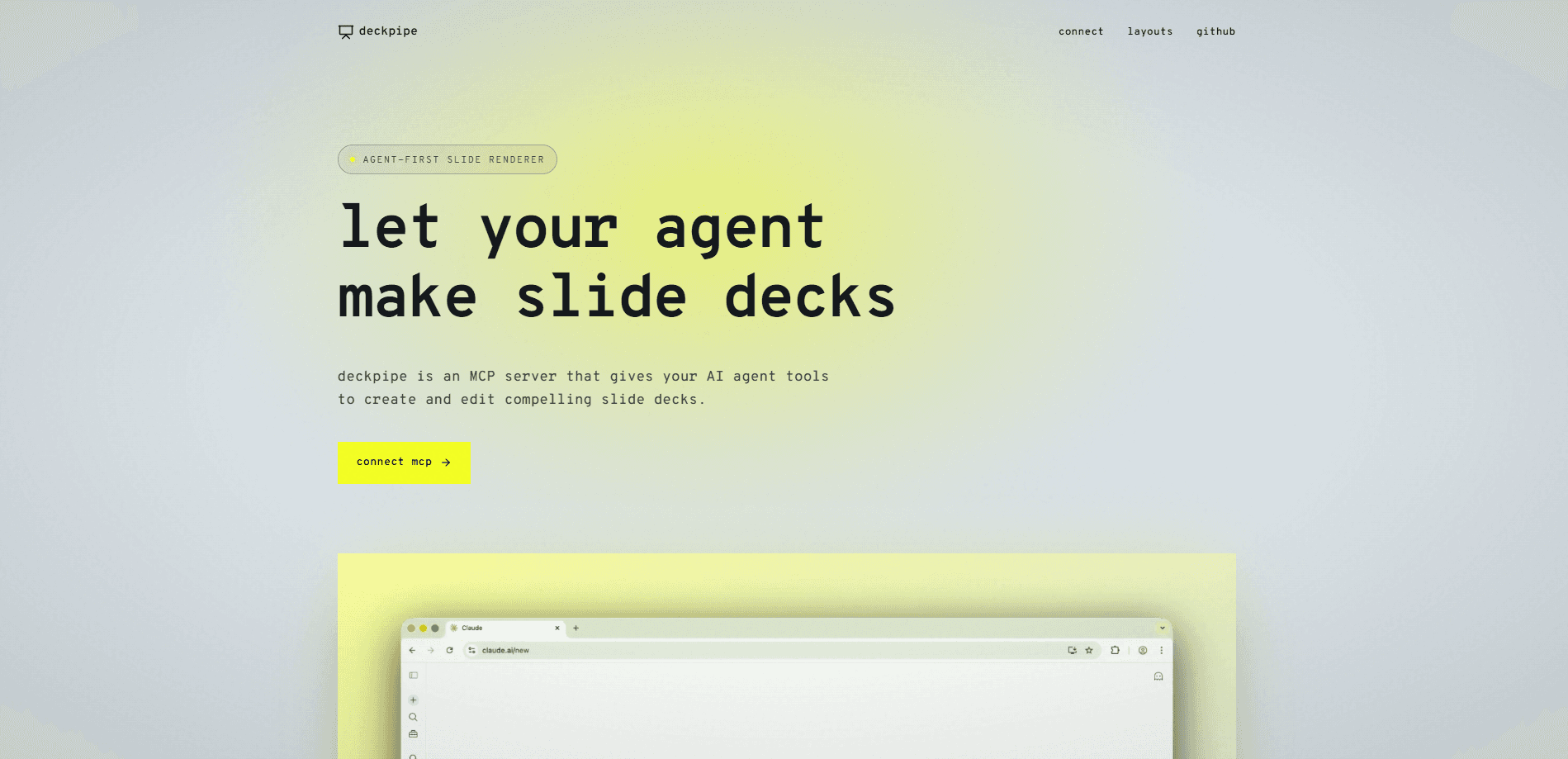
deckpipe.dev is an agent-first slide deck engine that lets AI agents create, edit, and render presentations without ever touching a template. Each slide is HTML, CSS, and JS mounted in a sandboxed 1920×1080 shadow root, and the whole thing runs over an MCP server for Claude, Cursor, and Claude Code. Want an AI slide generator that hands full design control to your agent instead of locking it into preset layouts? That's the gap deckpipe fills, and it's aimed squarely at workflows where the agent, not a human, does the building.
About deckpipe.dev
What Is deckpipe.dev
deckpipe.dev is a rendering engine for AI agents. Instead of dragging boxes around a canvas, your agent writes each slide as code. Then deckpipe sandboxes, themes, and hosts the result. The pitch is simple: no templates, no layouts, no limits.
It solves a very specific problem. Most presentation tools leave the agent stuck with preset formats, so every AI-made deck ends up looking the same. As a presentation tool for AI agents, deckpipe hands design control back to the agent. A deck-level stylesheet flows into every slide, so you write a design system once and reuse it.
The tradeoff is real. Because slides are code, deckpipe expects an agent that can write and patch HTML and CSS. A general user with no agent in the loop won't get much out of it. Not even close. It's also built around the MCP workflow, so plain manual editing isn't the main path.
Getting Started
- Connect the MCP server. Point your agent at the remote server at https://deckpipe.dev/mcp, or run a local install with npx deckpipe-mcp for stdio transport.
- Load the deckpipe-design skill so your agent knows the density rules, layout-safety pattern, and the overflow sweep.
- Ask your agent to create a deck. It calls create_deck and writes each slide as HTML, CSS, and JS.
- Preview the slides. preview_slide and get_slide_screenshot return a rendered PNG plus a render report showing overflows, JS errors, and font loads.
- Edit in place. Click any text in a canvas slide to change it, or leave comments that your agent reads, updates, and replies to.
Product Information
A quick look at deckpipe.dev's pricing, supported platforms, and performance.
Best for
The users, tasks, and scenarios where this tool fits best.
Users
- AI agent builders
- Designers who code
- Founders and product teams
Tasks
- Generating a full deck from a prompt
- Editing one element without re-rendering everything
- Keeping a consistent look across many slides
Scenarios
- Iterating on a pitch deck the night before a meeting
- Teaching an agent good slide density
- Automating recurring reports
Key features
Code Canvas Instead of Templates
Every slide is HTML, CSS, and JS living in a sandboxed 1920×1080 shadow root. Your agent designs pixel-perfect layouts without fighting a template's fixed slots, and the ceiling on what a slide can look like becomes the agent's own skill rather than the tool's layout library, which matters a lot when you're building a branded deck that has to stand apart from every auto-generated one your competitors are shipping.
MCP Native Connection
deckpipe runs a remote server at /mcp for any MCP-aware agent, and you can install it locally via npx deckpipe-mcp for stdio transport. Claude Code, Cursor, and Claude desktop or web all connect through this path. If your toolchain already speaks MCP, setup is a config line, not a project.
Deck-Level Design System
One stylesheet lives on the deck and is adopted by every slide. Write your colors, type scale, and spacing once and the whole deck inherits them. The head also loads Google Fonts, CDN scripts, and icon libraries, so your agent isn't limited to system defaults.
Live Editing and Comments
Click any text in a canvas slide to edit it right there. Structural changes go through insert, delete, move, and replace operations, so your agent can patch a single element without re-sending the whole deck. Comments work the same way: you mark an element, your agent reads the feedback, updates the deck, and replies.
Inline Screenshots and Render Reports
preview_slide and get_slide_screenshot return a rendered PNG inline plus a render report covering overflows, JS errors, and font loads. Your agent sees what reviewers see before committing, which catches the classic bug of a headline spilling off the frame.
A Focused Tool Set
The MCP surface stays small and to the point: create_deck, clone_deck, get_deck, update_deck, delete_deck, preview_slide, get_slide_screenshot, upload_image, search_images, list_layouts, list_comments, reply_to_comment, and resolve_comment. A tight API is easier for an agent to use well than a sprawling one.
Pros and cons
Pros
- Full design control, since slides are plain HTML, CSS, and JS with no template lock-in.
- MCP native, so agents like Claude Code and Cursor connect with minimal setup.
- Rendering reports and inline screenshots catch layout problems before you share the deck.
- Live editing and comments keep humans in the loop without breaking the agent's workflow.
- Free canvas, with no pricing tier blocking basic use.
Cons
- Requires an MCP-capable agent, which rules out anyone working without an agent in the loop.
- Your agent needs to write and patch HTML and CSS, so weak coding agents will produce weak slides.
- There's no template gallery or drag-and-drop editor, so it won't suit people who want to tweak slides by hand.
- As a newer tool, the surrounding docs and community examples are still thin.
Frequently asked questions
It's a slide deck engine that lets AI agents create, edit, and render presentations as code. You use it when you want an agent to build decks rather than hand-assemble them in a template tool.
Related content
Explore related tools, skills, and articles for deckpipe.dev.
deckpipe.dev Alternatives

Base Code
Base44 (Wix) · Coding · ProductivityBase Code is a shared cloud development environment from Base44. Teammates describe changes to an existing GitHub codebase in chat, preview them live and send them back as pull requests.

Knocket
Knocket (Tencent RTC team) · Productivity · Business · ChatbotKnocket is a free live chat and contact page tool that lets visitors message you from your website, app, or a shareable link, with every reply handled from Telegram or one inbox.

FloorGen
Vinit Kumar (FloorGen) · Productivity · China AIFloorGen is a browser-based floor plan maker that turns a sentence or a sketch into an editable 2D plan and a 3D walkthrough. Export to PDF, DXF or video, and draw without an account.