

DeepSearch Name
DeepSearch Name · Business
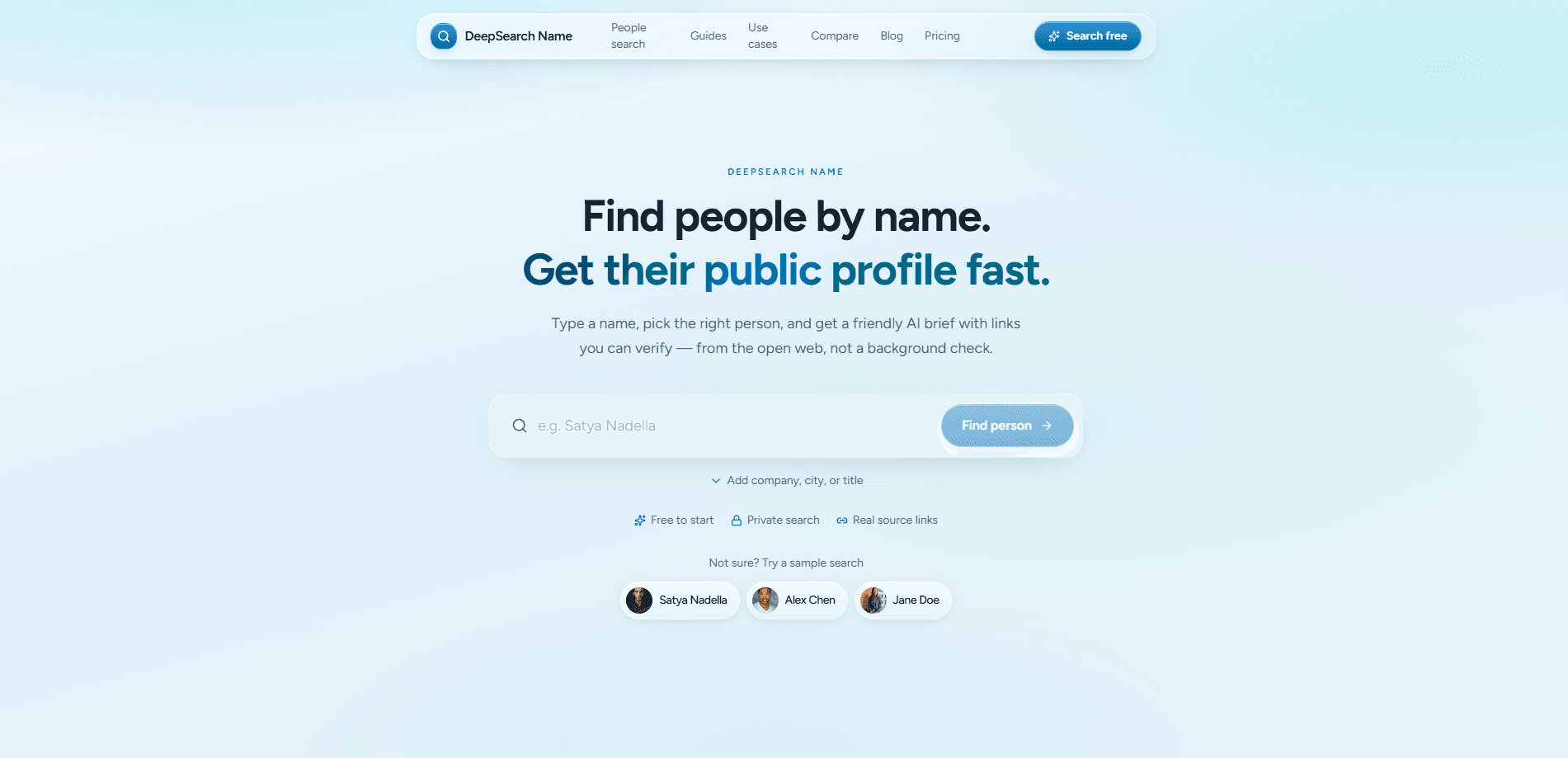
DeepSearch Name is an AI people research tool that converts a person's name into a sourced profile built entirely from the public web. Instead of juggling a dozen Google tabs, LinkedIn pages, and company bios, you enter a name, confirm which candidate is the right person, then read an AI brief whose claims link back to real sources. You can find people by name in minutes, not hours. Follow-up chat lets you dig deeper without starting over, and every lookup stays private.
About DeepSearch Name
What Is DeepSearch Name
DeepSearch Name is a name-first research tool for professionals who need to answer a narrow question before a conversation: who is this person, what's their current public context, and what can I cite without guessing. This public web research runs a four-step pipeline (search, confirm, brief, chat) across indexed public sources like professional profiles, company sites, news mentions, talks, blogs, and public GitHub activity.
The product draws a hard line around its own scope. It's not a background check, not a consumer reporting agency product, and not a phone-or-address dump. Anything governed by the FCRA, credit files, or court dossiers sits outside what it searches. That boundary is the point, and the site repeats it on nearly every page.
Which is also where the main limit lives. If someone has almost no public footprint, DeepSearch Name returns almost nothing, and it says so rather than inventing details. You get a map of the open web, not a private dossier. Not a bad trade.
Getting Started
- Sign in with Google to open the workspace (billing runs through Stripe when you pick a plan).
- Enter a full name and add filters like company, city, job title, education, or field when you have them.
- Confirm the right match from the candidate cards, comparing headlines, locations, and source types before trusting anything.
- Read the sourced brief and click through the citations for the claims you plan to repeat.
- Ask follow-up questions in chat when you need more detail on a specific lead.
Product Information
A quick look at DeepSearch Name's pricing, supported platforms, and performance.
Best for
The users, tasks, and scenarios where this tool fits best.
Users
- Recruiters
- Founders and investors
- Sales teams
- Journalists
Tasks
- Finding people by name when the name is common
- Meeting prep
- Identity verification
- Follow-up research
Scenarios
- A recruiter screening candidates for a niche role where public talks and GitHub activity matter more than a résumé line.
- An investor doing light diligence on a first-time founder before a coffee chat.
- A sales rep checking a inbound lead's public context before a demo.
- A journalist verifying a source's public affiliations ahead of publication.
Key features
Name-First Search with Filters
You start with a name and narrow it with optional filters: company, location, job title, education, or field. The site leans on filter hygiene, telling you to lead with the strongest unique clue (an employer beats a vague title) and to use city when the employer is unknown. It's a small design choice that saves you from building a detailed brief about the wrong person.
Candidate Confirmation Before Any Brief
When names collide, DeepSearch Name shows candidate cards instead of silently merging strangers. You compare headlines, locations, and source types, then confirm only when the signals match what you already know. This step is the product's opinionated core: identity before narrative. Wrong-person prep is worse than light prep. Slow on purpose.
Source-Linked AI Briefs
Every brief ties its claims to citation links you can open and check. The team frames these summaries as maps, not verdicts, and expects you to click through the sources behind anything you'll say out loud or paste into a shared note. For anyone who has to defend a claim, that citation habit is the real value. Honestly, it's the whole point.
Follow-Up Chat
After the brief, you can ask follow-up questions in chat that stay grounded in the sources already collected. It turns a static profile into a conversation, so you can chase one detail (a past company, a specific talk) without running a fresh search and losing earlier context. That's useful.
Private Lookups
Lookups are private by default. DeepSearch Name doesn't notify the people you research, and your history stays on your account until you clear it. For recruiters and journalists, that privacy is often the difference between using the tool and not. No notifications, no trace.
Public-Web Scope and Clear Limits
The tool searches indexed public content only: professional pages, public social and developer profiles, company sites, articles, and talks.
Flexible Billing Cadence
One product, four billing options: weekly at $7.99, monthly at $19.99, and quarterly at $39.99, all with unlimited name lookups under a fair-use soft cap of 25 per day. The same sourced profiles and chat come with every plan, so the choice is about rhythm, not features.
Pros and cons
Pros
- Ties every claim in a brief to a source link you can open, so you can verify before repeating it.
- Candidate confirmation step cuts down on wrong-person mistakes that common names make easy.
- Private by default with no notification to the people you research.
- Unlimited lookups on every plan, with a fair-use cap of 25 per day that most users won't hit.
- Clear about what it won't do, so you're not left guessing whether it's a regulated screening product.
Cons
- No free tier. You can't test the brief quality without paying, and the shortest option is a full week.
- Results depend on public footprint, so people with a light online presence will return thin briefs.
- No public API for teams that want to plug name research into their own workflow.
- Not built for bulk or automated lookups, which limits high-volume recruiting pipelines.
Frequently asked questions
It answers "who is this person?" for professional prep. You search a name, confirm the right candidate, and read a sourced brief drawn from the public web, then ask follow-ups in chat. It's a people finder aimed at recruiters, founders, sales reps, investors, and journalists.
Related content
Explore related tools, skills, and articles for DeepSearch Name.
DeepSearch Name Alternatives
Liveplan
Palo Alto Software · BusinessLivePlan is business plan software that helps founders and small business owners turn an idea into a funder-ready plan. It combines AI-assisted writing, market research with cited sources, and connected financial forecasting so your income statement, cash flow, and balance sheet move together when you change one number. Over 1.5 million businesses have used it to plan, forecast, and track performance against real accounting data. That's a lot of founders. It's also a signal the tooling survived contact with real lenders.

Swms
Swms AI · Writing · Productivity · BusinessSwms is an AI safety compliance tool that turns a plain description of a job into ready-to-use safety documents. Describe your project, trade, and known hazards, and it writes a safe work method statement, job hazard analysis, safe work procedure, RAMS, or safety data sheet in seconds. It also ships with Oscar, a chat assistant that answers workplace safety questions in any language. Teams in construction, mining, transport, and warehousing use it to cut the paperwork that usually eats into a workday.

Rows
Rows (Superhuman) · Productivity · BusinessRows is an AI spreadsheet and data analysis tool that imports live data from more than 50 sources, then lets you work with it using plain language instead of SQL queries or nested formulas. You can pull numbers out of PDFs, connect ad platforms, databases, and bank accounts, and ask the AI to build reports, merge datasets, or set up models that recalculate themselves. It runs in the browser, works like a spreadsheet, and now sits under the Superhuman umbrella.