

Dessix
Dessix · Productivity · Leaning
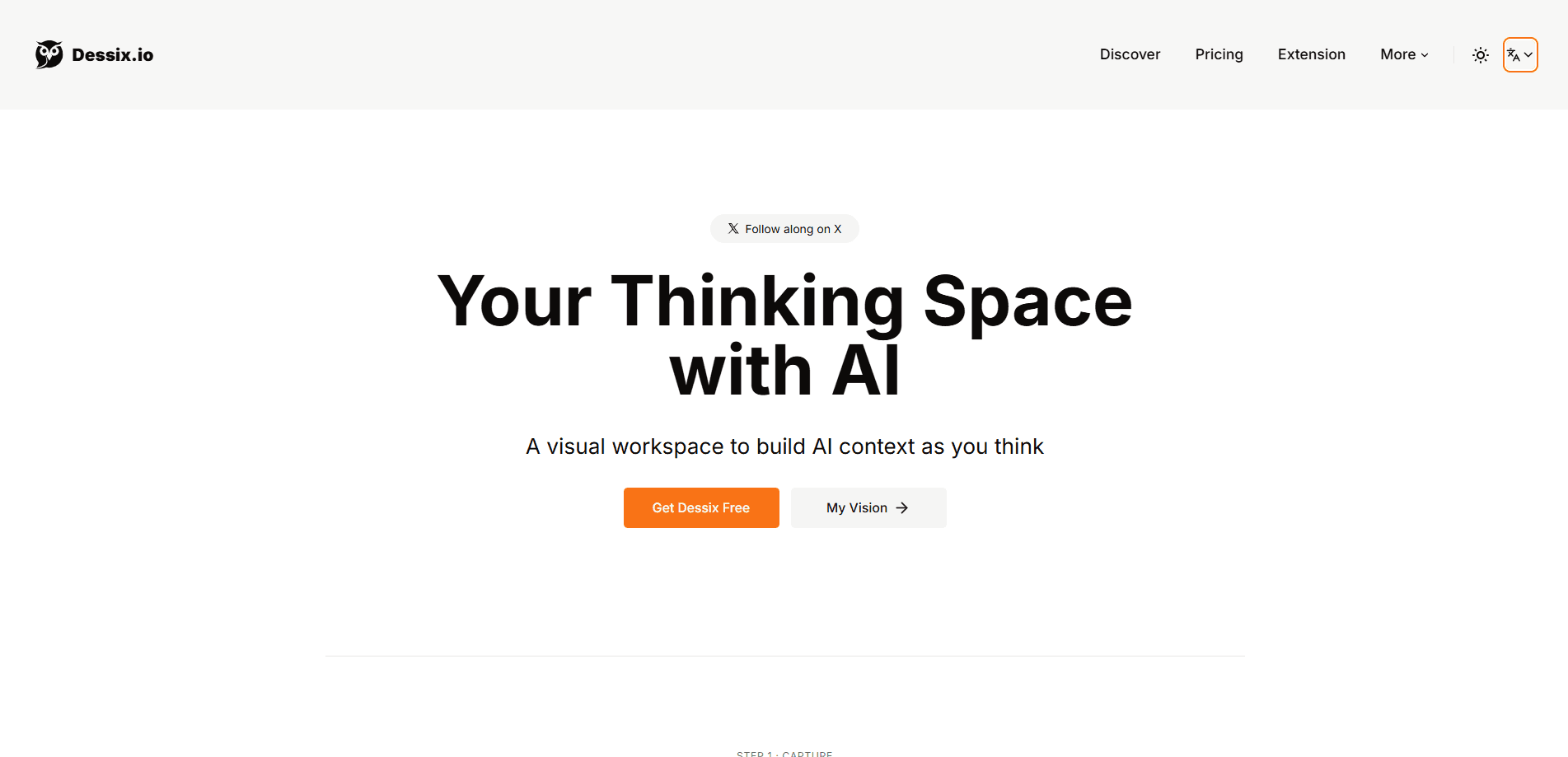
Dessix is an AI visual workspace that turns scattered notes, ideas, and sources into one shared thinking space. You capture what you find, arrange it on a canvas, and work alongside an AI that keeps the same context you do, so you can grow an idea into something finished without losing the thread. It suits writers, students, and anyone who thinks better with their notes in front of them rather than buried in folders.
About Dessix
What Is Dessix
Dessix is a web-based workspace built around a single idea: your notes and your AI should share the same mental space. Instead of pasting fragments into a chat window and losing the context on the next message, you keep your material on a visual canvas and let AI work from it directly. Why does that matter? Because context is the whole game when you're writing something long.
The product targets a real annoyance. Most tools split your work in two. Notes live in one app, AI chat lives in another, and the moment you switch between them the thread breaks. That's the problem. Dessix puts capture, organization, and AI help in one place so you're not re-explaining your project every time you want a second opinion.
The main limitation is scope. Dessix is aimed at thinking and writing, not at being a full project manager or a heavy database. That's a clear boundary. If you need automation pipelines, deep team permissions, or enterprise integrations, it won't cover that. It's also a young product, so the feature set is still filling out and community documentation is thin.
Getting Started
- Sign up for an account at dessix.io and open your first workspace.
- Create a canvas and start dropping in what you're working from: notes, links, snippets, and rough thoughts.
- Arrange and connect the pieces so related ideas sit together and the structure becomes visible.
- Open an AI panel and ask it to expand, summarize, or challenge what's on the canvas, using your own notes as the source.
- Keep building in place, adding new material as your thinking develops, and export or share the result when it's ready.
Product Information
A quick look at Dessix's pricing, supported platforms, and performance.
Best for
The users, tasks, and scenarios where this tool fits best.
Users
- Writers
- Students
- Researchers and analysts
Tasks
- Turning messy notes into a structured outline
- Drafting with your own sources
- Brainstorming and idea expansion
Scenarios
- Early-stage project research
- Long-form writing projects
- Study sessions
Key features
A shared thinking canvas for notes and AI
Dessix puts your captured material and the AI in the same workspace, so the assistant reads from what's on your canvas instead of starting from zero each time. That means less copy-pasting. It also means fewer moments where the model forgets what you're working on. If you've used a chat assistant and wished it remembered your notes, this is the fix.
Capture that doesn't force formatting
You can record a thought before it becomes a sentence. Notes drop in as cards you arrange, move, and group later, which suits people who think in fragments first and structure second. No blank-page pressure. The trade-off is that a loose canvas can get cluttered fast if you never go back to tidy it, so a little regular housekeeping pays off more than you'd expect.
Context that carries across a session
Because the AI shares your workspace, the context you build up stays available as you move between tasks on the same canvas. You can jump from summarizing a source to drafting a paragraph without restarting the conversation. Big difference. For multi-step writing this is the part that saves real time.
Organization that grows with the project
You group and connect pieces as your understanding develops, so the canvas becomes a working map rather than a static note dump. Adding new sources or results reshapes that map instead of replacing it. It's closer to how a whiteboard evolves during a long project than to a folder you file finished things into and rarely revisit. Nothing gets locked in too early.
AI expansion built on your material
The assistant can expand, summarize, or reframe what you already have on the canvas. That keeps suggestions grounded in your own notes instead of generic filler. The output still needs a human pass. Treat it as a thinking partner, not an author that works unsupervised.
Web-based and account-synced
Dessix runs in the browser, so you can pick up a workspace on a different machine without syncing files yourself. There's no desktop or mobile app to install, which keeps setup light. It also means you're working in a browser tab rather than a dedicated tool.
Pros and cons
Pros
- Notes and AI share one space, so the assistant works from your actual material instead of a blank prompt.
- Capture is fast and format-free, useful when ideas arrive before their structure does.
- Context persists across a session. That cuts the re-explaining that slows down AI chat for long projects.
- Browser-based access keeps it portable across devices with no install step.
Cons
- The canvas can get messy without regular tidying, since loose cards pile up fast.
- It's a focused thinking-and-writing tool, not a project manager, so complex workflows and team permissions are limited.
- No public API is documented, which blocks people who want to automate or integrate it.
- As a young product, documentation and community resources are still thin.
Frequently asked questions
It's an AI visual workspace. You capture notes and ideas, organize them on a canvas, and work with an AI that keeps the same context. You use it to move from scattered fragments to structured, finished work in one place.
Related content
Explore related tools, skills, and articles for Dessix.
Dessix Alternatives

Base Code
Base44 (Wix) · Coding · ProductivityBase Code is a shared cloud development environment from Base44. Teammates describe changes to an existing GitHub codebase in chat, preview them live and send them back as pull requests.

Knocket
Knocket (Tencent RTC team) · Productivity · Business · ChatbotKnocket is a free live chat and contact page tool that lets visitors message you from your website, app, or a shareable link, with every reply handled from Telegram or one inbox.

FloorGen
Vinit Kumar (FloorGen) · Productivity · China AIFloorGen is a browser-based floor plan maker that turns a sentence or a sketch into an editable 2D plan and a 3D walkthrough. Export to PDF, DXF or video, and draw without an account.