

DialogLab
Google Research · Productivity
DialogLab is an open-source framework from Google Research that lets designers author, simulate, and test human-AI group conversation. It's a conversation prototyping tool for multi-party chat, not one-on-one. It gives you a unified interface to define agent personas, manage group structures, set turn-taking and interruption rules, and blend scripted narrative with live improvisation. If your work involves group dialogue rather than a single thread, it's built for that gap.
About DialogLab
What Is DialogLab
DialogLab is a research prototype aimed at a problem most AI tooling skips: real conversations are rarely one-on-one. Team meetings, family dinners, classroom discussions, and panel Q&A all involve several speakers, shifting roles, and interruptions that single-turn chat products can't represent well.
The framework, presented at ACM UIST 2025, separates a conversation's social setup from its timeline. Configure who's in the room (roles, subgroups, relationships). Then define how the dialogue unfolds (phases, turn sequences, interaction styles). That split gives you a flexible authoring model instead of one rigid script per scene.
It's not a consumer chat app. That's the main limit. DialogLab is an open-source research artifact, so expect a technical setup and a prototype-level experience. It's aimed at designers, researchers, and developers who need to model group dynamics, not casual users who want a quick chatbot.
Getting Started
- Get the framework from the official DialogLab code repository linked on the Google Research blog.
- Open the visual editor and place avatars and shared content on the drag-and-drop canvas.
- Configure group dynamics: create the top-level group, add parties with distinct roles, and define each participant as a human or AI element.
- Build conversation flow by adding snippets, then set participants, turn sequences, and interaction styles for each phase.
- Run a simulation in the live preview, switch to human control mode to accept or edit suggested AI responses, then check the verification dashboard.
Product Information
A quick look at DialogLab's pricing, supported platforms, and performance.
Best for
The users, tasks, and scenarios where this tool fits best.
Users
- Conversation designers and UX researchers who need to prototype multi-party flows before committing to a build, with the caveat that they should be comfortable with an open-source setup
- Game writers and narrative designers who want non-player characters that talk to each other and to the player in believable ways
- Educators and social science researchers who need a controlled environment to study group dynamics without recruiting large groups
Tasks
- Modeling a panel discussion with distinct presenter and audience roles, including who speaks when and how interruptions play out
- Rehearsing a difficult conversation, such as an interview or public-speaking session, against a simulated audience
- Stress-testing moderation styles by comparing how a discussion behaves under collaborative versus argumentative interaction settings
Scenarios
- Preparing for a conference Q&A session where questions come from several simulated attendees at once
- Early-stage game design, where dialogue branches need to be explored before scripting budget is spent
- Group-dynamics research, where turn-taking and sentiment patterns need to be measured and compared across conditions
Key features
Author-Test-Verify Workflow
DialogLab guides creators through three stages: author, test, and verify. You build the scene, run it as a simulation, then inspect the result in a dashboard. Each stage feeds the next, so a change in authoring can be re-tested without rebuilding the whole conversation.
Group Dynamics Modeling
The framework treats a conversation's social setup as its own layer. A group is the top-level container, parties are subgroups with distinct roles, and elements are the individual participants or shared content like a slide. This lets you define a realistic room rather than a flat list of speakers.
Conversation Flow with Snippets
Timelines break into snippets, each representing a phase of the dialogue with its own participants, turn sequence, and interaction style. You can author a structure like opening, debate, and consensus, and set rules for interruptions and backchanneling to make the flow feel less mechanical.
Drag-and-Drop Visual Canvas
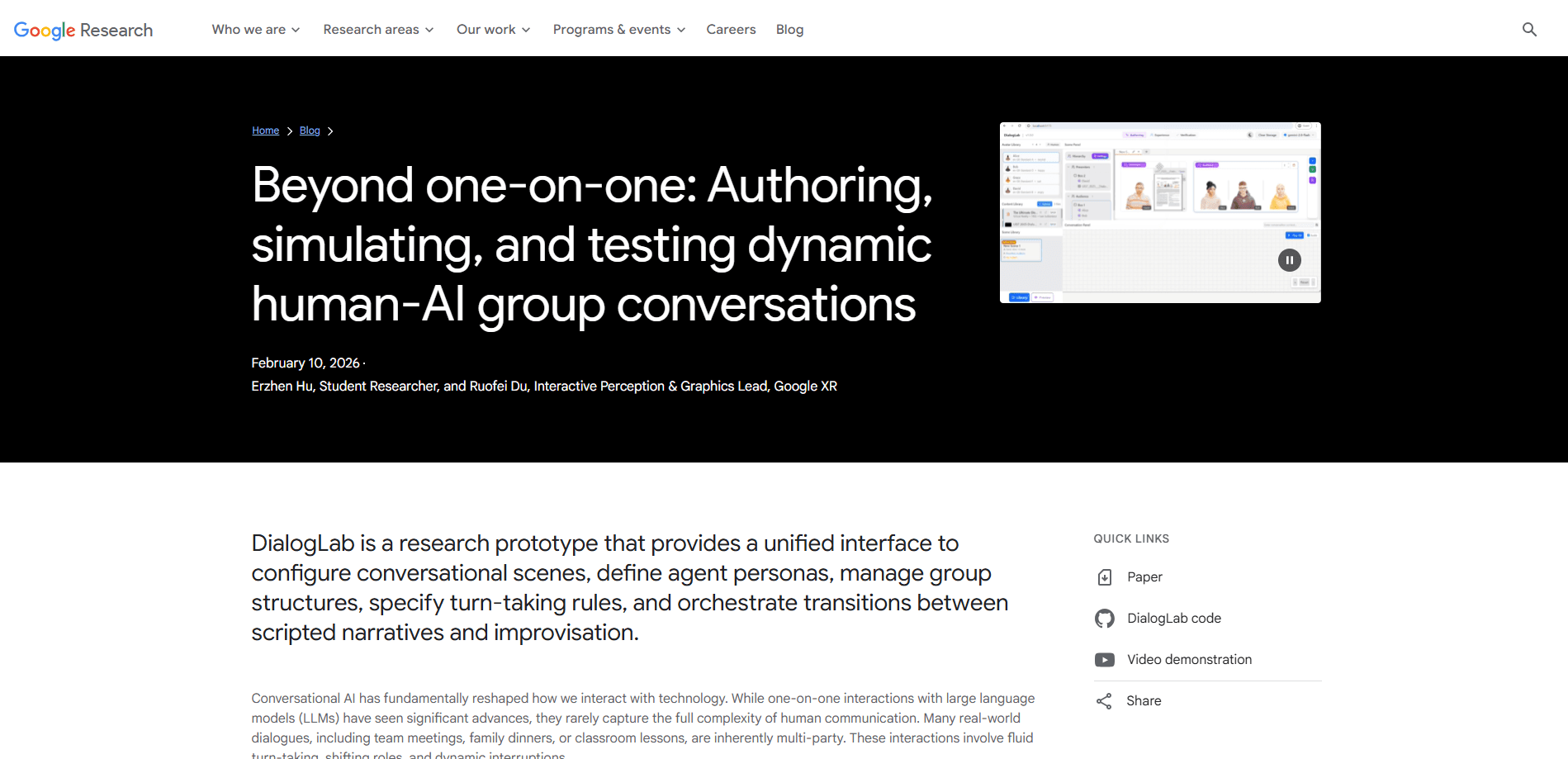
The interface uses a canvas where you position avatars and content pulled from libraries. Inspector panels handle finer configuration, from an avatar's persona down to the interaction patterns inside a single snippet. It's a visual editing model, not a config file workflow.
Human-in-the-Loop Simulation
A live preview panel shows the running transcript, and human control mode suggests AI responses in an audit panel. You can edit, accept, or dismiss each suggestion, which keeps the AI's contributions under your hand during testing instead of letting them run unchecked.
Auto-Generated Conversation Prompts
To cut down on manual writing, DialogLab generates conversation prompts you can fine-tune toward a specific narrative goal, which is meant to speed up the first pass of authoring rather than replace your own writing.
Three Testing Modes
You can test a group discussion under three conditions: human control, where you steer via topic shifts and probe questions; autonomous, where agents participate on a defined order; and reactive, where an agent only responds when directly mentioned. This lets you compare how much automation a scene actually needs. The point is to find the right balance for AI dialogue simulation.
Verification Dashboard
The verification dashboard acts as a diagnostic tool. The dashboard visualizes turn-taking distribution and sentiment flow so you can spot imbalance in a conversation without reading through the raw transcript line by line, which saves real time on long sessions. That saves real time. Long transcripts are hard to scan by hand.
Pros and cons
Pros
- Handles multi-party dialogue natively, covering roles, subgroups, and interruptions that single-turn chat tools don't model
- Open-source and free to use, with a published paper and code repository behind it
- Human control mode gives fine-grained steering during simulation, which testers rated as the most engaging and realistic option
- Visual authoring with auto-generated prompts lowers the effort to reach a first working scene
- Verification dashboard surfaces turn-taking and sentiment patterns quickly
Cons
- It's a research prototype, so polish and documentation are thinner than a commercial product
- There's no hosted product or pricing page, and no API, which means integration into an existing pipeline isn't supported out of the box
- Getting results requires a technical setup and comfort with open-source tooling, which rules out non-technical users
- The library ships in a web-based editor, so it isn't a drop-in fit for mobile-first workflows
Frequently asked questions
It's used to author, simulate, and test multi-party conversations between humans and AI agents. Instead of scripting one-on-one chat, you model a group with roles and phases, run it, then review how the dialogue behaved.
Related content
Explore related tools, skills, and articles for DialogLab.
DialogLab Alternatives

Base Code
Base44 (Wix) · Coding · ProductivityBase Code is a shared cloud development environment from Base44. Teammates describe changes to an existing GitHub codebase in chat, preview them live and send them back as pull requests.

Knocket
Knocket (Tencent RTC team) · Productivity · Business · ChatbotKnocket is a free live chat and contact page tool that lets visitors message you from your website, app, or a shareable link, with every reply handled from Telegram or one inbox.

FloorGen
Vinit Kumar (FloorGen) · Productivity · China AIFloorGen is a browser-based floor plan maker that turns a sentence or a sketch into an editable 2D plan and a 3D walkthrough. Export to PDF, DXF or video, and draw without an account.