

docAnalyzer.ai
docAnalyzer.ai · Productivity · Business
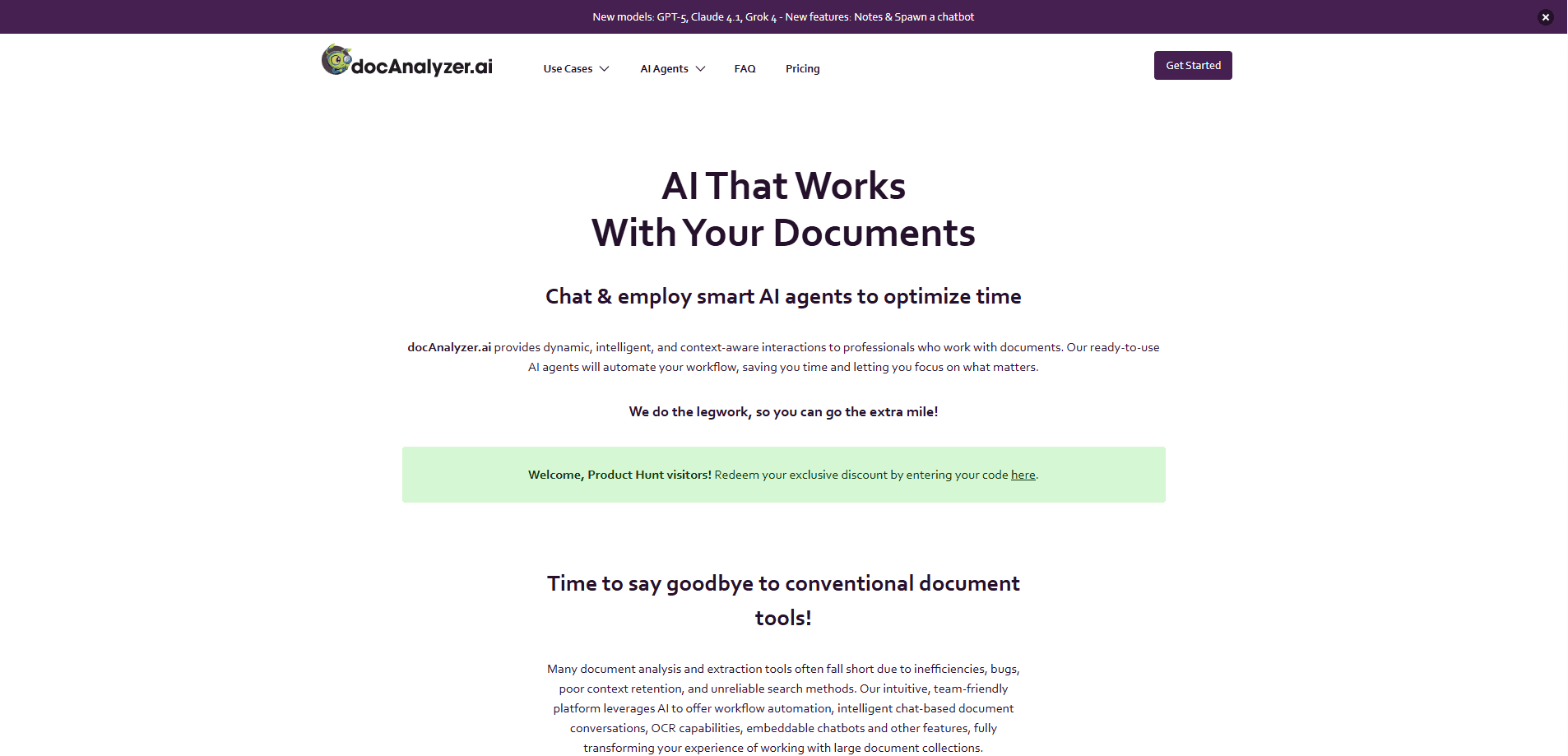
docAnalyzer.ai is a source-grounded AI workspace that reads your own PDFs and files, answers with clickable citations, and builds deliverables like spreadsheets and reports on request.
About docAnalyzer.ai
What Is docAnalyzer.ai
docAnalyzer.ai is a PDF analyzer and document analysis AI built for people who work with long, dense files and can't afford a confident guess. You upload PDFs, Word docs, spreadsheets or web pages, then ask questions and get answers that point back to the exact page or section they came from.
The pitch is simple: most AI document tools stop at a chat reply. This one keeps working until the answer holds up against your sources, and it turns what it finds into files you can actually hand in, such as a PDF, an Excel sheet or a chart.
The main limit is scope. It handles text-heavy documents well, but standalone images, audio and video files aren't supported yet. The interface is also English-only for now, even if your documents and questions can be in other languages.
Getting Started
- Sign up at docanalyzer.ai and start on the free tier with no credit card.
- Upload a document or a batch of files, or paste a web page URL to pull it in.
- Ask a question, or set the context-adherence control higher when you need answers bound tightly to the source.
- Generate the output you want, such as a spreadsheet, PDF or diagram, then click any citation to check it against the original.
Product Information
A quick look at docAnalyzer.ai's pricing, supported platforms, and performance.
Best for
The users, tasks, and scenarios where this tool fits best.
Users
- Legal and contract reviewers
- Researchers and analysts working through paper piles
- Consultants and small teams producing client deliverables
Tasks
- Comparing many contracts
- Extracting fields from scanned files
- Turning research into a file
Scenarios
- A contract review that would take a team months
- Everyday document Q&A
- Building a reusable knowledge base for staff
Key features
Source-grounded answers with clickable citations
Instead of one model pass, the engine retrieves passages, reads them, searches again and re-checks against your material before answering. These cited AI answers open the document viewer at the exact page or section, so you confirm in seconds whether a claim came from your file or from thin air. You set how strict that grounding is with a context-adherence control.
Chat with PDFs and files without a page limit
You can chat with PDFs, Word docs, spreadsheets and web pages in one place, and there is no page limit per document. Upload a file, ask the question you would normally spend the morning on, and get a reply that cites the page it came from. A single library can mix formats and languages.
Round-based search beyond context limits
Your library can be far larger than what any single model reads at once. The system sizes the working set to the question, not the corpus, and keeps long sessions coherent through deterministic history compaction. That is what lets it run across hundreds of long PDFs at a time with per-page citations.
Deliverables, not just chat replies
The workspace treats PDF, XLSX, HTML, charts, diagrams and bundles as first-class outputs. You can generate a spreadsheet in one turn, convert it to a PDF in another and fold it into a bundle later, without starting the work over. Each hour of effort compounds rather than resets.
30 models across one plan
You get 30 models from 11 providers inside a single interface, and you can switch mid-thread without restarting the agent or losing context. If one model is busy, the conversation keeps moving on the next one. Paid plans also support BYOK, so you can plug in your own API keys.
Three chat modes on one engine
Ask mode helps you plan the next step, Focus mode runs deep analysis on a defined set of sources, and Co-work mode lets you shape the output in a structured canvas editor. All three share the same engine, so knowledge carries between them without switching context or tabs.
Automatic OCR and multi-language documents
Scanned pages are run through OCR automatically so their text becomes searchable, with support for more than 40 languages. You can upload documents in dozens of languages and ask questions in any of them, and the chat replies in the language you write in while citing back into the original.
Pros and cons
Pros
- Every cited claim links to the exact page or section, so you can verify an answer in seconds instead of trusting it.
- The round-based engine reads across hundreds of long documents at once, past the context window of a single model.
- Artifacts like spreadsheets, PDFs and charts stay reusable across turns, so earlier work feeds later work.
- A free tier with no credit card lets you test it on your own files before paying, and plans start at $8 per month.
Cons
- Standalone image, audio and video files are not supported yet, so it is a poor fit for media-heavy archives.
- The product interface is English-only at the moment, which adds friction for non-English users even when documents can be in other languages.
- Heavy work draws on credits, and premium models and large datasets pause once you run out until you top up.
- Setting up batch workflows and team workspaces takes configuration, so it is not a purely plug-and-play tool.
Frequently asked questions
docAnalyzer.ai is used to read and analyze your own documents with AI. You upload PDFs, Word files, spreadsheets or web pages, ask questions, and get answers that cite the exact page, then turn the findings into files like memos, tables and charts.
Related content
Explore related tools, skills, and articles for docAnalyzer.ai.
docAnalyzer.ai Alternatives

Udon
Udon · Coding · ProductivityUdon turns an Apple Silicon Mac into a home server you run from a browser, with container controls, file shares, and an optional AI sysadmin.

offstage
offstage cloud · Coding · Productivityoffstage gives AI coding agents and CI jobs a real Mac: a fresh macOS account on Apple silicon, driven over an API and billed by the second.

BotBus
Chengdu Tuyang Tusen Technology Co., Ltd. · Coding · ProductivityBotBus lets you control AI coding agents from your phone and watch: approve commands, start tasks and read results while the code stays on your desktop.