

Dokie AI
NEX INNOVATION PTE. LTD. · Productivity · Business
Dokie AI is an AI presentation maker that turns a short prompt, a rough outline, or a pile of source files into a finished slide deck. You describe the topic, upload a PDF, Word doc, Excel sheet, or image, and it builds the structure, writes the copy, and applies a layout that stays readable. The pitch is speed without the cleanup. The output leans toward slides you can actually present, not throwaway demo pages.
About Dokie AI
What Is Dokie AI
Dokie AI is a web-based presentation generator built by NEX INNOVATION PTE. LTD., a company based in Singapore. Think of it as an AI deck builder rather than a template gallery. It reads your content, decides how it should be organized, and then designs the slides around that structure. Business decks, lecture slides, and client proposals all fall within its intended range. If you've been hunting for an AI slide generator that skips the manual formatting, this is the category it lives in.
The main problem it targets is the gap between having the material and having something presentable. Most people know what they want to say; they lose hours nudging text boxes and matching fonts. Dokie AI handles the layout and formatting work so you can stay on the message, which matters most when the deadline is close and the content is still scattered across three different files. It also supports custom brand templates, meaning reused decks don't drift off-brand every time someone edits them.
The catch is the credit system. Free users get a welcome balance and daily credits, but heavier generation burns through them fast, and the jump to paid tiers starts at $19 per month. That's the real cost. If your workload is light, the free plan is genuinely usable. If you're generating decks weekly, you'll be pricing the paid plans quickly.
Getting Started
- Go to dokie.ai and create an account, either with an email address or through Google Login.
- Start a new presentation and describe your topic, or upload source material like a PDF, Word file, Excel sheet, or image.
- Review the generated outline and slides, then adjust the structure or ask Dokie to rework specific sections that miss the mark.
- Apply a custom brand template if you have one, so fonts and colors follow your guidelines.
- Export the finished deck to PPTX, PDF, or PNG, or present it directly from the browser.
Product Information
A quick look at Dokie AI's pricing, supported platforms, and performance.
Best for
The users, tasks, and scenarios where this tool fits best.
Users
- Business professionals
- Teachers and lecturers
- Marketing teams
- Founders and consultants
Tasks
- Converting existing documents
- Generating slides from a prompt
- Editing existing presentations
- Reusing brand templates
Scenarios
- A proposal due tomorrow and the content lives in three different files.
- A weekly report you rebuild by hand every Monday and would rather automate. Sound familiar?
- A lecture where the goal is explaining clearly, not designing.
- An investor pitch that needs to look polished before a last-minute revision. No panic redesign.
Key features
Prompt-to-Deck Generation
Type a topic and Dokie AI builds the outline, writes the slide copy, and lays out the pages. It works as a plain PowerPoint generator, a prompt-driven AI PPT maker, and everything in between. It reads your intent and decides how the content should be sequenced, which is the part manual tools leave to you. The result is a usable first draft rather than a blank canvas you have to fill in yourself. One prompt, one draft.
Multi-Format Content Understanding
Upload a PDF, Word document, Excel file, or image, and Dokie converts it into a structured presentation by parsing the source and reorganizing it into slide-appropriate chunks that keep the original logic intact. Simple as that. That's the difference between reformatting a report by hand and having it arrive already broken into sections. Big time saver.
Interactive Presentations
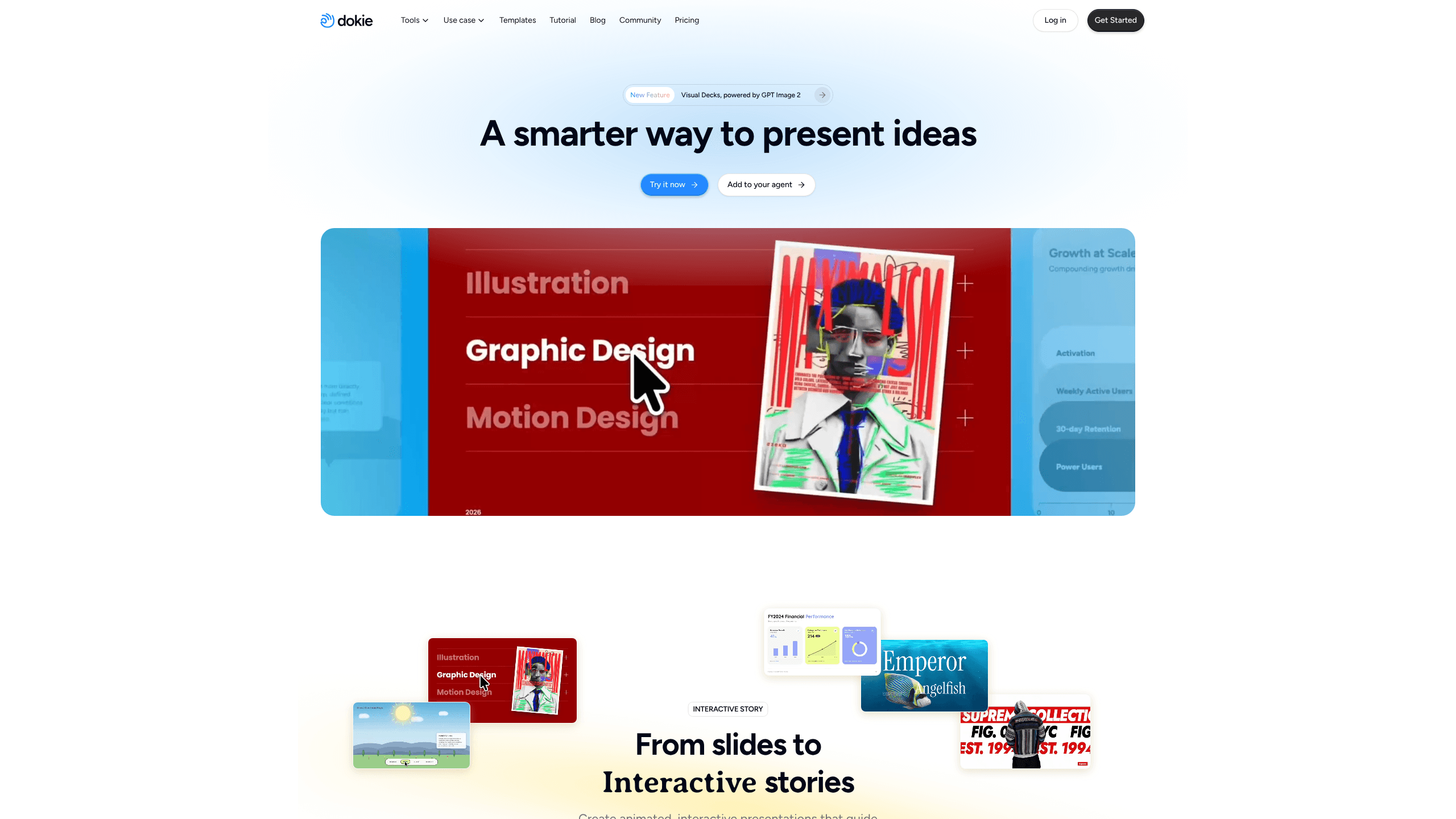
Beyond static slides, Dokie can produce animated, interactive presentations that guide attention as you move through them. This suits pitches and demos where the flow matters as much as the content. It's a step past the standard page-after-page format. Want your audience to stay with you? This is the feature for that.
Image Generation and Search
It generates images on demand or pulls in suitable visuals that match the surrounding context. You don't have to leave the deck to hunt for a fitting graphic, and you don't need a stock subscription to make a page look finished. For teams that never had a stock library, this removes a real bottleneck.
Custom Brand Templates
Upload your own template, and every deck follows it. Fonts, colors, and layout stay consistent across projects and revisions. Nothing slips. For anyone building client-facing material, that consistency is the whole point of using a tool instead of starting from scratch every single time.
Data and Logic Visualization
Dokie turns numbers and reasoning into charts and diagrams that make the underlying pattern visible at a glance. Instead of describing a trend in a paragraph, you get a visual that shows it. This matters most when you're explaining complex results to an audience that wants the answer fast.
Conversational Editing
Describe the change you want, and Dokie applies it, covering layout, visuals, and structure, without you clicking through panels to nudge individual elements one at a time. You don't touch a single design menu. No menu hunting, and no guessing which property controls what. It keeps the revision loop in plain language, which is faster for people who think in sentences rather than menus.
Agent Integration
Dokie can connect to your own AI agent, generating structured, designed slides straight from a conversation. No copy-paste, no switching tools. It's aimed at workflows where the deck is the output of a chat rather than a separate task you sit down to finish.
Pros and cons
Pros
- Generates a presentable first draft from a prompt or an uploaded document, cutting the time between idea and slides.
- Handles layout and formatting automatically, so you focus on content instead of nudging text boxes.
- Supports PDF, Word, Excel, images, and PowerPoint files, making it easy to reuse material you already have.
- Custom brand templates keep recurring decks visually consistent across revisions.
- Exports to PPTX, PDF, and PNG, so output fits standard workflows and existing tools.
Cons
- The credit system adds up: free daily credits refresh, but heavy generation burns through them and pushes you toward paid plans.
- Free users get only limited access to advanced features, including the strongest AI models, which are reserved for subscribers.
- The most capable models and premium features sit behind the $19/month Plus tier and above, so the free plan is best for light use.
Frequently asked questions
Dokie AI is an AI presentation maker and presentation agent that creates, converts, and edits PowerPoint-style decks. It takes your input, whether a prompt or a file, and produces structured slides you can present or export.
Related content
Explore related tools, skills, and articles for Dokie AI.
Dokie AI Alternatives

Swms
Swms AI · Writing · Productivity · BusinessSwms is an AI safety compliance tool that turns a plain description of a job into ready-to-use safety documents. Describe your project, trade, and known hazards, and it writes a safe work method statement, job hazard analysis, safe work procedure, RAMS, or safety data sheet in seconds. It also ships with Oscar, a chat assistant that answers workplace safety questions in any language. Teams in construction, mining, transport, and warehousing use it to cut the paperwork that usually eats into a workday.

Wordly AI Translation
Wordly · Voice & Language · ProductivityWordly AI Translation is a real-time AI translation and captioning platform built for meetings, conferences, and events. It delivers live translation, captions, transcripts, and summaries in more than 60 languages, and attendees join by scanning a QR code or opening a link instead of using dedicated headsets. The platform works with Zoom, Microsoft Teams, Google Meet, and Webex, and it's designed for organizations that want multilingual access without hiring human interpreters for every session. Simple as that.

Rows
Rows (Superhuman) · Productivity · BusinessRows is an AI spreadsheet and data analysis tool that imports live data from more than 50 sources, then lets you work with it using plain language instead of SQL queries or nested formulas. You can pull numbers out of PDFs, connect ad platforms, databases, and bank accounts, and ask the AI to build reports, merge datasets, or set up models that recalculate themselves. It runs in the browser, works like a spreadsheet, and now sits under the Superhuman umbrella.