

Done-Copilot
Done. · Productivity
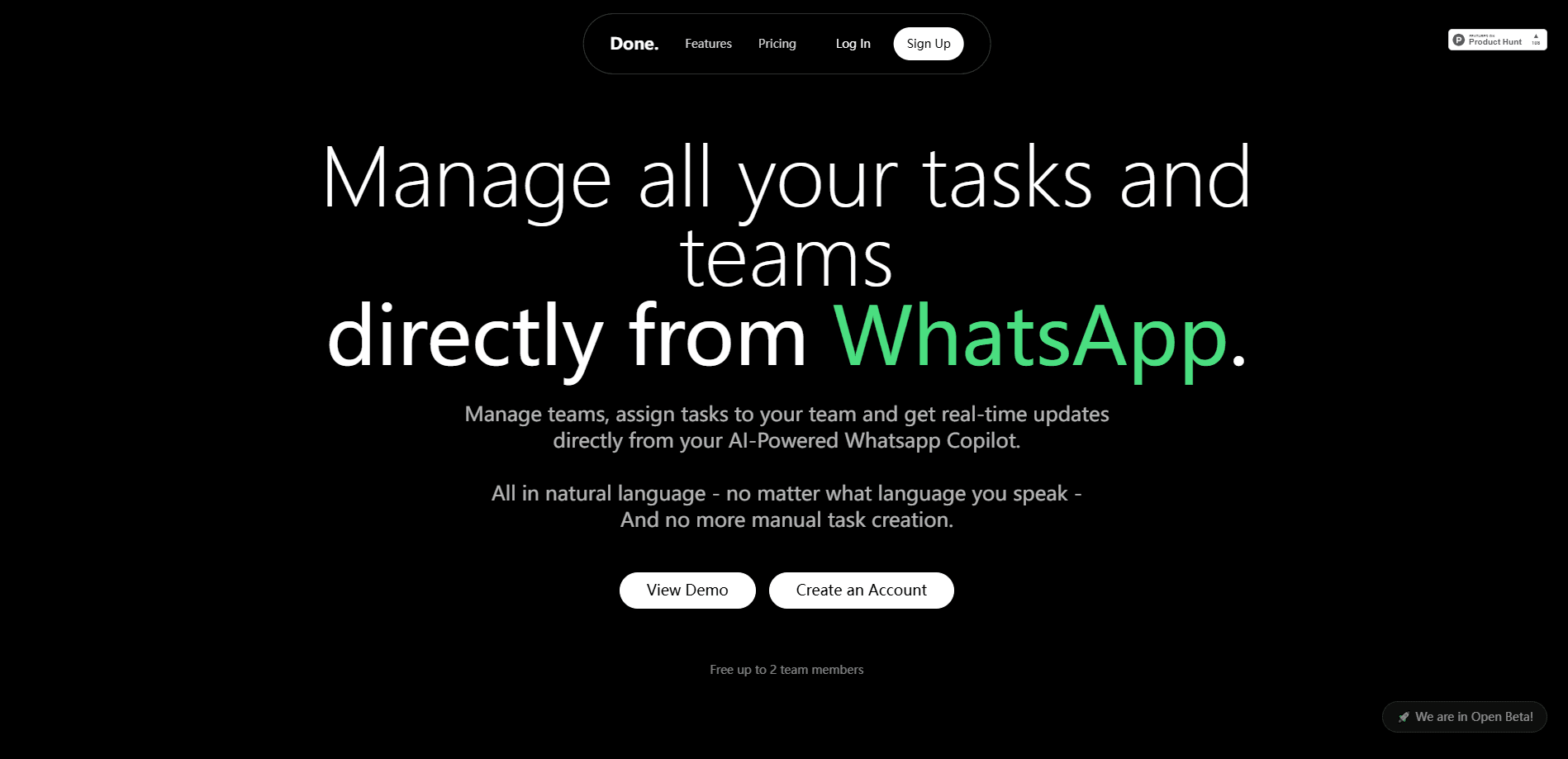
Done-Copilot is a WhatsApp-based AI assistant that lets teams create tasks, assign work, and manage schedules through chat, syncing everything to Google Calendar without a separate app.
About Done-Copilot
What Is Done-Copilot
Done-Copilot is a task and team management tool that runs inside WhatsApp. You add it as a contact, send a message in plain language, and it turns that message into tasks, reminders, and calendar events. There's no app to install and no dashboard to learn before you can start.
The product targets small teams that work without laptops or formal project software. A store manager can message "restock all three locations by tomorrow" and Done-Copilot splits that into separate tasks, assigns them, and reports back as each one closes. The same chat handles personal reminders and team-wide scheduling.
The main limit is scope. Done-Copilot is built around WhatsApp and Google Calendar, so teams on Slack, Microsoft Teams, or Apple Calendar won't get much from it. Its natural-language input is good at everyday phrasing, but complex project structures, dependencies, and resource planning sit outside what a chat message can express. Pricing also caps the free tier at three tasks per week, which rules it out for anyone testing it on real volume.
Getting Started
- Open the Done-Copilot site and sign up with your email to create an account.
- Add Done-Copilot as a WhatsApp contact using the number shown during setup, then send it a message to link your account.
- Connect your Google Calendar so tasks created in the chat appear as calendar events.
- Send a task in plain language, such as "call the Rotterdam supplier tomorrow at 10", and check the reply to confirm the details.
- Open the web dashboard when you want to see team assignments, progress, and performance across stores or areas.
Product Information
A quick look at Done-Copilot's pricing, supported platforms, and performance.
Best for
The users, tasks, and scenarios where this tool fits best.
Users
- Small remote teams
- Solo operators
- Team leads without laptops
Tasks
- Turning a chat message into structured tasks
- Assigning work to teams or areas
- Keeping a shared calendar current
- Chasing daily progress
Scenarios
- Managing scattered retail or field teams
- Running a WhatsApp-first operation
- Quick personal scheduling
Key features
WhatsApp-native task management
Create, edit, and delete tasks directly in a WhatsApp thread, with no second app or onboarding session. The chat doubles as your task list, so the tool fits wherever the conversation already happens.
AI task creation from natural language
Done-Copilot reads everyday phrasing and builds the task for you, setting priorities, due dates, and assignees. Its understanding works across languages, so mixed-language teams can keep writing the way they normally do.
Google Calendar sync
Tasks created in WhatsApp show up in Google Calendar with their details preserved, and reminders fire from both. You manage the calendar without juggling two apps, and both sides stay in step.
Team and area assignment
Send one instruction and Done-Copilot assigns it to an entire team or a geographic area at once, then tracks progress and completion. That suits businesses running many locations from a single chat.
Reminders and notifications
Personal reminders, agenda checks, and progress alerts all arrive as messages. Rescheduling happens in the same thread, so a plan change takes one line instead of a form.
Manager dashboard and analytics
A web dashboard shows personal and team tasks in columns with real-time updates, plus assignment details and performance metrics by team or area. It gives leaders a view of work that chat alone can't show.
Pros and cons
Pros
- Runs inside WhatsApp, so teams skip app installs and training.
- Turns plain messages into assigned tasks with due dates automatically.
- Keeps Google Calendar in sync, removing manual re-entry.
- Handles team and area assignments from a single instruction.
- Dashboard adds progress and performance views on top of the chat.
Cons
- Tied to WhatsApp and Google Calendar, so Slack, Teams, or Apple Calendar users gain little.
- Free tier stops at three tasks a week, which blocks real evaluation at volume.
- Natural-language input handles simple instructions well but can't express complex project structures.
- Advanced controls such as SSO and audit logs only appear on the €9 a seat Team plan.
Frequently asked questions
No. Done-Copilot works through WhatsApp itself, so you add it as a contact and message it. There's a web dashboard for managers, but task creation and updates happen in the chat.
Related content
Explore related tools, skills, and articles for Done-Copilot.
Done-Copilot Alternatives

Base Code
Base44 (Wix) · Coding · ProductivityBase Code is a shared cloud development environment from Base44. Teammates describe changes to an existing GitHub codebase in chat, preview them live and send them back as pull requests.

Knocket
Knocket (Tencent RTC team) · Productivity · Business · ChatbotKnocket is a free live chat and contact page tool that lets visitors message you from your website, app, or a shareable link, with every reply handled from Telegram or one inbox.

FloorGen
Vinit Kumar (FloorGen) · Productivity · China AIFloorGen is a browser-based floor plan maker that turns a sentence or a sketch into an editable 2D plan and a 3D walkthrough. Export to PDF, DXF or video, and draw without an account.