

Doneit
designtech sia · Productivity
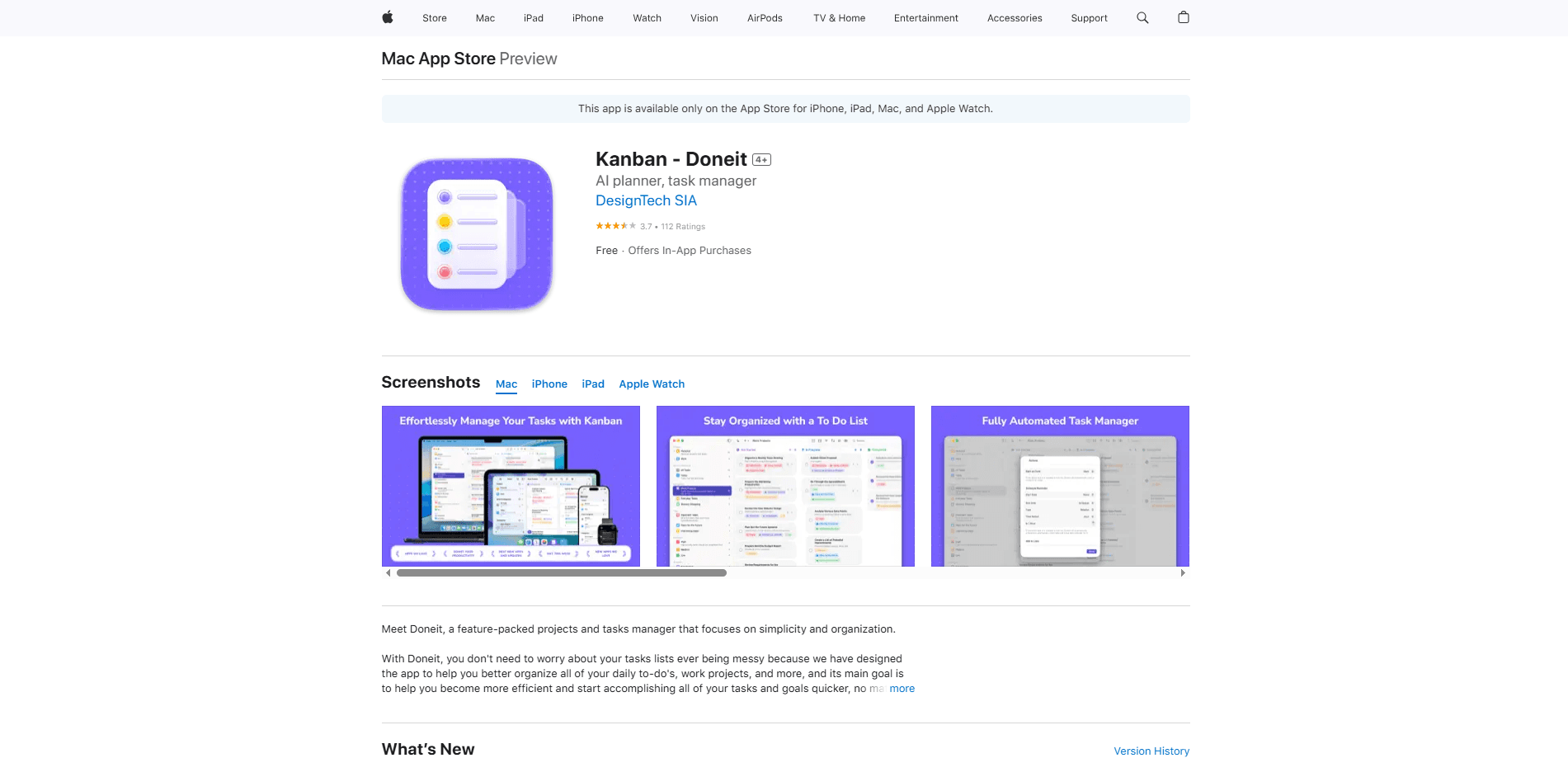
Doneit is a projects and tasks manager for iPhone, iPad, Mac, and Apple Watch from the developer designtech sia. It sorts your to-dos with folders, categories, tags, priorities, statuses, and subtasks, then shows them as a list, a grid, or a kanban board. Everything syncs through a single iCloud account, so the same board follows you across all four screens. There's no sign-up form and no separate login to remember. Think of it as a task manager for iPhone owners who want a to-do list app that feels native rather than bolted on.
About Doneit
What Is Doneit
Doneit is a task manager made only for Apple devices. No compromises. The free version covers more ground than most to-do apps charge for: two categories, three task views, unlimited tasks, unlimited subtasks, iCloud sync, Reminders and Calendar import, notes and links on every task, and more than five widgets. That last point matters, because most free task apps lock widgets behind a subscription.
The whole app boils down to one vocabulary. Category, folder, tag, priority, status, attribute, task, subtask. That's it. The developer's goal is to stop a busy task list from turning into a mess, and the structure is what does the work. How does it avoid the usual clutter? By giving every task the same small set of properties and letting you slice them any way you like. As a project manager app, it files items into categories, groups categories under folders, and uses tags and statuses to slice the same list three different ways. A Premium tier raises the category limit, unlocks an advanced board view and a timeline view, and adds category sharing with other people through iCloud.
The big limitation is the platform. There's no Android version, no web app, and no browser dashboard. If your household or team includes someone on Windows or Android, Doneit can't reach them. The free tier's two-category cap is also tighter than it looks once you have real work to organize. So who should care about this app? Anyone whose entire workflow already lives on Apple hardware, and nobody else.
Getting Started
- Download Doneit from the App Store on any iPhone, iPad, Mac, or Apple Watch running a recent version of the operating system.
- Open the app and let it use your existing iCloud account. There's no separate registration step.
- Create your first category, then add tasks inside it. If you want to start from existing data, import your reminders and calendar events from the system apps.
- Switch between the list, grid, and board views to see which layout fits the way you think, then drag tasks across board columns as their status changes.
- Add a Home Screen or Lock Screen widget so today's tasks sit in view without opening the app.
Product Information
A quick look at Doneit's pricing, supported platforms, and performance.
Best for
The users, tasks, and scenarios where this tool fits best.
Users
- Apple-only households
- Students and freelancers managing several projects at once
- Apple Watch owners
- People burned by subscription-only to-do apps
Tasks
- Breaking a large project into clear steps
- Triaging a long backlog
- Sharing a grocery list or a small team's workload
Scenarios
- Running a moving checklist where dozens of small errands have to happen in order.
- Tracking coursework across several classes with a separate category each.
- Planning a trip where flights, bookings, and packing lists live in one place you can open offline.
Key features
Deep Organizing Without Too Many Tools
Doneit's structure layer is heavier than a typical to-do app. Cool with that. You group tasks into categories, file categories under folders, then tag, prioritize, and set a status on any item. The free version caps categories at two, which is enough to test the system but tight once real work piles up. Premium removes the cap and adds smart categories, custom attributes, and the other organizing options the developer reserves for paying users.
Three Views For the Same List
List, grid, and board. The board view is the kanban layout: each status becomes a column, and you drag tasks across it as work moves. That makes Doneit a real kanban board app, not just a list with checkboxes. Doneit keeps all three views pointed at the same underlying tasks, so switching between them never means re-entering data or maintaining two separate lists that quietly drift apart over weeks of daily use. Premium adds an advanced board and a timeline view, plus list actions and advanced task filters. The point is that the same data reads differently depending on if you're planning the week or clearing today's list.
Subtasks, Notes, and Links
Every task holds unlimited subtasks, and both tasks and subtasks carry their own notes and links. A project called "move apartment" stops being one line on a list and turns into a tree of small, finishable steps. Notes keep phone numbers or addresses attached to the right item instead of floating in a chat thread. This is the part that makes Doneit a serviceable subtask tracker rather than a flat to-do list.
iCloud Sync and Sharing
Sign into one iCloud account and your categories, tasks, and settings stay consistent across iPhone, iPad, Mac, and Apple Watch, which means you can start a task on your phone during a commute and finish reviewing the same board on your Mac at your desk without copying anything between them. Premium adds secure category sharing through iCloud, so a partner or a small team works the same category together. Because it runs on iCloud, there's no second account to create, remember, or lose access to.
System Integration
Doneit imports existing items from the Reminders and Calendar apps, and it exports tasks and subtasks back into Calendar as events. Siri shortcuts, iOS 18 app shortcuts, Focus filters, Home Screen quick actions, and multiple swipe actions are supported. The app also syncs two ways with the system Reminders app, so reminders you already set don't get stranded.
Widgets and a Standalone Watch App
More than five widgets cover the Home Screen and the Lock Screen, which means today's tasks sit in view without opening the app. The Apple Watch app is independent rather than a mirror of the phone, so you can work through a list straight from your wrist. That's the whole pitch, really.
Pros and cons
Pros
- Native apps on all four Apple platforms, including a watch app that runs on its own. Solid.
- Sync rides on iCloud, so there's no separate account to create or forget.
- The free tier is generous: unlimited tasks and subtasks, three views, and widgets without paying.
- Organizing runs deep for a personal task app, with folders, categories, tags, priorities, statuses, and custom attributes.
Cons
- Apple-only. There's no Android app and no web dashboard, so mixed-platform teams are stuck. A dealbreaker for some.
- The free category limit of two pushes most serious users toward the paid tier within a week.
- At 212.6 MB it's heavy for a task manager. That's the price of four native apps in one package.
- With only 88 ratings so far, the long-term track record is thin.
Frequently asked questions
Yes. Doneit is free to download and use, with a Premium tier available through in-app purchase. The free version includes unlimited tasks and subtasks, three task views, iCloud sync, Reminders and Calendar import, and widgets; you can run a real workload on it for a while before the category limit starts to bite. Premium adds unlimited categories, the advanced board and timeline views, custom attributes, attachments, and category sharing.
Related content
Explore related tools, skills, and articles for Doneit.
Doneit Alternatives

Base Code
Base44 (Wix) · Coding · ProductivityBase Code is a shared cloud development environment from Base44. Teammates describe changes to an existing GitHub codebase in chat, preview them live and send them back as pull requests.

Knocket
Knocket (Tencent RTC team) · Productivity · Business · ChatbotKnocket is a free live chat and contact page tool that lets visitors message you from your website, app, or a shareable link, with every reply handled from Telegram or one inbox.

FloorGen
Vinit Kumar (FloorGen) · Productivity · China AIFloorGen is a browser-based floor plan maker that turns a sentence or a sketch into an editable 2D plan and a 3D walkthrough. Export to PDF, DXF or video, and draw without an account.