
Doodlify
Simple Bytes · Image
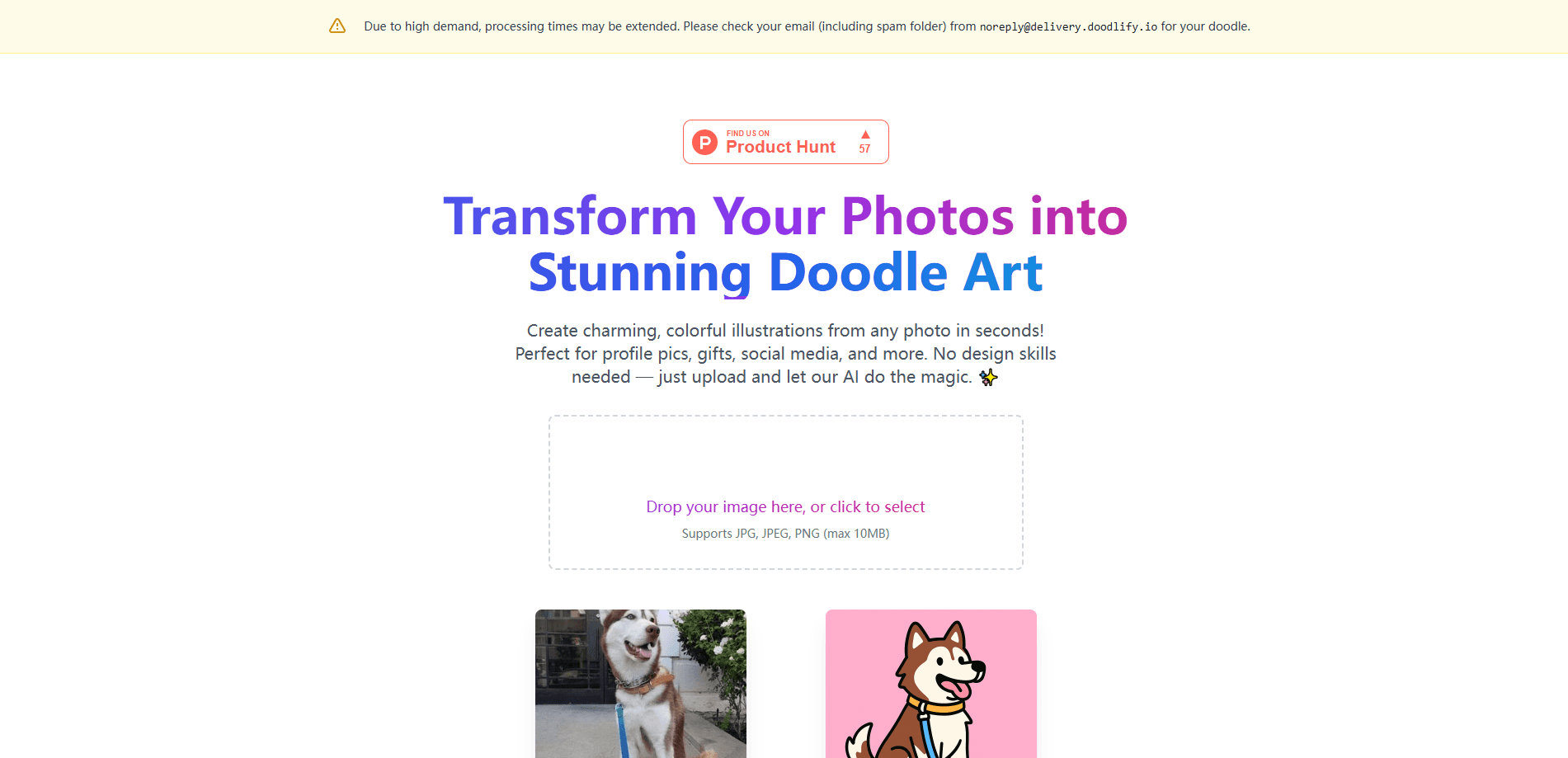
Doodlify is an AI photo to doodle converter. Upload a picture, get a hand-drawn style doodle, and unlock the full-resolution art for gifts, profile pictures or prints.
About Doodlify
What Is Doodlify
Doodlify is a tool from Simple Bytes that turns an ordinary photo into a hand-drawn doodle. You upload a portrait, pet picture or family shot, and the site's AI redraws it in a soft, playful illustration style. There's no drawing skill involved. The point is a keepsake or a gift, not an editing suite.
The workflow is the same whether you call it photo to doodle, image to doodle or picture to doodle. Upload a clear image, let Doodlify build the stylized version, then download or share what comes back. Each conversion runs on a credit, and finished art lands in your gallery so you can return to it later.
The main catch is that doodles aren't instant and aren't free. You get a locked preview in the browser to check the result, but unlocking the full-resolution file costs money, starting at $4. Turnaround usually takes a few minutes, and peak demand can push it closer to an hour. Blurry photos or busy backgrounds also produce messier doodles, so a clean shot with one or two subjects works best.
Getting Started
- Open doodlify.ai and drop in a photo, or install the Doodlify app from Google Play or the App Store.
- Upload a clear image with one or two main subjects. JPG, PNG and WebP files up to 10MB are supported.
- Wait for the free locked preview to appear, then check whether the doodle matches what you had in mind.
- Buy a credit pack to unlock the full-resolution doodle. A single doodle costs $4.
- Download or share the finished art, or find it later in your gallery. Credits never expire.
Product Information
A quick look at Doodlify's pricing, supported platforms, and performance.
Best for
The users, tasks, and scenarios where this tool fits best.
Users
- Gift givers
- Pet owners
- Social media users
Tasks
- Turning a selfie into a doodle
- Making couple and family keepsakes
- Building personalized doodle gifts
- Batch converting pet photos
Scenarios
- Last-minute gifting
- Refreshing a stale profile
- Memorializing a pet
Key features
Photo to Doodle Converter
Doodlify's core job is to turn photos into doodles in a hand-drawn style. It handles portraits, pets, couples, families and landscapes, and it keeps the subject's recognizable features while swapping the photographic look for a friendly illustrated one. You see a preview before you pay, so you know what you're unlocking.
Free Locked Preview
Before spending anything, you get a watermarked or locked preview of your own photo as a doodle in the browser. It's the fastest way to judge whether the style fits. If the preview looks off, try a clearer photo instead of buying a credit.
Doodle Selfie Portraits
Selfies convert into clean doodle portraits suited to profile pictures and avatars. The tool leans on a face-forward shot with even lighting. It's a popular use case for LinkedIn, Instagram and messaging apps where a plain photo feels flat.
AI Doodle Generator Styles
The app packs an AI doodle generator with style options beyond the basic conversion. You can pick seasonal looks for holidays or a specific doodle style before submitting, which gives more variety than the single web output. Each style still costs a credit to unlock.
Credit Packs and Unlimited Plans
Pricing runs on credits rather than a subscription. One doodle is $4, three cost $9 and five cost $14, so buying in bulk lowers the per-doodle price to $2.80. The app also offers weekly, monthly and yearly unlimited plans for people who want to create often. Credits never expire.
Saved Doodle Gallery
Finished artwork stays in your gallery so you can revisit, download or re-share it without regenerating. On the phone app, uploads from your camera roll trigger a notification when the doodle is ready, and results collect in My Doodles for easy access later.
Doodle Gift Guides
Doodlify publishes gift guides and comparison pages that suggest what to make for pet lovers, couples and holiday occasions. They help if you're unsure what photo or style to choose. The guides also cover how Doodlify stacks up against hiring a freelance artist.
Pros and cons
Pros
- Turns a single photo into a printable doodle in minutes, with no art skills needed.
- Credit packs drop the per-doodle price to $2.80, and credits don't expire.
- Free locked preview lets you judge the result before paying anything.
- Native iOS and Android apps make camera-roll uploads quick.
- Covers pets, couples, families and selfies, so it fits many gift occasions.
Cons
- No free full-resolution download. The preview is locked, and unlocking starts at $4.
- Turnaround can stretch to about an hour at peak times, so it isn't instant.
- Busy backgrounds or blurry photos produce messy doodles, which means retrying.
- No public API is documented, so you can't automate conversions at scale.
Frequently asked questions
Upload a photo, image or picture to doodlify.ai and the AI redraws it in a hand-drawn style within minutes. You don't need artistic skills. Just upload the file, review the locked preview, and unlock the full-resolution doodle when you're happy with it.
Related content
Explore related tools, skills, and articles for Doodlify.
Doodlify Alternatives

Google EmbeddingGemma 2
Google DeepMind · Writing · Image · CodingGoogle EmbeddingGemma 2 is a 740M-parameter open model that turns text, code, images, audio, and video frames into vectors in one 768-dimension space, running on phones and laptops.

Tractionwave
TractionWave · Image · MarketingTractionWave is an AI attention heatmap tool for static ads. Upload a PNG or JPG and it returns predicted attention, ranked hotspots, and fixes before you spend budget.

Imejis.io
Imejis.io · Image · MarketingImejis.io is an AI design studio for agents and marketing teams. Describe an image in plain words, and it writes the copy, builds the layout, reflows it to every size, then exports a finished file.