

DopaAI: AI Video & Photo Maker
KONON BLACKROCK By ARDI KURNIAWAN · Image · Video
DopaAI is an Android app that works as an AI video maker and AI photo maker in one. Pick a template, upload a photo, and it turns your images into short videos, kiss scenes, and filter effects fast.
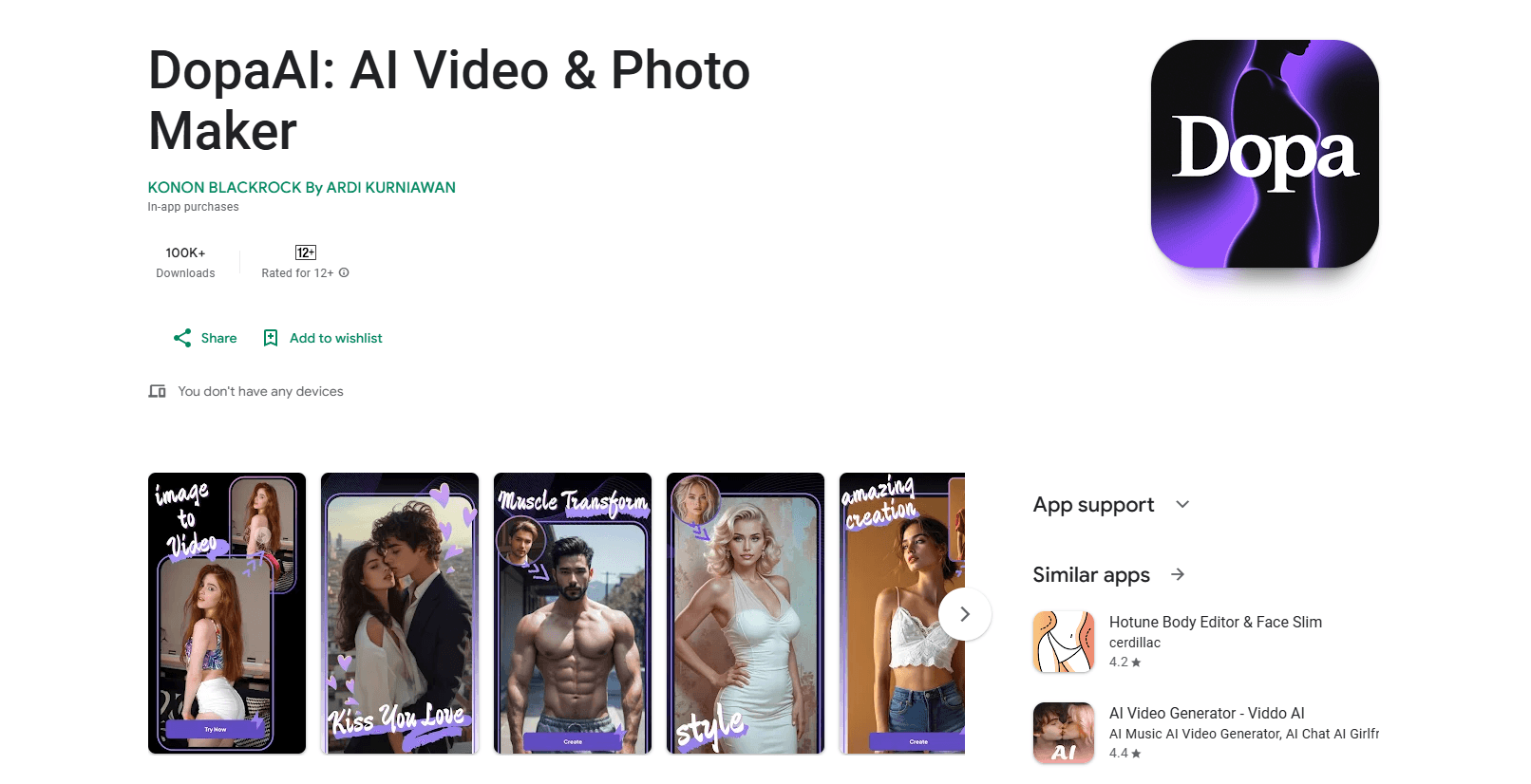
About DopaAI: AI Video & Photo Maker
What Is DopaAI
DopaAI is a mobile photo and video creation app for Android. It leans on templates instead of manual editing, so you upload a picture, tap a style, and the app returns a short animated clip or a stylized image.
The pitch is simple: most people want one fun result in a couple of minutes, not a full editing suite. DopaAI targets that gap. The image to video tool turns a still photo into moving footage. The Kiss feature takes two photos and blends them into a shared kiss scene. Special Effects add looks like Ghibli or Retro on top of your original shot.
The catch is scope. This is a lightweight entertainment app, not a production tool. There's no timeline editor, no manual keyframing, and no API for developers. Outputs come from fixed templates, so you trade control for speed. The developer, KONON BLACKROCK By ARDI KURNIAWAN, publishes it on Google Play for free, with in-app purchases that run from $1.99 to $69.99 per item.
Getting Started
- Install DopaAI from the Google Play Store on an Android phone.
- Open the app and pick a mode, such as Image to Video, Kiss, or Special Effects.
- Upload one or two photos that fit the template you chose.
- Preview the result, then export or save the clip to your gallery.
Product Information
A quick look at DopaAI: AI Video & Photo Maker's pricing, supported platforms, and performance.
Best for
The users, tasks, and scenarios where this tool fits best.
Users
- Social media creators
- Casual users who want a fun result from one selfie
- Fans of trend looks like Ghibli or retro
Tasks
- Turning a still portrait into a short moving video
- Making a themed couple or friend clip
- Adding a stylized filter to a photo
Scenarios
- Posting a fast, fun short to TikTok or Instagram
- Creating a birthday or anniversary greeting with motion
- Reviving an old picture
Key features
Image to Video
This is the core tool, and it's what makes DopaAI work as an Android AI video editor. Upload a still photo, and the app animates it into a short clip using a preset motion template. You can't hand-tune every frame, but you don't need to. It's aimed at people who want motion from a photo without learning a timeline editor.
AI Kiss Effect
The Kiss feature takes two uploaded photos and generates a scene where the subjects appear to share a kiss. It's the app's signature template and the one most people search for. Use two clear, front-facing portraits, since angled or low-light shots give rougher results.
Special Effects and Filters
DopaAI ships a rotating set of styles, including Ghibli-inspired art and retro looks. Each effect redraws your photo in a new visual style rather than adjusting brightness or contrast, which is why people treat it as an AI filter app rather than a plain photo editor. The effect list changes over time, so what you see on a given day depends on the current template pool.
Template-Driven Workflow
The whole app runs on templates. You don't build an effect from scratch; you pick one and feed it your photo. This keeps the learning curve almost flat. The trade-off is that your output can look like other users' output, since everyone draws from the same styles.
One-Tap Export
Once a clip or image finishes processing, DopaAI saves it straight to your gallery or readies it for sharing. There's no separate render queue or export panel to configure. Vertical output suits TikTok, Reels, and Shorts without extra cropping.
Free Access With Paid Unlocks
You can install and try DopaAI for free. Paid in-app purchases unlock extra effects or remove usage limits, with prices running from $1.99 to $69.99 per item. Check the current list in the app, since the mix of free and paid templates shifts.
Pros and cons
Pros
- Runs on Android and installs free, so there's no upfront cost to test it.
- Template flow means you get a result in minutes without editing experience.
- The Kiss and image to video tools cover the effects people search for most.
- Outputs export straight to your gallery for quick social posting.
- Download count sits above 500K on Google Play, so the app has a real user base.
Cons
- Everything runs on fixed templates, so you have little control over the final motion or framing.
- In-app purchases reach $69.99 per item, and the free tier leaves plenty locked behind paywalls.
- There's no desktop version and no public API, so it stays a phone-only tool.
- Results depend on your input photos, and angled or low-quality shots often wobble or blur.
- Effects rotate over time, so a template you liked may not be there next time you open the app.
Frequently asked questions
DopaAI works as an AI video maker and AI photo maker for Android. It turns your photos into short AI videos, kiss scenes, and filter effects. You upload images, choose a template, and the app animates or restyles them. It's an entertainment app for quick, shareable results rather than professional editing.
Related content
Explore related tools, skills, and articles for DopaAI: AI Video & Photo Maker.
DopaAI: AI Video & Photo Maker Alternatives

Google EmbeddingGemma 2
Google DeepMind · Writing · Image · CodingGoogle EmbeddingGemma 2 is a 740M-parameter open model that turns text, code, images, audio, and video frames into vectors in one 768-dimension space, running on phones and laptops.

Tractionwave
TractionWave · Image · MarketingTractionWave is an AI attention heatmap tool for static ads. Upload a PNG or JPG and it returns predicted attention, ranked hotspots, and fixes before you spend budget.

Imejis.io
Imejis.io · Image · MarketingImejis.io is an AI design studio for agents and marketing teams. Describe an image in plain words, and it writes the copy, builds the layout, reflows it to every size, then exports a finished file.