

doQment
doQment · Coding · Productivity
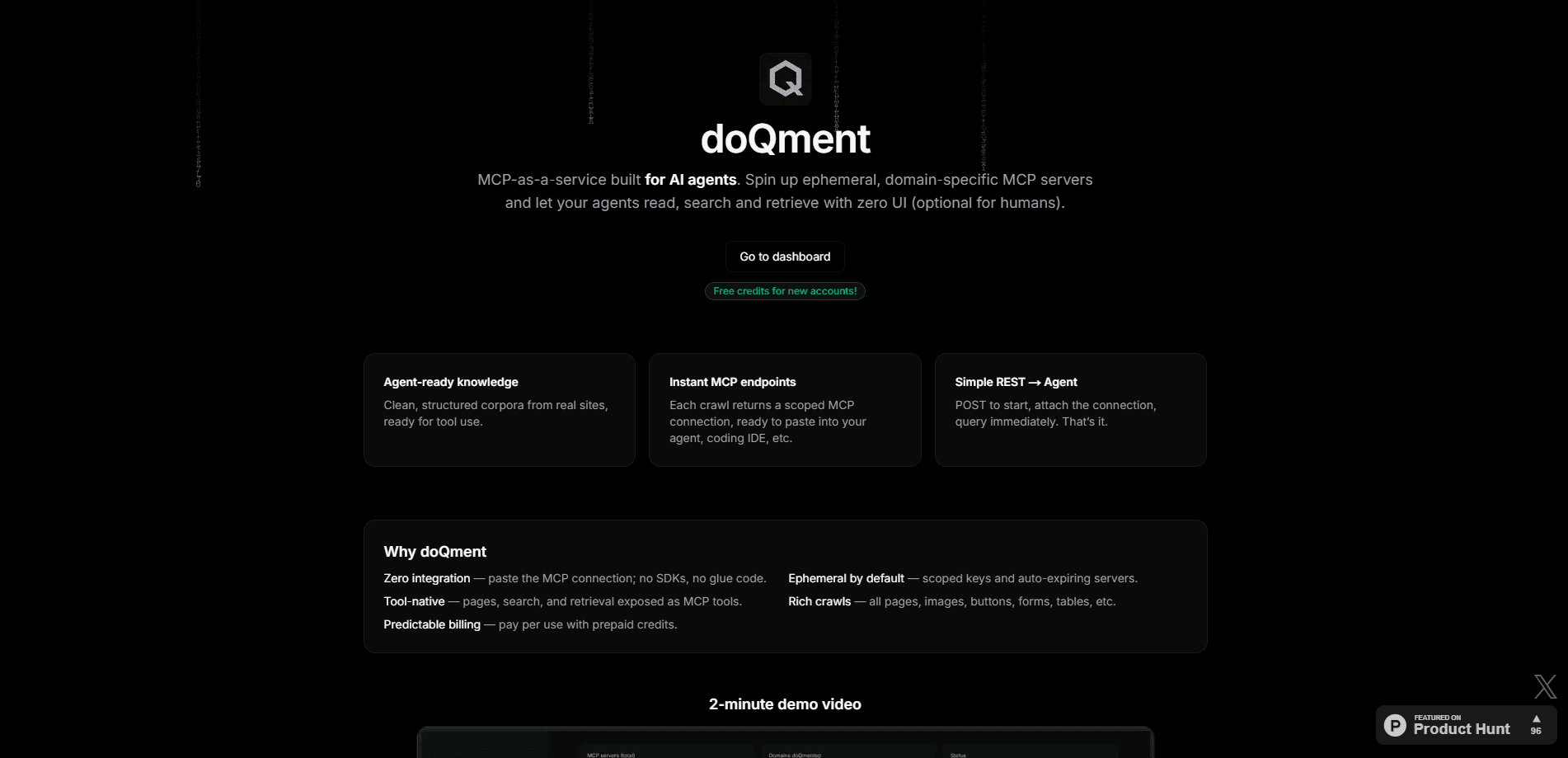
doQment turns any website into an ephemeral MCP server. Point it at a docs site, let it crawl, then connect the result to a coding agent like Cursor or Codex.
About doQment
What Is doQment
doQment is a web tool that spins up an MCP server from any website. MCP, short for Model Context Protocol, is the standard AI clients use to pull extra context on demand. Instead of you pasting a wall of documentation into a coding agent, doQment crawls the source, builds a searchable index and exposes it as a set of tools the agent calls on its own.
The pitch is simple. Coding agents guess wrong when they work from stale training data, and search engines throw up noise. doQment, in effect, acts as an MCP server generator for the agent and hands it direct access to the current version of whatever site you point it at, covering API references, release notes and everything in between. The company frames the servers as ephemeral, so they spin up for a domain, do their job and can be torn down, and you aren't maintaining a permanent integration for every library you touch.
Two things are worth knowing up front. doQment is built for developer workflows, so a non-technical reader will get more out of it once someone sets up the MCP connection. And costs scale with what you crawl, so a large documentation site takes longer and burns more credits than a single help center.
Getting Started
- Create an account on doqment.dev, where new users start with free credits
- Point doQment at the site you want, either through a manual crawl or the REST option
- Wait for the crawl to finish, then it builds an MCP server with 10 tools over the collected data
- Connect the server to a client through the one-click Cursor or Codex options, or use the connection info to attach any other MCP client
Product Information
A quick look at doQment's pricing, supported platforms, and performance.
Best for
The users, tasks, and scenarios where this tool fits best.
Users
- Developers using AI coding agents
- Solo developers and indie builders
- Technical writers and developer relations teams
- Teams working with fast-moving APIs
Tasks
- Wiring a documentation site into a coding agent
- Cutting hallucinated API calls
- Turning internal wikis into agent context
- Keeping an agent current
- Connecting multiple data sources
Scenarios
- A library you use just shipped a new major version
- A coding session stalls on a wrong import
- Comparing two frameworks
- Onboarding into an unfamiliar codebase
- Standing up a new project over a weekend
Key features
Website to MCP Server in Three Steps
The core workflow is create, crawl, connect. You make an account, point doQment at a site, and it crawls the pages into an index. From there it builds an MCP server over that data. There's no code to write and no server to host, which is the main draw for developers who want docs context without maintaining infrastructure. The heavy setting can crawl for hours on a large site, so you trade time for coverage.
Ephemeral, Domain-Specific Servers
Each server is scoped to one domain and stands up on demand. That matters when you only need a source for one task: you spin the server up, use it during the session and let it go rather than wiring a permanent integration for a library you might not touch again. The approach fits the way coding work actually moves, where a project pulls in a handful of docs sources and then drops them.
Ten Built-In Tools Per Server
Each MCP server exposes 10 tools, so a connected agent reaches the collected data through structured calls rather than reading raw pages. In practice the agent can search the site, pull the relevant section and work from clean text. The tool count matters because MCP clients have limits on how many tools they load, and 10 keeps the server useful without crowding the client's tool slot.
One-Click Cursor and Codex Connect
doQment lists one-click connections for Cursor and Codex from OpenAI. If you run a different MCP client, you take the connection info it provides and attach it manually. That covers the two clients a lot of developers already live in, and the manual path keeps it open to anything else that speaks MCP.
Real-Time Crawl Updates
After the first crawl, doQment pushes crawl updates in real time. When the source site changes, the index behind the server follows, so the agent isn't working from a snapshot that went stale weeks ago. For fast-moving documentation this is the difference between a useful server and one that quietly feeds wrong answers.
Free Credits and Pay-As-You-Go Pricing
New accounts start with free credits as an experiment the company is running. Past that, pricing is pay-as-you-go: pages cost $0.005, searches $0.015 and tool calls $0.005. A default crawl lands at roughly $1. A $10 per month unlimited subscription is also available, so heavy users can switch to a flat rate once the metered bill passes that line.
Pros and cons
Pros
- Turns any website into a working MCP server without writing or hosting code
- Bundles search, crawling and tool exposure, so you don't build a docs pipeline yourself
- One-click connect for Cursor and Codex covers the clients most developers already use
- Real-time crawl updates keep the agent on current documentation instead of a stale snapshot
- Free starting credits and a $10 per month unlimited tier keep the entry cost low
Cons
- The MCP setup assumes some developer comfort, so it isn't a plug-in for non-technical users
- Costs scale with crawl size, so a large documentation site takes longer and burns more than a small help center
- It's a young product, so public documentation and third-party reviews are thinner than for established tools
- Each server covers one domain, so a project that spans many sources needs several servers to stand up
Frequently asked questions
doQment turns any website into an MCP server. It crawls the site, indexes the content and exposes it as a set of tools an AI coding agent can query. That means an agent like Cursor or Codex reads the current documentation directly instead of guessing from obsolete training data.
Related content
Explore related tools, skills, and articles for doQment.
doQment Alternatives

Udon
Udon · Coding · ProductivityUdon turns an Apple Silicon Mac into a home server you run from a browser, with container controls, file shares, and an optional AI sysadmin.

offstage
offstage cloud · Coding · Productivityoffstage gives AI coding agents and CI jobs a real Mac: a fresh macOS account on Apple silicon, driven over an API and billed by the second.

BotBus
Chengdu Tuyang Tusen Technology Co., Ltd. · Coding · ProductivityBotBus lets you control AI coding agents from your phone and watch: approve commands, start tasks and read results while the code stays on your desktop.