

Double
Double · AI Assistant
Double is an AI career agent for job seekers. It matches roles, researches companies, builds tailored resumes and cover letters, and completes applications, sending nothing until you approve.
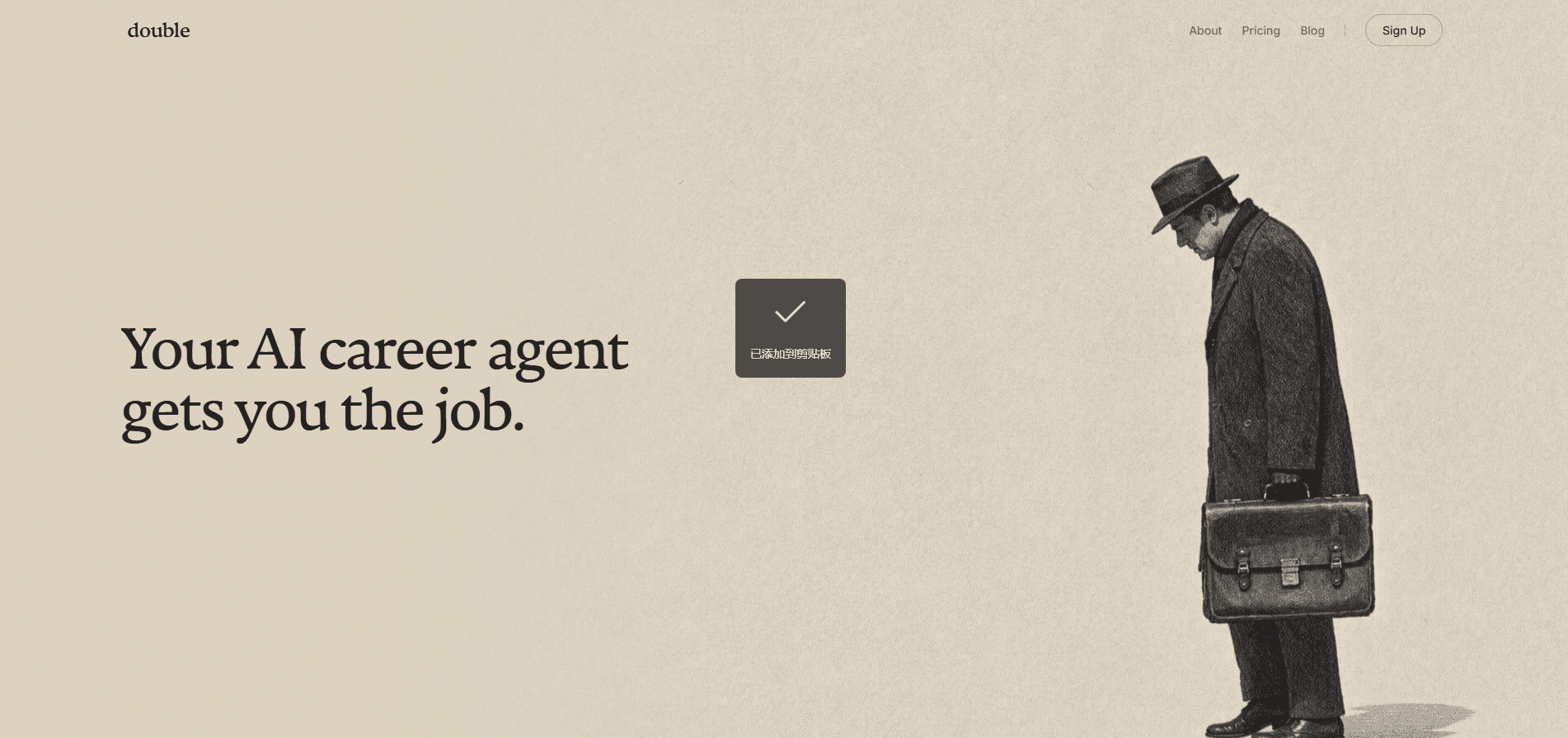
About Double
What Is Double
Double is a web based career agent that takes over the repetitive half of a job search. You hand it your work history and the kind of role you want. It comes back with openings, background on each employer, rewritten documents and filled application forms. The final send button stays with you.
The problem it targets is volume. Most people reuse one resume across dozens of postings, then abandon the applications that ask for four essays and a salary history. Double treats each posting as its own project: a resume that speaks to that job description, a cover letter that mentions that company, and a form filled with your details instead of blank fields.
That approach has limits worth knowing before you sign up. Output quality tracks the detail you provide, so a thin resume produces thin documents. You still read every draft before it goes out, which means the time saved is real but partial. Employer portals also change without warning, and a form that worked last month can need manual repair this month.
Getting Started
- Create an account and upload your resume, or connect a profile with your work history.
- Set the filters that matter: job titles, locations, remote or on site, salary floor and industries to avoid.
- Review the matched roles. Each one comes with a short company brief and a note on why it fits.
- Edit the generated resume and cover letter for any role you care about.
- Approve the application, then track its status from the same dashboard.
Product Information
A quick look at Double's pricing, supported platforms, and performance.
Best for
The users, tasks, and scenarios where this tool fits best.
Users
- Career changers
- People applying at volume
- Employed candidates searching quietly
Tasks
- Tailoring a resume to a single posting
- Writing a cover letter that names the company
- Filling long application forms
- Researching an employer before an interview
Scenarios
- Searching while employed
- Restarting after a layoff
- Testing a career pivot
Key features
Role matching with a written reason
Double proposes openings and explains each match in plain language, pointing to the parts of your background that line up with the posting. You can dismiss a suggestion and the next batch leans away from that kind of role. The reasoning matters more than the volume, because it lets you judge whether the agent understood your goal.
Company research before you apply
Each role arrives with a brief on the employer: what it sells, who it serves and what it has said publicly. That saves the twenty minutes most people spend opening six tabs before writing a cover letter. It also gives you material for the interview stage, when vague enthusiasm stops working.
Resumes rebuilt for each posting
The agent produces a tailored resume per role, reordering experience and rewriting bullet points around the language in the job description. It works from the facts you supply rather than inventing achievements, so the output stays defensible in an interview. You can edit any line before it ships.
Cover letters tied to the employer
The cover letter generator drafts a short letter that references the company and the specific role, not a template with the name swapped in. Drafts tend to be plain and direct, which suits most hiring managers better than enthusiasm. Expect to add one personal detail that only you know.
Application forms completed end to end
Double fills employer application forms, including work history, education and standard screening questions. This is the slowest part of applying and the part most job search tools ignore. Some portals still throw up custom questions, and those are where you will spend your remaining time.
An approval queue before anything sends
Nothing goes to an employer until you approve it. Every application waits in a queue with its documents attached, so you can read the resume, check the letter and reject anything that misrepresents you. The gate is the feature that makes an AI job application agent usable rather than risky.
One place to track every application
Sent applications, drafts and rejected matches sit in the same view, with the version of each document that went out. When a recruiter calls about a role you applied to three weeks ago, you can pull up exactly what they read.
Pros and cons
Pros
- Every match comes with a reason, so you can judge fit instead of guessing from a job title.
- Documents are rebuilt per posting rather than renamed, which shows in the cover letters.
- The approval step prevents half finished or wrong applications from reaching an employer.
- Form filling covers the tedious part of applying, including work history and screening questions.
- Research, drafts and sent applications stay in one dashboard, which makes follow ups easier.
Cons
- Output quality depends on how much detail you put in, and a sparse resume produces generic drafts.
- You still read every document before approving, so the hours saved are smaller than the pitch suggests.
- Employer portals change often, and some custom questions will need manual answers.
- Pricing is not published, so you cannot compare the cost against your budget before contacting the team.
Frequently asked questions
It runs the application process from matching to submission. You set preferences, review suggested roles, edit the documents it drafts, then approve each application before it goes out.
Related content
Explore related tools, skills, and articles for Double.
Double Alternatives
Agibot
Agibot · Productivity · AI Assistant · ChatbotAgibot is a personal AI agent for Mac that keeps running after you close the window, runs routines on a schedule, and works from Telegram or Slack with your own API keys.

Foley
Hanamori Labs, LLC · Voice & Language · Productivity · AI AssistantFoley is a voice to-do list that turns a spoken sentence into a filed task, complete with project, date and time, then helps you plan the day around what is already there.

Ghost Core
Ghost · Productivity · AI AssistantGhost Core is a $3,499 screenless personal AI computer that runs local AI models on its own hardware, builds context from your apps and devices, and acts without waiting for a prompt.