

Dr. Read - Ai Reading Tutor
Skilldome Corporation · Leaning
Dr. Read is a voice-first reading tutor for iPhone that listens as you read a book or homework page aloud, then offers calm spoken help with pronunciation, vocabulary, and comprehension.
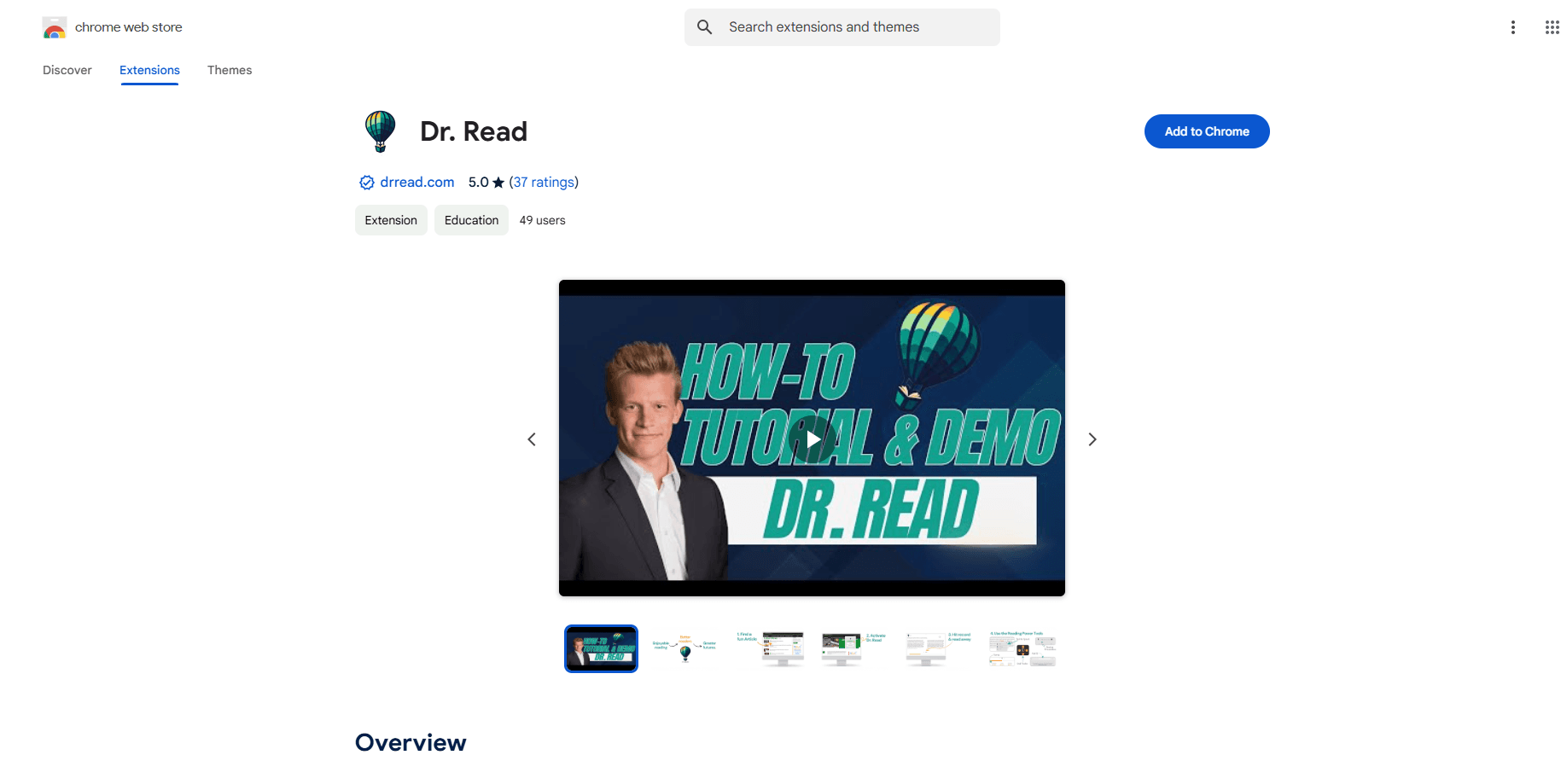
About Dr. Read - Ai Reading Tutor
What Is Dr. Read
Dr. Read is an AI reading tutor app built by Skilldome Corporation, a literacy company based in Los Angeles. The app turns reading practice into a conversation. You bring the page you already want to read, and a voice assistant listens while you read it aloud. When a word trips you up, it steps in with spoken guidance instead of leaving you stuck.
The main problem it targets is access. One-on-one reading support is expensive, hard to schedule, and not available to every family. Dr. Read tries to cover the small moments between formal lessons, when a reader is at the kitchen table with a book and no one beside them. It's aimed at families, students, and adult readers who want private practice at home.
Dr. Read isn't a replacement for teachers or reading specialists. The company states it's a practice companion, and it doesn't promise a guaranteed result or diagnose reading difficulties. It works on real text a reader brings, so the material isn't limited to a fixed library of passages. There's also a limit on how much is free. New accounts get three 15-minute sessions, and more time requires the paid Dr. Read Plus plan inside the app.
Getting Started
- Download Dr. Read on the App Store and create an account.
- Start a session and choose the pages you want to work through.
- Scan the text with your phone's camera, or bring in the passage you want to read.
- Let Dr. Read prepare the session. It builds vocabulary, pronunciation, and comprehension support for that text.
- Read aloud while Dr. Read listens, and ask for help by voice whenever a word or idea gets hard.
Product Information
A quick look at Dr. Read - Ai Reading Tutor's pricing, supported platforms, and performance.
Best for
The users, tasks, and scenarios where this tool fits best.
Users
- Parents and families
- Struggling and dyslexic readers
- Adult readers building confidence
Tasks
- Reading a homework page aloud
- Practicing a book from your own shelf
- Working through an article or everyday text
Scenarios
- After-school practice between lessons
- Quiet solo practice at the kitchen table
- Building a daily reading habit
Key features
Voice-First Reading Sessions
The core of Dr. Read is listening. You read aloud, and the app follows along, then speaks up when pronunciation, meaning, or confidence needs a hand. Support arrives as spoken guidance, not a red mark on a screen. That keeps the session feeling like a conversation rather than a quiz.
Read Any Text You Bring
Dr. Read isn't tied to a fixed reading library. You scan a book page, a homework sheet, an article, or any everyday text, and the tutor analyzes that material. The advantage is that practice stays tied to what the reader actually wants to finish, which matters for schoolwork and for books a child picks themselves.
Vocabulary, Pronunciation, and Comprehension Support
When Dr. Read prepares a session, it lines up vocabulary help, pronunciation guidance, and comprehension checkpoints for the text. Readers can ask questions by voice along the way. Instead of stopping to look up a word elsewhere, they get the meaning and the pronunciation in the same place they're reading.
Calm Recovery From Mistakes
The app is designed so errors feel technical and fixable. A reader can retry, replay, slow down, or ask for a clearer step, and the tutor responds without judgment. This low-pressure approach targets the moment when struggling readers usually get stuck and stop, and it keeps the session moving.
Reading Support at Home
Dr. Read is built for private practice between moments of human instruction. Families use it at home, on their own schedule, without waiting for a tutoring slot. The company states it's a supplement to teachers and tutors, not a substitute, and it doesn't diagnose or offer clinical assessment.
Session Flow From Scan to Support
Getting started takes a few taps. You start a session, bring in your pages, let the app prepare, and then read with support close by. The four-step flow keeps setup short so more of the time goes into actual reading aloud.
Pros and cons
Pros
- Works with any text the reader brings, so practice isn't limited to a built-in library.
- Spoken, judgment-free feedback suits readers who get anxious reading aloud.
- Free tier gives three 15-minute sessions, enough to test the experience before paying.
- Runs on iPhone with a camera scan flow, so no extra hardware is needed.
- Designed as a practice companion, which fits families who want support between tutoring sessions.
Cons
- Only available on iPhone, so Android and web users can't use it yet.
- Free access stops after three sessions, and continued use needs the paid Dr. Read Plus plan.
- It doesn't replace a teacher, tutor, or reading specialist, so it won't suit readers who need formal instruction or a diagnosis.
Frequently asked questions
Dr. Read is a voice-first reading tutor app for iPhone from Skilldome Corporation. It listens while you read aloud from a book, homework page, or article, then offers spoken help with pronunciation, vocabulary, and comprehension.
Related content
Explore related tools, skills, and articles for Dr. Read - Ai Reading Tutor.
Dr. Read - Ai Reading Tutor Alternatives

HireKey
HireKey · Voice & Language · Productivity · LeaningHireKey is an AI job search copilot built by a former tech recruiter. It checks role fit, tailors resumes, runs interview practice and tracks every application.

Lune
Retrograde Labs · Productivity · LeaningLune is a research search engine for scientific AI agents. It runs as an MCP server that lets Claude, ChatGPT and Cursor search peer-reviewed computer science papers and cite them.
Coddy
Coddy · Coding · LeaningCoddy is a gamified platform to learn to code through short interactive lessons in 20+ languages, with a browser editor, an AI tutor and free certificates.