

Dreamina
ByteDance · Image · China AI
Dreamina is ByteDance's AI image and video generator that turns text prompts or photos into stills and short clips, with a daily free credit allowance.
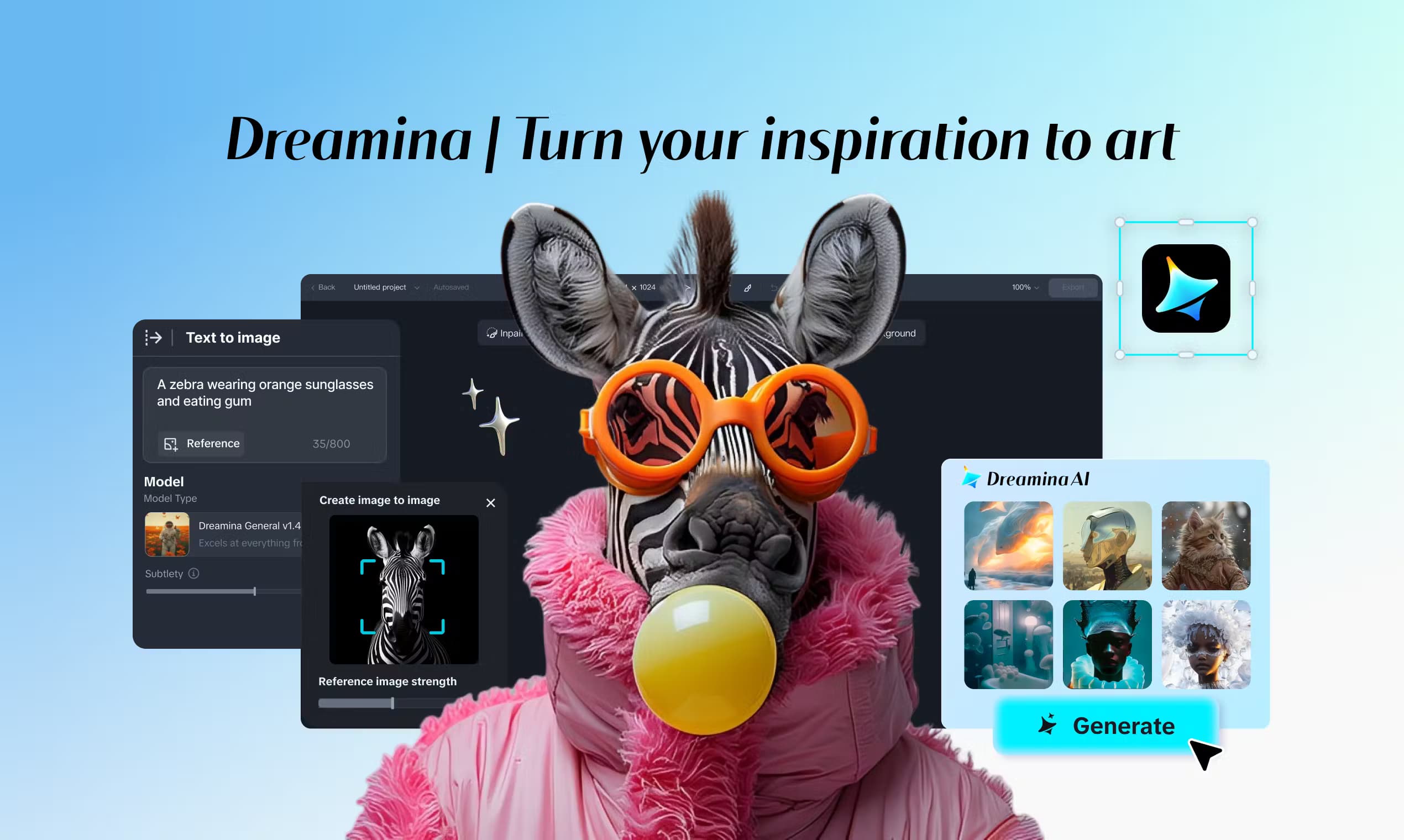
About Dreamina
What Is Dreamina
Dreamina is the creative app from ByteDance, the company behind TikTok and CapCut. It bundles AI image generation, AI video generation and an AI photo editor into one workspace, so a single login covers the poster you want for a product launch and the short clip you want for a social feed the same afternoon.
It leans on ByteDance's own models: Seedream for images and the Seedance family for video. Seedance 2.5 can build a 30-second cinematic sequence with a full story arc in one generation, with stable characters and camera moves. That's a real jump over tools that cap you at a few seconds.
The main limit is metering. Credits drain faster than most people expect once they move from quick images to high-resolution video, and the free daily allowance runs out quickly on 4K or longer clips. You'll also want a decent prompt: vague input gives vague output, especially for text inside a picture.
Getting Started
- Open dreamina.capcut.com and sign in with your email, Google or TikTok account.
- Claim the free daily credits and pick a mode: image, video or photo editing.
- Write a prompt or upload a reference photo, then set the model, aspect ratio and resolution.
- Generate, then refine the result with inpainting, expand or an upscale before you download.
Product Information
A quick look at Dreamina's pricing, supported platforms, and performance.
Best for
The users, tasks, and scenarios where this tool fits best.
Users
- Social media creators who post daily
- Small brands without a design team
- Hobbyists testing an AI art generator for the first time
Tasks
- Text to video clips
- Image to video animation
- Photo restoration and background swaps
Scenarios
- Building a campaign in an afternoon
- Making content for a social feed
- Filling gaps in a product listing
Key features
Text to video and image to video
Dreamina generates short clips from a text prompt or a single photo. You set the aspect ratio, motion strength and the first or last frame, and the Seedance models carry characters and camera moves through the shot. Version 2.5 stretches a single clip to 30 seconds with a complete story, which cuts the number of separate generations you need.
Photography-grade image generation with Seedream
The image side runs on ByteDance's Seedream models and handles realistic, anime, illustrative and photographic styles. You can generate several variations at once, then pick the one worth keeping. Prompt templates for photography, design and illustration lower the barrier for people who don't know how to phrase a request.
Built-in AI photo editor
The editor covers restore, background swap, product retouching and scene expansion in one place instead of a separate app. Inpainting lets you repaint a specific area with a brush or eraser, and upscaling pushes a lower-resolution result toward 4K. For anyone fixing a client's old photo, that keeps the whole job inside Dreamina.
Trending effects and templates
Face swaps, 360 spins, baby dance clips and Polaroid shots come as ready-made effects. You drop in a photo, pick an effect and share the result. The templates matter because they turn a blank prompt box into something a first-time user can act on in seconds.
Avatar and talking-head generation
Dreamina includes an AI avatar generator that produces realistic talking avatars from an input. For explainer videos, product walkthroughs or social posts that need a human face, you get a speaking presenter without filming anyone, which suits teams with no on-camera talent.
Access to ByteDance models and CapCut workflow
Dreamina exposes Seedance and Seedream directly, including newer versions shortly after release. Because it sits in the CapCut orbit, finished clips slide into editing without juggling files, so the path from generation to a cut video stays short.
Pros and cons
Pros
- Combines image, video and photo editing under one login, so you don't stitch together three subscriptions.
- Free daily credits make it easy to test text to video and image to video before spending money.
- Seedance 2.5 handles longer, single-shot clips with steady characters and smoother motion than most short-clip rivals.
- Ready-made trending effects and prompt templates cut the learning curve for beginners.
- The CapCut tie-in shortens the trip from a raw generation to an edited, shareable video.
Cons
- Video and 4K output burn credits fast, so the free daily allowance rarely covers serious work.
- Text rendering inside generated images is uneven, which is a problem if you need clean in-image copy.
- It's a web app, so there's no offline use and you can't hand the whole job to a design team that works in a full desktop suite.
- Fine control over small details trails more specialized editing tools, which means extra cleanup for complex scenes.
Frequently asked questions
Dreamina is used to generate images and short videos from text or a photo, and to edit those results in the same app. People use it for social media content, posters, product shots and animated clips without needing design or editing skills.
Related content
Explore related tools, skills, and articles for Dreamina.
Dreamina Alternatives

Google EmbeddingGemma 2
Google DeepMind · Writing · Image · CodingGoogle EmbeddingGemma 2 is a 740M-parameter open model that turns text, code, images, audio, and video frames into vectors in one 768-dimension space, running on phones and laptops.

Tractionwave
TractionWave · Image · MarketingTractionWave is an AI attention heatmap tool for static ads. Upload a PNG or JPG and it returns predicted attention, ranked hotspots, and fixes before you spend budget.

Imejis.io
Imejis.io · Image · MarketingImejis.io is an AI design studio for agents and marketing teams. Describe an image in plain words, and it writes the copy, builds the layout, reflows it to every size, then exports a finished file.