

Dule for Google Calendar
Dule.ai · Productivity
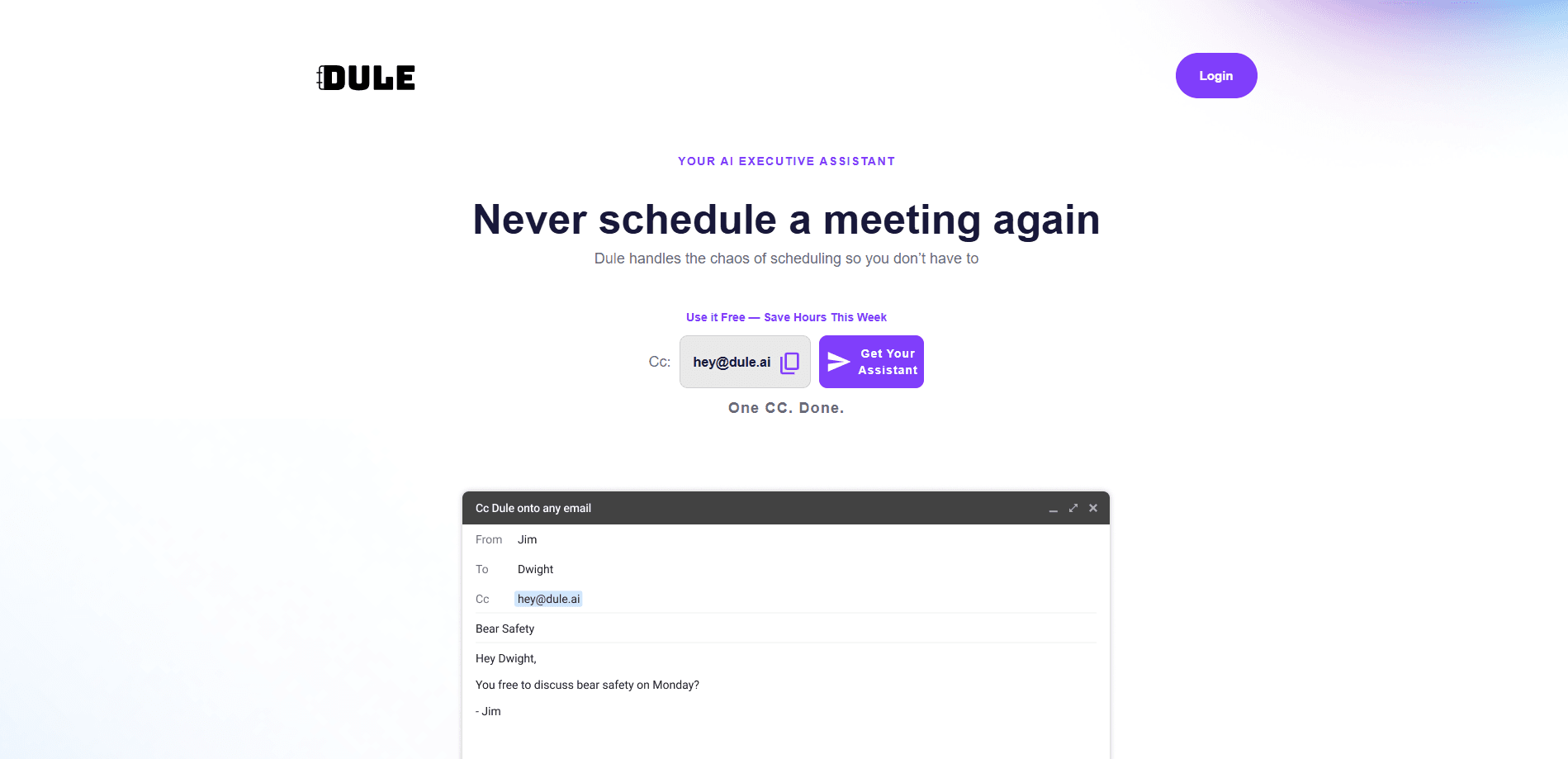
Dule for Google Calendar is an AI scheduling assistant that works inside your email: CC it on a thread and it proposes times, follows up, handles time zones, and books the meeting on Google Calendar.
About Dule for Google Calendar
What Is Dule for Google Calendar
Dule for Google Calendar is a scheduling assistant that lives in your inbox instead of a separate app. You add its address to an email thread the moment a meeting comes up, and it reads the conversation, checks your connected Google Calendar, proposes times, and sends the invite once people agree. Guests never open a booking page or create an account. They just reply to the email like they always would.
Dule is built for the specific pain of coordinating meetings from email, especially when people belong to different companies and cannot see each other's calendars. It behaves like an AI meeting scheduler that stays in the conversation, so nothing gets bounced to a separate link, portal, or tab. Each party keeps using the inbox they already have.
The main limitation is scope. Dule handles scheduling and the follow-ups around it. It does not draft general email, book travel, manage tasks, or run projects, and its calendar connection centers on Google Calendar, with Outlook support described as coming rather than available today.
Getting Started
- Create a Dule account and connect your Google Calendar through the one-time authorization (about two minutes).
- On the next email thread where a meeting is needed, CC the assistant address and describe what you want in plain language, such as the people involved and how long the meeting should run.
- Let Dule reply in-thread with proposed times and follow up until everyone agrees.
- Accept the calendar invite Dule sends; reply to the thread to reschedule if plans change.
Product Information
A quick look at Dule for Google Calendar's pricing, supported platforms, and performance.
Best for
The users, tasks, and scenarios where this tool fits best.
Users
- Recruiters and hiring teams
- Founders and executives
- VCs and investors
- Consultants and coaches
Tasks
- Booking meetings from email
- Multi-thread coordination
- Time zone scheduling
- Rescheduling
Scenarios
- Screening a high volume of candidates
- Booking vendor and customer meetings
- Coordinating confidential meetings
- Handling optional attendees
Key features
Inbox-Native Scheduling
Dule runs inside your existing email rather than as a standalone app. You CC its address on a thread and it takes over from there, replying in professional language that reads like a human assistant. Because it works through ordinary email, your guests keep using the inbox they already have. There is no booking link to click and no account to create on their side.
Google Calendar Connection
The assistant reads your connected Google Calendar to find availability and writes confirmed events back to it. During setup you set default meeting lengths and buffers, and Dule applies them on every thread without being told again. It also imports holidays from Google Calendar so it does not propose times on days you are out.
Multiple Scheduling Workflows
Dule adapts to how a meeting is coming together. Quick Add creates an event when the time is already decided, Request a Time asks several recipients to converge on one slot, and Auto Coordinate handles the case where meeting intent appears naturally in a live conversation. Multi-Thread Coordination keeps parties in separate conversations and stitches their confirmations into one event when privacy matters.
Automatic Follow-Ups and Rescheduling
When someone goes quiet, Dule nudges the thread instead of leaving the organizer to chase. If a participant cancels or counters with a different time, it recalculates availability and re-proposes options while keeping confirmations that still hold. This removes the manual reminder loop that usually sits on the organizer's plate.
Time Zone Handling
Dule resolves the time zone math that trips up cross-border scheduling. It identifies each participant's local zone from context and presents proposed times in a way each person can follow, so a meeting across the Americas, Europe, and Asia does not turn into a round of "please confirm your local time" emails.
Optional Participants and Virtual Users
You can mark who is required and who is optional so a loosely committed guest does not deadlock the schedule. Virtual users let you represent people who have no connected calendar, such as an executive, a room, or a vendor, without giving them access to anyone else's calendar.
Pros and cons
Pros
- Works inside email, so guests reply to a normal message instead of learning a new tool.
- No booking links or browser extensions, which lowers friction for external contacts.
- Separate threads keep candidate and hiring manager conversations confidential by default.
- Optional participants and virtual users handle messy real-world meeting setups.
- Free tier covers the basics, with Pro and Enterprise plans for more calendars and branded agents.
Cons
- Scheduling is the whole scope, so it will not draft general email or book travel.
- Calendar support centers on Google Calendar, and Outlook support is described as coming rather than live.
- Advanced features such as extra shadow calendars and custom agent addresses require a paid plan.
- No public API means teams cannot wire Dule into their own scheduling stack.
Frequently asked questions
It books meetings from your email threads. You CC its address on a conversation, and it proposes times, follows up, resolves time zones, and sends a Google Calendar invite once people agree.
Related content
Explore related tools, skills, and articles for Dule for Google Calendar.
Dule for Google Calendar Alternatives

Base Code
Base44 (Wix) · Coding · ProductivityBase Code is a shared cloud development environment from Base44. Teammates describe changes to an existing GitHub codebase in chat, preview them live and send them back as pull requests.

Knocket
Knocket (Tencent RTC team) · Productivity · Business · ChatbotKnocket is a free live chat and contact page tool that lets visitors message you from your website, app, or a shareable link, with every reply handled from Telegram or one inbox.

FloorGen
Vinit Kumar (FloorGen) · Productivity · China AIFloorGen is a browser-based floor plan maker that turns a sentence or a sketch into an editable 2D plan and a 3D walkthrough. Export to PDF, DXF or video, and draw without an account.