

Dynbox.app
Dynbox · Productivity
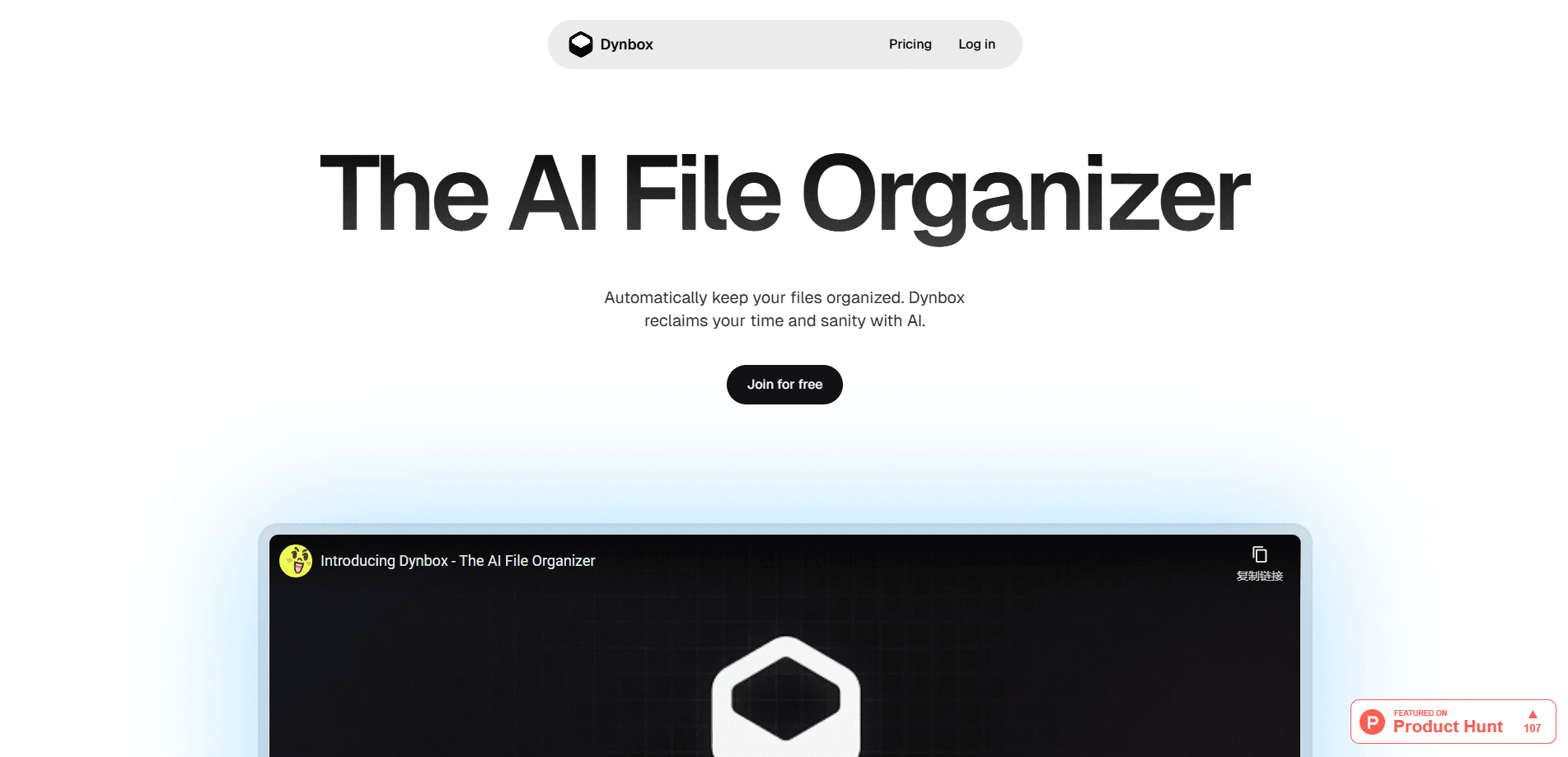
Dynbox.app is an AI file organizer that connects to your cloud storage so you can organize files with AI, sorting, renaming, searching, and cleaning them up through chat.
About Dynbox.app
What Is Dynbox.app
Dynbox.app is a web tool that puts an AI assistant on top of the files you already have. You link a cloud storage account, then talk to the AI about what you want done: move these, rename those, delete duplicates, or find the file that talks about a specific topic. The AI proposes the changes and you approve them, so nothing happens without your sign-off.
It targets a chore that most people put off for years. Download folders, shared drives, and photo libraries grow messy because manual sorting is slow and easy to abandon. Dynbox.app turns that AI file management into a conversation, and it can also just run quietly in the background once you set sorting rules.
The biggest limit is coverage. It works through connected cloud accounts and a demo mode, while direct access to files on your own computer is listed as a feature still in development. If your work mostly lives on a local hard drive, you'll wait for that to land.
Getting Started
- Create an account on the Dynbox.app website and sign in.
- Connect a cloud storage account, or open demo mode to try the tool on sample files first.
- Chat with the AI about what you want: describe a cleanup task or ask a question about your files.
- Review each suggested action, then approve, reject, or selectively apply the changes.
- Set automated folder rules if you want sorting to happen on its own going forward.
Product Information
A quick look at Dynbox.app's pricing, supported platforms, and performance.
Best for
The users, tasks, and scenarios where this tool fits best.
Users
- People drowning in a messy cloud drive
- Small teams that share a storage account
- Privacy-conscious users
Tasks
- Bulk renaming and moving files
- Finding a file by what's inside it
- Cleaning up duplicates and clutter
- Ongoing automated file sorting
Scenarios
- End-of-quarter cleanup of a shared work drive
- Someone who keeps dumping downloads into one folder
- Trying the tool before committing
Key features
Chat-Based File Management
The core interface is a chat window. You tell the AI what to do in plain language: move all the invoices into one folder, rename the screenshots, or clear out anything you haven't touched in a year. It reads the request and turns it into concrete actions across your connected storage.
Semantic Search
Standard search finds files by name. Dynbox.app also finds them by meaning, using vector search to match a query against what's actually inside the files. That's how you track down a report on a topic when you can't remember what it was called.
Human-in-the-Loop Control
The AI suggests changes, but you stay in charge. Every action shows up for review, and you approve, reject, or apply only the parts you want. For a tool that renames and deletes files, keeping a human checkpoint is the difference between helpful and nerve-wracking.
Automated Folders
You can define rules that handle automated file sorting in the background. Instead of running a cleanup every time your storage gets messy, the rules move new files to the right place as they arrive. This feature is part of the paid tier.
Feedback-Driven Refinement
If a result misses the mark, you tell the AI and ask for an adjustment. It learns from your guidance within the session, so the second pass usually tracks closer to what you wanted than the first.
Cloud Storage Integration
Dynbox.app plugs into your existing cloud storage with a one-click connection, so you keep using the accounts you already pay for. Demo mode covers the "try before you connect" crowd, and local file access is on the roadmap.
Pros and cons
Pros
- Plain-language cleanup means you don't need to learn a new file manager or scripting tool.
- Approval step on every action keeps you safe from the AI deleting or renaming the wrong thing.
- Semantic search surfaces files by content, which name-based search can't do.
- Free tier with 50 monthly credits is enough to test the workflow on real files.
- Automated sorting rules cut down repeat cleanup work once they're set up.
Cons
- Local file access, the feature that would cover your computer's own folders, is still marked as coming soon, so today it's cloud only.
- The free plan caps you at 50 credits a month, which won't get through a large backlog before you hit the limit.
- Credit-based pricing means heavy users need to watch usage, since bulk operations consume credits and the scale isn't spelled out up front.
- Teams larger than 5 members need the Enterprise plan, and that one is quote-based rather than a posted price.
Frequently asked questions
It's an AI file organizer that connects to your cloud storage and cleans it up through chat. You describe a task, the AI proposes actions, and you approve what runs.
Related content
Explore related tools, skills, and articles for Dynbox.app.
Dynbox.app Alternatives

Base Code
Base44 (Wix) · Coding · ProductivityBase Code is a shared cloud development environment from Base44. Teammates describe changes to an existing GitHub codebase in chat, preview them live and send them back as pull requests.

Knocket
Knocket (Tencent RTC team) · Productivity · Business · ChatbotKnocket is a free live chat and contact page tool that lets visitors message you from your website, app, or a shareable link, with every reply handled from Telegram or one inbox.

FloorGen
Vinit Kumar (FloorGen) · Productivity · China AIFloorGen is a browser-based floor plan maker that turns a sentence or a sketch into an editable 2D plan and a 3D walkthrough. Export to PDF, DXF or video, and draw without an account.