

EkipTakip Pro
EkipTakip Pro · Productivity
EkipTakip Pro is a web-based operations platform for companies that run teams, vehicles and equipment in the field. It brings AI-powered team management, vehicle tracking and project scheduling together in one hub, so managers can see what's happening across crews and assets without juggling separate spreadsheets and chat threads.
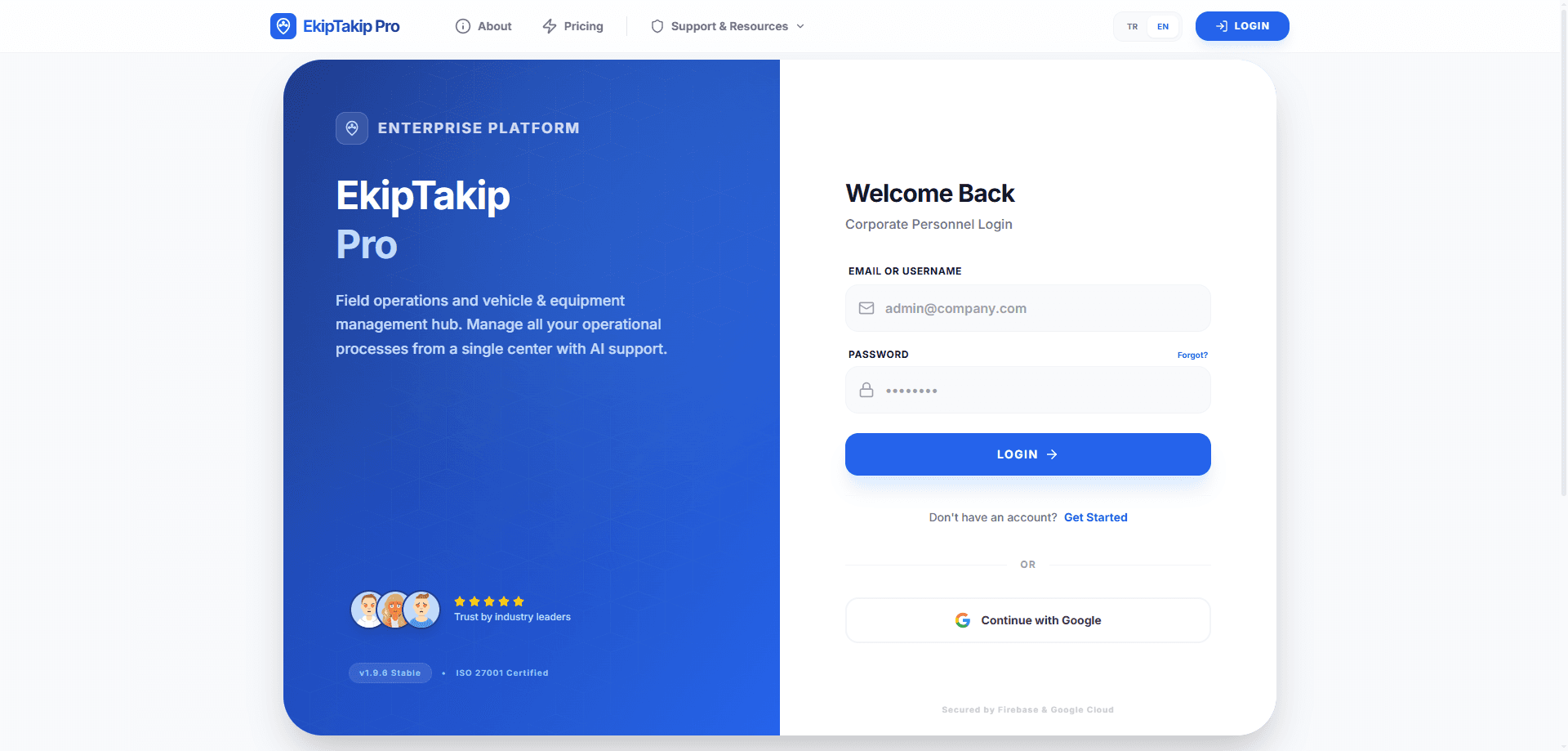
About EkipTakip Pro
What Is EkipTakip Pro
EkipTakip Pro is an enterprise platform built around field operations. Instead of asking you to stitch together a scheduling app, fleet tracking software and a task list, it puts team management, vehicle tracking and project planning into a single workspace. The site describes it as an AI-powered system that helps organizations manage operational processes from a centralized hub.
The main problem it addresses is fragmentation. When scheduling lives in one tool and vehicle data lives in another, managers spend their time reconciling records instead of running the work. EkipTakip Pro's pitch is that one hub keeps those pieces aligned, so assignments, routes and equipment status stay in sync. Think of it as an equipment management tool and a dispatch board rolled into one.
The clearest limitation is scope. It's a web product delivered through the browser at ekiptakip.pro, not a native mobile app, and it's aimed at organizations rather than individuals. Pricing tiers and exact feature limits aren't published on the landing page, so teams that need a firm budget before committing should confirm details with the vendor directly.
Getting Started
- Open a browser and go to ekiptakip.pro, then create an account or sign in with your organization's credentials.
- Set up your workspace by adding the teams, vehicles and equipment you want to track.
- Invite the managers and field staff who'll use the platform, and assign their roles.
- Create your first project or task list, then assign jobs to people and vehicles.
- Track progress from the dashboard as work gets scheduled and completed.
Product Information
A quick look at EkipTakip Pro's pricing, supported platforms, and performance.
Best for
The users, tasks, and scenarios where this tool fits best.
Users
- Operations managers
- Fleet supervisors
- Small to mid-size service businesses
- Project coordinators
Tasks
- Assigning daily work to field teams
- Tracking vehicles and equipment
- Scheduling projects over weeks or months
- Reviewing operational performance
Scenarios
- A field service company routing crews and vehicles each morning.
- A construction or maintenance contractor coordinating equipment across several sites.
- Any organization that currently runs scheduling in spreadsheets and wants an operations hub instead.
Key features
AI-Assisted Team Management
EkipTakip Pro uses AI to help manage teams and their workloads. Rather than only listing who's assigned to what, the platform is designed to support the decisions behind those assignments, such as balancing jobs across people and keeping an eye on how work is distributed. That matters for managers running several crews who can't review every task by hand.
Vehicle Tracking
Vehicle tracking is one of the platform's three core pillars. It gives supervisors visibility into the vehicles tied to their operations, so they know which ones are in use and how they're being deployed. Is a van booked for the afternoon job? The dashboard should say. For companies that send crews out in company vehicles, this replaces the phone calls and manual logs that usually confirm where everything is.
Equipment Management
Alongside vehicles, the platform covers field equipment. Organizations can keep the gear their teams depend on inside the same hub as the people and projects, which helps avoid the situation where a tool or machine is booked, lost or sitting idle because nobody's tracking it. Pairing equipment records with project schedules is what makes the centralization useful. No more guessing.
Project Scheduling
Project scheduling rounds out the core feature set. Managers can plan work and line it up against the teams and vehicles available, so a project's timeline reflects real capacity rather than a wish list. This is the piece that turns separate team and asset records into an actual operations plan. That's the payoff.
Centralized Operations Hub
The whole product is organized around a single hub. Team data, vehicle status and project schedules live in one workspace, which cuts down on the back-and-forth of reconciling a tracker, a calendar and a task tool. It's the platform's main selling point and the reason it's positioned as an operations system rather than a single-purpose app. One hub. That's the idea.
Pros and cons
Pros
- Combines team management, vehicle tracking and scheduling in one platform, reducing tool sprawl.
- AI-assisted features target the workload balancing that managers usually do manually.
- Web-based, so it works from any browser without installing software.
- Aimed at organizations, which fits companies with multiple teams and assets.
- Centralized data makes it easier to see operations in one place.
Cons
- No published pricing, so budget planning requires contacting the vendor first.
- It's a browser platform, so there's no dedicated mobile app for staff working on the move.
- Independent reviews and third-party benchmarks are limited, so most claims come from the vendor.
- Built for organizations, which means it's heavier than what a solo user or tiny team needs.
Frequently asked questions
It's a web platform that combines AI-powered team management, vehicle tracking and project scheduling so organizations can run field operations from one hub.
Related content
Explore related tools, skills, and articles for EkipTakip Pro.
EkipTakip Pro Alternatives

Base Code
Base44 (Wix) · Coding · ProductivityBase Code is a shared cloud development environment from Base44. Teammates describe changes to an existing GitHub codebase in chat, preview them live and send them back as pull requests.

Knocket
Knocket (Tencent RTC team) · Productivity · Business · ChatbotKnocket is a free live chat and contact page tool that lets visitors message you from your website, app, or a shareable link, with every reply handled from Telegram or one inbox.

FloorGen
Vinit Kumar (FloorGen) · Productivity · China AIFloorGen is a browser-based floor plan maker that turns a sentence or a sketch into an editable 2D plan and a 3D walkthrough. Export to PDF, DXF or video, and draw without an account.