

EliteInvoice
EliteInvoice · Business
EliteInvoice is an AI invoicing tool that turns a plain-language request into a branded, tax-ready invoice, then tracks when clients open and pay it.
About EliteInvoice
What Is EliteInvoice
EliteInvoice is a web-based invoicing tool built around an AI generator, and it works as a lean alternative to heavier online invoicing software. You type what you did for a client in ordinary language, and it fills in the line items, taxes and totals for you. From there you add a logo and brand colors, send the invoice by email, and watch whether it gets opened and paid. The product targets freelancers, contractors and small teams that want fast billing without learning accounting software.
The pitch is speed. The company sets the benchmark at 30 seconds from description to finished invoice, which matters if billing is the task you keep pushing to Friday afternoon. Instead of building an invoice field by field, you describe the job once and edit what the AI produces. Templates, currency handling and tax lines sit underneath, so the same workflow works whether you invoice a local client or one overseas.
Two limits are worth knowing before you sign up. The free plan caps you at one invoice per month, and even the paid tiers meter invoices by count rather than leaving them unlimited. It is also a lean tool by design, so teams that need full double-entry books, payroll or inventory will still want separate accounting software alongside it.
Getting Started
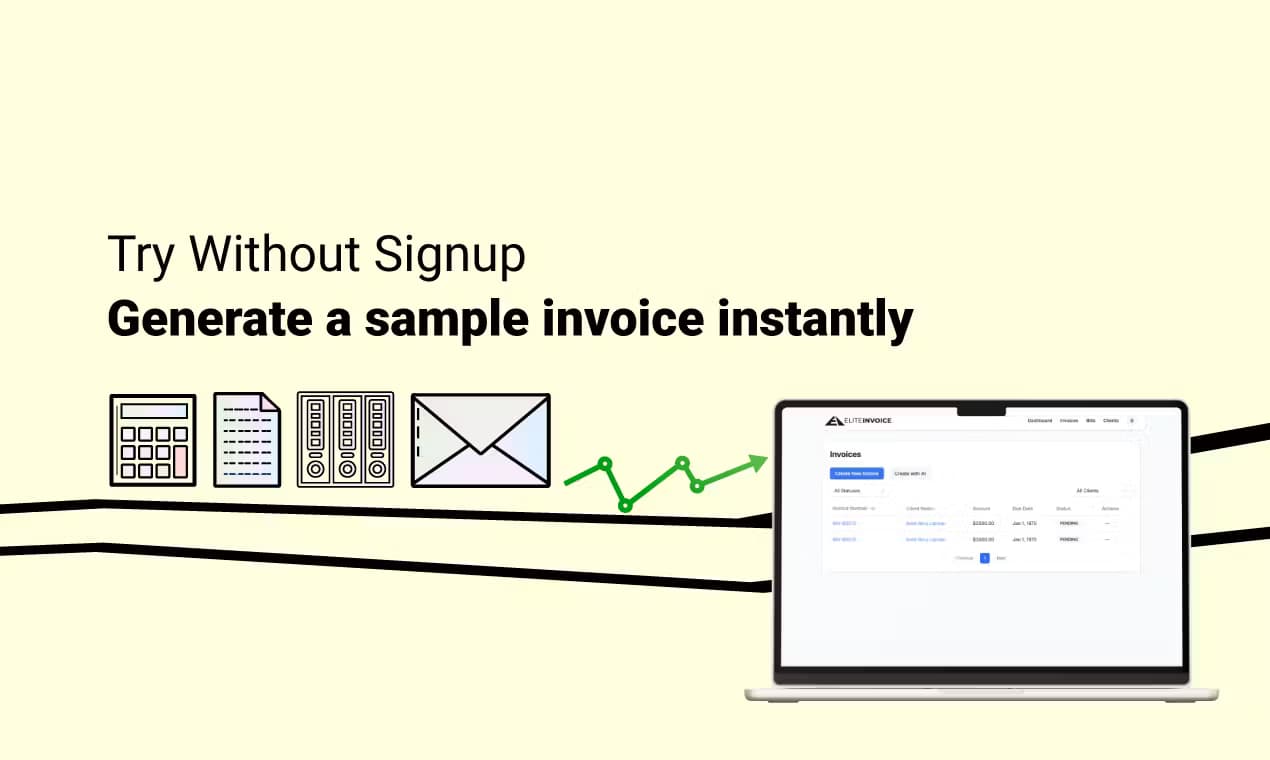
- Open the site and create your first invoice without signing up, then make an account when you want to save it
- Describe the work in plain language, letting the AI build the line items, taxes and totals
- Add your logo and brand colors, then pick a template that matches your industry
- Send the invoice by email and track when the client views and pays it
Product Information
A quick look at EliteInvoice's pricing, supported platforms, and performance.
Best for
The users, tasks, and scenarios where this tool fits best.
Users
- Freelancers
- Contractors and consultants
- Small business owners
- International sellers
Tasks
- Turning a job description into an invoice
- Branded invoice creation
- Sending and tracking
- Tax and currency handling
- Basic financial reporting
Scenarios
- A project wraps on a Friday
- A client is overseas
- Repeat monthly billing
- A late payer
- A solo founder billing the first customer
Key features
AI Text to Invoice
The core feature takes a plain-language description and builds a structured invoice from it. You write something like the hours and flat fees you charged, and the tool produces formatted line items, calculated taxes and a running total. The site's own example turns a paragraph about development and design hours into a finished invoice, which is the promise here: skip the manual entry and the arithmetic. It is the difference between this and a plain invoice template you fill in by hand.
Professional Templates and Branding
Every invoice can carry your logo and brand colors, and the template library is organized by industry. Once you set your brand up, new invoices inherit it, so a series of monthly bills stays visually consistent without redoing the design each time. Templates also include the fields clients expect, from terms and conditions to a signature area, which reduces the back-and-forth over what a finished invoice should contain.
Smart Analytics and Payment Tracking
The analytics side shows whether and when an invoice was viewed and paid, along with revenue forecasting and client payment history. For anyone who has sent an invoice and wondered whether it was even opened, that visibility changes how you follow up. A custom report builder lets you pull the views you care about rather than sitting through a fixed dashboard.
Multi-Currency and Multi-Language Support
EliteInvoice handles multiple currencies and languages, along with international tax rules. That matters if your client list spans borders, since you can bill in the client's currency and keep the correct formatting without a second tool. Currency conversion is built in, so you aren't calculating exchange rates by hand before you send.
Bank-Level Security
The company encrypts data with 256-bit encryption, monitors its systems around the clock, and states it follows GDPR and other privacy rules. It also advertises 99.9% uptime with automatic backups. For an invoicing tool that holds client names, addresses and payment amounts, that baseline is the thing to check before you upload real customer data.
Free Forever Plan
The entry tier works as a free invoice maker and doesn't force an upgrade to keep using it. It covers unlimited clients and basic reporting, with a cap of one invoice per month. That ceiling suits someone testing the tool or billing occasionally, and it gives you a way to learn the AI generator before paying anything. When volume grows, the paid tiers step up the invoice limit rather than adding a different feature set.
Pros and cons
Pros
- The AI generator turns a sentence into a formatted invoice, which cuts the time spent on manual entry
- There's a free forever plan with no card, so you can test the workflow before paying
- Templates, branding, currencies and taxes are handled in one place rather than across separate tools
- Payment tracking shows when a client views and pays, which makes follow-up easier
- The interface is simple enough to use without accounting training
Cons
- Every tier meters invoices by count, so a busy month can push you against a cap even on paid plans
- The free plan allows only one invoice per month, which is tight for even a light billing cycle
- There's no public API, so you can't wire billing into your own app or automate it end to end
- It's a focused invoicing tool, not a full accounting suite, so you'll still need separate software for books
Frequently asked questions
EliteInvoice is an AI-powered online invoicing tool. You describe your work in plain language, and it generates a formatted invoice with line items, taxes and totals. From there you add branding, send it by email and track when the client views and pays.
Related content
Explore related tools, skills, and articles for EliteInvoice.
EliteInvoice Alternatives
Liveplan
Palo Alto Software · BusinessLivePlan is business plan software that helps founders and small business owners turn an idea into a funder-ready plan. It combines AI-assisted writing, market research with cited sources, and connected financial forecasting so your income statement, cash flow, and balance sheet move together when you change one number. Over 1.5 million businesses have used it to plan, forecast, and track performance against real accounting data. That's a lot of founders. It's also a signal the tooling survived contact with real lenders.

Swms
Swms AI · Writing · Productivity · BusinessSwms is an AI safety compliance tool that turns a plain description of a job into ready-to-use safety documents. Describe your project, trade, and known hazards, and it writes a safe work method statement, job hazard analysis, safe work procedure, RAMS, or safety data sheet in seconds. It also ships with Oscar, a chat assistant that answers workplace safety questions in any language. Teams in construction, mining, transport, and warehousing use it to cut the paperwork that usually eats into a workday.

Rows
Rows (Superhuman) · Productivity · BusinessRows is an AI spreadsheet and data analysis tool that imports live data from more than 50 sources, then lets you work with it using plain language instead of SQL queries or nested formulas. You can pull numbers out of PDFs, connect ad platforms, databases, and bank accounts, and ask the AI to build reports, merge datasets, or set up models that recalculate themselves. It runs in the browser, works like a spreadsheet, and now sits under the Superhuman umbrella.