

Emochi: Chat With Character
MESORA PTE. LTD. · Image · Chatbot
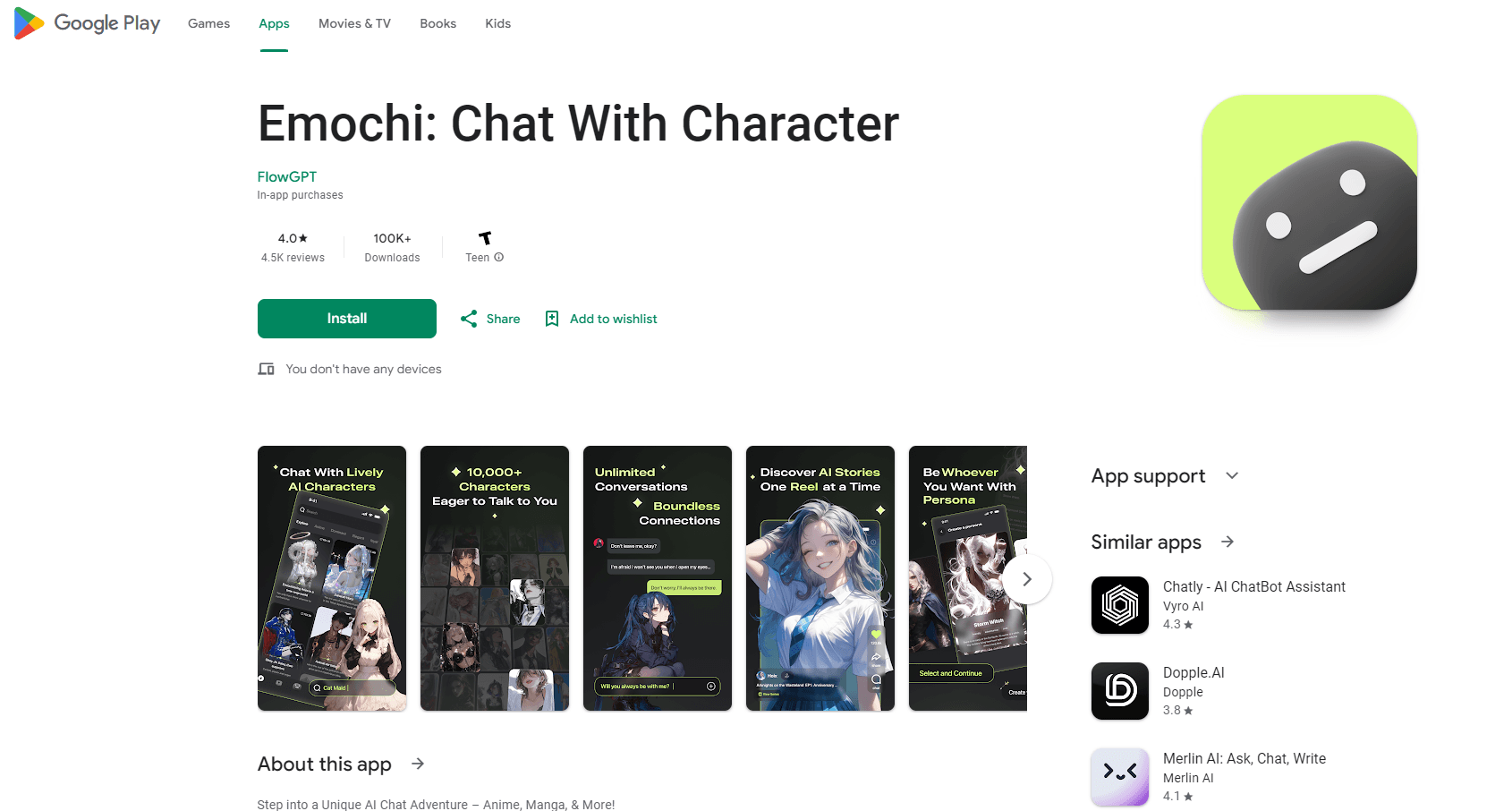
Emochi is an Android AI chat app for talking with characters, creating your own personas, and building storylines through text. It's built for people who want a roleplay chat partner, an AI character creator, and a light story writing tool in one place.
About Emochi: Chat With Character
What Is Emochi
Emochi is an AI character chat app and AI companion for Android, published by MESORA PTE. LTD. It centers on conversation with fictional personalities. You browse a catalog, pick a character, and send a message to start. The app replies in that character's voice and keeps the thread going across sessions.
The app goes past simple chatting. You can create your own character by setting identity, personality, background, and speaking style, and you can push a scene forward by giving a setting or a line of dialogue. Emochi also generates images for characters and moments, so a persona has a visual card rather than just text.
The main limits are worth knowing up front. Emochi is Android only, there is no iOS or web version, and the free tier covers casual chatting but caps heavy use. Replies follow your setup: a vague character card gives vague answers, and a detailed one stays closer to the role. The app is entertainment and drafting, not a factual reference, so anything it says about the real world should be checked elsewhere.
Getting Started
- Download Emochi from APKPure and open it, then sign in when prompted.
- Set your preferences, or create a character of your own with a name, personality, and background.
- Browse the character catalog and read a profile and opening line before you pick.
- Send a message to start the chat, and describe the scene to move the story along.
Product Information
A quick look at Emochi: Chat With Character's pricing, supported platforms, and performance.
Best for
The users, tasks, and scenarios where this tool fits best.
Users
- Anime, manga, and game fans
- Roleplay hobbyists
- Story drafters and writers
Tasks
- Chatting with a character
- Building a custom character
- Pushing a scene forward
- Generating a character image
Scenarios
- Relaxing with a familiar kind of character after work
- Testing a scene before you write it
- Filling a few minutes on a commute
Key features
Character Discovery
Emochi organizes characters by theme and personality, from anime-inspired figures to original setups. You read a short profile and an opening line before you commit, which helps you pick a persona that fits your mood. The tradeoff is breadth over depth: the catalog favors volume, so finding a character that clicks can take a few tries.
Character Creation
The creator lets you define a character's identity, personality, background, relationships, and speaking style. Clearer settings produce steadier behavior in chat, because the app leans on your description to shape replies. It's the most flexible part of Emochi, and it rewards the time you put in: a three-word sketch gives flat answers, while a full card holds the role better.
Story and Plot Interaction
You can hand the scene a setting or a single line of dialogue, and the character carries it forward across turns. This suits people testing how a plot branches, since you can change one line and watch the direction shift. It works best as a drafting partner: Emochi responds in real time, but the overall story stays under your control.
Character Images
Emochi generates images for characters and key moments, so a persona comes with a visual card instead of text alone. This makes browsing easier because you can judge a character by look as well as description, and it gives you something to share. Quality tracks the prompt, so a specific description lands better than a vague one.
Conversation Memory
The app keeps threads across sessions and saves the characters you return to, so a story can continue rather than restart. That persistence is what makes long-running roleplay practical on a phone. It's most useful when your character card is detailed, since continuity depends on consistent setup.
Pros and cons
Pros
- Combines character chat, a character creator, and image generation in one Android app, so you don't juggle several tools.
- The creator lets you set personality and background, which keeps longer exchanges consistent with the role.
- Character discovery by theme and tone is quick, so you can find a persona for a mood in a few taps.
- Saved threads and characters mean a story can continue across sessions instead of starting over.
Cons
- Android only, so iPhone and desktop users can't use it at all.
- The free tier caps heavy use, and steady chatting leans on in-app purchases.
- Replies depend on your setup: a vague character card gives vague answers, and detail is on you.
- Content stays fictional, so it's a poor reference for real-world facts.
Frequently asked questions
Emochi is used to chat with a character, create your own personas, and build storylines through text on Android, which is where the chat with character appeal comes from. It groups character discovery, a creator, and image generation that would otherwise need separate apps.
Related content
Explore related tools, skills, and articles for Emochi: Chat With Character.
Emochi: Chat With Character Alternatives

Google EmbeddingGemma 2
Google DeepMind · Writing · Image · CodingGoogle EmbeddingGemma 2 is a 740M-parameter open model that turns text, code, images, audio, and video frames into vectors in one 768-dimension space, running on phones and laptops.

Tractionwave
TractionWave · Image · MarketingTractionWave is an AI attention heatmap tool for static ads. Upload a PNG or JPG and it returns predicted attention, ranked hotspots, and fixes before you spend budget.

Imejis.io
Imejis.io · Image · MarketingImejis.io is an AI design studio for agents and marketing teams. Describe an image in plain words, and it writes the copy, builds the layout, reflows it to every size, then exports a finished file.