

Enhancor
Enhancor AI Inc. · Image
Enhancor is an AI realism platform that fixes plastic-looking skin, upscales images to 8K, and generates hyper-realistic digital humans for creators, marketers, and studios.
About Enhancor
What Is Enhancor
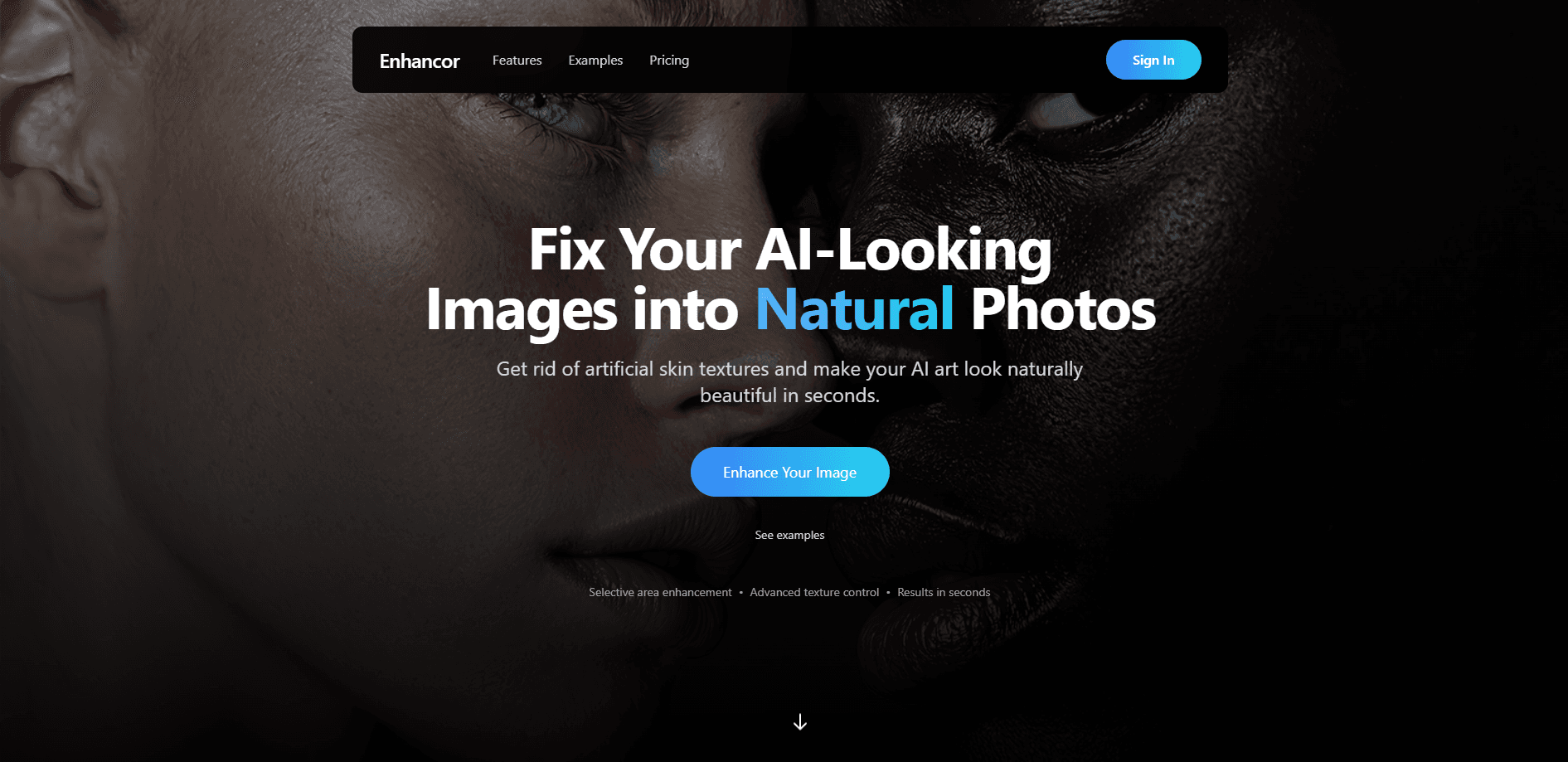
Enhancor is a web-based AI realism platform built around one stubborn problem: AI-generated images and videos rarely look real. Skin comes out smooth, waxy, and plastic. Enhancor targets that gap directly, using its own skin-reconstruction models to put pores, freckles, and micro-texture back into synthetic faces.
This AI skin texture tool has grown past skin fixing into a full production suite. Alongside its signature Skin Fix models, it bundles four upscalers, image and video generators, lipsync tools, and motion control, so a single account covers the whole path from a rough AI render to a finished visual.
The main limit is the credit system. Every generation and every upscale burns credits, heavier models cost more, and the free tier is tight. If you process at scale, you'll need a paid plan.
Getting Started
- Create an account at app.enhancor.ai with an email or Google login.
- Pick a tool from the dashboard, such as Skin Fix, Upscaler, or Creative Studio.
- Upload your image or video, then adjust strength, realism, and freckle controls if you need them.
- Generate or upscale the file, then download the result or push it straight into an editing workflow.
Product Information
A quick look at Enhancor's pricing, supported platforms, and performance.
Best for
The users, tasks, and scenarios where this tool fits best.
Users
- AI artists and illustrators
- Social media creators
- Marketing and brand teams
Tasks
- Repairing synthetic skin
- Upscaling renders to print and 4K or 8K
- Generating digital humans and UGC video
Scenarios
- Cleaning up a batch of AI portraits before a client deadline
- Producing UGC-style ads without a shoot
- Early concept visuals for a campaign
Key features
Skin Fix Models
Enhancor's core tool removes the waxy, plastic look that plagues AI portraits. It reconstructs pores, freckles, and skin texture so a synthetic face reads as a real photograph. You control how far the fix goes with a realism slider, so you can go subtle on a clean render or heavy on an obviously artificial one.
Freckle and Skin Texture Control
Freckle control lets you dial freckle intensity up or down instead of accepting whatever the model decides. Combined with texture and lighting controls, this gives you precise say over skin detail. It's the difference between a generic result and one that matches a specific reference.
8K Upscaling and Four Upscalers
This AI upscaler ships four modes: crisp, portrait, image, and creative. The Enhancor V4 upscaler pushes output to 8K with heavy detail preservation. This matters when you need a render that holds up in print or on a large display, not just on a phone screen.
Image and Video Generation
Beyond fixing existing files, Enhancor handles AI image generation and video through models like GPT Image 2, Nano Banana 2, and Seedream 5 Pro. Creative Studio bundles image and video generation into one workspace, so you can move from a text prompt to a finished clip without switching apps.
Kora Digital Humans
Kora is Enhancor's line for photorealistic AI portraits of hyper-realistic AI digital humans and influencers. It generates consistent characters you can reuse across a campaign. For brands that need the same face in every asset, character consistency is the feature that saves the most time.
Lipsync and Motion Control
Lipsync aligns a voice track to a face for talking-head video, with built-in text-to-speech or your own audio. Motion control drives a character's movements in generated video. Together they turn a still portrait into a speaking, moving subject without a camera.
API and MCP Access
Paid plans unlock API access for automated image and video workflows, plus MCP servers that plug Enhancor models into tools like Claude Desktop. Teams running high-volume pipelines can wire the models into their own systems instead of clicking through the dashboard by hand.
Pros and cons
Pros
- Skin Fix directly solves the plastic-skin problem that makes AI portraits look fake, and it does so with adjustable realism controls.
- A very wide model roster sits under one account, spanning image generation, video, upscaling, lipsync, and motion, so you don't juggle multiple subscriptions.
- True 8K upscaling with detail preservation suits print and large-format work, not just web images.
- API and MCP access let teams automate pipelines rather than working manually in the browser.
- Freckle and texture controls give fine-grained say over skin detail, which most general AI photo tools skip.
- Credits drain fast on high-resolution and video work, so heavy users need a higher tier than the entry plan.
- The free tier is limited, which means you can't fully judge output quality without paying.
- The model lineup is large and shifts quickly, so naming and availability can change between visits.
- Realistic human generation raises ethical and disclosure questions that the platform leaves largely to the user to handle.
Frequently asked questions
Enhancor makes AI-generated visuals look real. Its main job is fixing fake-looking skin on portraits, and it also upscales images to 8K, generates new images and video, and creates hyper-realistic digital humans.
Related content
Explore related tools, skills, and articles for Enhancor.
Enhancor Alternatives

Google EmbeddingGemma 2
Google DeepMind · Writing · Image · CodingGoogle EmbeddingGemma 2 is a 740M-parameter open model that turns text, code, images, audio, and video frames into vectors in one 768-dimension space, running on phones and laptops.

Tractionwave
TractionWave · Image · MarketingTractionWave is an AI attention heatmap tool for static ads. Upload a PNG or JPG and it returns predicted attention, ranked hotspots, and fixes before you spend budget.

Imejis.io
Imejis.io · Image · MarketingImejis.io is an AI design studio for agents and marketing teams. Describe an image in plain words, and it writes the copy, builds the layout, reflows it to every size, then exports a finished file.