

Enzzo PM - AI Product Manager
Enzzo · Productivity
Enzzo PM is an AI product manager that runs inside Slack, handling requirements, sprint plans and Jira tickets for software teams. It's free for 7 days, then $25 per user each month.
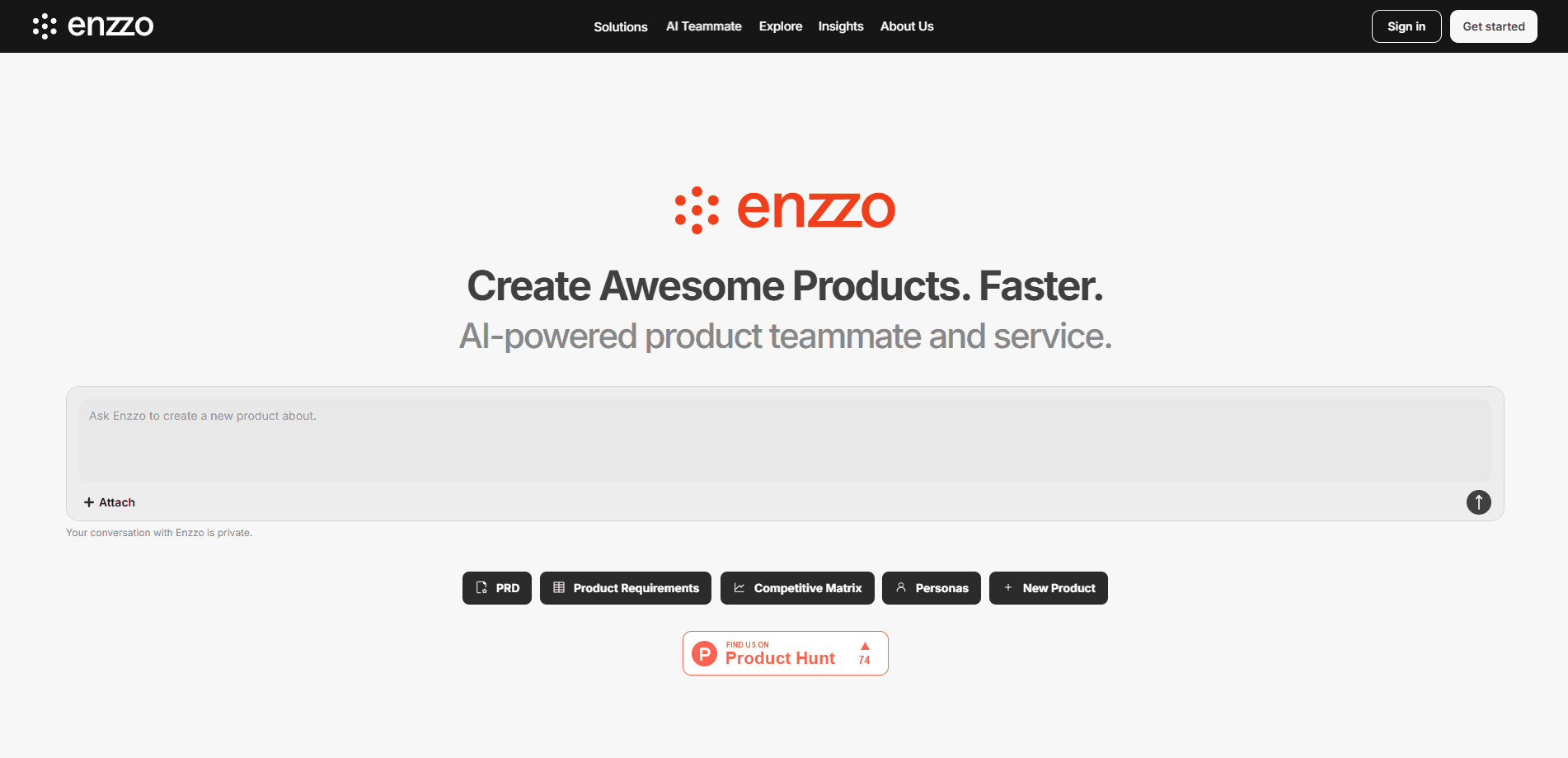
About Enzzo PM - AI Product Manager
What Is Enzzo PM
Enzzo PM is an AI product manager, a digital teammate you invite into a Slack workspace. Once it's there, you assign product work the same way you'd hand a task to a colleague, and it comes back with drafts, summaries or tickets. The company behind it, Enzzo, built the product to bring Slack product management into the chat tool where teams already work and take the administrative load off a product manager's week.
The pitch is straightforward. Product managers spend more than half their time on admin work like writing docs and updating trackers. Enzzo PM absorbs part of that work so the humans on the team can spend more hours on strategy and customer conversations.
It isn't a general-purpose chatbot wearing a product hat. Enzzo PM pulls context from the Slack channels it's added to, and it can connect to Confluence, Jira, Linear and Notion. That context is what lets it write a requirement that matches your existing backlog instead of a generic template. The catch is that you have to connect those tools and grant access before the output gets useful. The free tier is a 7-day trial, not a forever-free plan, so teams treating it as a permanent fixture should budget for the per-seat fee.
Getting Started
- Sign up for Enzzo and add Enzzo PM to your Slack workspace from the Slack Marketplace.
- Invite the app into the channels where product work happens, so it can pick up the relevant context.
- Connect your documentation and tracking tools, such as Confluence, Jira, Linear or Notion.
- Ask Enzzo PM for what you need in plain language, like drafting requirements, planning a sprint or summarizing a competitor.
- Review the output, refine it with the team, and push tickets or documents to their final destination.
Product Information
A quick look at Enzzo PM - AI Product Manager's pricing, supported platforms, and performance.
Best for
The users, tasks, and scenarios where this tool fits best.
Users
- Software product managers
- Startup teams without a dedicated PM
- Product leads at companies under a hiring freeze
Tasks
- Writing product requirements
- Planning sprints
- Creating Jira tickets
- Competitive research
Scenarios
- A PM drowning in documentation
- Early-stage product discovery
- Distributed teams that live in Slack
Key features
Slack-Native Assistant
Enzzo PM works where your team already talks, so there's no new app to open or dashboard to learn. You chat with it and assign work in channels or DMs, and it responds in the same thread. This keeps product requests and their answers next to the discussion that triggered them, which makes the work easier to trace later.
Requirements Generation
You describe what you want to build, and Enzzo PM produces an initial requirements draft with categories and open questions. The output is a starting point, not a final spec, so teams usually pass it around and refine it before it becomes official. It saves the blank-page problem that slows down early planning.
Sprint Planning and Estimations
The assistant can propose sprint scope and break work into tickets based on the context it has gathered. Because it reads your backlog and docs, the suggestions tend to line up with what the team already tracks. You still make the final call, which matters when priorities shift mid-cycle.
Tool Integrations
Enzzo PM connects to Confluence, Jira, Linear and Notion, and it picks up context from whichever Slack channels it's invited into. Those connections are what separate a useful draft from a generic one. The flip side is that the product is only as good as the data you give it, so disconnected teams get thinner results.
Competitive and Market Insights
Ask for a competitor comparison and it generates one you can add to, remove from or compare against. It also drafts personas and market context for early-stage discovery. It's a fast first pass for a market check, and you'll still want human research behind any big bet.
Documentation and Approvals
The tool works with your company's approved document templates and can route work toward executive review. That keeps output consistent with how your organization already writes specs and briefs. It reduces the reformatting that otherwise happens when drafts move between teams.
Pros and cons
Pros
- Lives inside Slack, so adoption is quick and there's no separate tool to learn.
- Connects to Jira, Linear, Confluence and Notion, letting output match your real backlog.
- Handles requirements, sprint planning, tickets and research in one assistant.
- Free 7-day trial makes it easy to test before paying.
- Per-seat pricing at $25/month is far below the cost of a full-time hire.
Cons
- No permanent free plan, so ongoing use always carries a per-user cost.
- Usefulness depends on connecting your tools and inviting it into the right channels, which adds setup work.
- It drafts and summarizes, but a human still has to review and approve anything that ships, so it won't replace product judgment.
- Pricing is per user per month, which adds up for larger teams that want everyone using it.
Frequently asked questions
It acts as an AI product manager inside your workspace, handling tasks like writing requirements, planning sprints, creating Jira tickets and running competitive research. You assign work by chatting with it the same way you'd message a colleague.
Related content
Explore related tools, skills, and articles for Enzzo PM - AI Product Manager.
Enzzo PM - AI Product Manager Alternatives

Base Code
Base44 (Wix) · Coding · ProductivityBase Code is a shared cloud development environment from Base44. Teammates describe changes to an existing GitHub codebase in chat, preview them live and send them back as pull requests.

Knocket
Knocket (Tencent RTC team) · Productivity · Business · ChatbotKnocket is a free live chat and contact page tool that lets visitors message you from your website, app, or a shareable link, with every reply handled from Telegram or one inbox.

FloorGen
Vinit Kumar (FloorGen) · Productivity · China AIFloorGen is a browser-based floor plan maker that turns a sentence or a sketch into an editable 2D plan and a 3D walkthrough. Export to PDF, DXF or video, and draw without an account.