

ETM Pro - AI Art Master
ArtVibe Labs · Image
ETM Pro - AI Art Master is an Android AI drawing app that turns text prompts into stylized artwork, aimed at beginners and hobbyists.
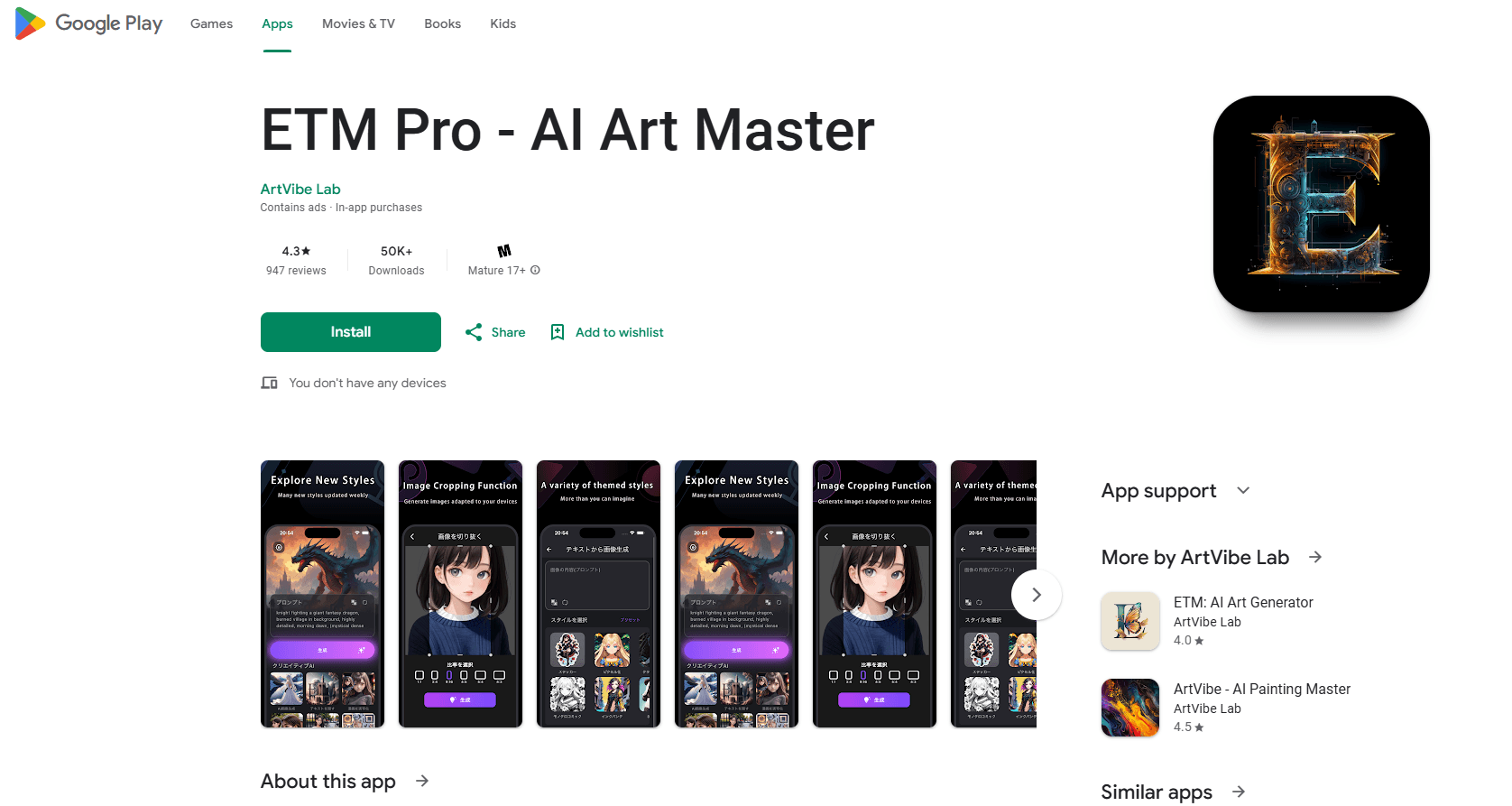
About ETM Pro - AI Art Master
What Is ETM Pro - AI Art Master
ETM Pro - AI Art Master is an AI art generator for Android phones. You type a few words, pick a look, and the app renders an image. It's built for people who want to make pictures without learning to draw. The workflow is the same prompt-based one you'd find in bigger AI art apps.
The developer is ArtVibe Labs, and the app has passed 100,000 downloads since its July 2024 release. Users rate it around 3.4 stars out of 5 across roughly 3,700 reviews. That's a middle-of-the-road score, and the reviews back it up: people like how quick the app is, then complain when a paid run doesn't hit the pose or skin tone they asked for.
Free access works through a daily reward system. You log in, collect drawing credits, and spend them on generations. If you want more, you buy packs. That's a fine model for casual use, and a poor one if you plan to generate dozens of images a day. The cost per image adds up fast, and the app's AI struggles once your prompt gets specific. Studio art tools offer finer control, but ETM Pro's appeal isn't control. It's speed on a phone.
So who should pay? Light users who want a handful of stylized images each week, not people running a daily art business.
Getting Started
- Install ETM Pro - AI Art Master from Google Play and open it. No account sign-up is required to start.
- Collect your daily drawing credit from the rewards screen.
- Type a short prompt describing the image you want, then choose an art style like Impressionism, Abstract, or Modern Art.
- Spend a credit to generate the artwork, then edit the result with the built-in painting and cropping tools.
- Save or share the image, and return the next day for another free credit.
Product Information
A quick look at ETM Pro - AI Art Master's pricing, supported platforms, and performance.
Best for
The users, tasks, and scenarios where this tool fits best.
Users
- Beginners
- Hobbyists who want quick art on a phone
- Social media creators
Tasks
- Turning a short text idea into a picture
- Trying out art styles
- Light image editing
Scenarios
- Making a quick profile picture on the bus
- Drafting concept art for a personal project
- Filling a personal gallery on a budget
Key features
Text to Image Generation
You describe what you want in plain words and ETM Pro - AI Art Master builds the image. It's so easy to use. The prompt can be as short as a single phrase, and that keeps the entry barrier low for people who've never used an AI picture generator or a text to image app before.
Style Simulation
The app ships with a set of artistic styles, including Impressionism, Abstract, and Modern Art. Applying one of these styles to the same prompt gives you a completely different mood without rewriting a single word, which is genuinely useful when you're still deciding what a scene should feel like.
Custom Editing Tools
Finished images aren't locked. ETM Pro includes painting and editing options plus a cropping tool that reshapes output for different devices. You can nudge a result toward what you pictured instead of regenerating from scratch.
Daily Rewards and Credits
Log in each day to collect free drawing credits that open up every app feature. This is how the free tier works, and it caps how much you can generate without paying. Heavy users will hit that ceiling quickly and end up buying packs.
Interactive Learning
The app includes AI tips and tutorials aimed at improving your painting skills, and for newcomers that turns the app into a low-pressure place to learn what prompts and styles actually do. You can test an idea, see what breaks, and adjust. No one's grading the result.
On-Device Convenience
Everything runs through the Android app with installs from Google Play. There's no desktop client or web version, so your art workflow stays tied to your phone, which is great on the move and limiting when you want a bigger screen.
Pros and cons
Pros
- Free daily credits let you try the AI art generator without paying.
- Simple prompt workflow suits people with no drawing or design background. It's quick.
- Doubles as a text to image app for short, casual ideas.
- Style filters make it easy to explore different looks from a single idea.
- Built-in editing and cropping tools stretch a generated image further.
- Over 100,000 downloads since launch, so the app is actively used.
Cons
- The AI struggles with complex prompts, like scenes needing multiple people or specific skin tones, so precise ideas often come out wrong.
- Credit packs run from $2.99 to $129.99, and frequent generation gets expensive fast.
- Android only. There's no way to continue the same workflow on desktop or iOS.
- Not the strongest AI art app for Android when prompts get detailed.
- No public API, meaning you can't plug the generator into other projects or automations.
Frequently asked questions
It's an Android app for generating artwork from text prompts. You type what you want, choose a style, and the app renders an image you can edit and save.
Related content
Explore related tools, skills, and articles for ETM Pro - AI Art Master.
ETM Pro - AI Art Master Alternatives

Google EmbeddingGemma 2
Google DeepMind · Writing · Image · CodingGoogle EmbeddingGemma 2 is a 740M-parameter open model that turns text, code, images, audio, and video frames into vectors in one 768-dimension space, running on phones and laptops.

Tractionwave
TractionWave · Image · MarketingTractionWave is an AI attention heatmap tool for static ads. Upload a PNG or JPG and it returns predicted attention, ranked hotspots, and fixes before you spend budget.

Imejis.io
Imejis.io · Image · MarketingImejis.io is an AI design studio for agents and marketing teams. Describe an image in plain words, and it writes the copy, builds the layout, reflows it to every size, then exports a finished file.