

Evernote - Note Organizer
Bending Spoons · Productivity
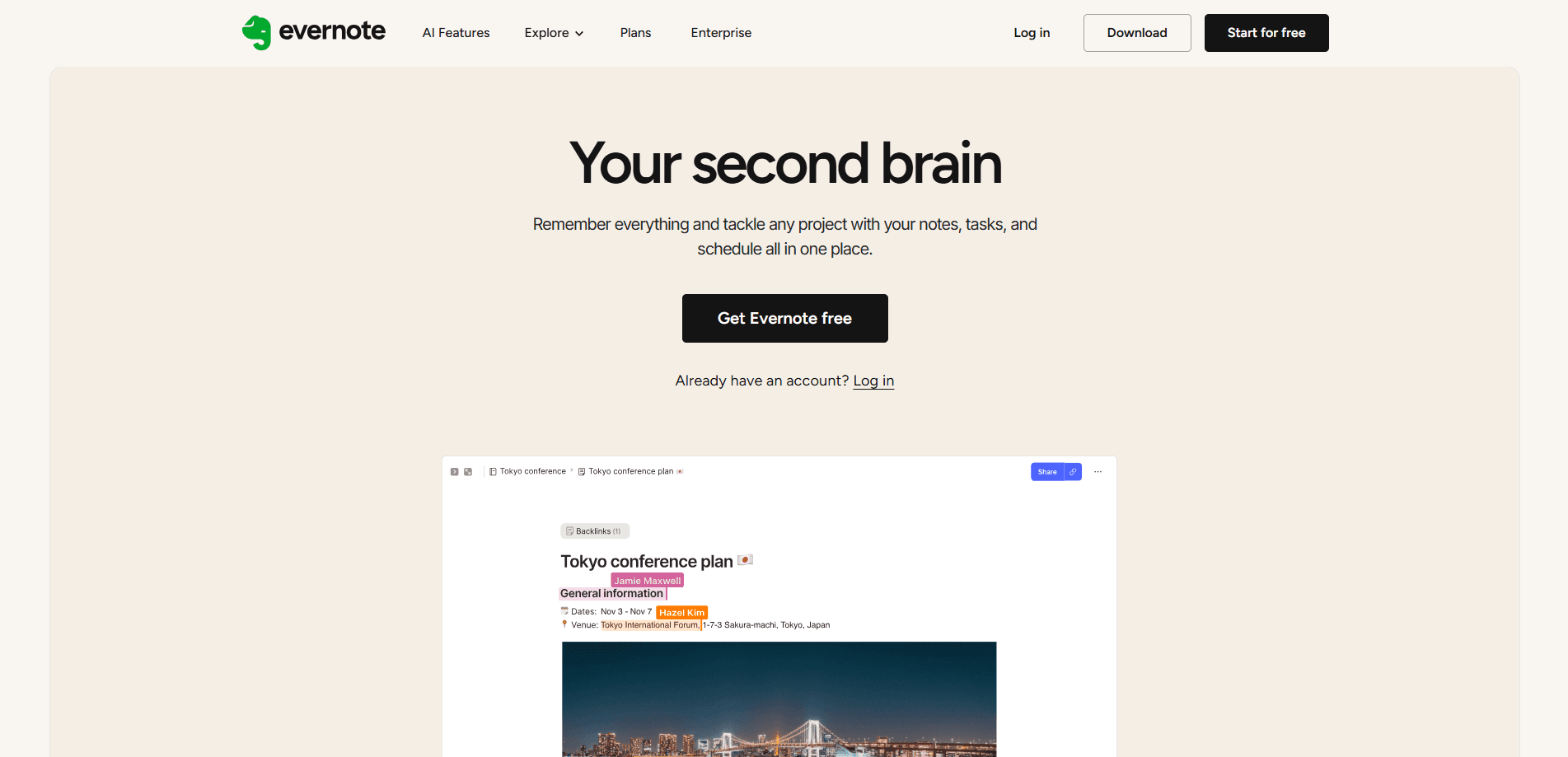
Evernote - Note Organizer is an AI note app built to hold everything you'd otherwise scatter across sticky notes, screenshots, and half-finished drafts. It's a note organizer that doubles as a light task manager. You write notes, clip web pages, attach files, and set tasks, then find any of it later with search that reads inside your images and PDFs. It runs on Android, iOS, Windows, Mac, and the web. Recent versions fold in AI tools for transcribing meetings and cleaning up messy notes.
About Evernote - Note Organizer
What Is Evernote - Note Organizer
Evernote is one of the oldest names in note-taking software. It works as a single home for your notes, notebooks, tasks, and calendar events, and its selling point has always been capture first, organize later. Toss in a thought now, and sort it out when you actually need it. Search stays the strongest part of the product, since it looks inside images, PDFs, and handwriting rather than just matching titles, which is a genuinely rare feature at this price point among competing note apps.
The app covers both personal and team use. Freelancers keep client notes and receipts there; students juggle lecture transcripts and reading lists; small teams share notebooks and assign tasks. A free tier exists, but it's tight. One device, 1 GB of storage, and 50 notes go fast once you're using it daily.
The biggest limit is cost. Evernote's paid plans sit at the high end for note apps, and the free plan caps you at a single device. That rules out the phone-to-laptop workflow the product is known for. Speed on older hardware is another recurring complaint in user reviews.
Getting Started
- Create a free account at evernote.com or install the app from Google Play or the App Store.
- Set up your first notebook and add a couple of notes to see how the editor and tags work.
- Install the Web Clipper extension so you can save articles and screenshots straight into your account.
- Add a task with a due date, then link it to the note it belongs to.
- Turn on sync and log in on your other devices to confirm everything shows up.
Product Information
A quick look at Evernote - Note Organizer's pricing, supported platforms, and performance.
Best for
The users, tasks, and scenarios where this tool fits best.
Users
- Students who need lecture notes, PDFs, and reading lists in one searchable spot. Heavy users will outgrow the free plan's 50-note cap fast.
- Freelancers and consultants tracking client details, receipts, and follow-up tasks, since tasks and notes stay linked in the same account.
- Small teams that want shared notebooks and task assignment, which needs a paid plan and at least the Starter tier for multi-device sync.
Tasks
- Capturing web research
- Meeting notes
- Finding old information
Scenarios
- Running a job search
- Planning a trip
- Managing a side project
Key features
AI Transcribe and AI Assistant
Evernote's AI tools handle the chores that usually eat time. AI Transcribe records a meeting and produces a summary plus a transcript. The AI Assistant lets you search and organize notes from a chat instead of clicking through menus, which saves a lot of hunting when your account grows past a few hundred notes. If you'd rather not type, you can still edit the output afterward.
Search Inside Your Attachments
Search reads text in images, PDFs, and scanned documents. Not just the words you typed. That means a photo of a whiteboard or a photographed receipt is still findable months later. Semantic search goes a step further and surfaces related notes based on what they're about.
Web Clipper
The browser extension saves articles, full pages, or selected screenshots straight into your account. You can highlight and annotate a clip before saving it, then tag it so it lands in the right notebook. Simple. It's the fastest way to turn reading into research you can actually find again.
Tasks and Calendar
You can attach due dates, reminders, and even assign tasks to other people right inside a note. Evernote Calendar pulls in events and connects with Google or Microsoft Office calendars on paid tiers. Your schedule sits next to the work it belongs to. That's the whole point.
Cross-Device Sync
Notes sync across Android, iOS, Windows, Mac, and the web, so a thought captured on your phone shows up on your laptop. The catch is the free plan, which limits syncing to one device, so the multi-device workflow needs a paid subscription.
Offline Access
Paid plans let you open and edit notes without a connection, which matters on flights or in spots with bad signal. Changes sync once you're back online, so you can keep writing on a train and not worry about losing anything. That matters more than it sounds.
Pros and cons
Pros
- Search reads inside images, PDFs, and handwriting, which makes old notes far easier to retrieve.
- Tasks, calendar, and notes live in one account instead of three separate apps.
- The Web Clipper turns web reading into tagged, searchable research in a couple of clicks.
- Offline access on paid plans keeps the app usable without a connection.
- Available on Android, iOS, Windows, Mac, and the web, so your notes follow you.
Cons
- The free plan limits you to one device and 1 GB of storage, which undercuts the sync feature the app is known for.
- Paid plans cost more than many note apps, and AI features sit on the higher tiers, so the full set of tools stays out of reach unless you're willing to pay for Advanced rather than the cheaper Starter tier.
- It can feel slow on older phones and PCs, based on recurring user reviews.
- The feature set is large enough that simple note-takers may find it cluttered.
Frequently asked questions
Evernote is a note-taking app for capturing anything you want to remember and finding it later. That's the short version. People use it for meeting notes, web research, to-do tasks, and documents, all stored in one account you can open on any device.
Related content
Explore related tools, skills, and articles for Evernote - Note Organizer.
Evernote - Note Organizer Alternatives

Base Code
Base44 (Wix) · Coding · ProductivityBase Code is a shared cloud development environment from Base44. Teammates describe changes to an existing GitHub codebase in chat, preview them live and send them back as pull requests.

Knocket
Knocket (Tencent RTC team) · Productivity · Business · ChatbotKnocket is a free live chat and contact page tool that lets visitors message you from your website, app, or a shareable link, with every reply handled from Telegram or one inbox.

FloorGen
Vinit Kumar (FloorGen) · Productivity · China AIFloorGen is a browser-based floor plan maker that turns a sentence or a sketch into an editable 2D plan and a 3D walkthrough. Export to PDF, DXF or video, and draw without an account.