
Exactly.ai
Exactly.ai · Image
Exactly.ai trains a private AI image model on your brand's own artwork, then generates on-brand illustrations, photos, and scenes that the client owns outright.
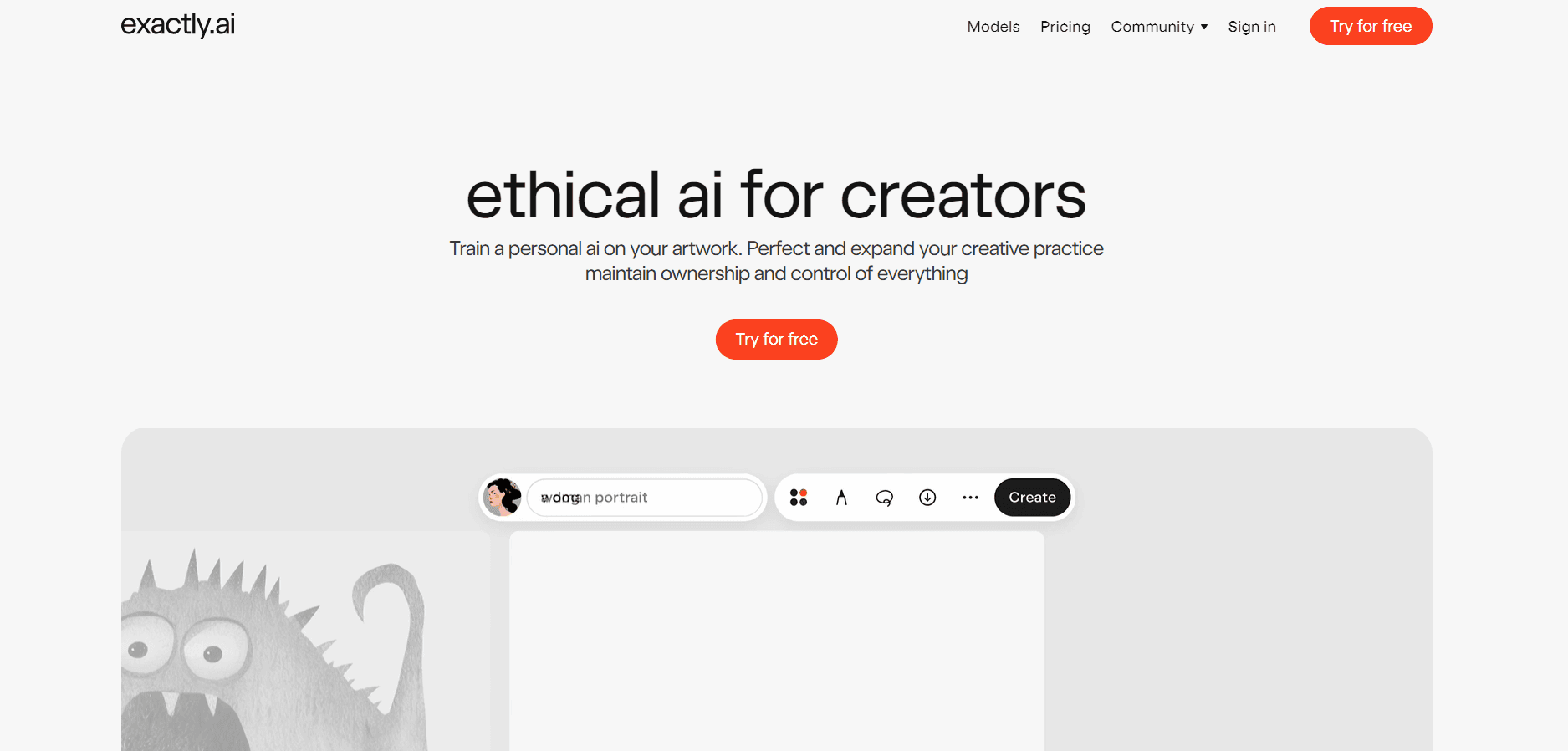
About Exactly.ai
What Is Exactly.ai
Exactly.ai is an AI brand image platform for brands, agencies, and illustrators, with private styles by default. It runs custom AI model training on as few as 10 images from an existing visual identity, then uses that model to produce new illustrations, photos, and scenes in the same style. Uploaded work stays private by default, and paid outputs carry a commercial license.
The problem it answers is consistency at volume. A campaign usually needs dozens of images in one visual language, and every new scene means another briefing round plus revisions with an illustrator. Train a style model once and you get a repeatable source, so one approved image can spawn forty variations without drifting off-brand.
The AI style transfer runs on Durer.ai, the company's own algorithm. The limit sits on the input side. A style model mirrors what you feed it, so a thin or mismatched sample set produces weak results. The free tier watermarks exports and blocks commercial use, which means real work starts with paid credits or a seat. Everything runs in a browser, with no desktop or mobile app.
Getting Started
- Create an account at exactly.ai with an email address. The free tier gives 5 credits a day and one free style training.
- Upload at least 10 images that represent your visual identity, name the model, and start the training run.
- Open the studio and pick a model: Nano Banana (Gemini 2.5), GPT Image, or Flux.1 Kontext. Then write your prompt.
- Refine the result in instruct mode. Repaint a region, add detail, or extend the frame while the composition stays put.
- Export at up to 8K, vectorize to SVG, or animate the frame. Paid credits remove the watermark and add the commercial license.
Product Information
A quick look at Exactly.ai's pricing, supported platforms, and performance.
Best for
The users, tasks, and scenarios where this tool fits best.
Users
- Brand design teams
- Freelance illustrators
- Marketing agencies
Tasks
- Campaign key visuals
- Character consistency
- Photo to illustration
- Packaging mockups
Scenarios
- A rebrand on a tight clock
- Localizing a campaign across markets
- Studio pitching
Key features
Style Training From 10 Images
Custom AI model training is the core of the product. Exactly.ai learns a visual identity from a small sample. Ten drawings or photos are enough for a first model, and the training run costs 16 credits after the free first attempt. From there, every prompt draws on that model instead of a generic image generator.
Multi-Model Studio
The studio lets you pick the engine per job. Nano Banana (Gemini 2.5), GPT Image, Imagen 4, Flux.1 Kontext, and Seedream 4.0 all sit behind the same prompt box, at 2 credits an image. A default model costs 1 credit when you just need a quick draft.
Instruct Editing
You can repaint a region, add objects, extend the canvas, or change the color grade without rebuilding the scene. It's AI image editing that keeps the surrounding composition and the trained style intact, which is what makes an edit usable for a client deck. Inpainting and outpainting both run inside the same workspace.
Character and Product Pinning
Pinning locks a character, mascot, or product across hundreds of generated assets. For a brand with a recurring figure, this removes the usual drift where the character's face or proportions change between images. It's available on paid plans only.
Image-to-Prompt and Artist Library
Image-to-prompt reads a reference image and rebuilds it in your trained style, which shortens the path from mood board to finished art. Used well, the platform works as an on-brand illustration generator for teams that already own a look. The artist library adds a second route: browse published styles from working illustrators, generate with one, and the original creator gets a share of the revenue.
Animation and Video
Static frames turn into short clips through one-click keyframes and a timeline. Veo 3, Seedance 1.0 Pro, and KlingAI 2.1 handle the motion, at 4 credits for a five second clip and 8 credits for ten seconds. It's a practical add-on for social cuts, not a replacement for a full video editor.
Export, Upscaling, and SVG Vectorization
Paid accounts export at up to 8K, with upscaling capped at 4096 by 4096 pixels. Background removal and SVG vectorization matter for print and for design tools that need clean paths. An AI image generator for brands lives or dies on this step, since a raster illustration rarely survives a packaging redesign.
Pros and cons
Pros
- First style training is free, so you can judge output quality before paying anything.
- Paid plans grant a perpetual commercial license, and the brand keeps ownership of the model and the images.
- Style models stay private, with isolated storage and SOC 2 Type II compliance for client work.
- The artist library pays illustrators when their published styles get used.
- Export range covers 8K rasters, SVG vectors, and short video from one workspace.
Cons
- The free tier watermarks every export and bars commercial use, so it only works for testing.
- Output quality tracks the sample set, and a loose or mixed upload produces a muddy model.
- Video and premium models burn credits fast, which makes budgeting harder for heavy users.
- There's no mobile or desktop app, and API access is limited to enterprise contracts.
Frequently asked questions
Partly. You get 5 credits a day and one free style training, which is enough to test the studio. Downloads carry a watermark and you can't use them commercially until you buy credits or a seat.
Related content
Explore related tools, skills, and articles for Exactly.ai.
Exactly.ai Alternatives

Google EmbeddingGemma 2
Google DeepMind · Writing · Image · CodingGoogle EmbeddingGemma 2 is a 740M-parameter open model that turns text, code, images, audio, and video frames into vectors in one 768-dimension space, running on phones and laptops.

Tractionwave
TractionWave · Image · MarketingTractionWave is an AI attention heatmap tool for static ads. Upload a PNG or JPG and it returns predicted attention, ranked hotspots, and fixes before you spend budget.

Imejis.io
Imejis.io · Image · MarketingImejis.io is an AI design studio for agents and marketing teams. Describe an image in plain words, and it writes the copy, builds the layout, reflows it to every size, then exports a finished file.