

Eyematch AI
Eyematch AI PTE. Ltd. · Image
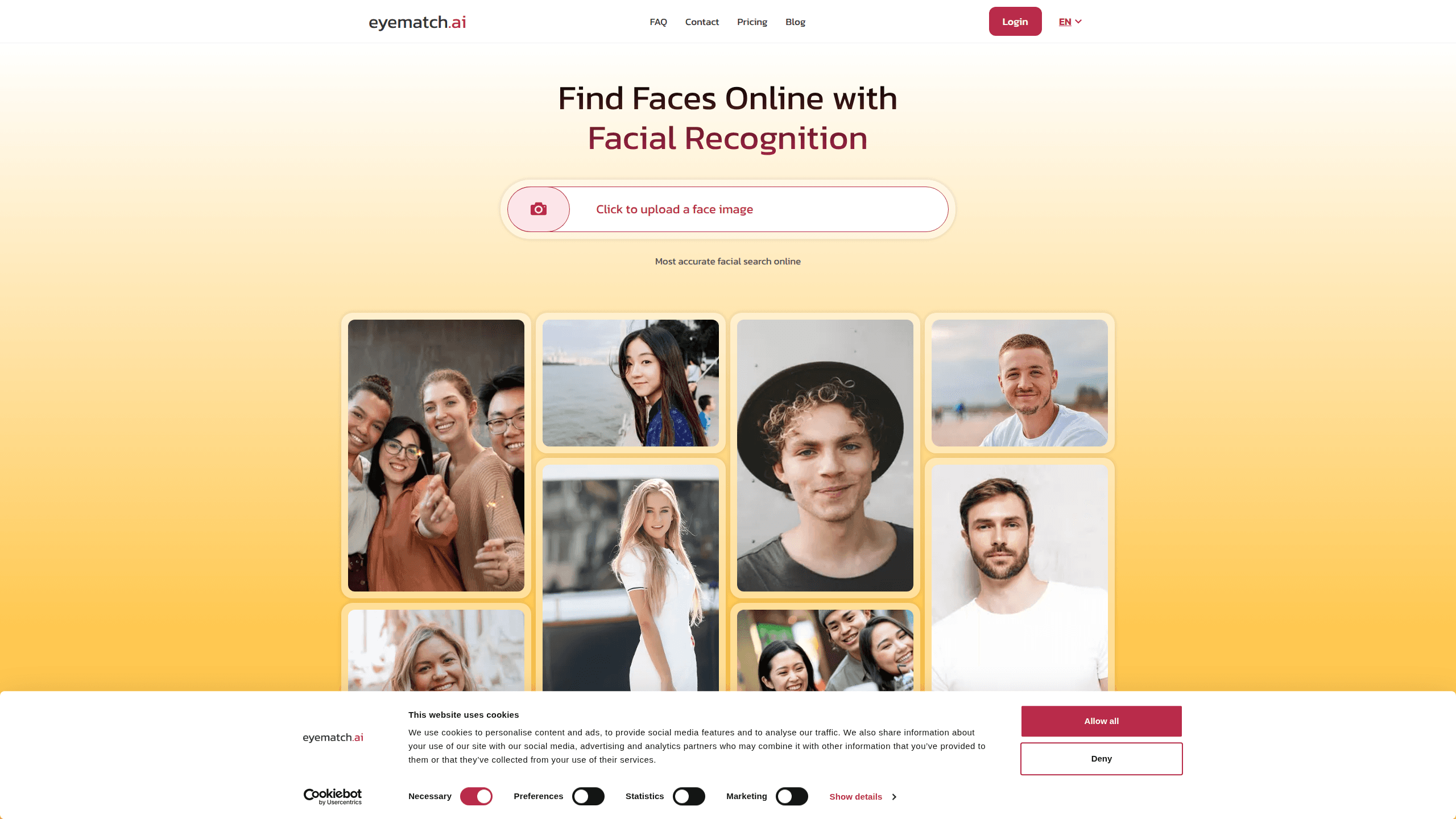
Eyematch AI is an AI-powered face finder that lets you upload one photo and scan millions of public images across the web for matching faces. Use it as a reverse face search to find photos online. It pitches itself at people who want to know where their own photos show up, check a dating match, or verify a suspicious profile. You pick a face from the upload, the recognition engine builds a facial pattern, and results come back in seconds. It sounds simple. It isn't cheap, and there's no free tier, with plans starting at $20.99 a month.
About Eyematch AI
What Is Eyematch AI
Eyematch AI is a facial recognition search engine from Eyematch AI PTE. Ltd., a company based in Singapore. You upload a single face photo, and the system converts it into a unique facial data pattern before comparing that pattern against public images online to surface visually similar or matching faces. It's aimed at individuals, brands, and professionals who need to trace where a photo is being used, and because it runs entirely in the browser, there's nothing to download or configure on your own machine.
The biggest limit is scope. Eyematch only reads publicly available images. It won't touch private accounts, personal devices, or restricted databases, and it doesn't put names to faces. If a photo lives behind a login or isn't indexed, the search simply won't find it. That matters if you expect results from private social profiles.
The core use cases split into two lines: personal (checking your own online footprint, dating safety) and professional (creator verification, research, investigations).
Getting Started
- Pick a clear photo where the face is fully visible, with no heavy shadows, sunglasses, or anything hiding your features.
- Go to eyematch.ai and click the upload box, or drop and paste an image from your device.
- Wait for the system to detect faces. If multiple people are in the shot, click the box around the face you want to search.
- Confirm your selection and start the search. The engine scans online sources and compares facial features in a few seconds.
- Review the matches and their photo sources, then switch to a paid plan if you need more searches.
Product Information
A quick look at Eyematch AI's pricing, supported platforms, and performance.
Best for
The users, tasks, and scenarios where this tool fits best.
Users
- Individuals checking their online photo footprint
- People screening online dates
- Creators and researchers
- Agencies and security teams
Tasks
- Reverse face search
- Verifying a suspicious profile
- Finding where a photo is being used
- Picking a specific face from a group shot
Scenarios
- Dating safety checks
- Personal brand monitoring
- Casual curiosity
Key features
AI Face Search Engine
So what does the engine actually do? It compares facial features across public images to return possible matches, and results land in seconds, which keeps the workflow light. Accuracy here decides everything else.
Reverse Face Search
Unlike a keyword search, this works from the image itself. You feed in a face, not text, and it hunts down visually similar photos across the web, which is exactly what you need when you have an image in hand but no names, handles, or usernames to type into a normal search box anywhere online.
Face Selection From Group Photos
If your upload has several people, the tool draws a box around each face and lets you choose who to analyze. It's a small feature that makes a real difference: you can search one person in a crowded photo without cropping the image yourself first. No manual editing needed. Since Eyematch spots faces during the upload step, this stays straightforward.
Timeline View for Results
Results can be browsed on a timeline instead of a flat list. It organizes matches so you can see how a photo's presence spreads over time. Handy for spotting when an image first appeared, not just where it sits now. Timeline access is built into every paid plan, so no separate upgrade is needed.
Search Reports Generator
The Advanced plan adds a report generator that packages face search results into a shareable format. Researchers and investigators get something they can hand off instead of a loose set of links. It's one of the clearest reasons to move past the Standard tier.
Public-Source Privacy Design
Eyematch AI only reads publicly available images and states that it won't store your photos or use them for AI training. It also doesn't assign names to faces, since the goal is finding similar images, not identifying people. If privacy around uploaded photos worries you, this stance is worth weighing against the paid entry price.
Pros and cons
Pros
- Searches by face image instead of keywords, which is faster when you have no names to work with.
- Results typically return within seconds, so you can run several checks back to back.
- Clear, simple pricing without credit systems or hidden fees, so you know the search count upfront.
- It only scans public images and claims not to store uploads or train on them.
- Group-photo face selection gives you precision over who gets searched.
Cons
- No free plan. You pay from $20.99 a month even to try the face search once.
- Results are limited to public sources, so a private profile photo won't turn up no matter how good the match is.
- Search caps (40 a day on Standard, 200 on Advanced) can run out fast for heavy investigative use.
- API availability isn't documented, so developers can't count on integrating it into their own tools.
Frequently asked questions
It's a face recognition search tool. You upload a photo and it finds matching or similar faces across public images online, mainly to trace where a picture appears or verify whether a profile photo is genuine.
Related content
Explore related tools, skills, and articles for Eyematch AI.
Eyematch AI Alternatives

X Ray Interpreter
X-ray Interpreter · ImageX Ray Interpreter is a web-based AI radiology tool that turns X-rays, CT scans, MRI, ultrasound, and PET images into plain-language reports. You upload a scan, get a preliminary X-ray interpretation in moments, then ask follow-up questions if something needs explaining. It works as a second opinion and a learning aid, not as a medical diagnosis.

Aieasypic
AIEasyPic · ImageAIEasyPic is an AI image generator that turns plain text prompts into finished artwork in seconds. You can also train custom models on your own photos, swap faces in existing images, and create short video clips from text, all from a browser. It suits casual creators who want quick visuals and hobbyists who want to build a personal model without touching any code.

Chargen
Chargen · ImageChargen is an AI character generator and worldbuilding toolkit built for Dungeons & Dragons and other tabletop RPGs. It turns a one-line idea into a painted character portrait, spins up NPCs, monsters, maps and encounters from the same session, and keeps every creature's details close at hand. The tabletop RPG art side runs on a credit system called Gold, while the text generators stay free for everyone.