

Fable
Pyxis Voyager Inc. · Coding · Productivity
Fable was an AI platform for building interactive product demos and step-by-step guides. Teams captured a workflow with a Chrome extension, and Fable stitched it into a shareable demo.
About Fable
What Is Fable
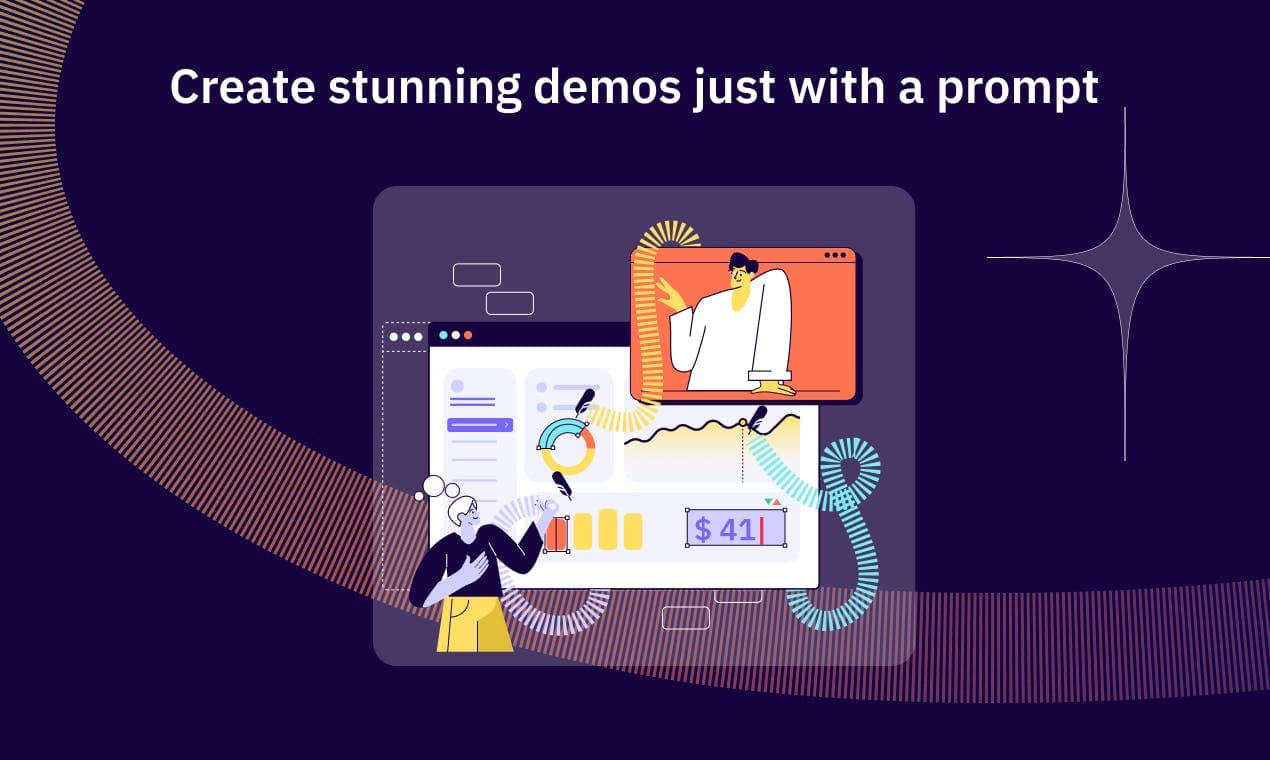
Fable was an AI demo software platform from Pyxis Voyager Inc. It captured a software product in a browser extension, then turned that recording into a clickable demo or a step-by-step guide. Sales teams, marketers and customer success staff used it to show off a product without a live call or a screen share.
The pitch was speed. You clicked through your product once with the extension on, Fable recorded the flow, and it auto-stitched the screens into a guided walkthrough. From there you edited the copy, added branding, dropped in call-to-action buttons and published it as a link or an embed. An AI copilot named Quilly handled parts of the editing.
The catch is the ending. Fable announced it was shutting down in January 2026, and the team released the code as open source on GitHub so the project could live on. AppSumo extended customer access to February 15, 2026, and urged buyers to download their content before then. Anyone assessing Fable today is really looking at a self-hosted option, not a subscription.
Getting Started
- Install the Fable Chrome extension and sign in to the web app
- Click through the workflow you want to demo so the extension captures each screen
- Open the editor to fix copy, add hotspots, CTAs and your logo and colors
- Publish the demo to a shareable link or embed it on your site or help center
Product Information
A quick look at Fable's pricing, supported platforms, and performance.
Best for
The users, tasks, and scenarios where this tool fits best.
Users
- SaaS marketing teams
- Sales teams
- Customer success and support teams
- Product and enablement teams
Tasks
- Building interactive product demos
- Creating step-by-step guides
- Personalizing demos before a sales call
- Embedding demos on a site
- Tracking buyer engagement
Scenarios
- A marketer wants a demo on the pricing page
- A rep preps for a call
- Onboarding a new customer
- Explaining a product publicly
- Self-hosting after shutdown
Key features
Extension-Based Demo Capture
Fable doubled as a step-by-step guide builder, and the capture flow is why. Fable recorded your product through a Chrome extension. You turned it on, clicked through the workflow you wanted to show, and the extension captured each state along the way. It then auto-stitched the screens into a finished walkthrough, which is the part that saved the most time. Instead of screenshotting and rebuilding a flow by hand, you ended up with a clickable demo from one pass through your own product.
AI Copilot for Editing
An AI copilot named Quilly handled parts of the editing work. It helped with things like cleaning up captured text and generating demo content, so you spent less time on manual touch-ups. The no-code editor sat underneath it, letting you correct mistakes, rewrite copy and adjust the flow without touching code. For teams without a designer on hand, that combination kept the demo buildable in minutes rather than days.
Branding and Interactive Elements
Demos rarely look finished without your own branding. Fable let you apply logos and colors, then layer in interactive elements like hotspots and call-to-action buttons. You could build different versions of a demo for different use cases, each pointing at a different next step. Custom domains were supported too, so a demo could live on a help center, a landing page or a subdomain of your own site instead of a vendor URL.
Custom Domains and Embedding
Fable let you publish demos on your own domain, so a walkthrough on a help center or landing page looked like part of your site rather than a third-party tool. You could also embed a demo directly into a page or share it as a plain URL, which covered the common cases: a demo on a sales page, a guide in your docs, a link dropped into an email. Choosing between embed and link came down to where the buyer already was.
Analytics and Engagement Tracking
The platform tracked how buyers moved through a demo. You could see who opened it, which steps they reached and where they dropped off. That feedback loop turns a demo from a one-off asset into something you tune. Sales teams used it to spot which prospects actually engaged and to follow up while interest was still warm, rather than guessing from open rates alone.
Integrations and Webhooks
Fable connected to common go-to-market tools, including HubSpot, Salesforce, Pardot, Marketo, Slack, Zapier, Notion, Webflow, Wix and WordPress. Webhooks delivered real-time updates on actions and events inside a demo, so a completed step or a shared link could trigger a workflow in a CRM or an automation platform. That kept demo activity flowing into the same systems the rest of the team already watched.
Self-Hosted Open Source
When Fable shut down, the team published the code as open source on GitHub under the sharefable organization. That means the tool did not vanish with the hosted service. Teams willing to run their own infrastructure could self-host it and keep capturing and publishing demos. The trade-off is real: you take on the setup, the hosting and the upkeep that the vendor used to handle, and you lose the managed support that came with a paid plan.
Pros and cons
Pros
- No-code demo capture from a browser extension cut hours of manual screenshot work down to one pass
- AI copilot and a visual editor made demos editable without design or engineering help
- Custom domains and embed options let demos live on your own site rather than a vendor URL
- Analytics surfaced which prospects engaged and where they dropped off
- Open-source release means the tool survived the shutdown for teams that self-host
Cons
- The hosted platform shut down in January 2026, so there is no managed service to sign up for
- AppSumo access ended February 15, 2026, and users had to export their content before then
- Self-hosting shifts setup, servers and upkeep onto your own team
- The original website no longer serves the product, so official support and docs are gone
Frequently asked questions
Fable built interactive product demos and step-by-step guides. You captured a workflow with a Chrome extension, and the platform stitched the screens into a clickable demo or guide that you could embed or share as a link.
Related content
Explore related tools, skills, and articles for Fable.
Fable Alternatives

Udon
Udon · Coding · ProductivityUdon turns an Apple Silicon Mac into a home server you run from a browser, with container controls, file shares, and an optional AI sysadmin.

offstage
offstage cloud · Coding · Productivityoffstage gives AI coding agents and CI jobs a real Mac: a fresh macOS account on Apple silicon, driven over an API and billed by the second.

BotBus
Chengdu Tuyang Tusen Technology Co., Ltd. · Coding · ProductivityBotBus lets you control AI coding agents from your phone and watch: approve commands, start tasks and read results while the code stays on your desktop.