

Facemoji AI Emoji Keyboard
Baidu · Image
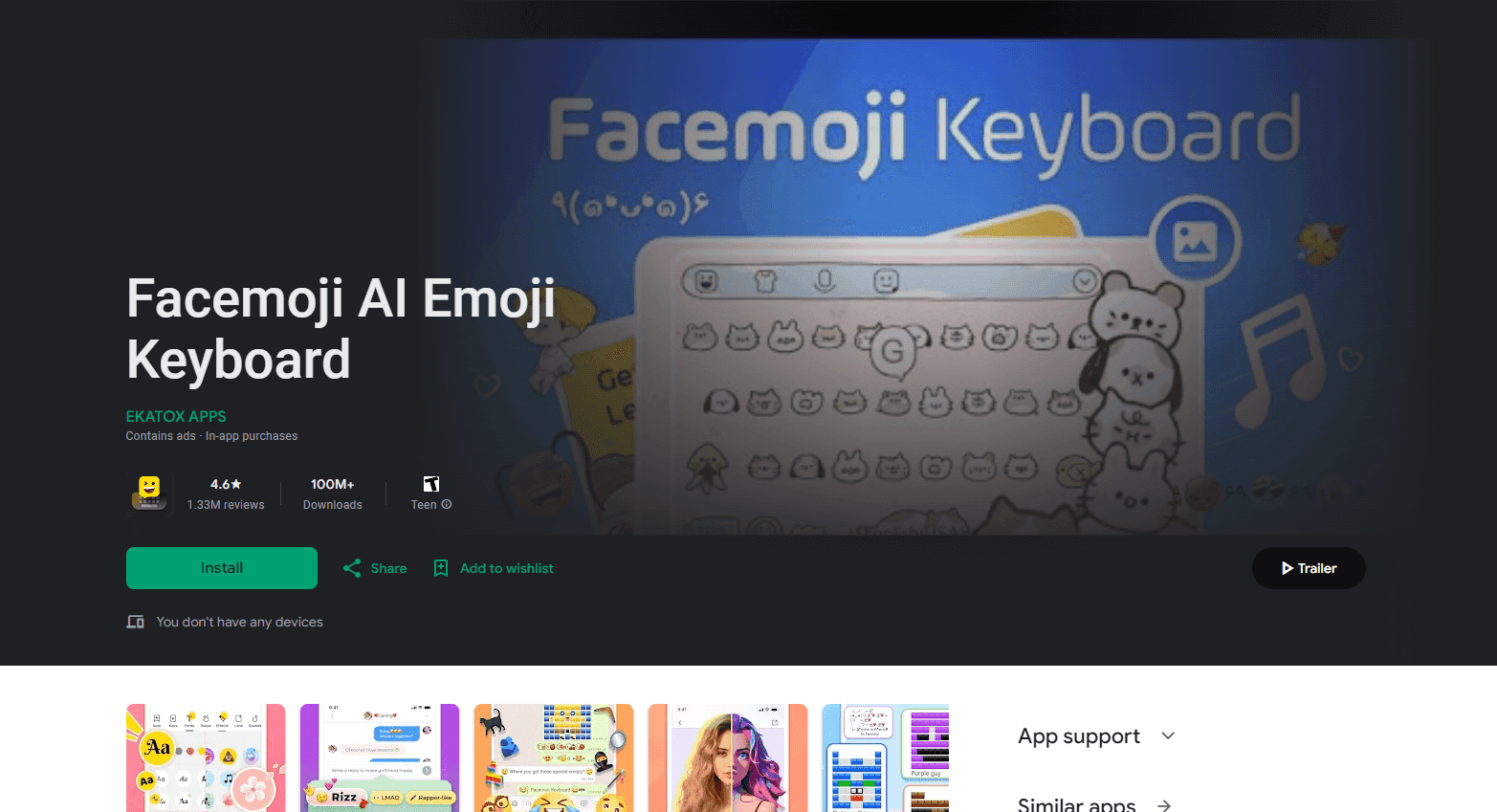
Facemoji AI Emoji Keyboard is a custom keyboard for Android and iOS that pairs emoji, kaomoji, and 1,000+ themes with AI tools for captions, hashtags, and emoji mixing.
About Facemoji AI Emoji Keyboard
What Is Facemoji AI Emoji Keyboard
Facemoji AI Emoji Keyboard is a third-party keyboard made by Baidu. It replaces the default keyboard on your phone and puts emoji, stickers, GIFs, text art, and font styles one tap away, then layers AI writing tools on top. The AI side handles the parts of messaging people stall on: what to write as a caption, which hashtags to use, how to phrase a reply.
The product started as an emoji and theme keyboard. AI features arrived in 2023 and the name changed to match, which tells you where the emphasis sits now. You still get the decoration layer, with more than 1,000 custom keyboard themes, a library of kaomoji, and fancy font styles you can paste into bios and posts. The AI layer is the differentiator against the keyboard that shipped with your phone.
Two limits matter before you install it. It's a mobile keyboard, so there's no desktop version and no web app. And the useful AI features sit behind a VIP subscription, with a free tier that covers the basics. If you only want predictive text and standard emoji, the built-in keyboard does that without giving a third party access to everything you type.
Getting Started
- Download Facemoji AI Emoji Keyboard from Google Play or the App Store.
- Open Settings on your phone, go to the keyboard or language section, and add Facemoji as an input method. On iOS you also need to grant full access for stickers and GIFs to load.
- Open the app and pick a theme, a font, and the languages you type in. More than 150 languages are supported, and you can switch between them with the globe key.
- Start typing in any chat app. Tap the emoji or sticker panel for reactions, or open the AI tools to draft a caption or generate an emoji.
- Adjust what you need later. Theme, sound, and layout settings live in the Facemoji app rather than in the keyboard panel.
Product Information
A quick look at Facemoji AI Emoji Keyboard's pricing, supported platforms, and performance.
Best for
The users, tasks, and scenarios where this tool fits best.
Users
- People who chat mostly in emoji and stickers
- Social media creators
- Multilingual users
Tasks
- Writing captions and hashtags for Instagram, TikTok, or X
- Sending reactions that fit the moment
- Making text look different for a bio or a post
Scenarios
- Group chats that run on in-jokes and meme reactions
- Posting from your phone right after a photo
- Typing in a language the default keyboard handles badly
Key features
AI Social Generator
This is the core AI feature. You give it a topic or a photo context, and it writes captions, hashtags, and short bios for social profiles. Output is a set of options rather than a single answer, so picking one is faster than writing from scratch. Treat it as a first draft, since the phrasing leans generic until you add specifics.
Genmoji emoji mixing
Genmoji combines two emoji into one image, which is how the app works as a light AI emoji generator. You pick the two source emoji and the result is a new sticker you can send like any other. It's a small feature, but it produces reactions that don't exist in the standard set.
Custom keyboard themes and fancy fonts
More than 1,000 custom keyboard themes cover colors, layouts, key sounds, and photo backgrounds. Separately, 50+ fancy font styles convert your text into stylized characters that survive copy and paste. The theme library is where most of the visible personalization lives, and a good share of it is free.
Kaomoji and text art library
The kaomoji keyboard holds 3,600+ text faces and text art pieces, from simple emoticons to multi-line drawings. These are plain text, so they paste into apps that strip images or block stickers. For anyone who misses the old emoticon era, this is the reason to keep the app installed.
Typing in 150+ languages
Facemoji supports more than 150 languages, including layouts beyond QWERTY such as QWERTZ and AZERTY. Emoji prediction and next-word suggestions work across the supported languages, with quality that varies by language. For an emoji keyboard for Android, that coverage is unusual.
Emoji prediction and smart typing
The keyboard suggests emoji and next words as you type, and it learns from what you send. Autocorrect and swipe typing are included. The suggestions are tuned toward conversational messaging, which shows in how often it offers a reaction instead of a punctuation fix.
Pros and cons
Pros
- The emoji, sticker, kaomoji, and text art libraries sit in one place, which removes the usual app switching.
- AI caption and hashtag generation is genuinely useful for social posting, and it's faster than drafting in a notes app.
- More than 150 languages and multiple keyboard layouts make it a practical daily driver for bilingual users.
- Theme and font customization goes far beyond what stock keyboards offer, and the free tier includes a usable selection.
Cons
- The keyboard needs full access on iOS to load stickers and GIFs, which means the app can see what you type. That's a real privacy tradeoff, not a technicality.
- The better AI tools and much of the theme catalog require a VIP subscription, and pricing isn't shown until you're inside the app.
- No desktop or web version, so the setup only covers phone typing.
- AI captions tend toward generic phrasing, which means editing before you post if you care about sounding like yourself.
Frequently asked questions
It's a replacement keyboard for Android and iOS. It adds emoji, stickers, GIFs, kaomoji, text art, themes, and font styles to any app where you type, plus AI tools that draft captions, hashtags, and bios. Think of it as a messaging keyboard with a built-in writing assistant.
Related content
Explore related tools, skills, and articles for Facemoji AI Emoji Keyboard.
Facemoji AI Emoji Keyboard Alternatives

Google EmbeddingGemma 2
Google DeepMind · Writing · Image · CodingGoogle EmbeddingGemma 2 is a 740M-parameter open model that turns text, code, images, audio, and video frames into vectors in one 768-dimension space, running on phones and laptops.

Tractionwave
TractionWave · Image · MarketingTractionWave is an AI attention heatmap tool for static ads. Upload a PNG or JPG and it returns predicted attention, ranked hotspots, and fixes before you spend budget.

Imejis.io
Imejis.io · Image · MarketingImejis.io is an AI design studio for agents and marketing teams. Describe an image in plain words, and it writes the copy, builds the layout, reflows it to every size, then exports a finished file.