

Facetune: Hair, Photo Editor
Lightricks · Image · Video
Facetune is an AI photo editor and portrait retouching app from Lightricks that smooths skin, reshapes features, and retouches photos and short videos on iPhone, iPad, and Android.
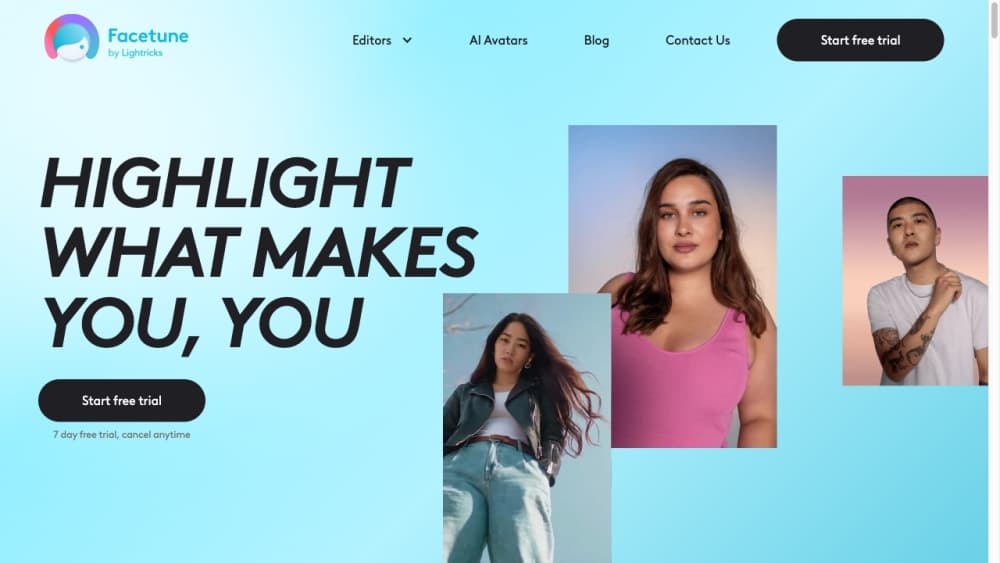
About Facetune: Hair, Photo Editor
What Is Facetune
Facetune is a portrait editing app made by Lightricks, the studio behind Videoleap and Photoleap. It is built for one job: making people look good in photos and videos without a full editing suite. You load a selfie or a clip, tap a tool, and the app does most of the heavy lifting.
The app targets the everyday gap between a raw camera roll and a polished post. Instead of exporting to desktop software, you smooth skin, reshape features, whiten teeth, and wipe out blemishes in a few taps, then publish straight to social. The same tools work on video, which sets this photo editing app apart from most phone retouchers.
There are real limits. The best results come from portraits, not landscapes or product shots, and heavy reshaping can make a face look artificial. Most tools sit behind a paid subscription, and the free tier is thin. Some editing also happens on-device while heavier AI features need a connection.
Getting Started
- Install Facetune from the App Store or Google Play, then open it and grant photo access.
- Pick a photo or a short video from your library, or capture a new one in the app.
- Choose a tool such as Smooth, Reshape, or Whiten, then brush over the area you want to adjust.
- Preview the result against the original and dial the strength back if the edit looks too strong.
- Save the finished edit to your camera roll, or share it directly to social apps.
Product Information
A quick look at Facetune: Hair, Photo Editor's pricing, supported platforms, and performance.
Best for
The users, tasks, and scenarios where this tool fits best.
Users
- Social media creators
- Everyday selfie takers
- Beauty and fashion influencers
- Small business owners
Tasks
- Smoothing skin and removing blemishes
- Reshaping facial features
- Trying hairstyles and makeup
- Retouching video
- Cleaning up backgrounds
Scenarios
- Getting a profile picture ready for a job platform
- Posting a daily story where feet matter
- Prepping a product or outfit shot
- Testing a new look before a big event
Key features
Retouch Tools (Smooth, Reshape, Whiten)
The core retouching set covers the three edits most people reach for first. Smooth softens skin and hides small blemishes, Reshape adjusts facial features such as eyes, jaw, and nose, and Whiten brightens teeth. Each works with a brush so you control exactly where the change lands.
Virtual Hairstyles and Makeup
Facetune offers a library of hairstyles and beards you can try on without cutting a thing. Makeup presets add a full look in one tap, from natural to full glam. It is a fast way to preview a change before you commit to the salon or the mirror.
AI Headshots
The Headshots feature turns an ordinary photo into something that reads like a professional portrait. It cleans up lighting and background so the result is fit for a work profile. That saves the cost and hassle of booking a photographer for a single image.
Background Removal and Cleanup
Remove and Vanish tools delete passers-by, clutter, and distractions from a shot. Instead of cropping around an unwanted object, you erase it and keep the frame you wanted. This keeps a good photo usable instead of forcing a reshoot.
Enhance and Color Correction
Enhance raises sharpness and clarity in one tap, while Color Correction fixes dull or off-balance tones. Both are quick passes rather than manual adjustment sliders. They help a flat phone photo look closer to what the eye saw.
Video Retouching
Facetune applies its editing tools to short videos, not just stills. You can smooth, reshape, and color-correct a clip frame by frame in a simplified flow. For anyone posting reels or stories, that closes the gap where a photo-only editor stops.
Pros and cons
Pros
- Portrait tools are fast and beginner-friendly, with one-tap presets and brush control that need no editing background.
- The same retouching set works on video, which most phone photo apps don't offer.
- AI Headshots and background cleanup remove two common reasons people pay for a photographer or a separate tool.
- Available on both iOS and Android, so it doesn't lock users into one phone platform.
Cons
- Most tools require a subscription, and the free tier is limited enough that serious editing quickly becomes paid.
- Heavy reshaping can push a face toward an unnatural look, so results depend on restraint.
- Portrait-focused design means it's a poor fit for landscapes, product shots, or general photo work.
- There's no public API, so it can't be wired into an automated or bulk pipeline.
Frequently asked questions
Facetune is used to retouch portraits and short videos, mainly for smoothing skin, reshaping features, whitening teeth, trying hairstyles, and cleaning up backgrounds. It is aimed at people who want a polished look for social media and profile photos.
Related content
Explore related tools, skills, and articles for Facetune: Hair, Photo Editor.
Facetune: Hair, Photo Editor Alternatives

Google EmbeddingGemma 2
Google DeepMind · Writing · Image · CodingGoogle EmbeddingGemma 2 is a 740M-parameter open model that turns text, code, images, audio, and video frames into vectors in one 768-dimension space, running on phones and laptops.

Tractionwave
TractionWave · Image · MarketingTractionWave is an AI attention heatmap tool for static ads. Upload a PNG or JPG and it returns predicted attention, ranked hotspots, and fixes before you spend budget.

Imejis.io
Imejis.io · Image · MarketingImejis.io is an AI design studio for agents and marketing teams. Describe an image in plain words, and it writes the copy, builds the layout, reflows it to every size, then exports a finished file.