

Facts Hero
NikitaY · Image
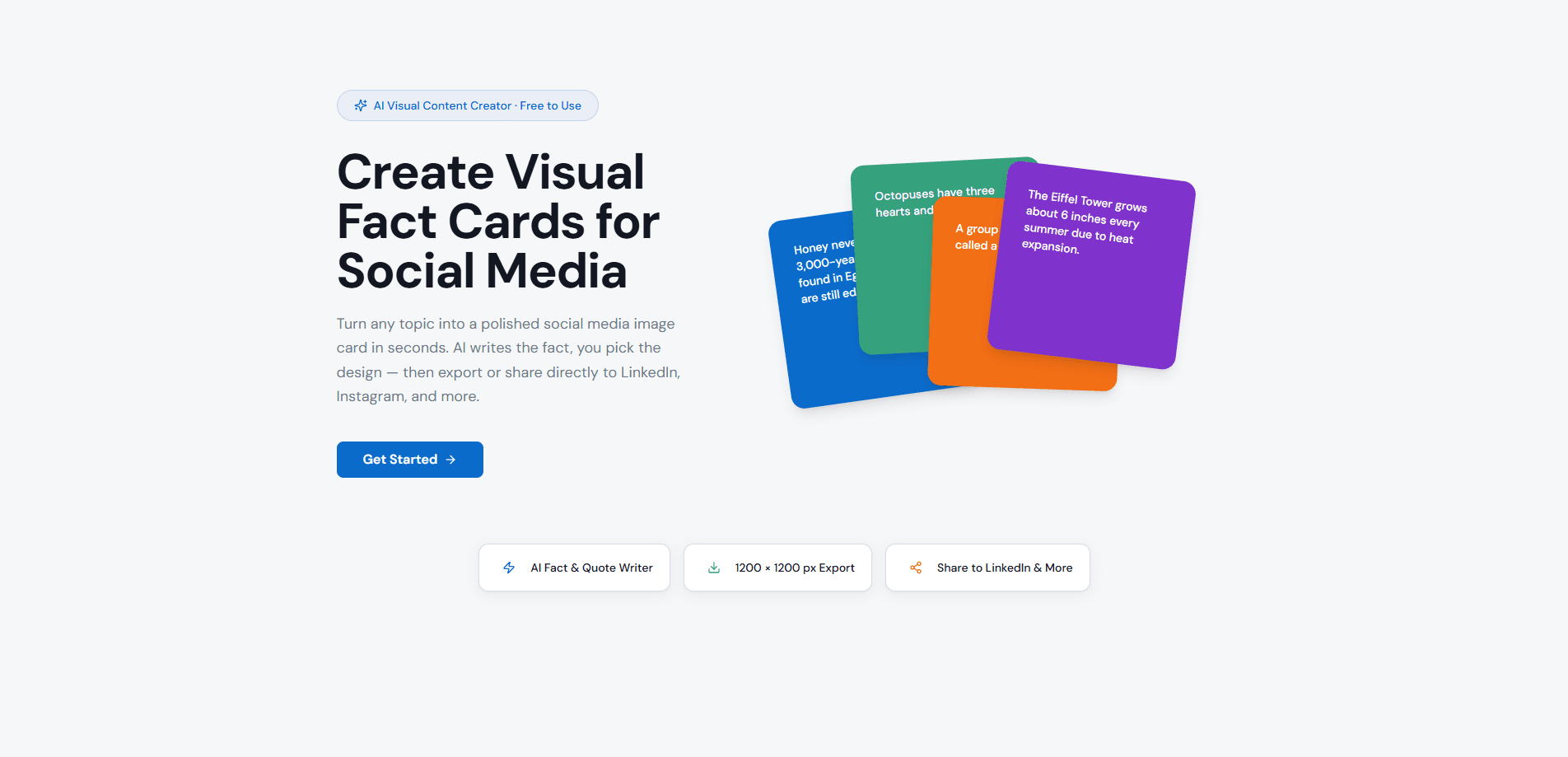
Facts Hero is a free AI social media card maker that turns a plain topic into a ready-to-post image in seconds. You type a subject, the AI writes a short fact or quote, and you adjust colors and layout before exporting a 1200 x 1200 px PNG. It's a solid LinkedIn image creator and quote card maker for people who need clean visuals without a design team. Creators, marketers, and educators get the most from it.
About Facts Hero
What Is Facts Hero
Facts Hero is a browser-based AI visual content creator built for one job: turning a topic into a shareable fact card. You give it something like "ocean animals," and it drafts a punchy fact or quote you can drop onto a styled square image. There's no blank canvas to fight with. Nothing to install either.
The appeal is speed. Most people who post facts on LinkedIn or Instagram lose time switching between a copy tool and a design tool. Facts Hero merges both, and it leans toward quote card maker simplicity rather than a full design suite. The AI handles the text, and you handle the look through a live preview that updates as you work.
The main limit is scope. Facts Hero makes square image cards, not full carousels or video. If you need multi-slide posts or animated content, you'll still reach for something else. It's also web only, so there's no mobile app to install. For free social media graphics, the tradeoff rarely bites.
Getting Started
- Open factshero.com and click Get Started to reach the dashboard.
- Type any topic into the prompt box, from history and science to business or pop culture.
- Let the AI draft a fact or quote, then edit the wording if you want a different angle.
- Pick colors and adjust the layout, watching the live preview update with every change.
- Export a 1200 x 1200 px PNG, copy it to your clipboard, or share it straight to LinkedIn and other platforms.
Product Information
A quick look at Facts Hero's pricing, supported platforms, and performance.
Best for
The users, tasks, and scenarios where this tool fits best.
Users
- Creators and marketers
- Educators and curious readers
- LinkedIn thought leaders
Tasks
- Writing a daily fact post
- Recapping a statistic
- Designing a quote card
Scenarios
- Filling a content calendar with regular LinkedIn image posts
- Making classroom or newsletter visuals
- Testing a hook before committing
Key features
AI Fact and Quote Writer
You type a topic and Facts Hero's AI drafts a fact or quote for it. This removes the hardest part of making a knowledge card, which is coming up with something worth reading. The draft is a starting point you can rewrite, so you keep your own voice. It never feels like the tool is talking over you.
Live Design Preview
Every color and layout change shows up in the preview as you make it. That means no guessing how a card will look, and no exporting just to check. It's the difference between a design tool that slows you down and one you can steer in real time. Small changes land instantly.
1200 x 1200 px Export
The default export is a square 1200 x 1200 px PNG, the format that fits LinkedIn and Instagram feeds. PNG keeps text edges sharp, which matters when a card carries a lot of type. You get a file ready to post without resizing.
Direct Sharing to LinkedIn
You can push a finished card to LinkedIn and other platforms with one tap. This skips the download-and-reupload dance and shortens the gap between idea and post. LinkedIn is the headline target, which matches how many of these users build an audience. Posting stops feeling like a chore.
Clipboard and PNG Download
If you'd rather place a card somewhere else, you can copy it to the clipboard or download the PNG. That keeps Facts Hero usable inside a wider workflow, including docs, slide decks, and scheduling tools. The flexibility matters for anyone who doesn't post only to LinkedIn.
Pros and cons
Pros
- Free to use, with no paid tier blocking the core fact card generator.
- Combines AI copywriting and a design editor, so you don't juggle two tools.
- Live preview makes styling quick, with no export-and-check loop.
- Ready-made 1200 x 1200 px PNG export fits LinkedIn and Instagram feeds.
- Built-in sharing to LinkedIn shortens the step from idea to published post.
Cons
- Web only, so there's no Android or iOS app for posting from a phone.
- Square image cards only, which means no carousel, video, or animated posts.
- Font and layout controls stay simple, so heavy brand customization isn't the focus.
- No public API, which limits use in automated or bulk content pipelines.
Frequently asked questions
Facts Hero creates visual fact cards for social media. You enter a topic, the AI writes a fact or quote, and you style it into a square image you can post to LinkedIn, Instagram, and similar platforms.
Related content
Explore related tools, skills, and articles for Facts Hero.
Facts Hero Alternatives

Google EmbeddingGemma 2
Google DeepMind · Writing · Image · CodingGoogle EmbeddingGemma 2 is a 740M-parameter open model that turns text, code, images, audio, and video frames into vectors in one 768-dimension space, running on phones and laptops.

Tractionwave
TractionWave · Image · MarketingTractionWave is an AI attention heatmap tool for static ads. Upload a PNG or JPG and it returns predicted attention, ranked hotspots, and fixes before you spend budget.

Imejis.io
Imejis.io · Image · MarketingImejis.io is an AI design studio for agents and marketing teams. Describe an image in plain words, and it writes the copy, builds the layout, reflows it to every size, then exports a finished file.