

fasrad
fasrad · Productivity
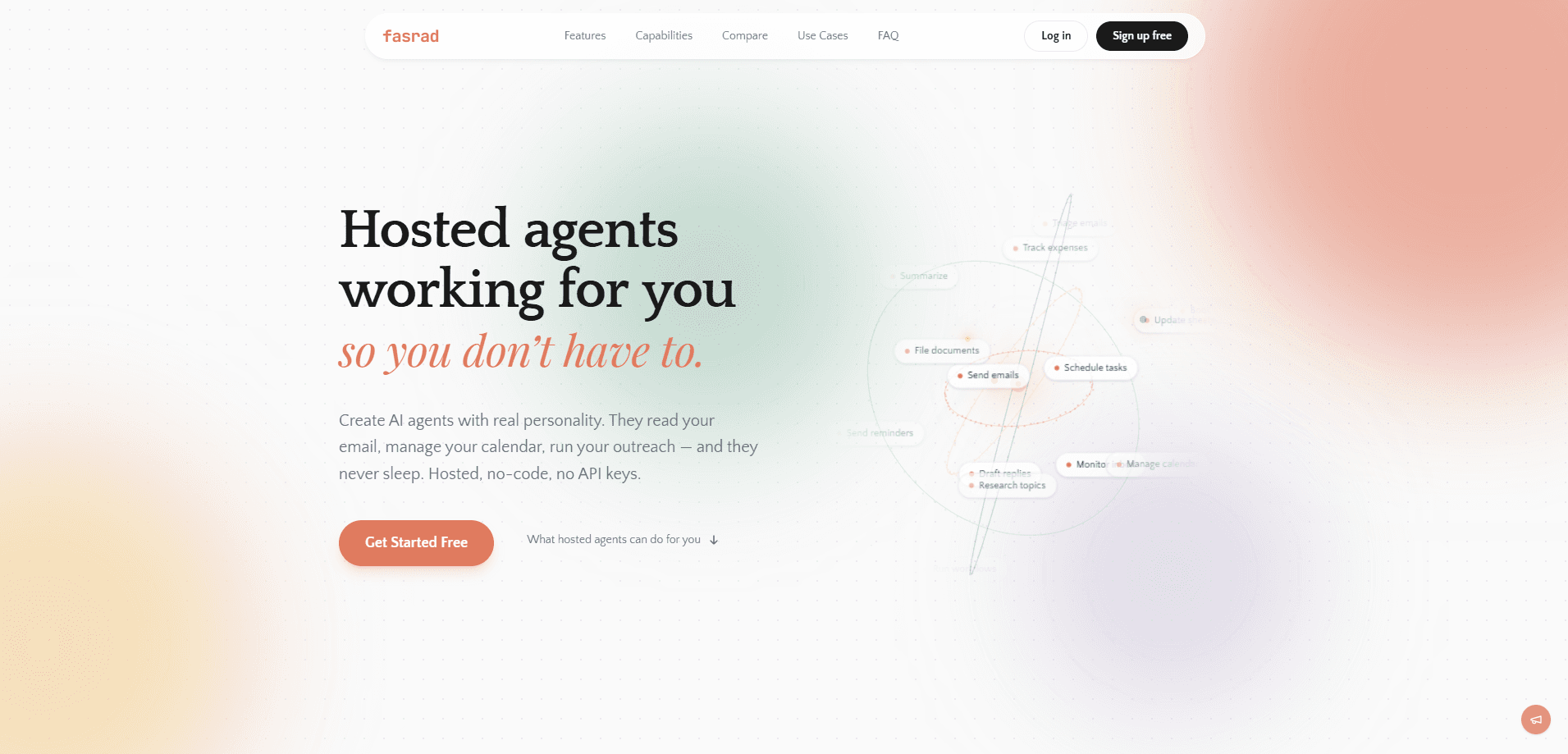
fasrad is a hosted AI agent platform that runs an assistant on its own infrastructure. You never touch servers, code, or API keys. You give it a dedicated inbox or connect your own Gmail or IMAP account read-only, share your Google Calendar, and the agent triages mail, books meetings, keeps notes and contacts, and sends you a daily briefing. It works the same way across the web app, Telegram, and email, and it keeps long-term memory of your preferences and routines.
About fasrad
What Is fasrad
fasrad is a hosted AI virtual assistant meant for people who want the output of an agent without the setup work. Instead of writing agent loops in a framework like CrewAI or AutoGen and then babysitting a server, you sign up, hand over calendar access, and your assistant is running in a couple of minutes.
The pitch is narrow on purpose. This no-code AI assistant handles email, calendar, notes, contacts, and simple automations, and it does those things on a schedule you set. It reads your inbox, drafts replies, and waits for your approval before sending. It checks your availability, proposes times when there's a conflict, and blocks focus periods. It also compiles a morning brief covering your schedule, unread mail, and open reminders. No typing required. That's the point.
The biggest limitation is scope. fasrad is built around a personal or small-team workflow, not a full sales or support stack. If you need deep CRM pipelines, advanced reporting, or custom integrations your team maintains, you'll outgrow what's offered. The agent also leans on access to your real inbox and calendar. Anyone uneasy about sharing that data should weigh the tradeoff before committing.
If you're the type who has tried a self-hosted agent and got stuck on infrastructure, this is the easier path. Setup is quick. Here's how to get going.
Getting Started
- Create an account on the fasrad site and pick the assistant type that matches your workflow, such as a personal assistant or an inbox agent.
- Connect your email. Give the agent a dedicated address, or link your Gmail, Google Workspace, or IMAP inbox with read-only access.
- Share your Google Calendar so it can check availability, book events, and block focus time.
- Set your preferences in plain language: what to triage, when to send the daily briefing, and which follow-ups to chase.
- Approve the first drafted replies, then let it run across web, Telegram, and email.
Product Information
A quick look at fasrad's pricing, supported platforms, and performance.
Best for
The users, tasks, and scenarios where this tool fits best.
Users
- Solopreneurs and freelancers
- Small business owners
- Consultants and coaches
Tasks
- Inbox triage and drafted replies
- Meeting scheduling
- Daily briefings
Scenarios
- Overnight inbox handling
- Late-night guest or client messages
- Early project research
Key features
A Dedicated Inbox per Agent
fasrad gives every agent its own email address, so it can read, draft, send, triage, and run personalized outreach without mixing into your personal mail. You can also connect your existing Gmail or IMAP inbox with read-only access if you'd rather it watch your real account. Either way, it asks for approval before sending anything on your behalf. That's the safety net.
Two-Way Google Calendar
The agent doesn't just see your calendar. It works in it. It checks availability, books events, reschedules when something conflicts, and blocks out focus time on its own. Meeting briefings pull context from past email threads, so you walk in knowing what the last exchange was about.
Notes and Built-In CRM
Contacts, interactions, and notes live in one place, with one-click capture from any webpage. The agent remembers who you talked to, what was said, and when to follow up. That's the part most people drop when things get busy.
Long-Term Memory Across Channels
Your assistant keeps context that grows with every conversation, learning your contacts, preferences, and routines over weeks and months. The same agent is reachable from web, Telegram, or email. The memory stays in sync no matter where you pick up the thread.
Plain-Language Workflow Automation
You set up event triggers and scheduled tasks in normal sentences, not configuration files. That's workflow automation without the wiring. "Chase this invoice in a week" or "brief me at 7am" are the kind of instructions it takes. There's no Python, no server maintenance, and no API keys to rotate.
Runs 24/7 on Fasrad's Infrastructure
Because it's hosted, the agent keeps working when your laptop is closed. It collects email overnight and sends reminders while you sleep. Your briefing is ready before you check your phone in the morning.
Pros and cons
Pros
- No setup beyond signup: no code, no servers, no API keys to manage.
- One assistant across web, Telegram, and email, with memory that stays in sync.
- Approval step before it sends mail, so you keep control of your inbox voice.
- Daily briefings and two-way calendar work cover the most common admin tasks.
- Works with either a dedicated inbox or your existing Gmail or IMAP account.
Cons
- No free plan, so you'll pay before you can properly test it.
- Scope is limited to email, calendar, notes, and light automations, so it won't replace a full CRM or support platform.
- API availability isn't documented, which matters if you wanted to build on top of it.
- It needs access to your real inbox and calendar to be useful, which won't suit everyone.
Frequently asked questions
fasrad runs a hosted AI agent that manages your email, calendar, notes, contacts, and simple automations. It reads incoming mail, drafts replies, schedules meetings, and sends you a daily briefing, all without you writing code or running a server.
Related content
Explore related tools, skills, and articles for fasrad.
fasrad Alternatives

Udon
Udon · Coding · ProductivityUdon turns an Apple Silicon Mac into a home server you run from a browser, with container controls, file shares, and an optional AI sysadmin.

offstage
offstage cloud · Coding · Productivityoffstage gives AI coding agents and CI jobs a real Mac: a fresh macOS account on Apple silicon, driven over an API and billed by the second.

BotBus
Chengdu Tuyang Tusen Technology Co., Ltd. · Coding · ProductivityBotBus lets you control AI coding agents from your phone and watch: approve commands, start tasks and read results while the code stays on your desktop.