
FastRouter.ai
FastRouter.ai · Coding · Productivity · Business
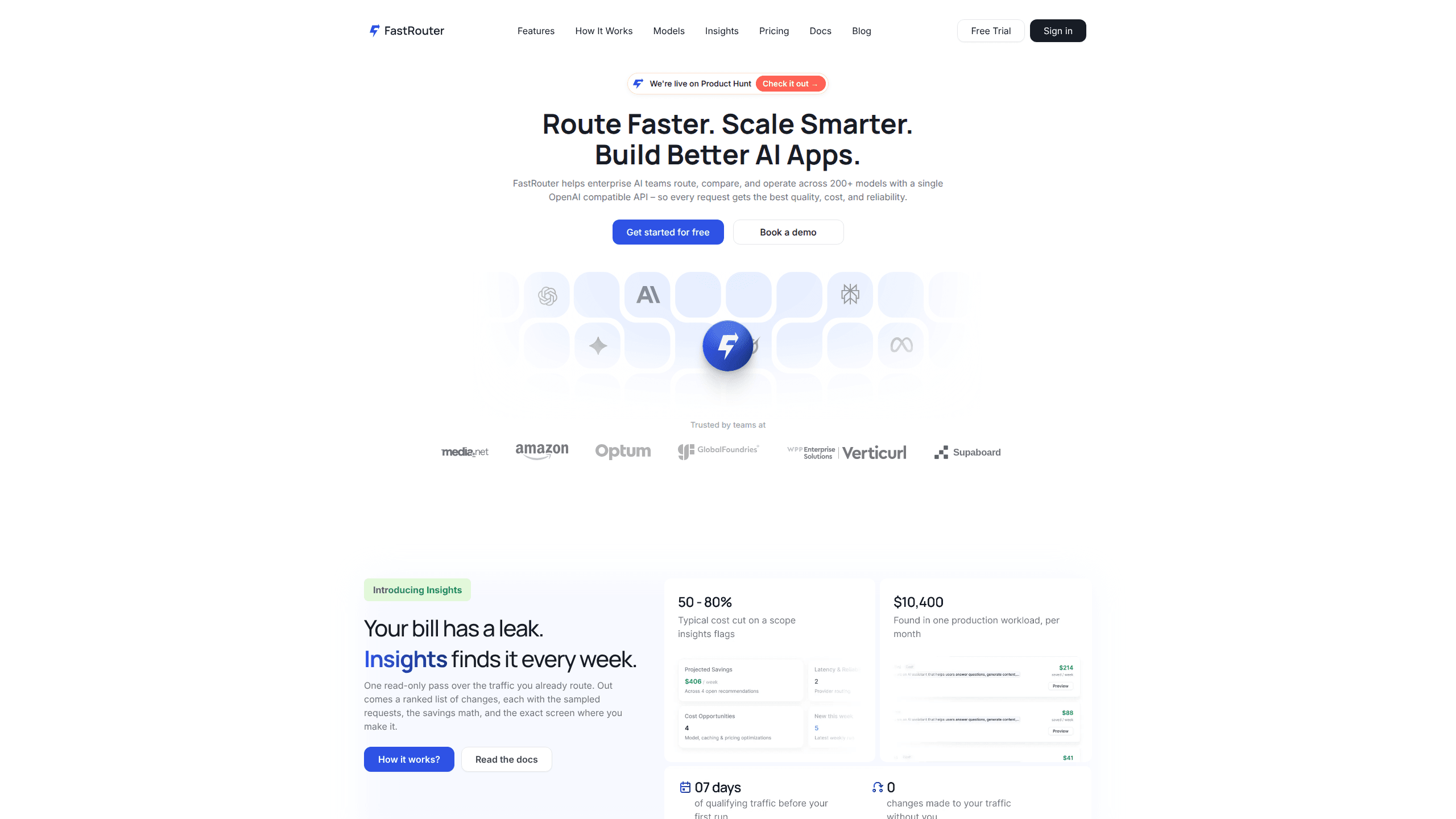
FastRouter.ai is an LLM gateway that sends each request to the best of 200+ AI models through one OpenAI-compatible API, charging provider list price with no markup.
About FastRouter.ai
What Is FastRouter.ai
FastRouter.ai sits between your application and the model providers you call. You keep the OpenAI SDK, swap the base URL for https://api.fastrouter.ai/api/v1, and reach more than 200 models from 20+ providers, including text, image, video, embedding and speech models. Credits bought from FastRouter and your own provider keys both work, so a team that already has an OpenAI or Anthropic contract can reuse it.
The part that separates it from a basic LLM router is what happens after a request is accepted. An auto-router picks a model per call based on cost, latency and throughput. Fallback lists catch provider errors before users see them. Every call is logged, priced and grouped by project, then summarized in a weekly report that points at specific traffic you could move to a cheaper model. FastRouter charges nothing on top of the provider's token price, so the platform fee is the only markup-free number you have to watch.
Two limits matter before you sign up. The product is built for developers and has no consumer chat interface, so non-technical users get nothing from it. Self-hosting is sold only on the Enterprise plan, and the hosted version is unavailable in some countries, where the site shows a regional notice instead of a signup form.
Getting Started
- Create an account at fastrouter.ai and claim the free starter credits. No card is required for the Starter plan.
- Open a project, generate an API key, and set a budget cap so a runaway loop cannot drain the balance.
- Point your client at
https://api.fastrouter.ai/api/v1, paste the key, and send a request with a model ID such asopenai/gpt-5.6-sol. Usefastrouter/autoif you would rather let the router decide. - Check the activity log for latency and cost per request, then read the first Insights report to see which calls could run on a cheaper model.
Product Information
A quick look at FastRouter.ai's pricing, supported platforms, and performance.
Best for
The users, tasks, and scenarios where this tool fits best.
Users
- Backend and platform engineers
- Engineering managers
- AI product teams
Tasks
- Cutting spend on high-volume features
- Keeping a chat feature online during provider incidents
- Evaluating models before committing
Scenarios
- A small team shipping a first AI feature
- A company that already holds OpenAI and Anthropic contracts
- A regulated team that cannot send prompts to a third party
Key features
One endpoint for 200+ models
Every supported model answers on the same OpenAI-compatible API, including Claude, Gemini, GPT, Grok, Veo and image models. FastRouter also accepts Anthropic Messages and Gemini Interactions formats, so a stack built on either one connects without a rewrite. Switching models is a string change in the request body.
Automatic model routing
Send fastrouter/auto and the router picks a model for that specific call. You can bias the choice toward cost, latency or throughput depending on what the feature needs. A support bot and a research assistant can share one integration and still land on different models.
Failover and fallback lists
When a provider returns an error or slows down, FastRouter retries and reroutes to a healthy provider serving the same model. Fallback lists add a second layer: you rank models in order, and traffic continues down the list when the first choice fails. Virtual model aliases let you rename a routing setup, so a later change does not touch application code.
Spend controls and governance
Budgets attach to projects, keys and members. You can cap a single API key, give a contractor a read-only role, or hold a staging project to a fixed monthly limit. For AI cost control across an organization, this is the layer between an invoice surprise and a policy you can enforce. Alerts fire on spend spikes before the invoice arrives, which is the difference between a warning and an incident report.
Logs, traces, and weekly Insights
Every request lands in a searchable log with latency, token count, cost and error status. Paid plans add distributed tracing and retention up to 120 days. Insights goes further by reading your own traffic and ranking changes, such as caching a repeated prompt or downgrading a model, with the sampled requests and the savings math attached.
Playground and model council
The playground runs the same prompt against several models and shows latency, output and cost next to each other. Model council combines answers from more than one model to cross-check a result. Both are useful when a team argues about which model to ship with and nobody has data.
Pros and cons
Pros
- Zero markup on tokens, so the provider list price is what you pay on every plan.
- 200+ models behind one OpenAI-compatible API, with Anthropic and Gemini formats supported too.
- Failover, retries and fallback lists are included on the free tier rather than sold as an add-on.
- Weekly Insights report ties savings advice to your real traffic instead of a generic benchmark.
- Self-hosting is available for teams that cannot send prompts outside their network.
Cons
- The free tier stops at 1M requests per month and keeps logs for 7 days, so production observability starts at $199/mo.
- Self-hosting requires the Enterprise plan, which means a sales call and annual invoicing.
- Signup is blocked in some regions, and the site shows a "coming soon" page instead of an explanation.
- Your bill still follows provider token prices, so a model price change lands on your invoice with no notice from FastRouter.
Frequently asked questions
It gives an application one API for many AI models and handles the routing, failover and cost tracking around those calls. Teams use it to avoid writing provider-specific code and to see where their AI budget goes.
Related content
Explore related tools, skills, and articles for FastRouter.ai.
FastRouter.ai Alternatives

Udon
Udon · Coding · ProductivityUdon turns an Apple Silicon Mac into a home server you run from a browser, with container controls, file shares, and an optional AI sysadmin.

offstage
offstage cloud · Coding · Productivityoffstage gives AI coding agents and CI jobs a real Mac: a fresh macOS account on Apple silicon, driven over an API and billed by the second.

BotBus
Chengdu Tuyang Tusen Technology Co., Ltd. · Coding · ProductivityBotBus lets you control AI coding agents from your phone and watch: approve commands, start tasks and read results while the code stays on your desktop.