

Fathom
Fathom Video · Productivity
Fathom is an AI meeting notetaker that joins your calls on Zoom, Google Meet, and Microsoft Teams, then hands back a transcript, a summary, and a list of action items without you typing a word. It's an AI note taker built for people who talk for a living. Recording and meeting transcription come free and unlimited, while paid tiers add custom summaries, CRM sync, and team-wide search. If your week is a pile of calls you can never fully recall, this is the assistant built for exactly that problem.
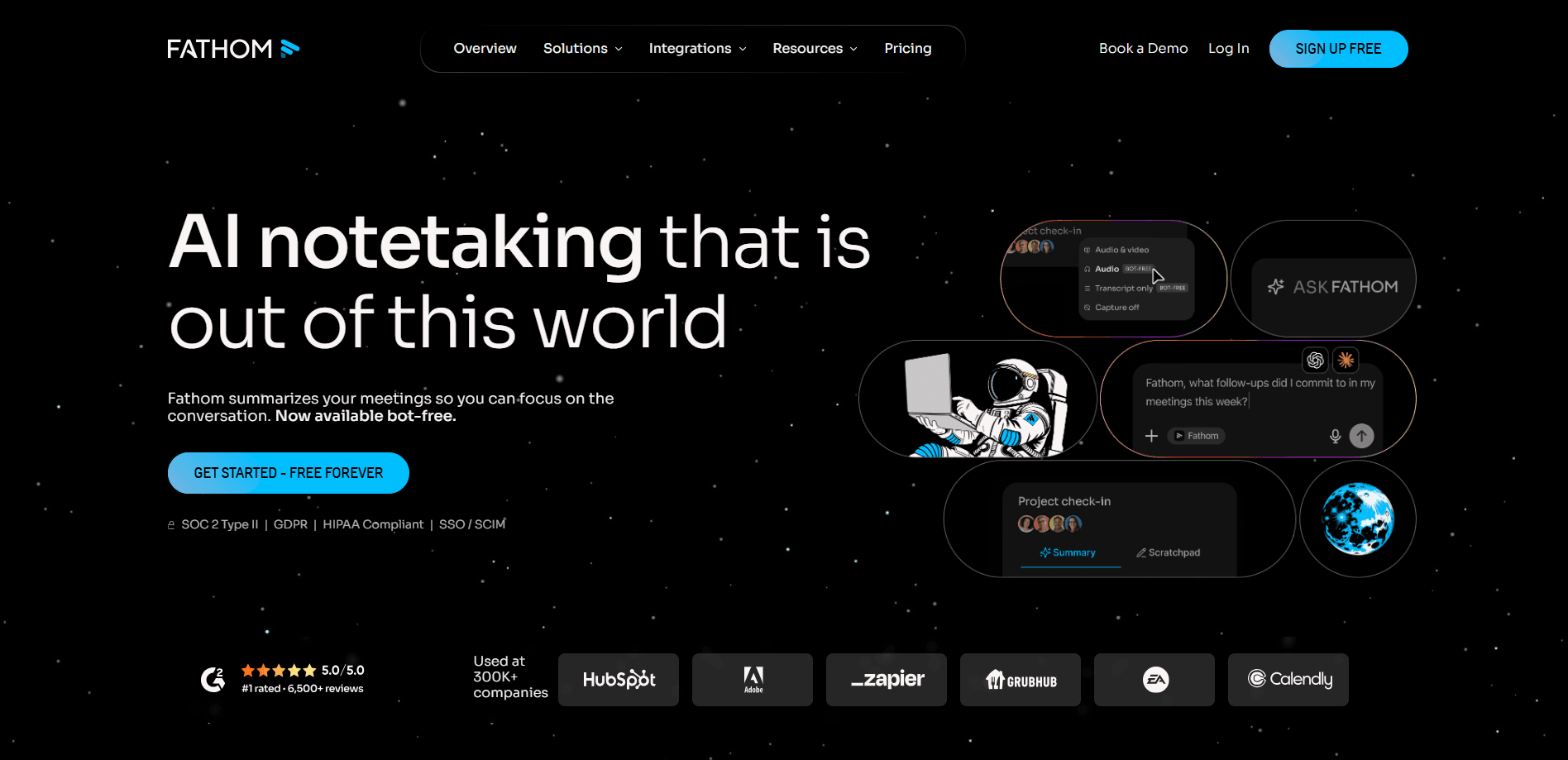
About Fathom
What Is Fathom
Fathom is a meeting assistant made by Fathom Video, a Y Combinator-backed company that launched the tool in 2020. The idea is simple. Instead of splitting your attention between the conversation and your keyboard, you let Fathom capture the call, and it writes the notes for you. It plugs into the three big video platforms and delivers a searchable record to your inbox once the call ends.
Sales teams lean on it heavily because it links summaries and highlights straight into HubSpot and Salesforce, so a rep never has to rebuild a deal history from memory. Consultants, recruiters, and product managers use it for the same reason: they talk to people all day and can't afford to forget what was agreed. The company says teams recover around 38 minutes per meeting that used to go to manual note-taking, which adds up fast across a full calendar.
The catch worth knowing upfront is the bot-free capture mode, which still carries a beta label and works only on Mac, so Windows users mostly depend on the bot that joins a call as a visible participant and can bother a host who'd rather keep the guest list clean.
Getting Started
- Sign up at fathom.video with your work email and connect your calendar so Fathom knows which calls to attend.
- Install the desktop app or the browser extension, then choose whether Fathom joins as a bot or captures without one.
- Start a meeting on Zoom, Google Meet, or Microsoft Teams, and click record to let Fathom begin transcribing.
- Review the summary, action items, and highlights that land in your inbox minutes after the call ends.
- Connect Slack, Notion, or your CRM so the notes route to wherever your team already works.
Product Information
A quick look at Fathom's pricing, supported platforms, and performance.
Best for
The users, tasks, and scenarios where this tool fits best.
Users
- Sales reps and account managers
- Consultants and freelancers
- Product and project managers
Tasks
- Drafting follow-up emails
- Searching past conversations
- Feeding AI tools
Scenarios
- Back-to-back client demos
- Internal strategy calls
- Onboarding calls and interviews
Key features
Automatic Recording and Transcription
Fathom joins your Zoom, Google Meet, or Microsoft Teams call and produces a full transcript as the conversation unfolds. Recordings, storage, and call clips are unlimited even on the free plan. That's rare among meeting assistants. The transcript stays searchable, so a phrase from three months ago is a quick query away.
AI Summaries and Action Items
After each call, Fathom generates a chronological summary and a separate list of AI action items. The summaries stay consistent in quality across calls. Paid plans add over 15 expert templates that follow frameworks like BANT and Sandler. For sales calls, that means a summary structured the way a deal review actually needs it, with the pain points, budget signals, and next steps already sorted into the right buckets. No reformatting. No copy-paste.
Bot-Free Capture
If a visible bot feels intrusive, Fathom offers a bot-free capture option that records without joining as a participant. It's in beta and Mac-only for now, which limits it for Windows users. When it works, the meeting flows exactly as if no tool were present. No bot, no awkward silence.
Ask Fathom and Cross-Meeting Search
Ask Fathom lets you pose questions across your past conversations and get answers grounded in what was actually said. Global search spans calls, transcripts, and highlights, so patterns and commitments don't stay buried in individual recordings that nobody reopens. Team plans extend this search across every teammate's meetings. Handy when a deal hinges on a detail from six weeks ago.
CRM and Workflow Integrations
Fathom connects to HubSpot, Salesforce, Slack, Asana, Notion, Zapier, and more than 25 other tools. Call summaries and highlights sync into matching contacts, accounts, and opportunities automatically. On the Business plan, CRM field sync updates records right after a meeting. That cuts the admin that usually follows a sales call.
Meeting Plays and Highlight Reels
You can collect clips and key moments into playlists, then share them with your team. Playlists work for individual calls on lower tiers and expand to all team meetings on Team plans. It's a practical way to build a library of onboarding moments or coaching examples without sifting through full recordings. Little work up front. Big payoff later.
Pros and cons
Pros
- Unlimited recording, transcription, and storage on the free plan, so you can test it without a time limit.
- Native integrations with HubSpot, Salesforce, Slack, Asana, and Notion keep notes moving into tools teams already use.
- AI summaries and action items land in your inbox shortly after a call, often before you've left the meeting window.
- Works across Zoom, Google Meet, and Microsoft Teams, so a mixed-platform team isn't left out.
Cons
- Bot-free capture is still beta and Mac-only, which pushes most Windows users toward the visible bot.
- Some meeting organizers block or dislike external bots, which can stop recording mid-call.
- The cheapest paid tier for teams starts at two users, so a solo professional paying for advanced summaries only has the $20/mo Premium option.
- No public developer API is advertised, which limits custom automation beyond the listed integrations.
Frequently asked questions
Fathom records, transcribes, and summarizes online meetings, then delivers notes, action items, and highlights to your inbox and connected tools. Its main job is simple. You stop taking notes by hand and actually listen.
Related content
Explore related tools, skills, and articles for Fathom.
Fathom Alternatives

Base Code
Base44 (Wix) · Coding · ProductivityBase Code is a shared cloud development environment from Base44. Teammates describe changes to an existing GitHub codebase in chat, preview them live and send them back as pull requests.

Knocket
Knocket (Tencent RTC team) · Productivity · Business · ChatbotKnocket is a free live chat and contact page tool that lets visitors message you from your website, app, or a shareable link, with every reply handled from Telegram or one inbox.

FloorGen
Vinit Kumar (FloorGen) · Productivity · China AIFloorGen is a browser-based floor plan maker that turns a sentence or a sketch into an editable 2D plan and a 3D walkthrough. Export to PDF, DXF or video, and draw without an account.