

Fellow - AI Meeting Assistant
Fellow.app · Productivity
Fellow - AI Meeting Assistant records, transcribes, and summarizes your meetings, then turns the notes into trackable action items for teams that want fewer, sharper meetings.
About Fellow - AI Meeting Assistant
What Is Fellow - AI Meeting Assistant
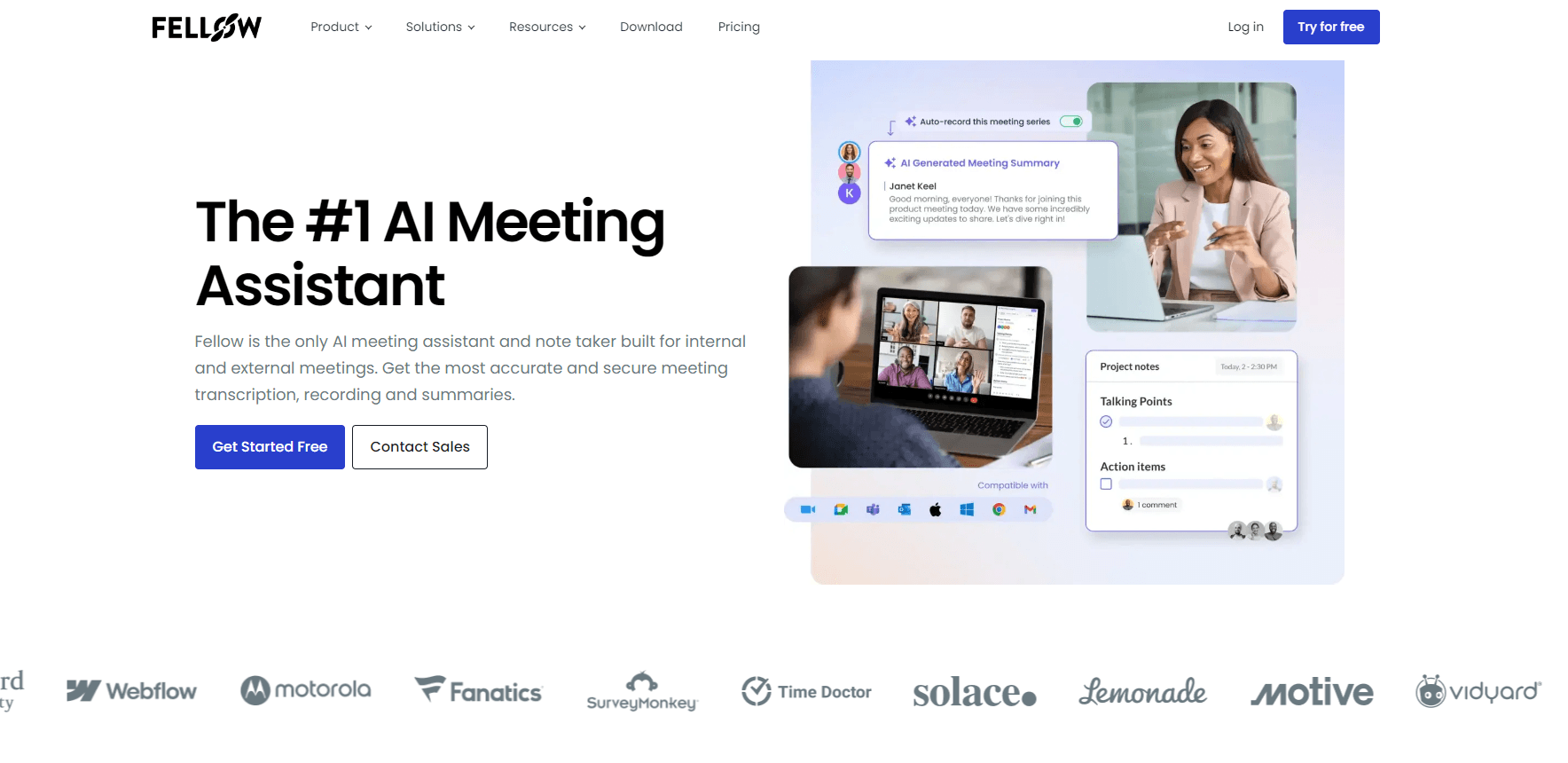
Fellow is an AI meeting assistant for teams that live in back-to-back calls. You bring it into a Google Meet, Zoom, or Microsoft Teams meeting, and it handles the parts nobody enjoys: live transcription, clean notes, summaries, and a running list of who owes what by when. It's also a solid meeting notes app for people who'd rather review a recap than retype a page of scribbles. The company built the product with privacy and security first, which is why regulated industries get mentioned a lot on its site. If your compliance team bristles at the idea of a bot sitting in on sales calls, that positioning is the whole point.
The tool covers the full meeting workflow rather than just the call itself. Pre-meeting agendas and briefs help people show up prepared, the notetaker captures the conversation, and post-meeting recaps push follow-ups where they belong. In practice, the meeting agenda software and the AI transcription live in the same place, so you're not juggling four apps. Fellow says its AI is never trained on your data, and your meeting data isn't used to train its AI providers' models either.
The catch is that the free tier is genuinely limited. You get 5 AI notes and 5 recordings for the life of the account, not per month. That works as a trial. It doesn't work as a home for daily use. Heavy meeting users will need a paid seat. Not a huge deal, but worth knowing upfront. The Android app exists for on-the-go access, but the core experience is a web and desktop tool. Expect the mobile version to feel secondary.
Getting Started
- Sign up for a free account at fellow.app and connect your Google, Microsoft, or Slack account.
- Install the Fellow notetaker for Google Meet, Zoom, or Microsoft Teams so it can join your calls.
- Set a recording policy for your team, including who can record and when a conversation stays off the record.
- Let the assistant capture a meeting, then review the AI transcript, summary, and suggested action items.
- Assign action items and share the recap with attendees through Slack, email, or your connected project tools.
Product Information
A quick look at Fellow - AI Meeting Assistant's pricing, supported platforms, and performance.
Best for
The users, tasks, and scenarios where this tool fits best.
Users
- Managers in back-to-back meetings
- Sales and customer-facing teams
- Teams in regulated industries
- Small teams testing AI notetaking
Tasks
- Turning a raw call into notes
- Tracking follow-ups
- Preparing for meetings
- Uploading existing audio or video
Scenarios
- Daily standups and recurring syncs
- Client calls where privacy matters
- Interview and research panels
- Remote and hybrid teams spread across time zones
Key features
AI Meeting Notetaker and Transcription
Fellow's notetaker joins your Google Meet, Zoom, or Microsoft Teams call and produces a live transcript as people talk. It handles multi-speaker conversations across more than 100 languages, so mixed-language teams get a usable record without extra setup. That language range is unusual at this price. The transcript becomes the raw material for everything else the tool does. It's why most people sign up.
AI Summaries and Action Items
Once a meeting ends, Fellow turns the transcript into a readable summary and pulls out action items with owners. Instead of re-reading a wall of text, you scan a recap that says what was decided and what happens next. This is where the tool earns its place. The summary is usually short enough to send straight to attendees. That saves real minutes every week.
Collaborative Agendas and Pre-Meeting Briefs
Agendas are shared documents, so attendees can add talking points before the call and the meeting stays on track. Fellow builds on that with pre-meeting briefs that surface context from previous conversations. Teams that hate walking into a meeting cold lean on this more than the transcription itself. It fits how good meetings actually start.
Ask Fellow
Ask Fellow is a chatbot that answers questions about your meeting history. You can ask what was decided about a project last month, and it pulls from your recorded meetings rather than making you hunt through folders. It's available across the paid tiers. It gets most useful on accounts with a deep backlog of notes. Empty accounts get little from it.
Integrations with Your Meeting and Work Stack
The notetaker plugs into the tools teams already use, including Slack, Notion, and popular wiki and project management apps. Business and Enterprise plans add CRM integrations with Salesforce and Hubspot, which push call recaps into the pipeline automatically. Fewer copy-paste steps is the actual benefit here. The integration list is just the how.
Privacy and Security Controls
Fellow is built around the claim that your meeting data is never used to train AI models, its own or its providers'. Organization-wide policies let admins control who can record, set retention rules down to zero-day, and govern access with SSO, SCIM, and audit logs. For regulated teams, these controls often decide the buy, because a cheaper notetaker that records everything by default won't clear the same legal and security review.
Meeting Analytics
Business and Enterprise plans include analytics that show how meeting time is spent across an organization. You can spot recurring meetings that no longer earn their slot and see patterns in meeting load. It's an org-level feature. It matters most to people managing teams rather than attending a single call.
Mobile and Cross-Platform Access
Fellow offers web, desktop, iOS, and Android apps, plus an Android download on Google Play. The mobile apps make it easy to review recaps, check action items, and add to an agenda between calls. Heavy recording still happens on the desktop side. That's where the meeting integrations live.
Pros and cons
Pros
- Transcribes meetings across 100+ languages, which is rare for tools in this price range.
- Privacy positioning is concrete: no training on your data, retention controls, and SSO/SCIM governance for admins.
- Action items and summaries save real time, since you can send a recap instead of writing one.
- Integrations reach into Slack, Notion, wiki tools, and CRMs, so recaps land where work already happens.
- Free tier lets a small team test the workflow before committing to seats.
Cons
- The free plan's 5 AI notes and 5 recordings are lifetime, not monthly, so it runs out fast for anyone meeting daily.
- Meaningful automation and CRM features start at the $7/user/mo Team tier, so the free version feels like a demo.
- Recording permissions and zero-day retention sit on Enterprise, which means smaller regulated teams pay enterprise-level pricing to get the controls they need.
- The Android app works but trails the desktop experience, so mobile-first users won't get the same depth.
Frequently asked questions
Fellow joins your video calls, records and transcribes them, then produces a summary and a list of action items. It also handles meeting agendas, recaps, and a searchable history of past conversations.
Related content
Explore related tools, skills, and articles for Fellow - AI Meeting Assistant.
Fellow - AI Meeting Assistant Alternatives

Base Code
Base44 (Wix) · Coding · ProductivityBase Code is a shared cloud development environment from Base44. Teammates describe changes to an existing GitHub codebase in chat, preview them live and send them back as pull requests.

Knocket
Knocket (Tencent RTC team) · Productivity · Business · ChatbotKnocket is a free live chat and contact page tool that lets visitors message you from your website, app, or a shareable link, with every reply handled from Telegram or one inbox.

FloorGen
Vinit Kumar (FloorGen) · Productivity · China AIFloorGen is a browser-based floor plan maker that turns a sentence or a sketch into an editable 2D plan and a 3D walkthrough. Export to PDF, DXF or video, and draw without an account.