

Figma
Figma, Inc. · Productivity · Business
Figma is a browser-based design platform where teams build interfaces, prototypes, and sites, with AI agents that turn prompts into editable designs and working code on the same canvas.
About Figma
What Is Figma
Figma is a UI design platform that runs in a browser. Teams use it to draw screens, wire up prototypes, keep a shared design system, and hand work to developers without exporting files back and forth.
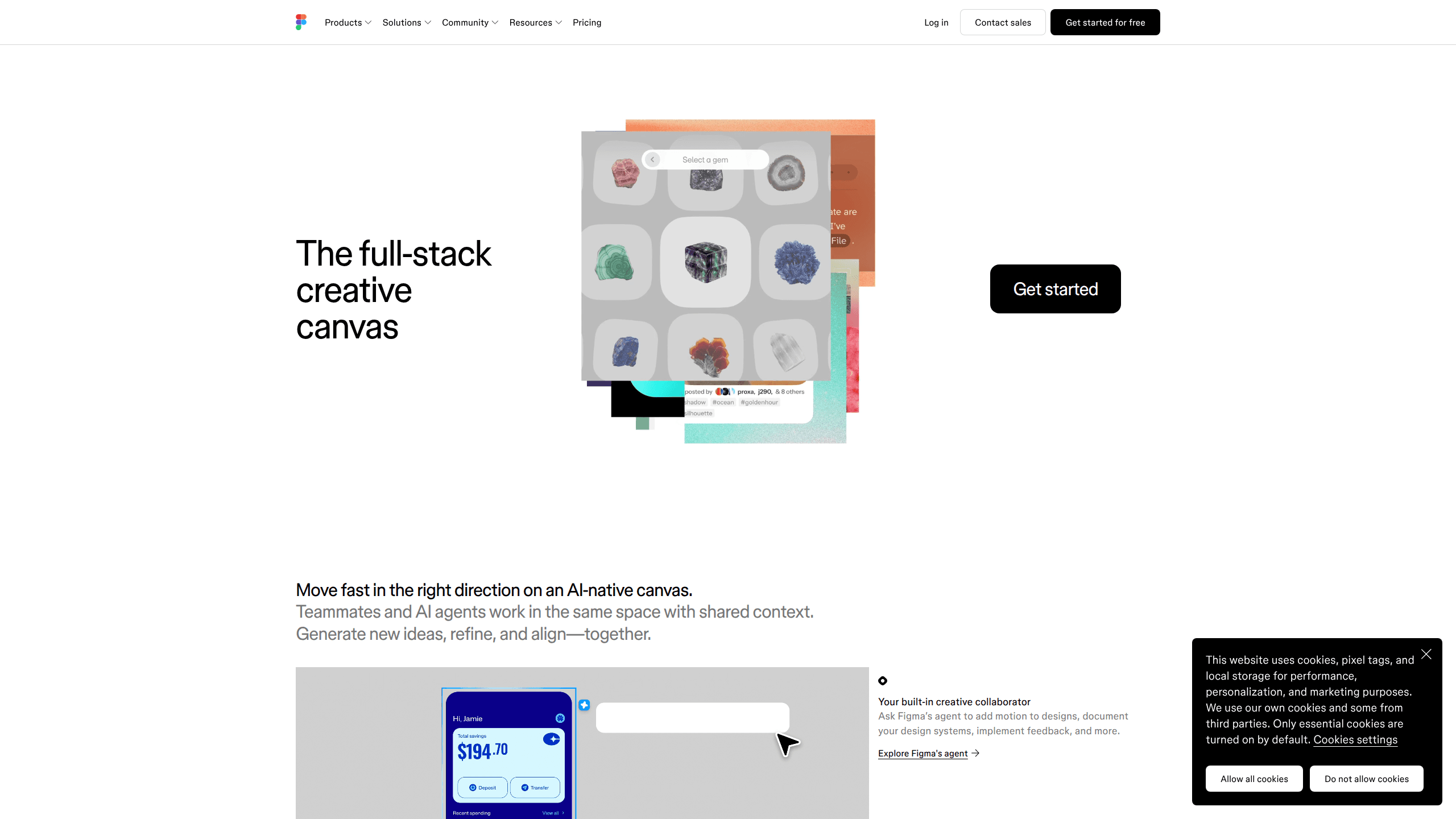
Calling it an AI design tool undersells the manual canvas, and calling it a plain prototyping tool misses how much of the work the agent now handles. A single Figma file can now hold a whiteboard session in FigJam, a slide deck, an illustration in Figma Draw, a marketing asset in Figma Buzz, and a published page from Figma Sites. Figma Make turns a prompt or an existing frame into a working interactive app, and each of these tools opens from the same file. The Figma agent sits across these tools and can edit layers, generate shaders, or build a small custom tool from a description.
What holds it together is the file itself. Designers, writers, and engineers open the same canvas, leave comments in place, and see changes as they happen. Developers get measured values, assets, and code snippets through Dev Mode, and a Figma MCP server passes design context to external coding agents.
The limits are mostly commercial and practical. Paid plans are priced per seat, and the seat types differ in what they unlock. AI features draw on a monthly credit allowance, so heavy prompt use can cost more than the plan price. Several of the newest tools, including Sites and Buzz, are still labeled beta, which means interfaces and limits can shift between releases.
Getting Started
- Create a free account at figma.com with an email address, a Google account, or SSO if your company uses it. The Starter plan needs no card.
- Start a design file and pick a frame preset for the screen you're working on, or open a template from the Community to see how a finished file is structured.
- Build with frames, auto layout, and components. Publish shared colors, text styles, and components to a library once the team agrees on them.
- Press Play to test a prototype, or open Figma Make and describe the app you want to see running.
- Invite teammates by link or email, set their seat type, and use Dev Mode when the file is ready for implementation.
Product Information
A quick look at Figma's pricing, supported platforms, and performance.
Best for
The users, tasks, and scenarios where this tool fits best.
Users
- Product designers at software companies
- Design system maintainers
- Founders and marketers without a design background
Tasks
- Designing and testing a mobile flow
- Turning a rough idea into something clickable
- Handing a finished screen to engineering
Scenarios
- A remote team reviews work across time zones
- A brand team needs fifty social variations by Friday
- A startup wants a marketing page live this week
Key features
Shared Canvas and Real-Time Editing
Everyone in a file sees the same cursor, comment, and layer tree. Designers can work in the same frame at once, and a developer can inspect a component while the design is still moving. Branching keeps risky redesigns away from the main file until someone reviews them.
Figma Agent for Design Work
The agent takes a prompt and works on the canvas: it can draft a screen, restyle a selection, generate a shader fill, or build a small plugin with the controls you describe. It reads the file's components and variables, which keeps output closer to the team's system than a generic image generator would. Custom skills let a team save repeated instructions instead of retyping them.
Figma Make
Figma Make is a prompt-to-app tool for Full seats on paid plans. You attach a design or an image, describe the behavior, and get a running app with editable code in the Files tab. It can publish the result as a website, which makes it useful for testing a product idea before anyone writes a ticket.
Code Layers and Figma Motion
Code layers put code on the canvas as a material next to vectors and images. A design layer can become an interactive layer in one click, and changes can flow back into editable frames. Figma Motion adds a timeline with keyframes and easing, and the animation data stays readable in Dev Mode or exports to CSS, JSON, React, MP4, or GIF.
Dev Mode and MCP Handoff
Dev Mode gives engineers a inspect view with measurements, component names, and ready-to-copy code. The Figma MCP server extends that context to coding agents such as Cursor or Claude Code, so an agent can pull real structure instead of guessing from a screenshot. Both depend on a Dev or Full seat, and the MCP server runs through the desktop app.
Design Systems with Variables and Libraries
Variables store colors, spacing, and modes in one place, and a change propagates to every file that uses the library. Teams can keep light and dark themes, or separate brand modes, without duplicating components. This is the part that saves the most time at scale, and the part that punishes sloppy naming.
Pros and cons
Pros
- The whole workflow lives in one browser tab, from first wireframe to prototype link to developer handoff.
- The agent and Figma Make work from real components and variables, so generated output tends to match the existing design system.
- Dev Mode and the Figma MCP server cut the usual round of screenshots and redlines between design and engineering.
- Real-time collaboration and pinned comments hold up well for distributed teams, and version history makes rollback simple.
- The free Starter plan is enough to evaluate the tool, and the Community offers templates and plugins for almost any workflow.
Cons
- AI usage is metered in credits. A design team that leans on the agent daily will likely buy extra credits beyond the monthly allowance.
- Seat types are priced separately, so a small team can end up paying for Full, Dev, and Collab seats before it expects to.
- Large files with many prototypes load slowly on older laptops, and real-time editing needs a reliable connection.
- Sites, Buzz, and several agent features are still in beta, so limits and interfaces can change without much notice.
Frequently asked questions
Figma is used to design user interfaces, build clickable prototypes, maintain design systems, and hand work to developers. The same platform now covers whiteboards, slides, illustrations, marketing assets, and prompted app builds.
Related content
Explore related tools, skills, and articles for Figma.
Figma Alternatives

Base Code
Base44 (Wix) · Coding · ProductivityBase Code is a shared cloud development environment from Base44. Teammates describe changes to an existing GitHub codebase in chat, preview them live and send them back as pull requests.

Knocket
Knocket (Tencent RTC team) · Productivity · Business · ChatbotKnocket is a free live chat and contact page tool that lets visitors message you from your website, app, or a shareable link, with every reply handled from Telegram or one inbox.

FloorGen
Vinit Kumar (FloorGen) · Productivity · China AIFloorGen is a browser-based floor plan maker that turns a sentence or a sketch into an editable 2D plan and a 3D walkthrough. Export to PDF, DXF or video, and draw without an account.