
FilePower AI
STARRYSKY LLC · Productivity
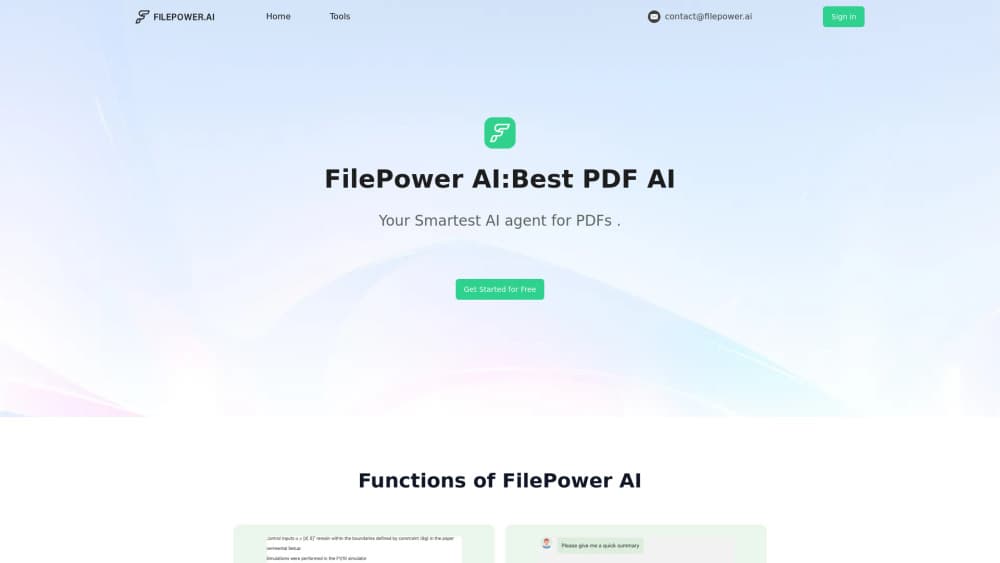
FilePower AI is a browser-based AI document assistant for chatting with PDFs, Word, Excel, and PowerPoint files, pulling quick summaries, and translating documents in a click.
About FilePower AI
What Is FilePower AI
FilePower AI is a web app that answers questions about your documents. You upload a file, a chat panel opens beside it, and you ask what you actually want to know. Ask a contract what it says about termination, and you get a written answer instead of a keyword search that dumps twenty pages on you.
The product comes from STARRYSKY LLC, a small US company that runs a cluster of PDF tools under the same brand. Reader, editor, summarizer, and translator sit on separate pages but feed one workspace. The pitch is simple. Most people don't need a full PDF editor. They need to find one clause in a 90-page report, or turn a Spanish contract into English they can read before a meeting.
Two limits shape what this is good for. Everything runs in a browser, so there's no desktop or mobile app for working offline. And pricing stays behind the sign-in wall, which means you can't weigh plans before you hand over an email address.
Getting Started
- Create a free account at filepower.ai. The sign-in link sits in the top navigation, and the home page pushes you toward the trial as well.
- Upload a file. Drag it into the chat box or pick it from your device. PDF, Word, Excel, and PowerPoint are the formats the site highlights.
- Ask in plain language. Summaries and translations sit one click away from the same chat panel, so you don't have to reload the document.
- Keep the result. Copy answers into your notes, or download the summary and the translated file for later.
Product Information
A quick look at FilePower AI's pricing, supported platforms, and performance.
Best for
The users, tasks, and scenarios where this tool fits best.
Users
- Students
- Researchers and analysts
- Office teams handling foreign documents
Tasks
- Summarizing long reports
- Translating a document you can't read
- Extracting specifics from paperwork
- Tidying a messy document library
Scenarios
- Preparing for a meeting with a document you received an hour ago
- Reading research across languages
- Handling a one-off legal or insurance document
Key features
Chat With Your Files
This is the core of the product. You upload a PDF, Word file, Excel sheet, or PowerPoint deck and ask questions in the chat window. The assistant answers from the document text and keeps earlier turns in context, so a follow-up like "and what about clause 4" still makes sense. The site claims longer memory than rival tools, which in practice means you can work through a long document in one session instead of restarting the thread.
One-Click Summaries
The AI PDF summarizer condenses a long document into the points you need, then lets you save or download the output. It's built for the reading you'd otherwise postpone: annual reports, academic papers, proposals. Summaries come back in seconds on normal files. Dense scanned PDFs with tables and charts take longer and may lose detail, so check the numbers against the source.
Document Translation
The PDF translator converts a document into another language and keeps the layout intact, which matters when a table or a signature block has to stay where it is. You pick the language, hit translate, and read the result in the same workspace. It handles routine business documents well. For contracts, treat the output as a way to understand the text, not as a certified translation.
A Library for Uploaded Documents
Every file you upload lands in a document list you can reopen later, with chat history attached. The library is basic compared with a dedicated document manager. The filing behavior is the point: one place for the files you're working through, instead of a downloads folder full of "final_v3.pdf".
Reader and Editor Tools
Beyond chat, the suite includes an AI PDF reader and an AI PDF editor. The reader adds search, zoom, bookmarks, and highlighting. The editor handles text, image, and link edits, plus merging files and adding or removing pages. Neither replaces a desktop publishing tool, but they cover the small fixes that would otherwise send you looking for another site.
Broad Format Support
FilePower AI accepts the formats most office work actually produces: PDF, Word, Excel, and PowerPoint. That range is the difference between a PDF AI tool and a document assistant. You can drop in a spreadsheet and ask about a column, or query a slide deck before a presentation, without converting anything first.
Pros and cons
Pros
- The free trial needs no card, so you can test the chat quality on your own documents before paying.
- Chat, summary, and translation share one workspace, which beats uploading the same file to three different sites.
- Format coverage goes past PDF into Word, Excel, and PowerPoint, which covers most office paperwork.
- The document library and chat history make it practical to return to a file a week later.
- The interface is plain. If you can use a search box, you can use this.
Cons
- Prices aren't published. You have to create an account to see what a subscription costs, which makes budgeting awkward.
- Browser only. There's no mobile app for reading on a train, and no offline mode.
- No documented API or integrations, so it doesn't slot into an automated document pipeline.
- The editor page suggests keeping files under 50MB for smooth performance, which means large scanned archives need splitting first.
Frequently asked questions
FilePower AI reads documents and answers questions about them. You upload a PDF, Word, Excel, or PowerPoint file, then chat with it, summarize it, or translate it. Students use it for papers, analysts for reports, and office teams for documents in languages they don't speak.
Related content
Explore related tools, skills, and articles for FilePower AI.
FilePower AI Alternatives

Udon
Udon · Coding · ProductivityUdon turns an Apple Silicon Mac into a home server you run from a browser, with container controls, file shares, and an optional AI sysadmin.

offstage
offstage cloud · Coding · Productivityoffstage gives AI coding agents and CI jobs a real Mac: a fresh macOS account on Apple silicon, driven over an API and billed by the second.

BotBus
Chengdu Tuyang Tusen Technology Co., Ltd. · Coding · ProductivityBotBus lets you control AI coding agents from your phone and watch: approve commands, start tasks and read results while the code stays on your desktop.