

Filio
Filio · Productivity
Filio is a visual asset management platform built for field teams that need to document work without drowning in loose files. It pairs a mobile data collector app with a web dashboard, so crews can shoot site photos, videos, and 360-degree media, then have each file auto-uploaded, geo-tagged, and sorted by timeline, map, or blueprint. Construction, engineering, roofing, insurance, and forensic engineering teams use it as a construction photo documentation app, turning scattered images into searchable project records they can share or report on later.
About Filio
What Is Filio
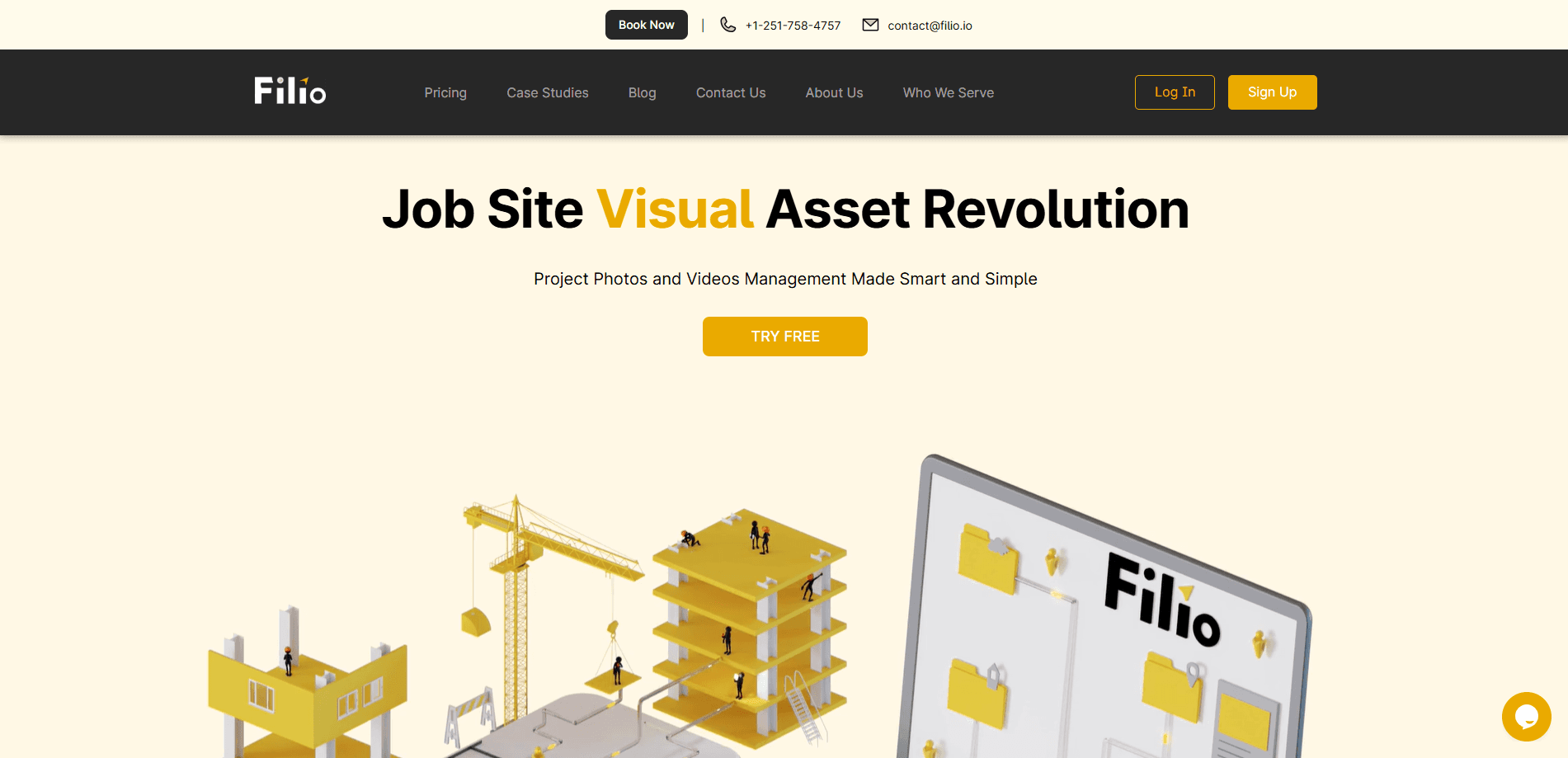
Filio is a documentation platform that treats photos and videos as project data, not clutter. The company sells it as a two-part system: a mobile app where you capture and annotate media in the field, and a cloud dashboard where that media gets organized by location, date, and AI-generated tags. The core promise is simple. Every picture ends up where you can find it again.
The platform targets industries where visual evidence matters and paperwork piles up fast, and construction, environmental services, water resources, property management, and post-disaster inspection all show up on Filio's own list of served sectors. Instead of dumping files into a shared drive and hoping someone names them well, teams upload to Filio and let the platform attach GPS coordinates, timestamps, and searchable metadata automatically.
The biggest limit is scope. Filio is documentation software, not a full construction management suite. It won't schedule crews, track budgets, or replace tools like Procore for task management. If your need is heavy project controls, this isn't it. No shame there. If your need is making sure the thousand photos your inspectors took actually become usable records, that's exactly the problem Filio solves. It works well as a site photo app for teams that live in the field.
Getting Started
- Create an account on the Filio website and set up your first project.
- Install the Filio Data Collector app on your phone and sign in with the same credentials.
- Capture site photos, videos, or 360 media, and add notes or annotations as you shoot.
- Let the app auto-upload to the cloud, or connect Google Drive, Dropbox, or OneDrive for extra storage.
- Open the web dashboard to review assets on a timeline, map, or blueprint, then build a report to share with clients.
Product Information
A quick look at Filio's pricing, supported platforms, and performance.
Best for
The users, tasks, and scenarios where this tool fits best.
Users
- Construction and general contractors
- Forensic and structural engineers
- Insurance adjusters and post-disaster teams
- Property and facility managers
Tasks
- Site photo documentation
- Progress tracking
- Client reporting
- Blueprint reference
Scenarios
- A roofing contractor documenting storm damage across a neighborhood in one afternoon.
- An environmental consultant logging sampling sites with GPS accuracy for a compliance file.
- A property manager building a visual record before and after a renovation.
- A forensic engineer collecting evidence that must stay tied to exact locations.
Key features
AI-Powered Tagging and Search
Filio scans uploaded images and learns from them to generate tags you can search and filter by, and the company calls this feature AI Insights. Instead of naming every file yourself, you type what you're looking for and let the platform surface matching assets. That matters most on long projects where nobody remembers which folder holds last spring's inspection shots.
Automatic Geo-Tagging
Every photo and video carries location data, so assets can be placed on a map without manual work. For teams that document multiple sites in a day, this turns a pile of images into a navigable record. You can jump to a location and see everything captured there, which is far faster than scrolling a camera roll and guessing where each shot came from.
Timeline, Map, and Blueprint Views
The web dashboard presents the same media three different ways: along a timeline, on a map, or anchored to a floor plan or blueprint. Blueprint mode is the standout. It uses layouts as interactive maps, so a photo of a specific wall or room sits on the plan where it belongs. Finding one image in a 10,000-file project stops being a scavenger hunt. Ever tried to locate a single detail photo from a job six months back? That's the pain this view kills.
Cloud Storage Integrations
Filio syncs to Google Drive, Dropbox, and Microsoft OneDrive. Teams that already live in one of those systems don't have to abandon it. The platform handles organization while your files still land in storage you already pay for and trust.
Custom and Shareable Reports
You can build customizable reports from your captured media and share them with clients. Reports pull assets straight from the platform, so a progress update or inspection summary doesn't require exporting, reformatting, and re-uploading by hand. This is the feature clients actually see, which makes it the one worth getting right.
Mobile Data Collection App
The Filio Data Collector app is where the work starts. It runs on iOS and Android, captures photos, videos, 360-degree media, and PDFs, and uploads to the cloud automatically. Field staff don't need to babysit transfers. Shoot, annotate, and keep moving. That's the whole point of a field-first tool.
360-Degree and Multi-Format Support
Filio handles more than flat photos. It takes video, 360 media, and PDFs into the same asset library, which matters for scanning work, walkthroughs, and document-heavy inspections. One platform for every media type keeps teams from juggling three separate tools.
Pros and cons
Pros
- Pairs a field capture app with a browser dashboard, so the whole workflow lives in one system.
- Automatic geo-tagging and AI tags cut down on manual file naming and folder sorting.
- Blueprint and floor plan views let you find a specific site image fast, even in large projects.
- Syncs with Google Drive, Dropbox, and OneDrive instead of forcing you into proprietary-only storage.
- Reports are shareable and updatable, which saves time on client-facing deliverables.
Cons
- Pricing isn't published on the site, so you have to contact sales before you can budget. That's a real blocker for small teams comparing options.
- It's documentation-focused, not a full project management platform. If you need scheduling or cost tracking, you'll still run a second tool.
- No public word on an API, so building custom integrations is a question mark until Filio confirms it.
Frequently asked questions
Filio captures site photos, videos, 360 media, and PDFs through a mobile app, then organizes them on a web dashboard using automatic geo-tagging, timelines, maps, and AI-generated tags. It's built to turn field media into searchable project records. Think of it as filing, minus the filing.
Related content
Explore related tools, skills, and articles for Filio.
Filio Alternatives

Base Code
Base44 (Wix) · Coding · ProductivityBase Code is a shared cloud development environment from Base44. Teammates describe changes to an existing GitHub codebase in chat, preview them live and send them back as pull requests.

Knocket
Knocket (Tencent RTC team) · Productivity · Business · ChatbotKnocket is a free live chat and contact page tool that lets visitors message you from your website, app, or a shareable link, with every reply handled from Telegram or one inbox.

FloorGen
Vinit Kumar (FloorGen) · Productivity · China AIFloorGen is a browser-based floor plan maker that turns a sentence or a sketch into an editable 2D plan and a 3D walkthrough. Export to PDF, DXF or video, and draw without an account.