
FirstHR
FirstHR · Productivity · Business
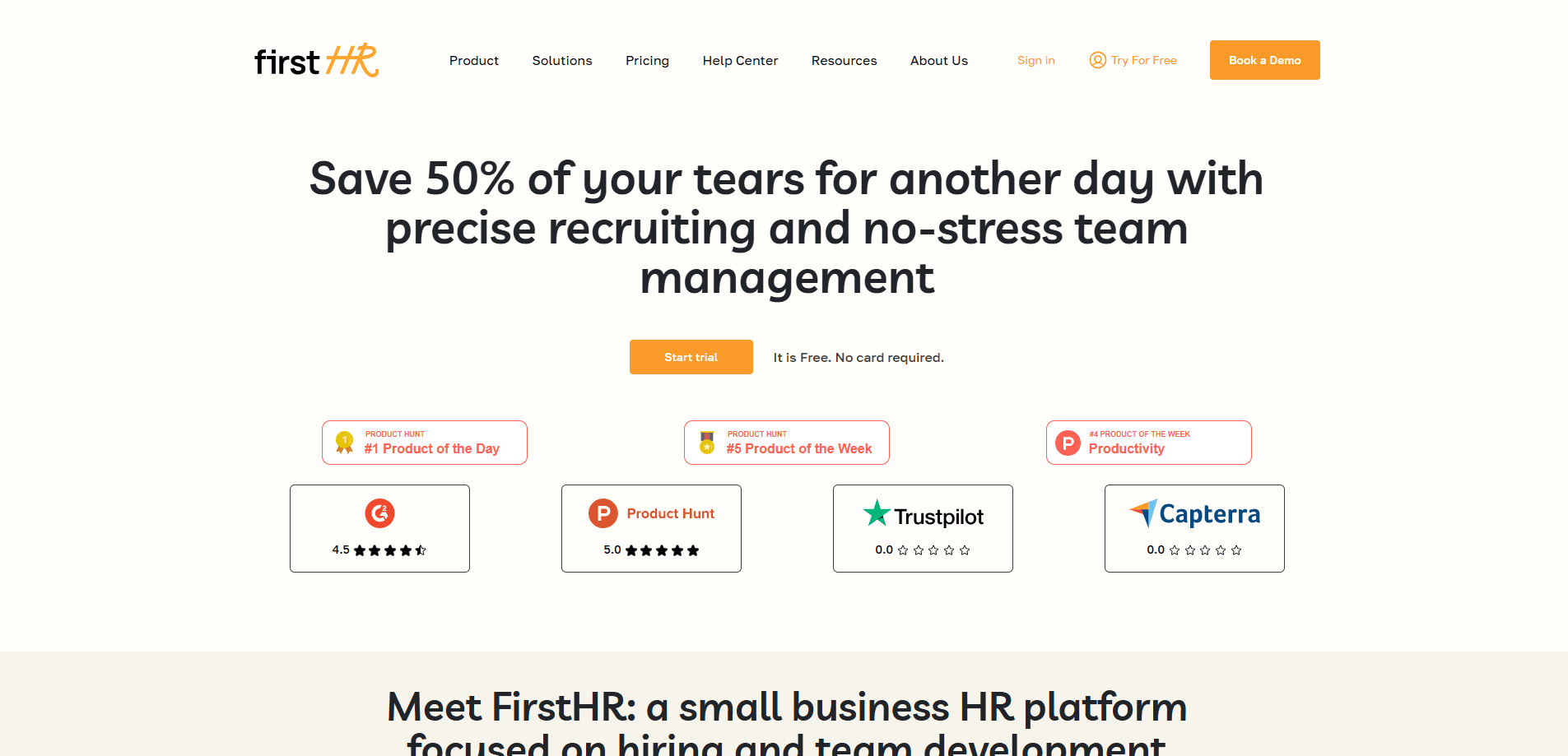
FirstHR is an all-in-one HR platform for small businesses. It handles onboarding, documents, e-signatures, employee training and AI compliance checks in one place.
About FirstHR
What Is FirstHR
FirstHR is a web-based HR platform built for small teams and startups, not enterprise HR departments. Think of it as employee onboarding software that grew into a wider HR toolkit. It puts the first weeks of a new hire in one place: the documents they sign, the tasks they finish, the training they take, and the questions HR normally answers by email. The company markets it as onboarding software first, with the wider HR toolkit filling in around it.
The pitch is narrow on purpose. You pick a plan that covers up to 10 or up to 50 people, pay a flat monthly fee, and get every feature turned on. AI is included in every plan rather than sold as an add-on, so there's no upsell wall in the middle of a workflow. Nick Anisimov, the founder, built the pricing and trial around the idea that small teams get burned by tools that look good in a demo and fall apart in a real week.
The main limit is that it's built for small businesses. Once a team grows past a few hundred people, the flat plans stop fitting and you move to a custom Enterprise quote. The compliance checks also lean on U.S. federal and state rules, so teams hiring mostly outside the United States should confirm the rules that matter to them before depending on the auto-checks.
Getting Started
- Start the 7-day free trial from the sign-up page. No credit card is needed, and the trial covers 3 seats.
- Pick a plan based on team size. Team covers up to 10 people, Business covers 11 to 50, and Enterprise is quoted per team.
- Build an onboarding plan from a template or from scratch with the onboarding wizard, adding stages, documents, and training.
- Send documents for e-signature and let the AI compliance check flag missing federal or state requirements before you launch.
- Invite the new hire to their portal, where they finish tasks, sign files, and take courses while you track progress in real time.
Product Information
A quick look at FirstHR's pricing, supported platforms, and performance.
Best for
The users, tasks, and scenarios where this tool fits best.
Users
- Founders and small business owners
- Office managers wearing an HR hat
- HR generalists at growing startups
- Remote-first teams
Tasks
- Building an onboarding plan
- Collecting signed documents
- Running compliance checks on documents
- Delivering onboarding training
Scenarios
- A first hire at a young startup
- A small clinic or agency with steady turnover
- A remote team spread across time zones
- Scaling after a funding round
Key features
Onboarding Wizard
The wizard builds a structured onboarding journey from stages, tasks, documents, and training in one flow. You can start from a template or from scratch, and assign each piece to a person with a due date. It's the feature FirstHR leads with, and it's meant to replace a spreadsheet that gets rebuilt for every hire.
AI Compliance
FirstHR generates onboarding plans and training outlines with AI, then runs an HR compliance check against U.S. federal and state requirements. It scans documents for missing items and flags onboarding gaps before you launch. Because the rules are U.S.-focused, teams hiring elsewhere should treat it as a starting point, not a final word.
E-Signature
This e-signature tool stores every signed document with a tamper-proof certificate and full audit trail, following the U.S. ESIGN Act and UETA. You can set multiple signers in a custom order, and signed documents are protected from deletion. This is the piece that turns a paper pile into a record you can actually find later.
Training Wizard
The training wizard builds courses without any design skill. It's the employee training platform at the center of onboarding. You add your content, employees learn at their own pace, and you track progress in real time. Courses live in a company library, and completion can require an e-signature confirmation. Feedback collection helps you fix a course that isn't landing.
Task Management
Simple task management covers onboarding, HR requests, and day-to-day work in the same place. You create tasks, assign them across the team, attach files, set due dates, and track status from pending to done. It's deliberately plain, which keeps people from ignoring it.
Employee Portal
Each employee gets a portal to complete onboarding, sign documents, and take training courses. The portal doubles as a home for HR document management, so contracts, policies, and signed files all live in one place. The portal answers the "what do I do next" question for new hires, so they don't wait on HR. It's the shared surface that keeps a remote team aligned without meetings.
Pros and cons
Pros
- Flat pricing by team size means a bill that doesn't grow with every hire, unlike per-seat HR tools.
- AI features are included in every plan, with monthly AI credits instead of paid add-ons.
- Onboarding covers the whole first-weeks path, from documents and signatures to training and tasks.
- E-signature records carry a tamper-proof certificate and audit trail, which helps in a compliance review.
- Setup is designed for non-specialists, with templates and wizards instead of a blank configuration screen.
Cons
- There's no free tier, only a 7-day trial, so you can't run it indefinitely for a couple of hires at no cost.
- Compliance checks focus on U.S. federal and state rules, which limits usefulness for teams hiring in other countries.
- The platform is built for small teams; the flat plans top out at 50 seats, and larger organizations need a custom Enterprise quote.
Frequently asked questions
No. There's a 7-day free trial that includes 3 seats and needs no credit card, but there's no permanent free plan. After the trial, paid plans start at $98 per month for the Team plan covering up to 10 people.
Related content
Explore related tools, skills, and articles for FirstHR.
FirstHR Alternatives

Base Code
Base44 (Wix) · Coding · ProductivityBase Code is a shared cloud development environment from Base44. Teammates describe changes to an existing GitHub codebase in chat, preview them live and send them back as pull requests.

Knocket
Knocket (Tencent RTC team) · Productivity · Business · ChatbotKnocket is a free live chat and contact page tool that lets visitors message you from your website, app, or a shareable link, with every reply handled from Telegram or one inbox.

FloorGen
Vinit Kumar (FloorGen) · Productivity · China AIFloorGen is a browser-based floor plan maker that turns a sentence or a sketch into an editable 2D plan and a 3D walkthrough. Export to PDF, DXF or video, and draw without an account.