
Fitlock: Healthy Screen Time
Fitlock · Productivity · AI Assistant
Fitlock is an iPhone app blocker that locks Instagram, TikTok and X until you hit a daily health goal, so steps, push-ups or workouts earn your screen time.
About Fitlock: Healthy Screen Time
What Is Fitlock
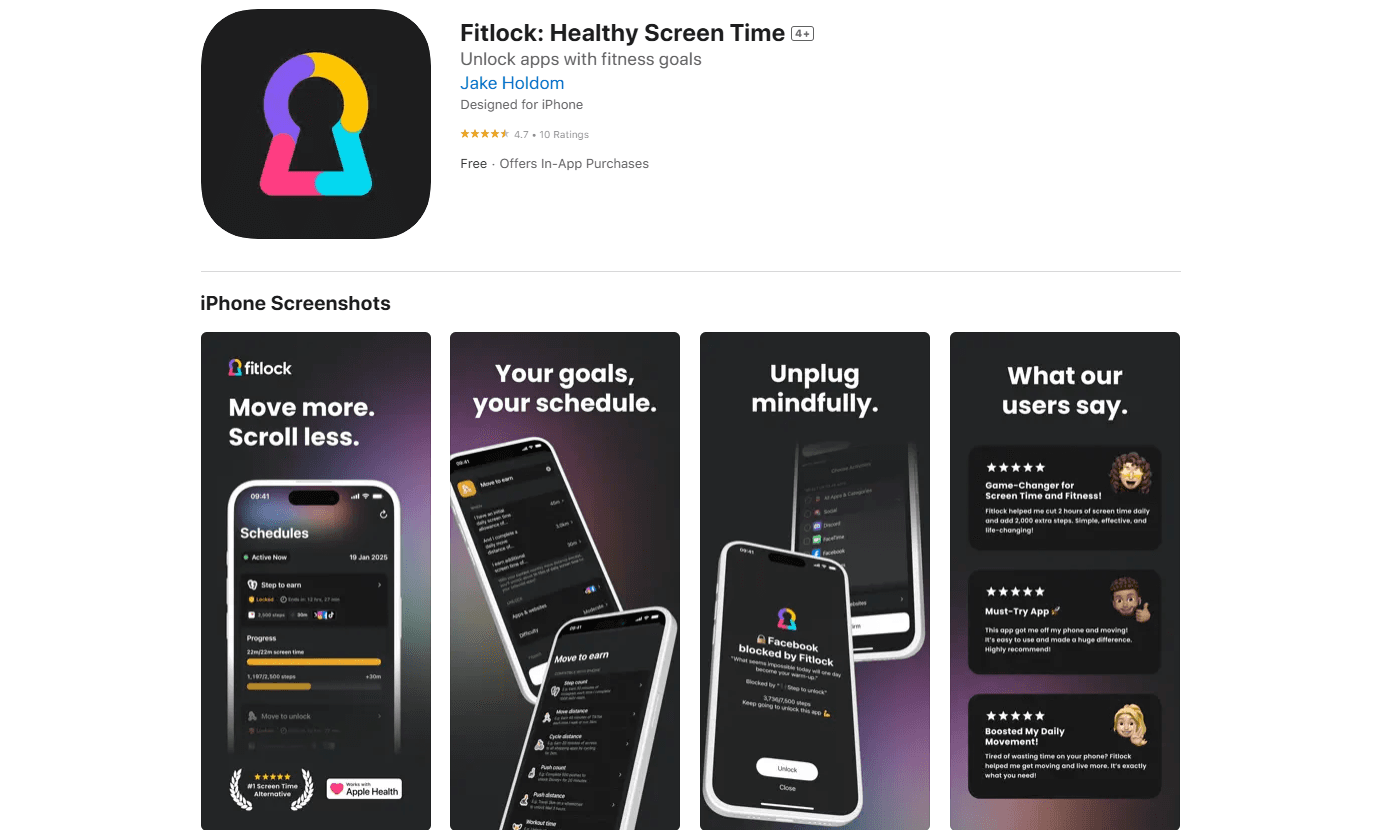
Fitlock is an iPhone app blocker built around one trade: you move, then you scroll. You pick the apps and websites that pull you in, set a health goal like 1,000 steps or 20 push-ups, and those apps stay locked until you hit it. Fitlock uses Apple's Screen Time framework to enforce the block, so it works system-wide rather than only inside the app. As a healthy screen time tool, it works best for people who want to block apps until steps, push-ups or workouts open them up again.
The problem it solves is familiar to anyone who has set a screen time limit and ignored it. A limit tells you to stop; Fitlock makes you earn the minutes instead, so the reward comes from movement rather than willpower. That framing carried the app to the top of Product Hunt's health and fitness list in its launch week, and it is free to start.
Two limits are worth setting early. Fitlock is iPhone-only, so it does not run on Android. And it leans on Apple Health for the goal data, which means it counts activity your iPhone or Apple Watch already tracks.
Getting Started
- Install Fitlock from the App Store and grant the Screen Time and Health permissions the app requests
- Open the Schedules tab, tap the plus button and choose the apps and websites you want to block
- Set your goal, such as 1,000 steps for free or 45 minutes of exercise on Pro, and pick the days and hours the schedule runs
- Decide how much screen time hitting the goal earns you, then tap Confirm
- Move to hit the goal and the apps unlock for the minutes you set
Product Information
A quick look at Fitlock: Healthy Screen Time's pricing, supported platforms, and performance.
Best for
The users, tasks, and scenarios where this tool fits best.
Users
- Heavy social media users
- Students
- Desk workers
- Fitness beginners
Tasks
- Earning screen time
- Blocking distracting apps
- Building a movement habit
- Tracking screen time and health together
- Supporting digital wellbeing
Scenarios
- A weekday work block
- A study session that keeps slipping
- Getting off the couch in the evening
- Cutting a bedtime habit
- Trying it before paying
Key features
Earn Your Screen Time Instead of Blocking It
The core idea of Fitlock is a trade rather than a wall. You do not lose access to an app forever. You pay for it with movement. Set a goal, and hitting it earns a fixed number of minutes, so a step goal can buy an hour of Instagram and a workout can buy another. That is the whole point of the app blocker for iPhone: you block apps until steps or a workout goal is met. What makes it stick is the direction of the deal: most screen time tools tell you to stop, while Fitlock gives you something to do first. That switch matters for people who have tried strict limits and ignored them.
Ten Health Goal Types
Fitlock draws on ten kinds of activity to satisfy a goal. Steps, wheelchair pushes and push-ups are free. Workout time, stand time, squats, cycling distance, meditation, time outside and reaching a location come with Pro. The variety is the point. A cyclist earns screen time on distance covered, a meditation user earns it on time spent sitting still, and someone without a gym earns it on push-ups in the living room. You pick the goal that matches how you already move.
System-Wide Blocking Through Apple Screen Time
Fitlock does not run its own filter. It hands the block to Apple's Screen Time framework, so a locked app stays locked everywhere on the phone, not just inside Fitlock. That approach has two practical effects. The block holds up when you leave the app, and the enforcement stays in Apple's hands, which the company leans on when it talks about privacy. Blocklist mode blocks the apps you choose, while allowlist mode on Pro blocks everything except a short list you approve.
Schedules Built Around Your Week
You can tie a block to specific days and hours instead of running it all the time. A common setup locks social apps from 9am to 5pm on weekdays and leaves the weekend open. Breaks are allowed, but there is a cost: each extra break you take makes the next wait longer, so the escape hatch does not become the routine. Strict Mode on Pro goes further and removes the ability to take a break or switch off a running schedule, leaving the goal as the only way back in.
Screen Time and Health Stats Side by Side
The Stats tab shows your screen time next to your health data. You see a daily average, a weekly total and the apps you use most, then switch to the Health view to see your steps for the same week. Fitlock Pro adds a monthly view and lets you look back at earlier weeks. Putting the two sets of numbers in one place is what makes the trade visible: you can see how much you scrolled and what you did to earn it.
Free Tier With Pro Upgrades
Fitlock is free to use with real limits. The free tier gives you one schedule, blocks up to two apps or websites, and supports one goal from step count, wheelchair pushes, challenge steps or push-ups. Pro removes the ceiling: unlimited schedules, no two-app cap, allowlist mode, every goal type, the ability to combine goals with AND, and Strict Mode. Pro runs $2.99 a month, $19.99 a year or $49.99 as a one-off payment, and the App Store shows your exact local price before you buy.
Pros and cons
Pros
- The earn-to-unlock model gives a concrete reason to move instead of a limit you can ignore
- Free tier covers a single schedule, two blocked apps and step or push-up goals, which is enough to test the idea
- Ten goal types let cyclists, meditators and walkers all earn screen time in the way that suits them
- Lifetime Pro at $49.99 avoids a subscription for users who plan to keep it long term
- Screen time and health data sit in one view, so you can see what you traded for your scrolling
Cons
- It is iPhone-only, so Android users cannot use it at all
- The free plan is capped at one schedule and two apps, so heavier use pushes you to Pro
- It depends on Apple Health data, which limits it to activity your iPhone or Apple Watch tracks
- There is no Android app and no public API, so teams cannot build Fitlock into another product
Frequently asked questions
Fitlock is an iPhone app blocker that locks apps like Instagram, TikTok and X until you hit a daily health goal. You set a goal such as 1,000 steps or 20 push-ups, and hitting it earns you a set number of screen time minutes. It uses Apple's Screen Time framework to enforce the block across the whole phone.
Related content
Explore related tools, skills, and articles for Fitlock: Healthy Screen Time.
Fitlock: Healthy Screen Time Alternatives

Base Code
Base44 (Wix) · Coding · ProductivityBase Code is a shared cloud development environment from Base44. Teammates describe changes to an existing GitHub codebase in chat, preview them live and send them back as pull requests.

Knocket
Knocket (Tencent RTC team) · Productivity · Business · ChatbotKnocket is a free live chat and contact page tool that lets visitors message you from your website, app, or a shareable link, with every reply handled from Telegram or one inbox.

FloorGen
Vinit Kumar (FloorGen) · Productivity · China AIFloorGen is a browser-based floor plan maker that turns a sentence or a sketch into an editable 2D plan and a 3D walkthrough. Export to PDF, DXF or video, and draw without an account.